Just started trying the Cessna 172 first time. With engine not running, the cockpit display was clear. With engine running, then there were turbulence airflow displayed. Should that be normal? It is very distracting. Is there somewhere a switch to switch that off? It did not happen on the Cessna 152, or the Cessna 172 with floats. I tried them for comparison. Thanks.
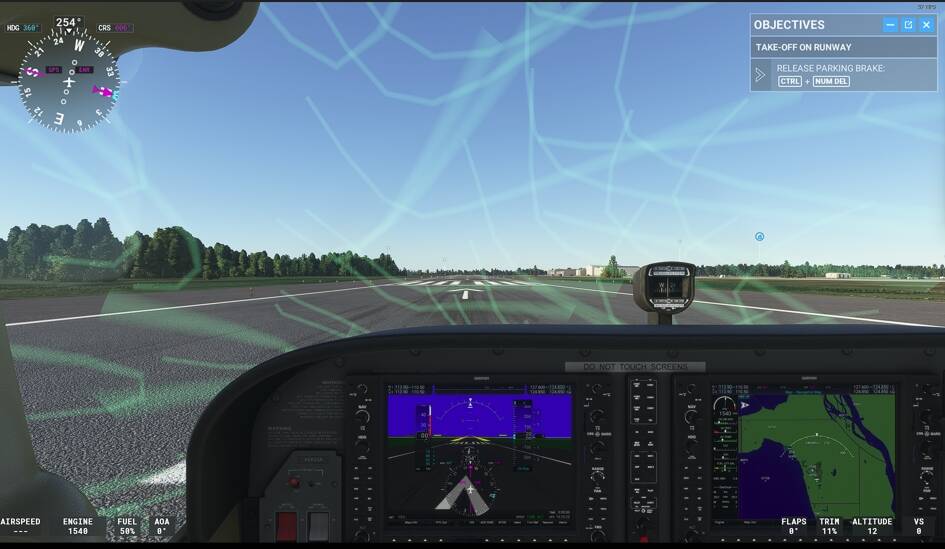
In the screen you’re showing, go up to the top and open the options icon, go into weather tab, and close the CFD (computational fluid dynamics) option (I think at the bottom of the screen in the weather choices), and those will go away. It’s just there to see the airflow around the aircraft, etc.
Regards
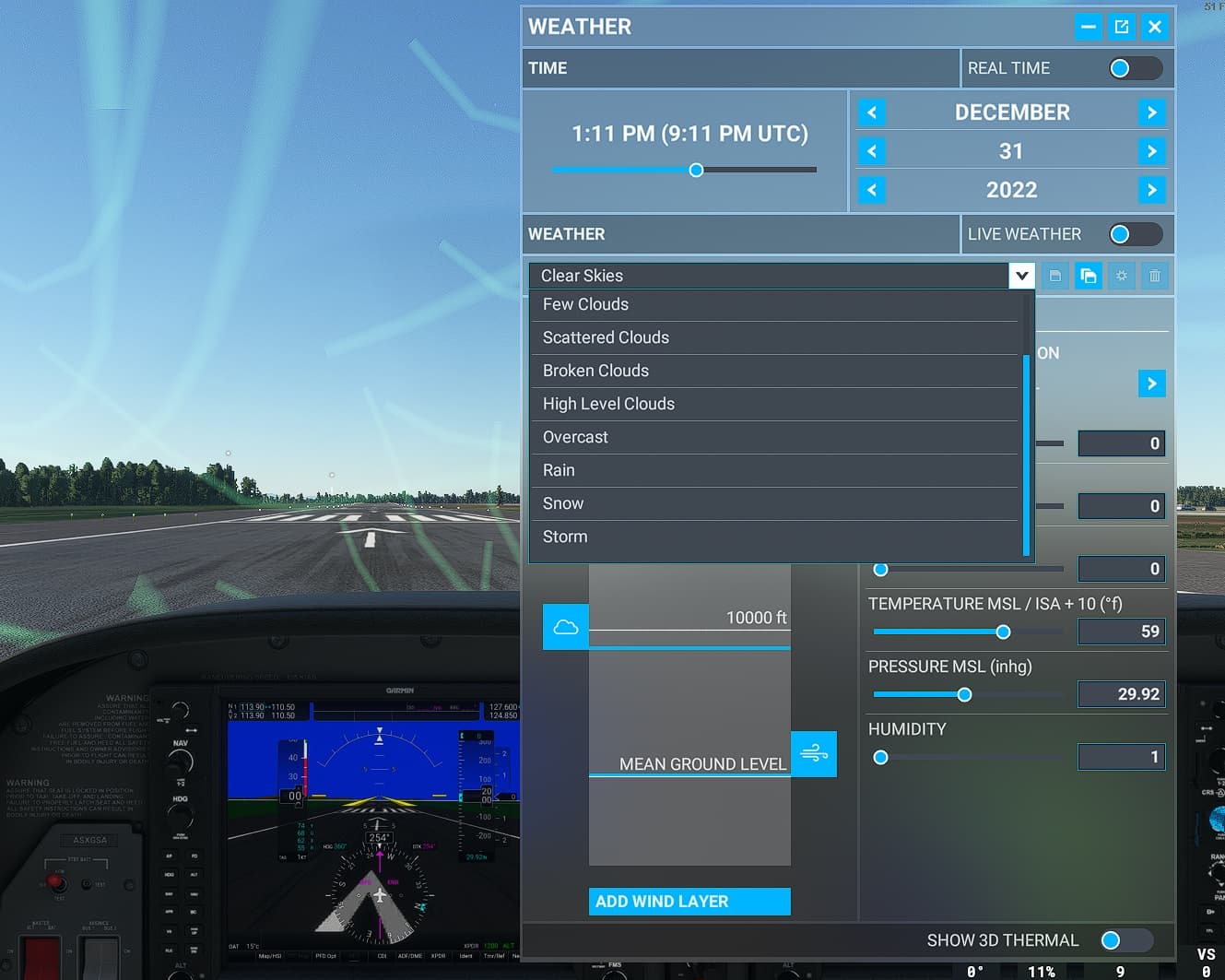
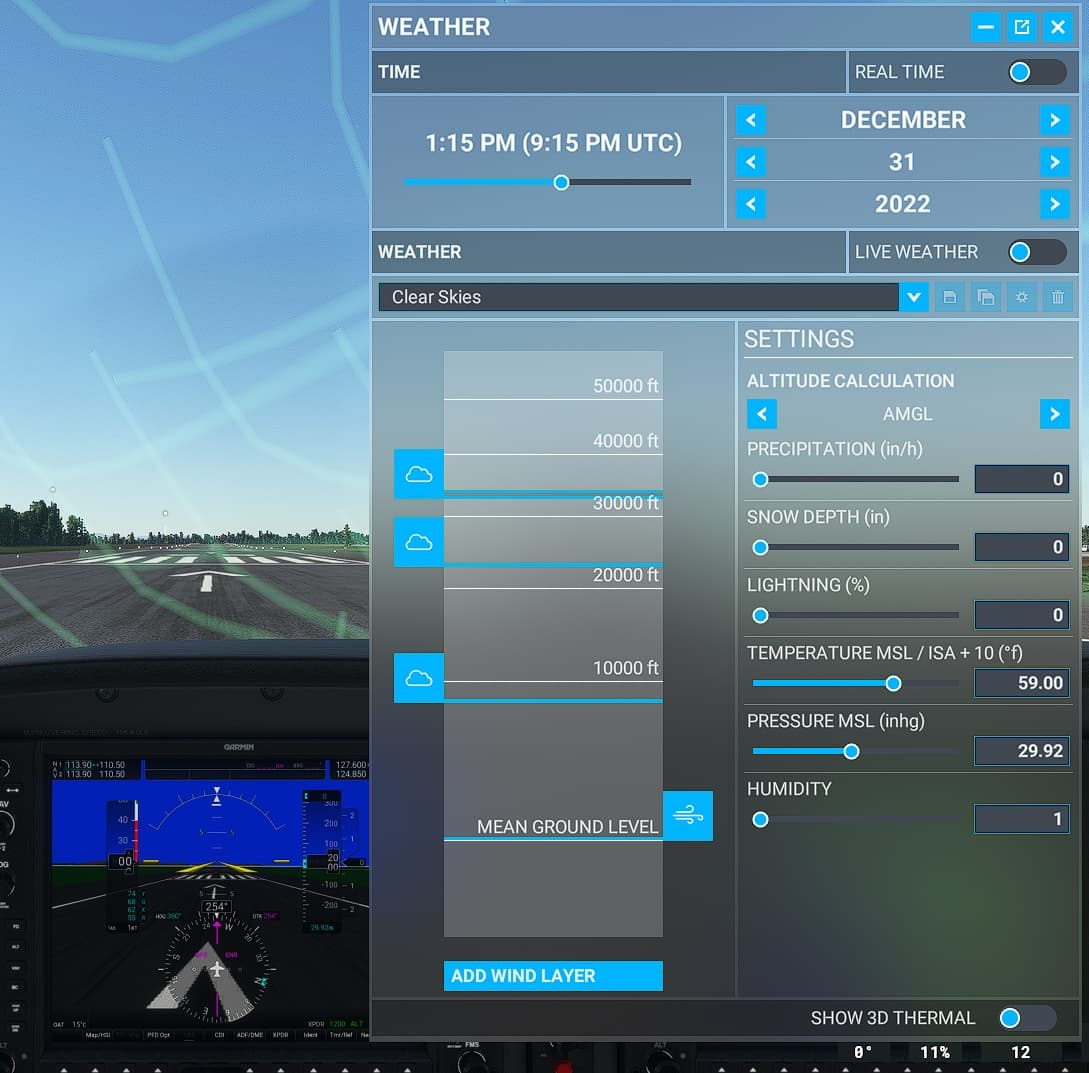
I’m sorry Habu2u2. I followed the instruction but could not find this option. I remember vaguely I saw this CFD somewhere. I scrolled down the weather selection and did not see the CFD choice.
1 Like
My bad. That’s what I get from trying to do it from memory, I think it’s actually in the world map in flight conditions and in the lower right under the weather setup. Sorry about that.
Regards
P.s. it might also be able to be turned off in dev mode while in flight.
Hi Habu2u2, thanks for the CFD hint. I just found it under Assistance Option/User Experience. It was the first item. Thanks again.
1 Like
Its on the bottom right of that screenshot, “Show 3d thermal”
1 Like