Using the template below will greatly help the team reproduce the issue and ease the process of fixing it. Before posting, search for an existing report. If you are not sure it’s a bug, please first report in User Support Hub.
3 tags are required - add them in the tag section next to the title above:
-
One for platform (ms-store, steam, xbox, playstation, or xcloud)
-
One for aircraft (start typing in your aircraft name in the tag section and pick correct option)
Feel free to delete this quote section after adding your appropriate tags.
ISSUE DESCRIPTION
Description of the issue .
Bug Description
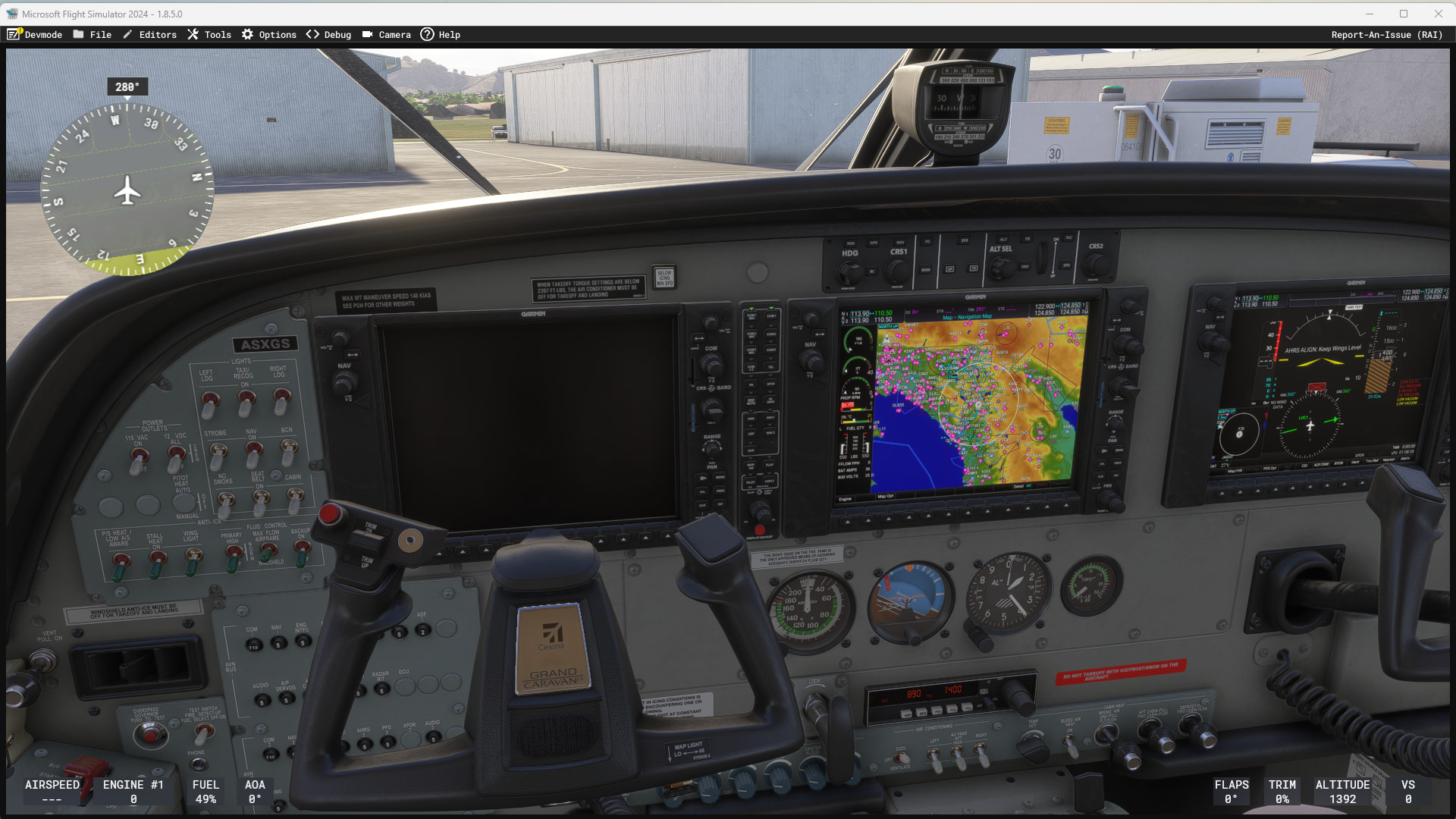
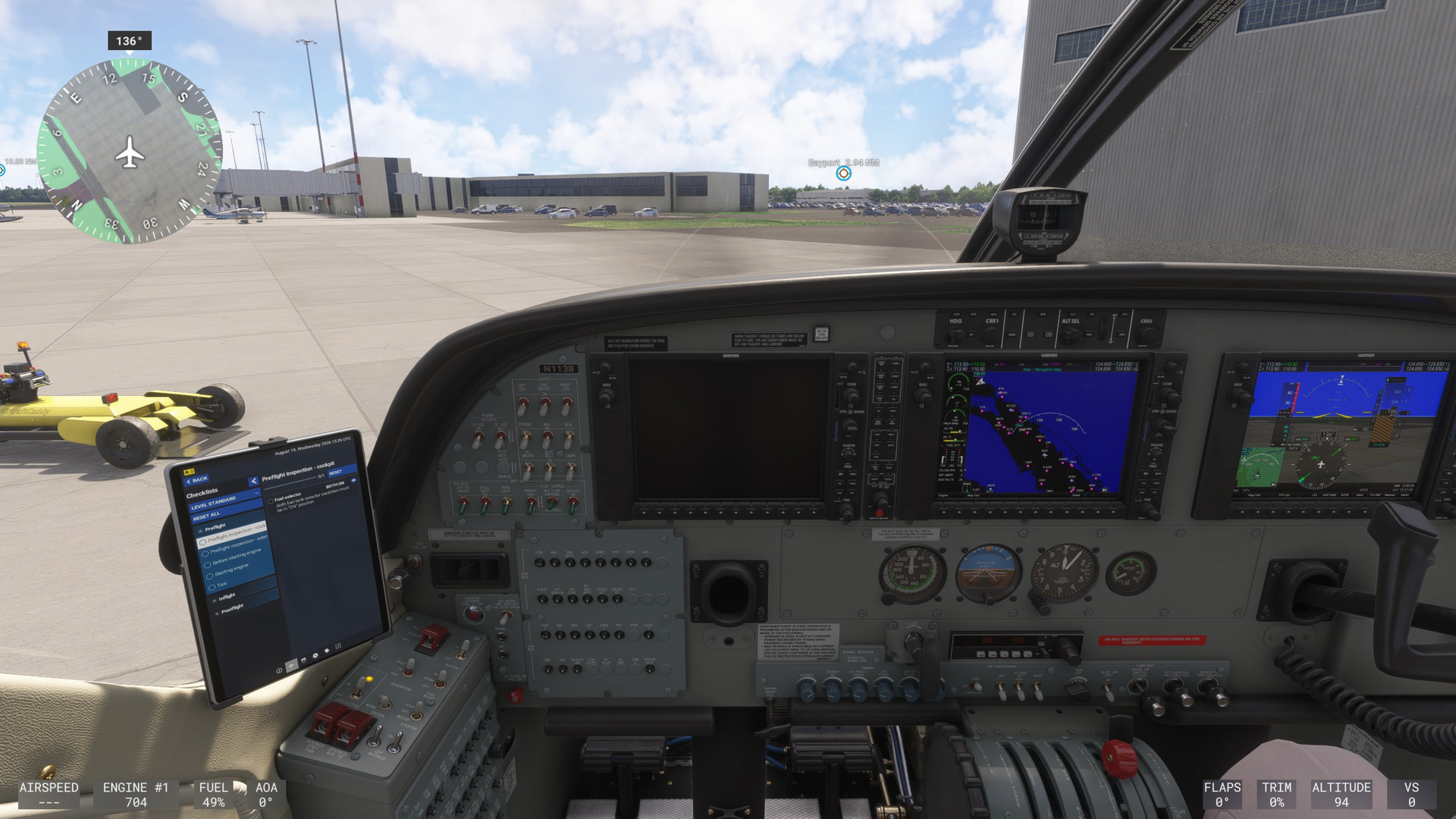
When starting the Cessna 208B Grand Caravan EX from a Cold and Dark state, the pilot’s Primary Flight Display (PFD) screen fails to initialize.
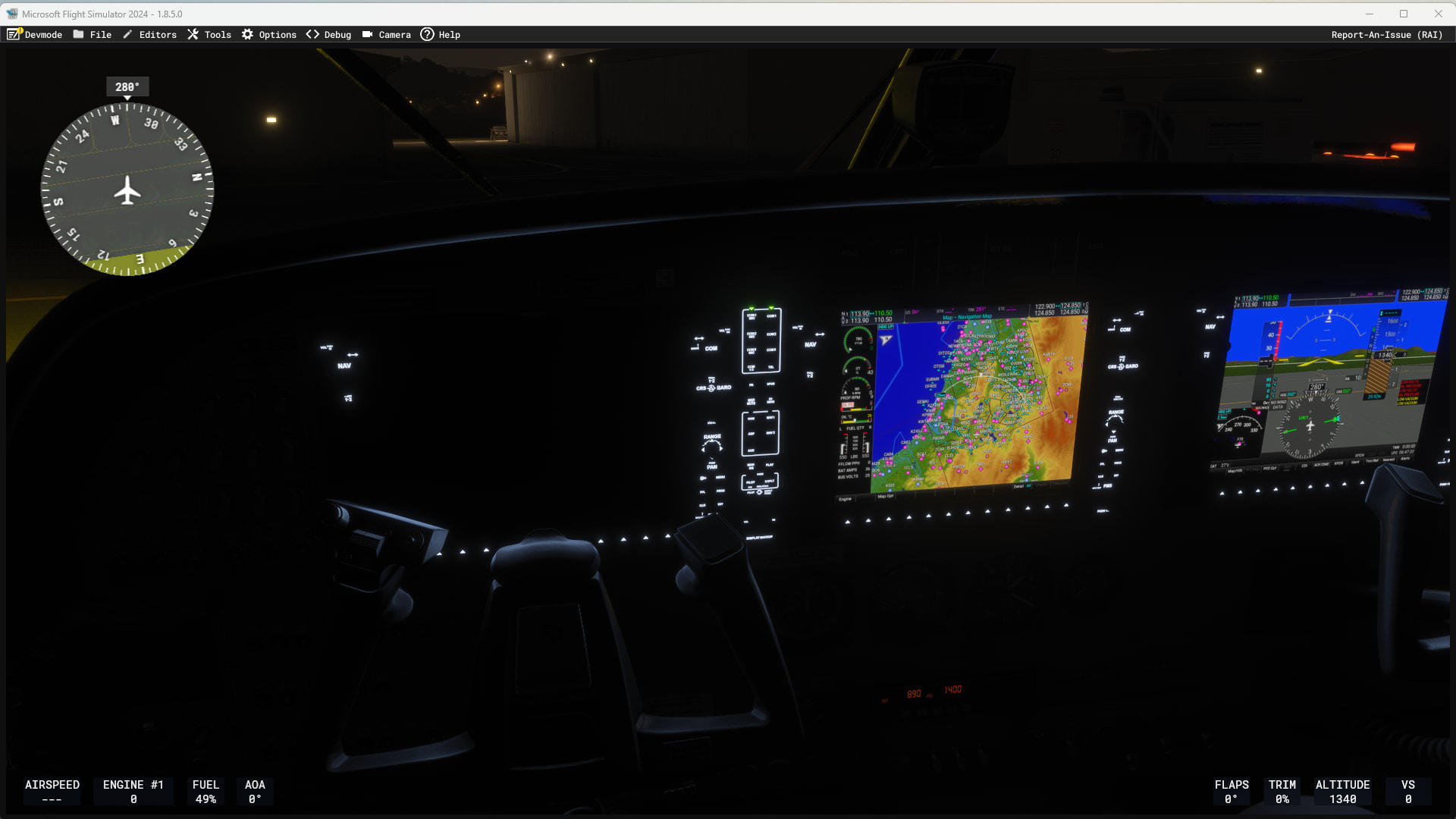
While the unit’s physical bezel text and button backlighting turn on successfully with the panel lights, the actual digital liquid-crystal display remains completely black. Because the system detects the main PFD is dead, the avionics suite automatically enters Reversionary Mode, forcing the center Multi-Function Display (MFD) to show the primary flight instruments instead of the standard moving map.
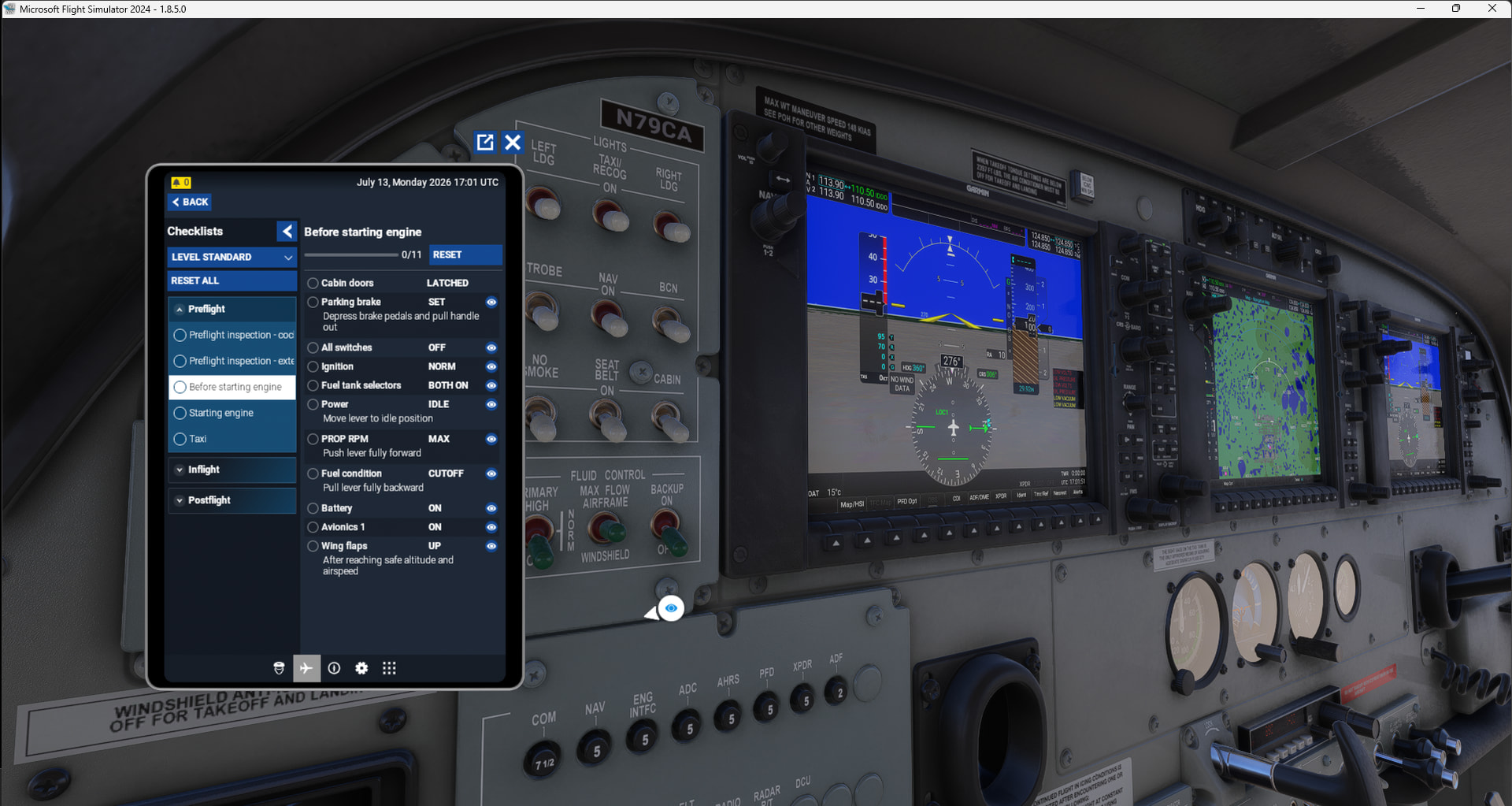
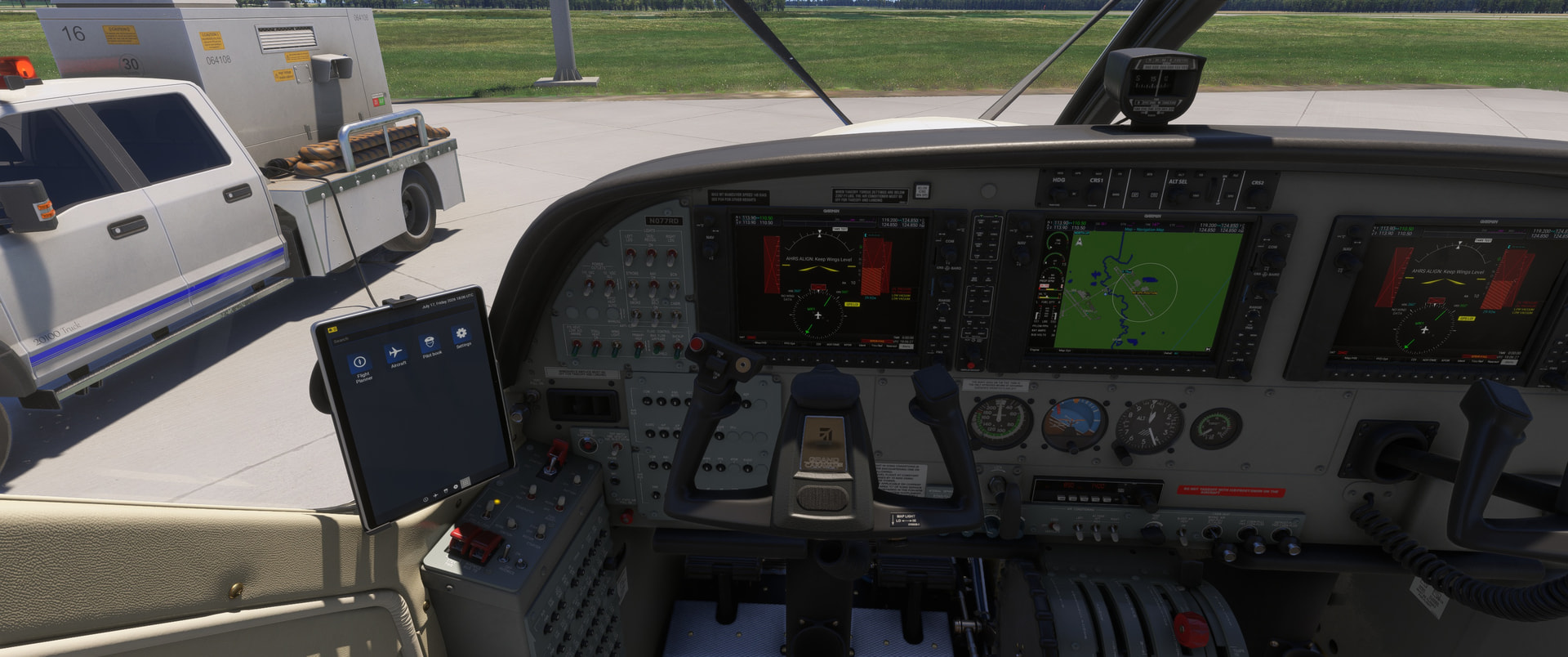
(Note: The PFD functions normally only when spawning directly on the runway or when using the simulator’s built-in automatic checklist/startup assistance to start the airplane. The failure is strictly tied to manual Cold and Dark startups).
Steps to Reproduce
-
Launch Microsoft Flight Simulator 2024 and select the Cessna 208B Grand Caravan EX.
-
Spawn into any airport at night, selecting a parking spot or hangar to ensure a Cold and Dark start.
-
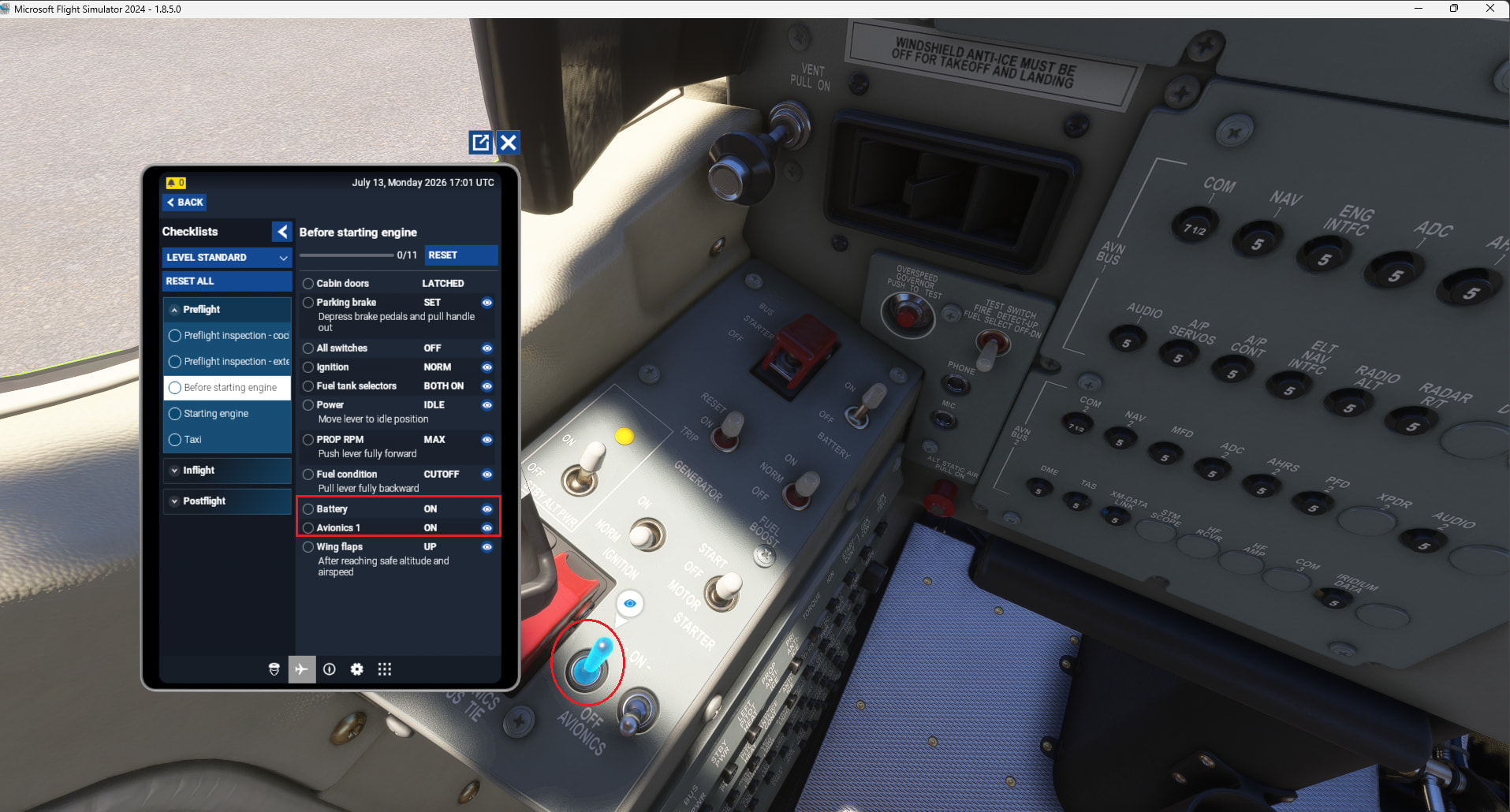
Manually turn on the Battery, Alternator, and Avionics Master switches (do not use the sim’s automatic startup/checklist helpers).
-
Turn on the cockpit Panel/Instrument lighting knobs to illuminate the instrument backlighting.
Expected Result
The left GDU 1050A unit should boot up entirely, displaying the attitude indicator, airspeed tape, and altitude tape, just as it does when spawning on the runway.
Actual Result
The left PFD unit’s button/text backlighting turns on, proving it is receiving panel power, but the screen itself remains completely blank. The center screen successfully boots up but is forced into Reversionary Mode due to the manual startup PFD failure.
FREQUENCY OF ISSUE
How often does this occur for you (Example: Just once, every time on sim load, intermittently)?
REPRODUCTION STEPS
Please list clear steps you took in order to help our test team reproduce the same issue:
-
see description above it is detailed in there.
-
it happens every time loading the Cessna 208 Cold & Dark
-
still happens with mods out of community folder.
YOUR SETTINGS
If the issue still occurs with no mods and add-ons, please continue to report your issue. If not, please move this post to the User Support Hub.
What peripherals are you using, if relevant:
[PC Only] Are you using Developer Mode or have you made any changes to it?
[PC, MSFS 2020 Only] Are you using DX11 or DX12?
msfs 2024 doesn’t have DX option.
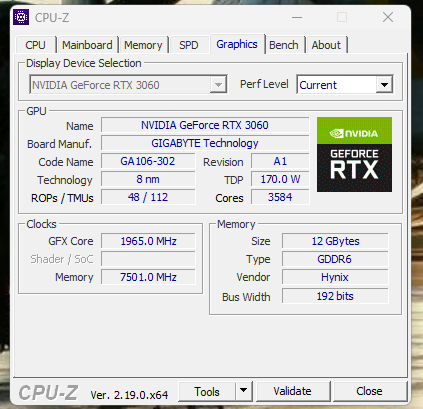
[PC Only] What GPU (Graphics Card) do you use?
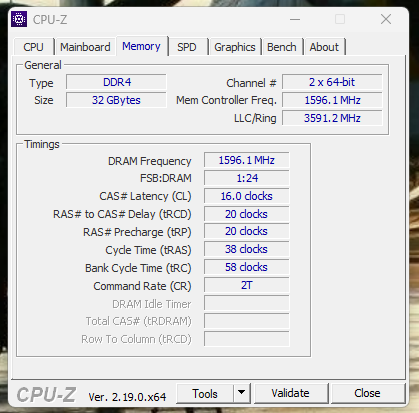
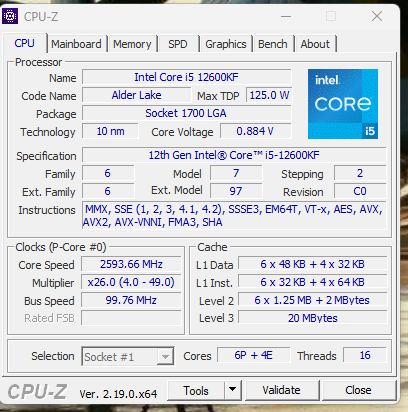
[PC Only] What other relevant PC specs can you share?
MEDIA
Please add a screenshot or video of the issue occurring.