Cessna 404 Titan Landing Lights Point Directly Down

ISSUE DESCRIPTION

Description of the issue:

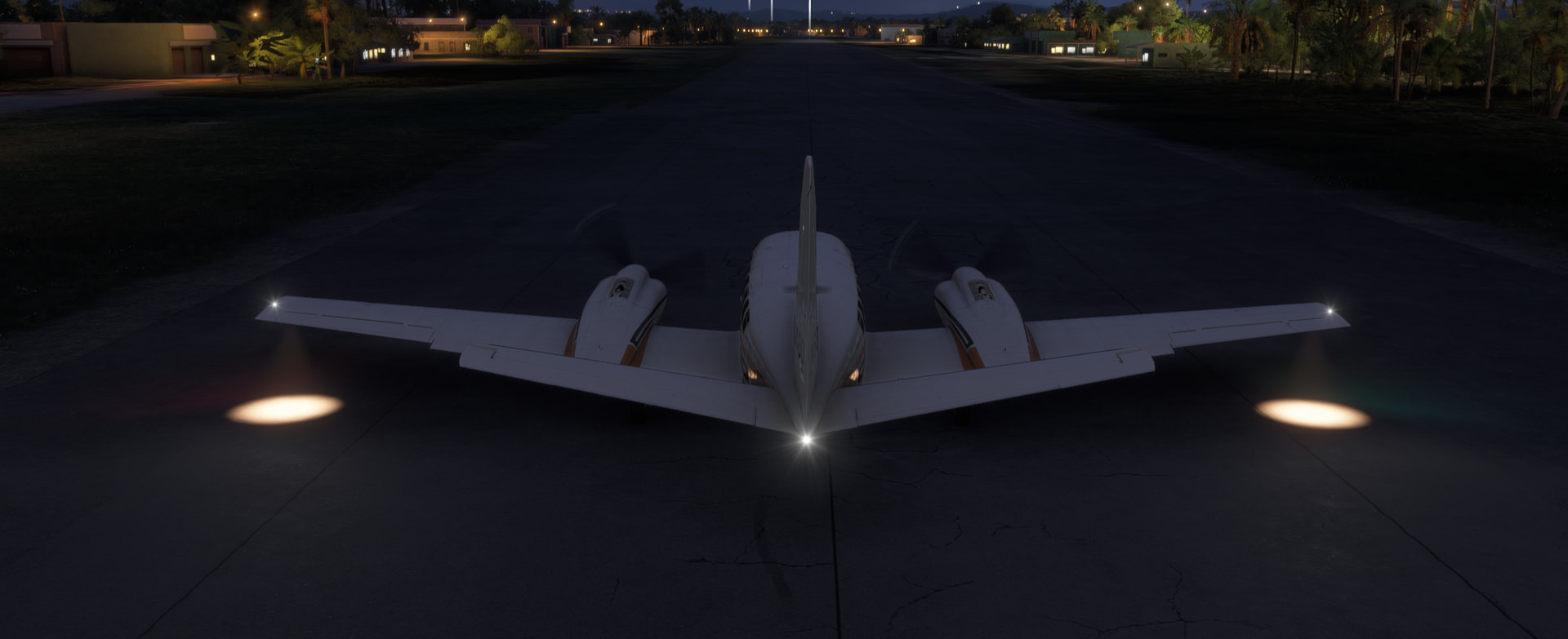
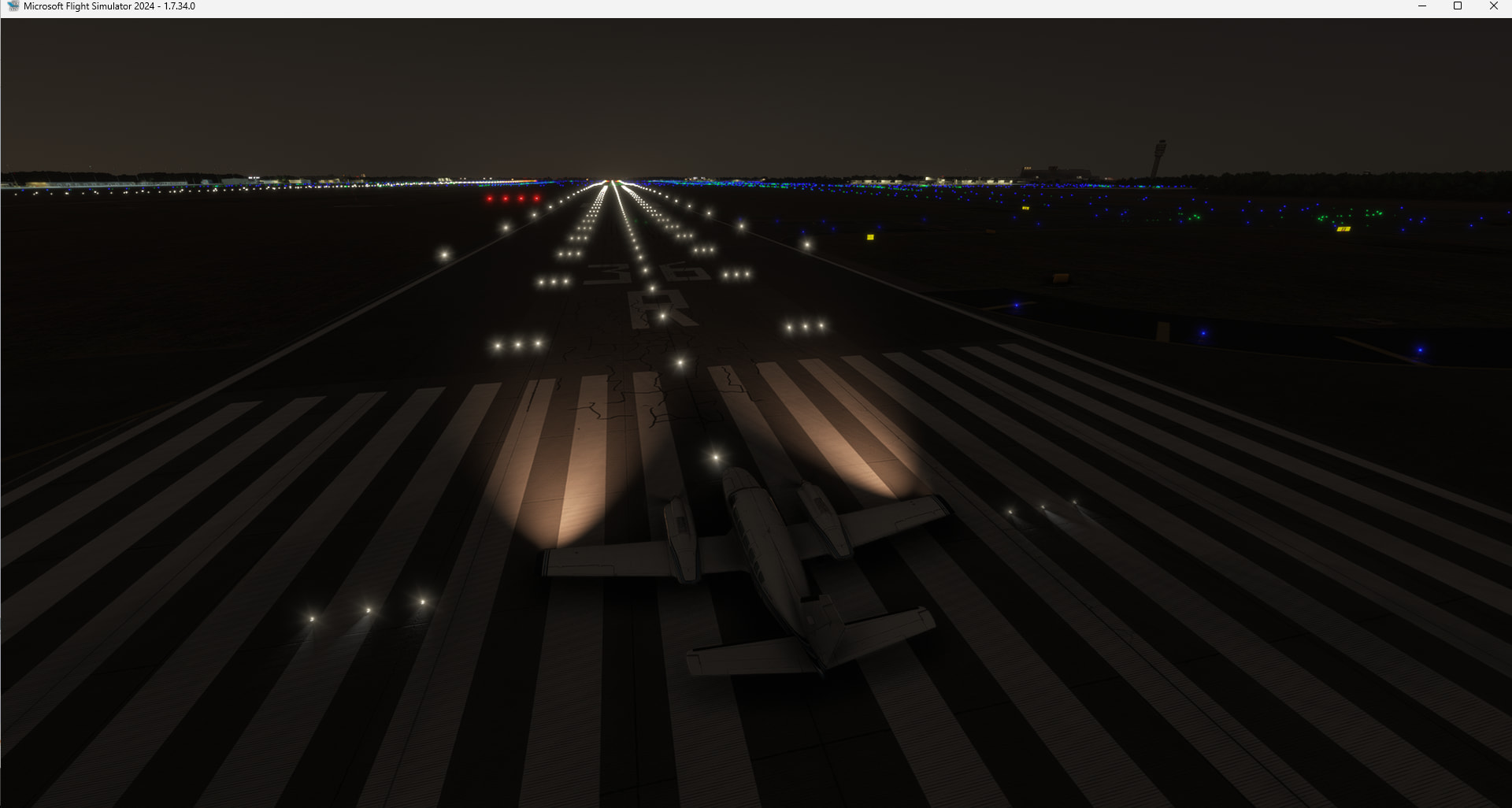
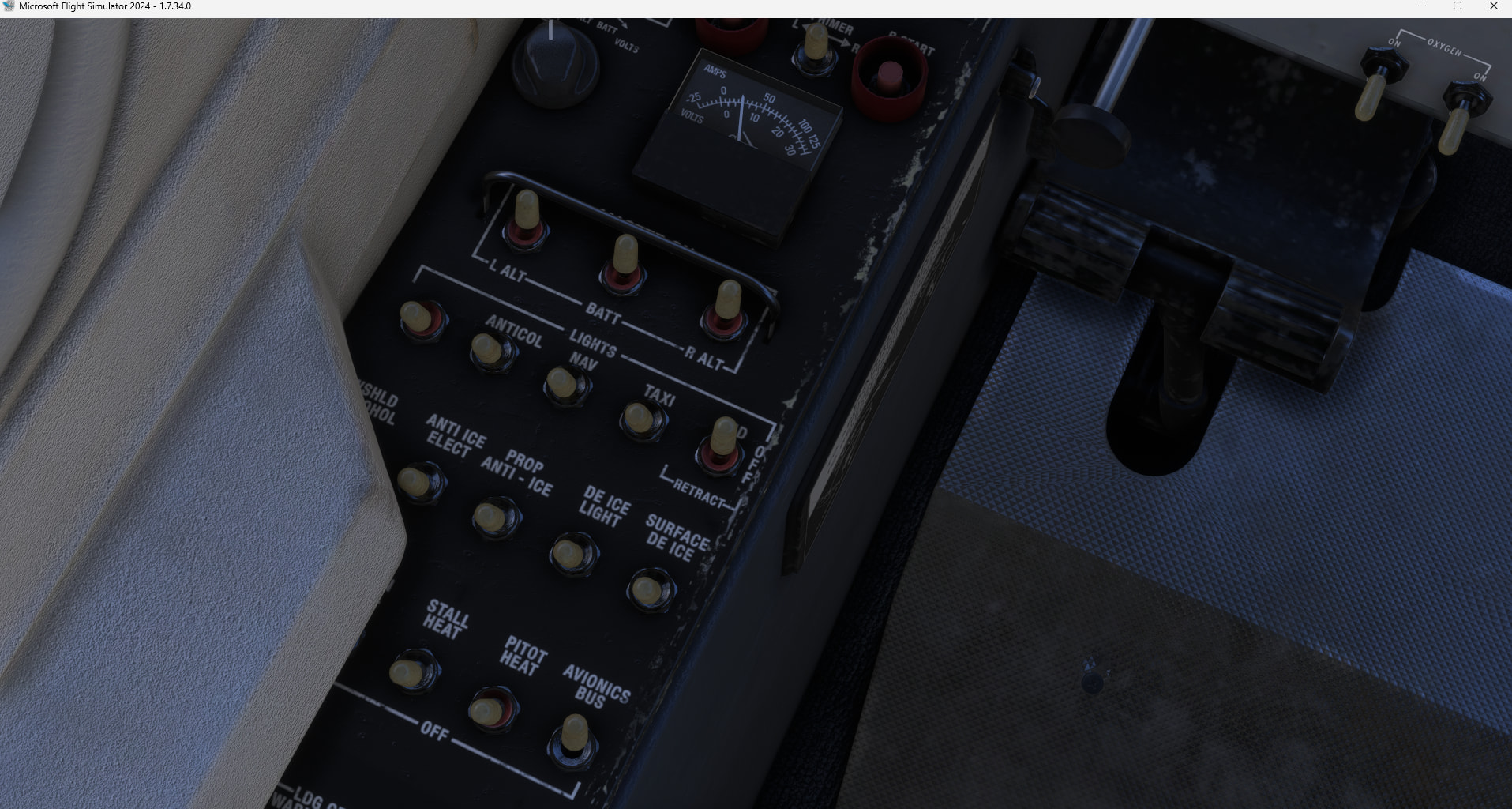
Cessna 404 Titan landing lights point directly down.

FREQUENCY OF ISSUE

How often does this occur for you (Example: Just once, every time on sim load, intermittently)?

Every time

REPRODUCTION STEPS

Please list clear steps you took in order to help our test team reproduce the same issue:

  1. Load into a parking spot, preferably at a location during night time. Passenger variant. Default livery.

  2. Turn on battery. Turn on landing lights using the TOGGLE LANDING LIGHTS key bind. (Do not use the switch in the cockpit.)

  3. Observe lights pointing directly down.

YOUR SETTINGS

If the issue still occurs with no mods and add-ons, please continue to report your issue. If not, please move this post to the User Support Hub.

What peripherals are you using, if relevant:

N/A

[PC Only] Are you using Developer Mode or have you made any changes to it?

No

[PC, MSFS 2020 Only] Are you using DX11 or DX12?

N/A for MSFS2024

[PC Only] What GPU (Graphics Card) do you use?

RTX3090 FE

[PC Only] What other relevant PC specs can you share?

N/A

MEDIA

Please add a screenshot or video of the issue occurring.

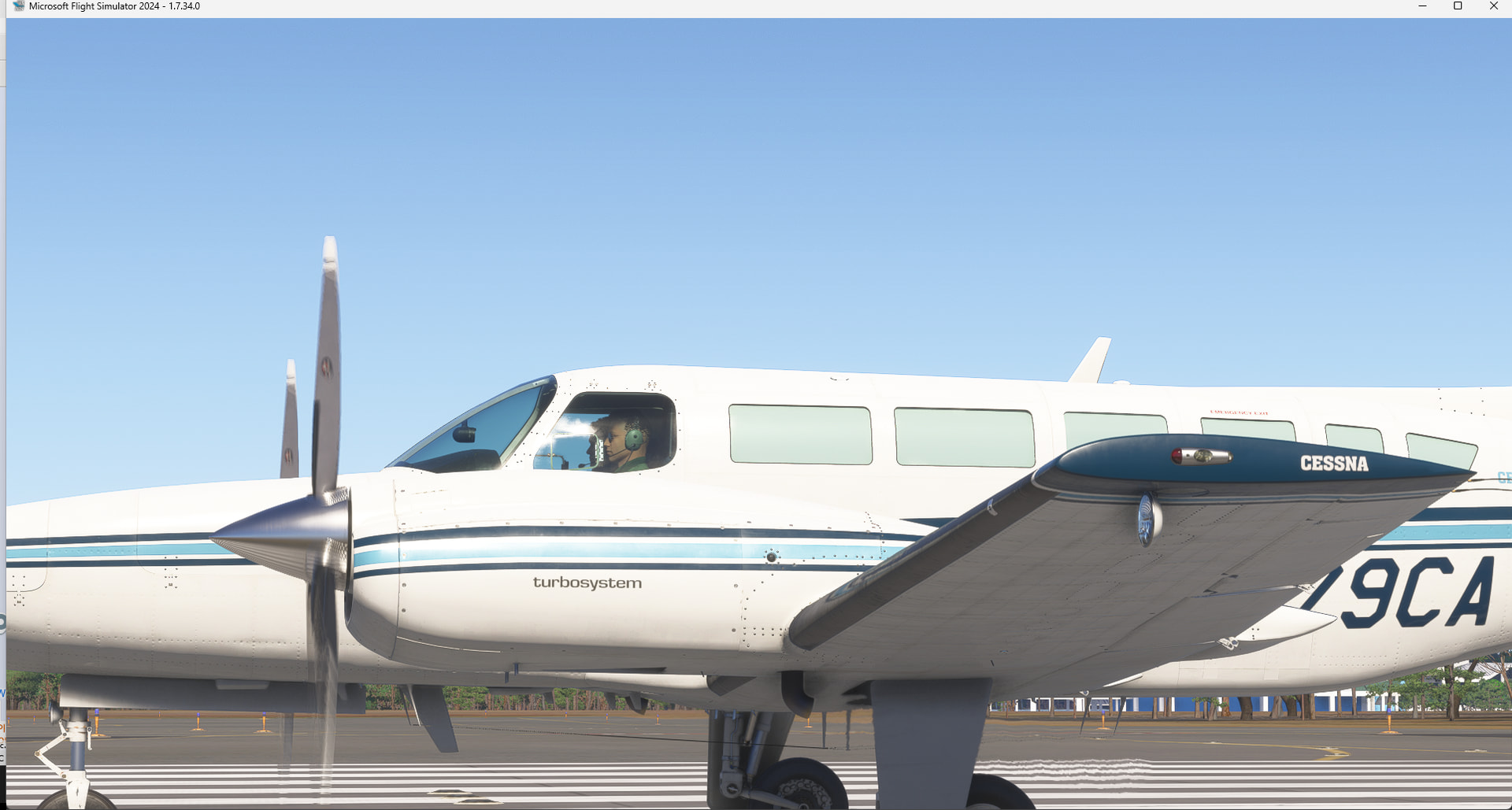
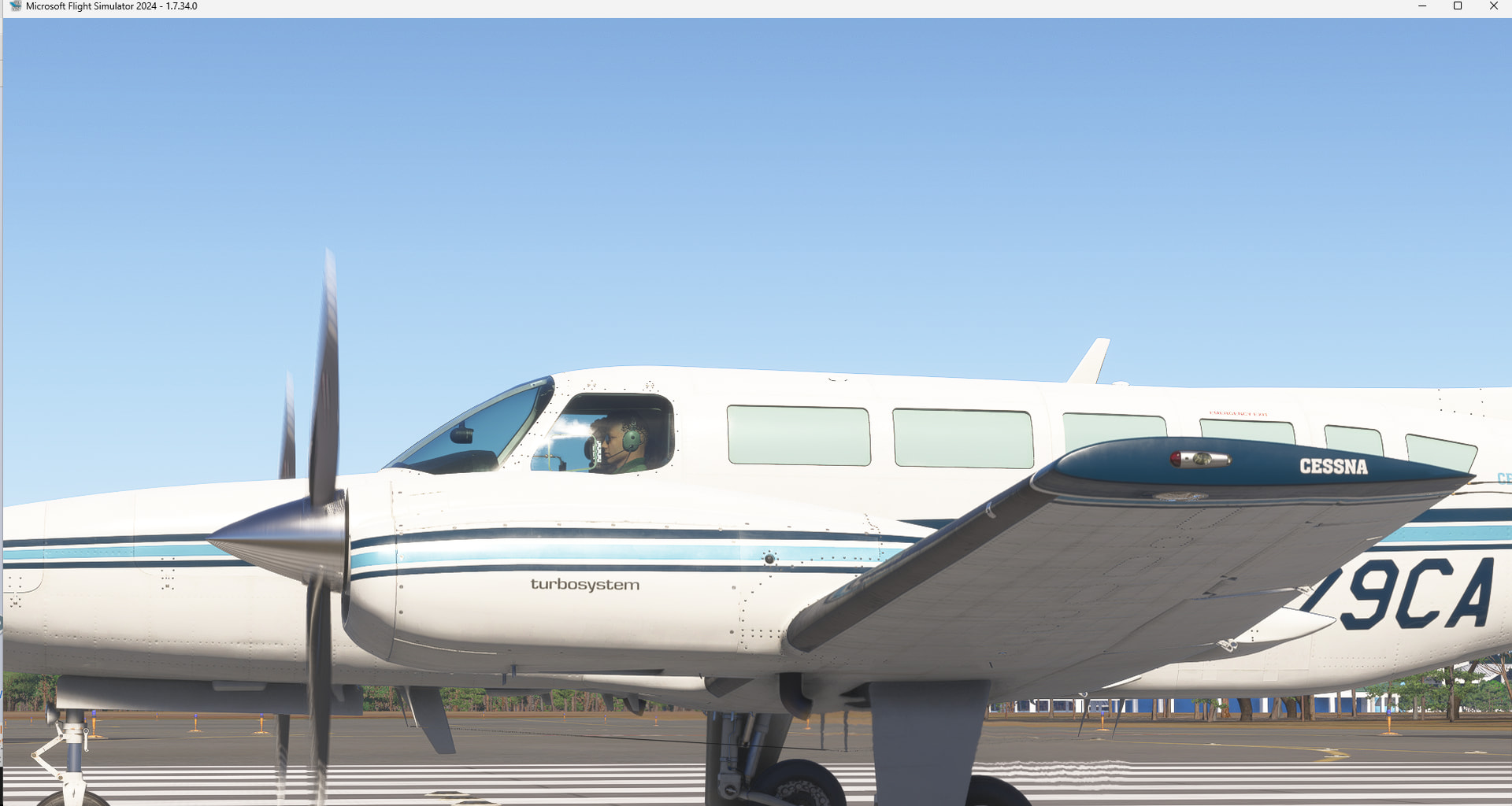
Cannot replicate:

Do you have any addon for this aircraft like liveries ?

Landing lights are retractable and should deploy when ON:


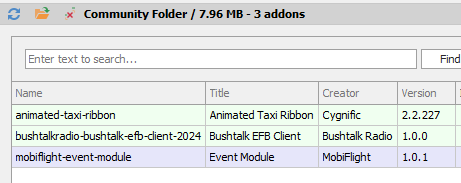
Bizarre. No, no liveries. In addon linker I have a taxi ribbon mod, bushtalk radio EFB client, and Mobiflight event module.

I’ll do some hunting.

Which livery were you using ?

I tried two. The “last” one (I think livery 07?) and the first one (Livery 01).

I figured out how to replicate.

I use a button bound to “TOGGLE LANDING LIGHTS”

If you use the key bind, the lights point directly down. You will observe the switch visually going from retract, through the off position, and to the on position. But apparently it stays “retracted” if you use the key bind.

You can also get into a scenario where you toggle the lights on with they keybind, but turn off with the switch and they stay on, pointing down. This was a little tricky to get to happen, but it does. There are some logic errors that don’t take into account the three position nature of the landing light button, and you can confuse it to get it into the “retracted on” state.

If you only use the switch in the cockpit, the lights work correctly.

This must be something Carenado would have to fix for the key binds to work.

You’re right, using the mentioned binding just illuminate the ground.
Could you update the “Reproduction Steps” sections to reflect the specific steps you followed to replicate ?

I updated the repro steps yesterday to include the key bind requirement. Let me know if it feels insufficient and I can expand.

Is there a separate bind for extending/retracting landing lights? And if so, does it work?

If that’s the case, I would argue this isn’t a bug but keybinds operating as designed.

Good point. I looked at a binding for this functionality but did not find any. There are bindings “Landing Lights Up/Down” but they don’t extend/retract the poles, I don’t know what this binding is for.

I didn’t find any that worked.

If Carenado has custom LVAR’s to handle extending and retracting, one could control the sequence through Mobiflight or SPAD, but I can’t find any references for that.

I think this is a case of the developer just not considering unique plane functions. I guess they could technically say it works in the cockpit, so they’re good. But I would argue stock sim key binds should work as expected.

I would agree - maybe the appropriate bug report would be “keybind for raising/lowering landing lights on C404 Titan is inop” or similar?

Did a test with the Grumman Albatross that has the same landing light system and using the “Toggle Landing Lights” binding turn on the lights & move the poles at the same time so should be achievable with the C-404.
Maybe the existing “Landing Lights Up/Down” binding is the corresponding one and developers did not use it ?. So not necessarily a bug (the missing binding to move lights) but a functionality that has not been implemented.