ISSUE DESCRIPTION
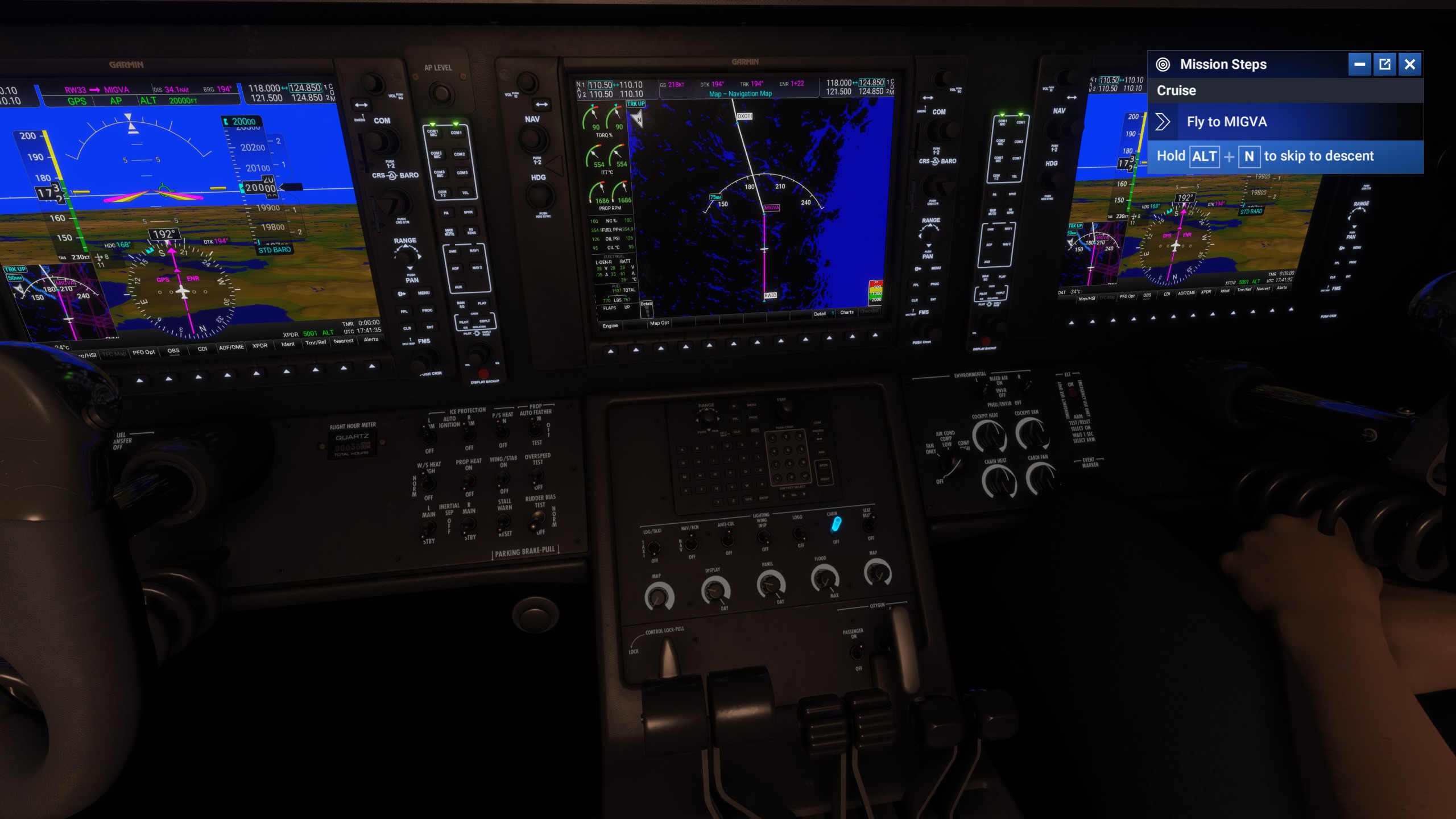
Description of the issue: Cessna C408 (Cargo) has a bad Cabin Light Leak into the Cockpit
FREQUENCY OF ISSUE
How often does this occur for you (Example: Just once, every time on sim load, intermittently)? every time
REPRODUCTION STEPS
Please list clear steps you took in order to help our test team reproduce the same issue:
-
Fly C408 Cargo variant at night
-
Turn OFF Flood (rheostat)
-
Turn ON Cabin Light (switch) – note cockpit is very bright
YOUR SETTINGS
If the issue still occurs with no mods and add-ons, please continue to report your issue. If not, please move this post to the User Support Hub.
What peripherals are you using, if relevant:
[PC Only] Are you using Developer Mode or have you made any changes to it? tested without
[PC, MSFS 2020 Only] Are you using DX11 or DX12? DX12
[PC Only] What GPU (Graphics Card) do you use? Nvidia 4060 Ti 16GB
[PC Only] What other relevant PC specs can you share? n/a
MEDIA
Please add a screenshot or video of the issue occurring.
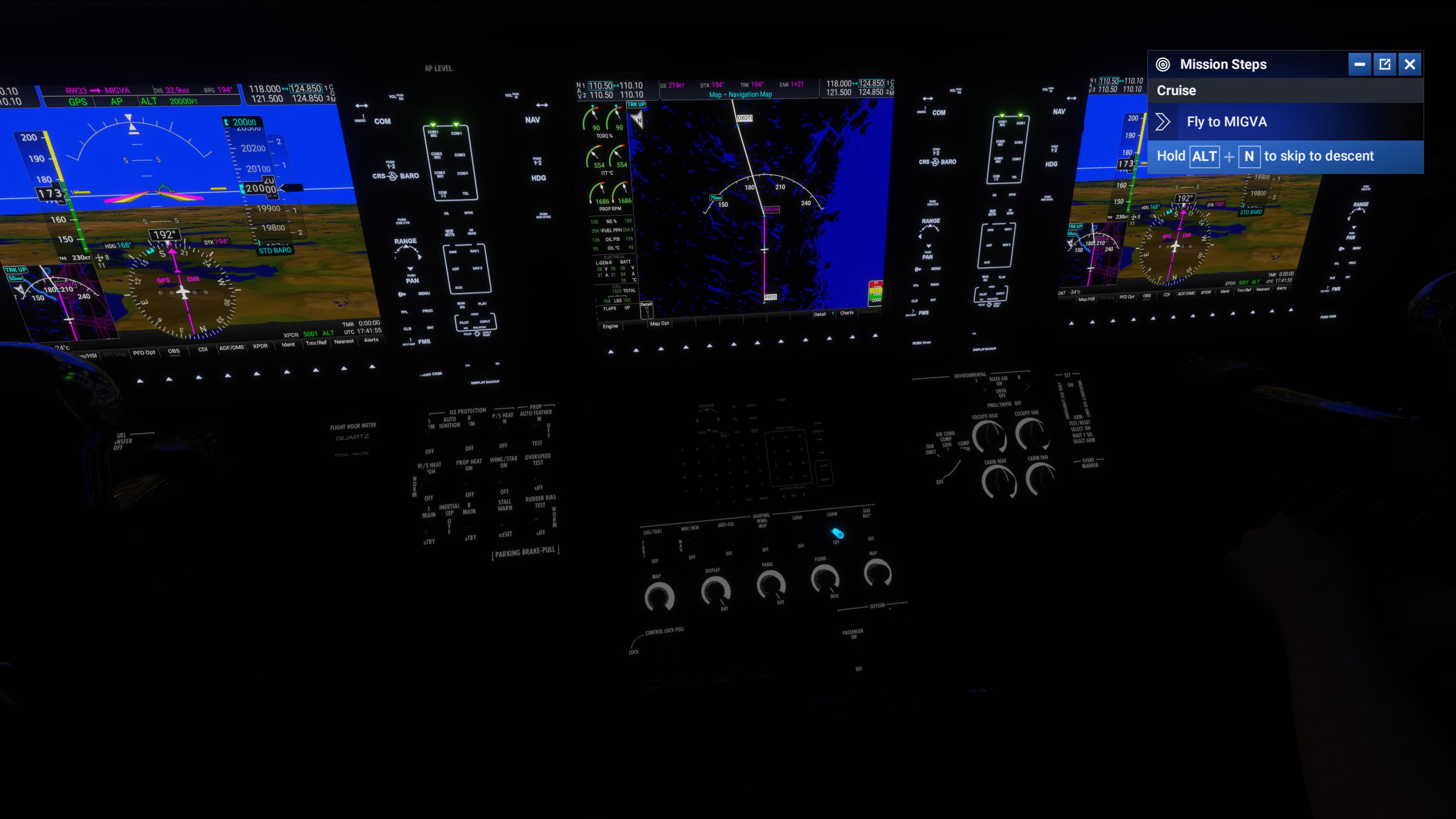
All off = dark (good, shows the Flood is not lighting up cockpit)
Cabin Light switch ON, cockpit becomes very bright
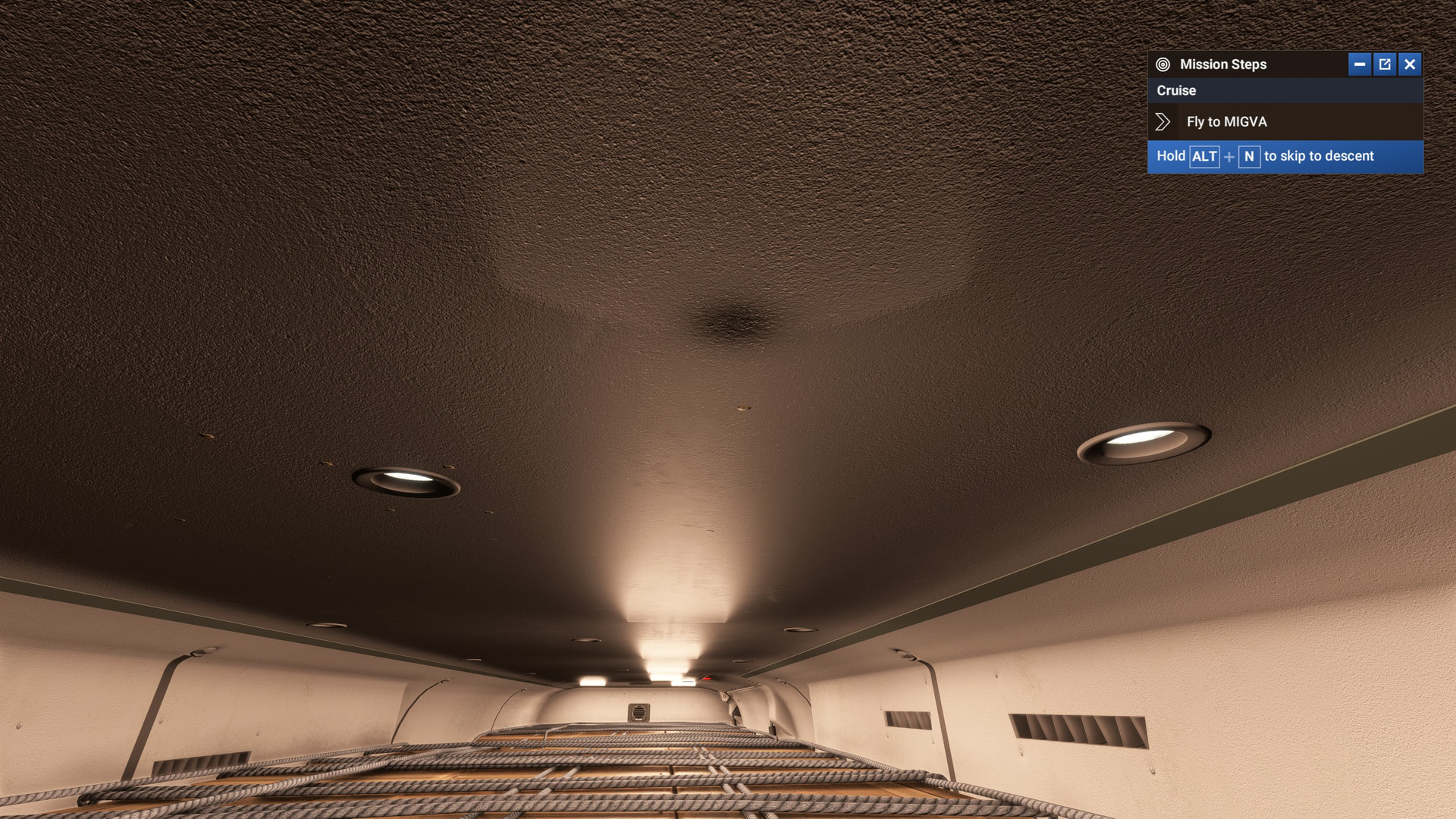
Don’t know if it’s related but the CABIN LIGHTS are a bit bizarre also (you can’t see them from below them, only in front of them) and not placed at any light source: