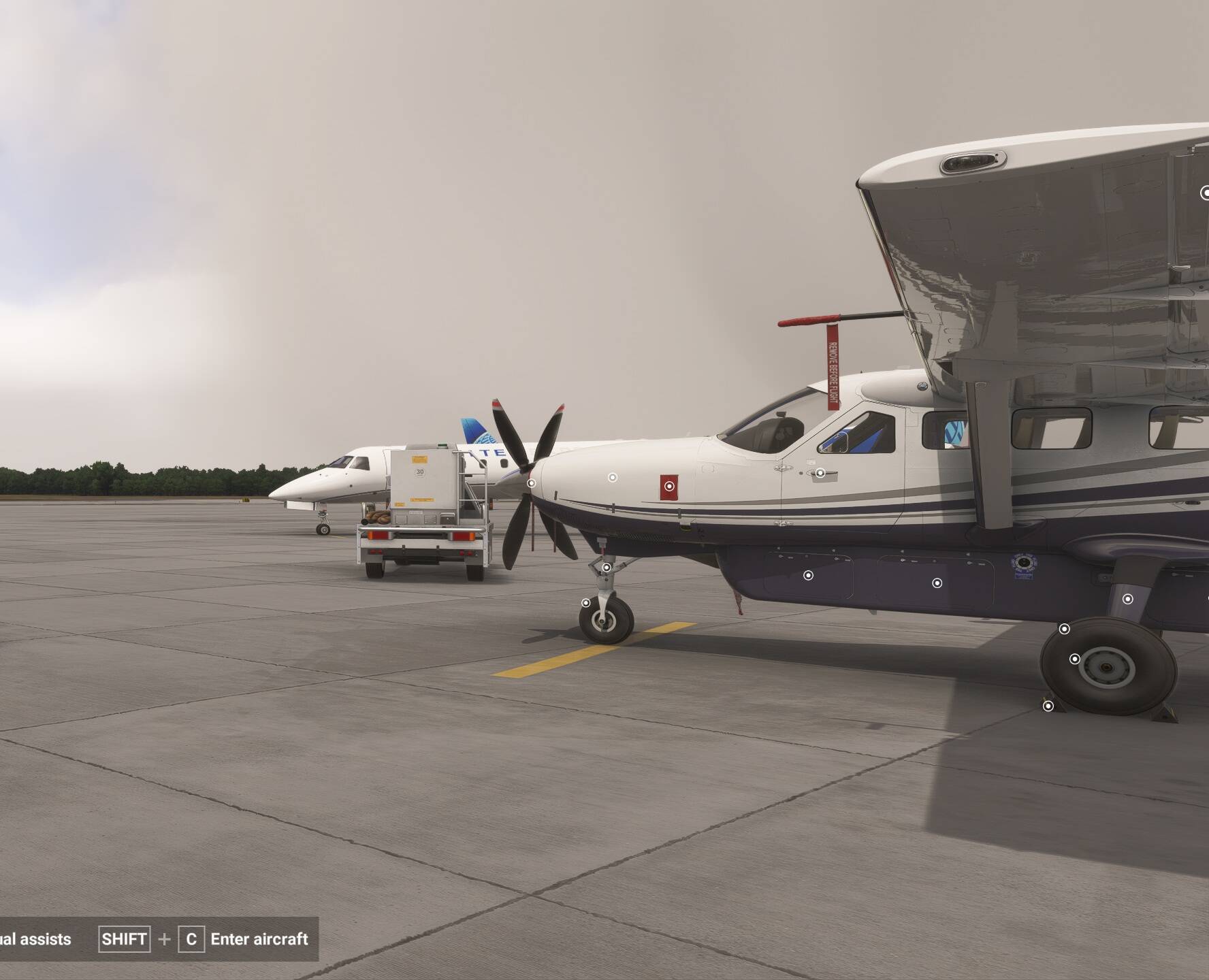
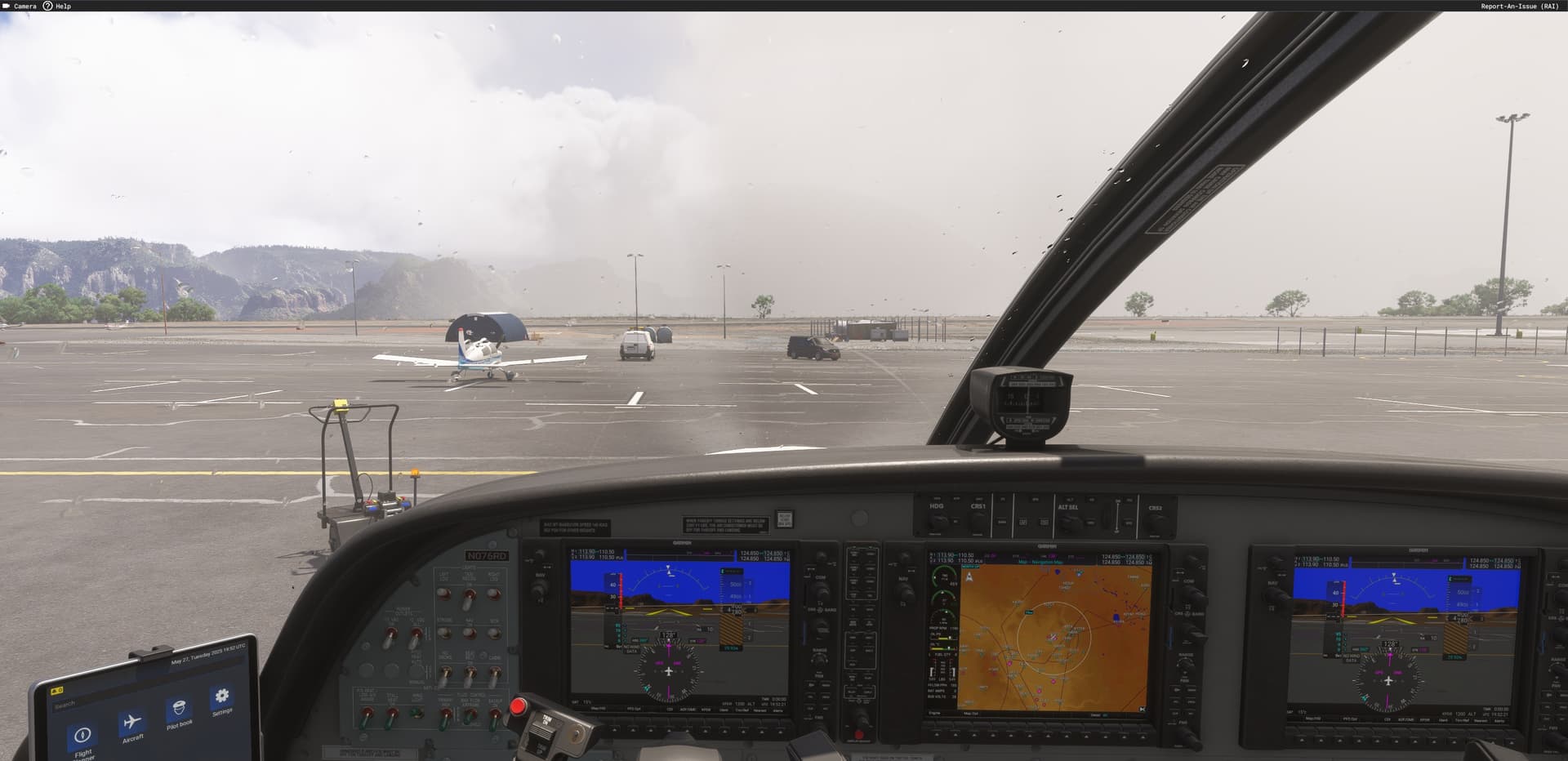
Started a new flight, making all as i made before, but left side window of G1000 doesn’t work.
and aircraft loads without pitot and engine covers and without chocks. I tried to reinstall the plane, restarted sim and my pc, same result
You might want to check without any add-on’s or external programs running. I’m not seeing this issue with a cold/dark walkaround preflight, and then startup once entering the cockpit on an unmodded sim.
Regards
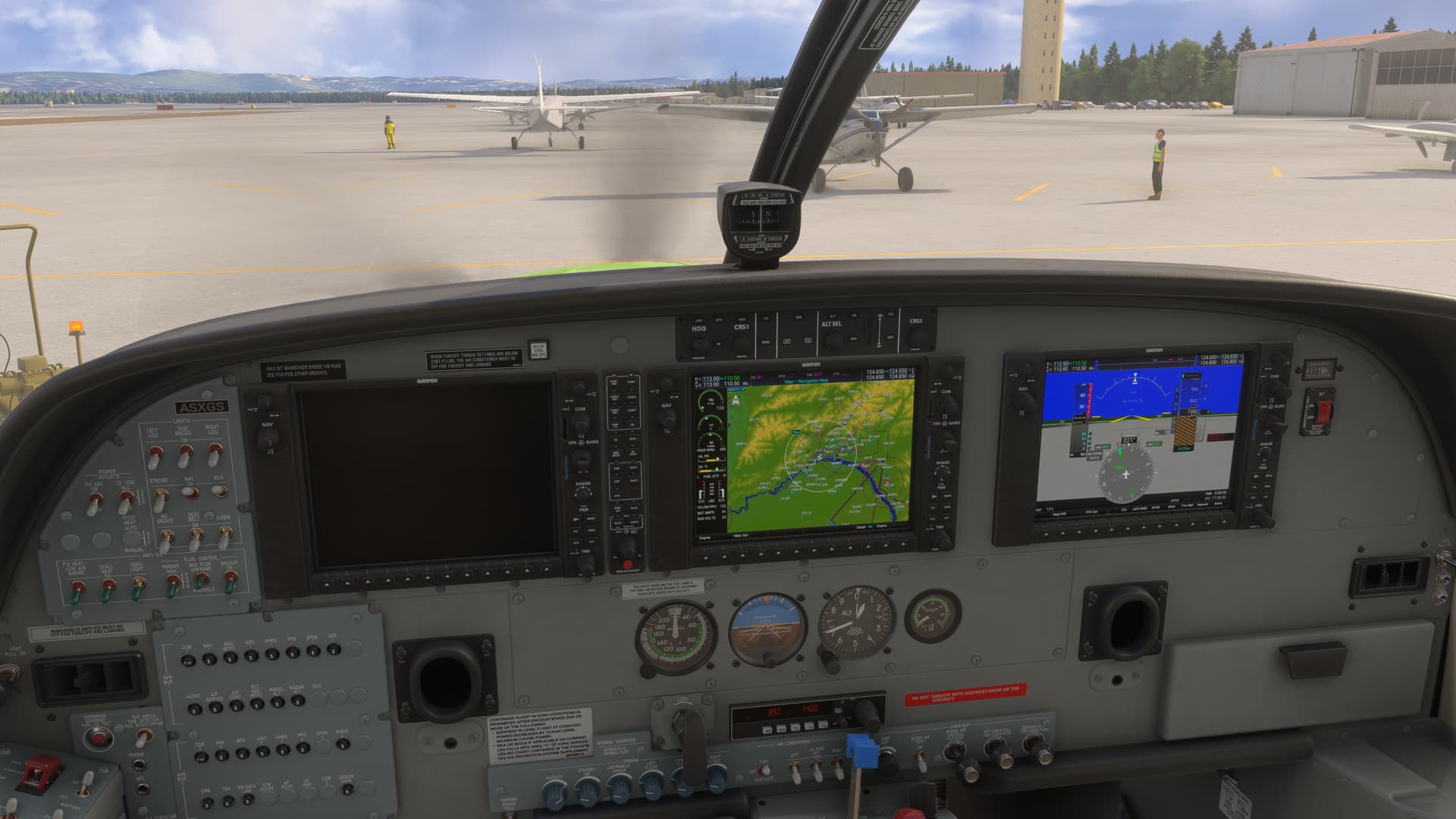
All covers/chocks in place at sim start from a parking spot:
After the exterior preflight and entering the cockpit and doing a normal startup.
This exact thing is happening to me. I have tried removing/disabling everything in the Community folder, deleting the rolling cache, verifying the game files via Steam, and loading different variants/liveries/airports/weather.
If I Ctrl E start the left panel will come on, but not if I manual start or turn on the battery and avionics for testing. The chocks and covers are never there. This was working fine 2 days ago.
EDIT
If you enable Developer mode and go into Aircraft debug → Electrical → Circuits, there are two collumns for each system, State and Can Operate. Turning on the Battery and Avionics in the aircraft changes the Can Operate, but not the State. If you enable the State for Avionics 1 and 2 in the debug menu the left Garmin panel works. I don’t know what is causing this.
EDIT
Using key bind Ctrl X “Turn on Master Avionics” will do it, but the plane should be loading with that on by default. The switches in the cockpit aren’t activating it.
EDIT
I just Uninstalled/Reinstalled the game. It didn’t fix it.
As the title suggests, the default Caravan (amphib in this case) has an issue when starting cold and dark. You turn the battery on, avionics bus 1 and 2 on, the MFD and right side PFD turn on, but the main PFD on the left side will not. Spawn in the air, the screen turns on.
Hi @MrUnicorn6725 ,
When creating a bug report, please do not delete the template and fill in all required fields. That is why your topic has been merged with a similar one the User Support Hub.
I cannot replicate using the C208 Amphibious:
If any addons, have you disable them (community folder+Marketplace) ?
Try starting up on water
Still cannot replicate starting c&d on the water:
Interesting. I wonder if you manually started the engine or CTRL+E?
Just did the start up on water. Engine runs OK but Left MFD remains dark. The left MFD can only be turned on using ctrl+E.
Yes, I did use CTRL+E on the video.
You are right, if spawning c&d on the water then manually switch battery and left avionics switch to on, the left PFD remains dark.
If doing the same at an airport parking spot with the amphibious variant, all good.
Nevertheless, OP initial report is for an issue when starting at a parking spot (as per screenshot) and did not mentioned if it was using the amphibious variant or not.
This happened to me a few times but only in specific airports. Fairbanx, for example.