Thank you for using the Bug section, using templates provided will greatly help the team reproducing the issue and ease the process of fixing it.
Are you using Developer Mode or made changes in it?
No
Have you disabled/removed all your mods and addons? If the issue still occurs with no mods and add-ons, please continue to report your issue. If not, please move this post to the Community Support section.
Yes
Brief description of the issue:
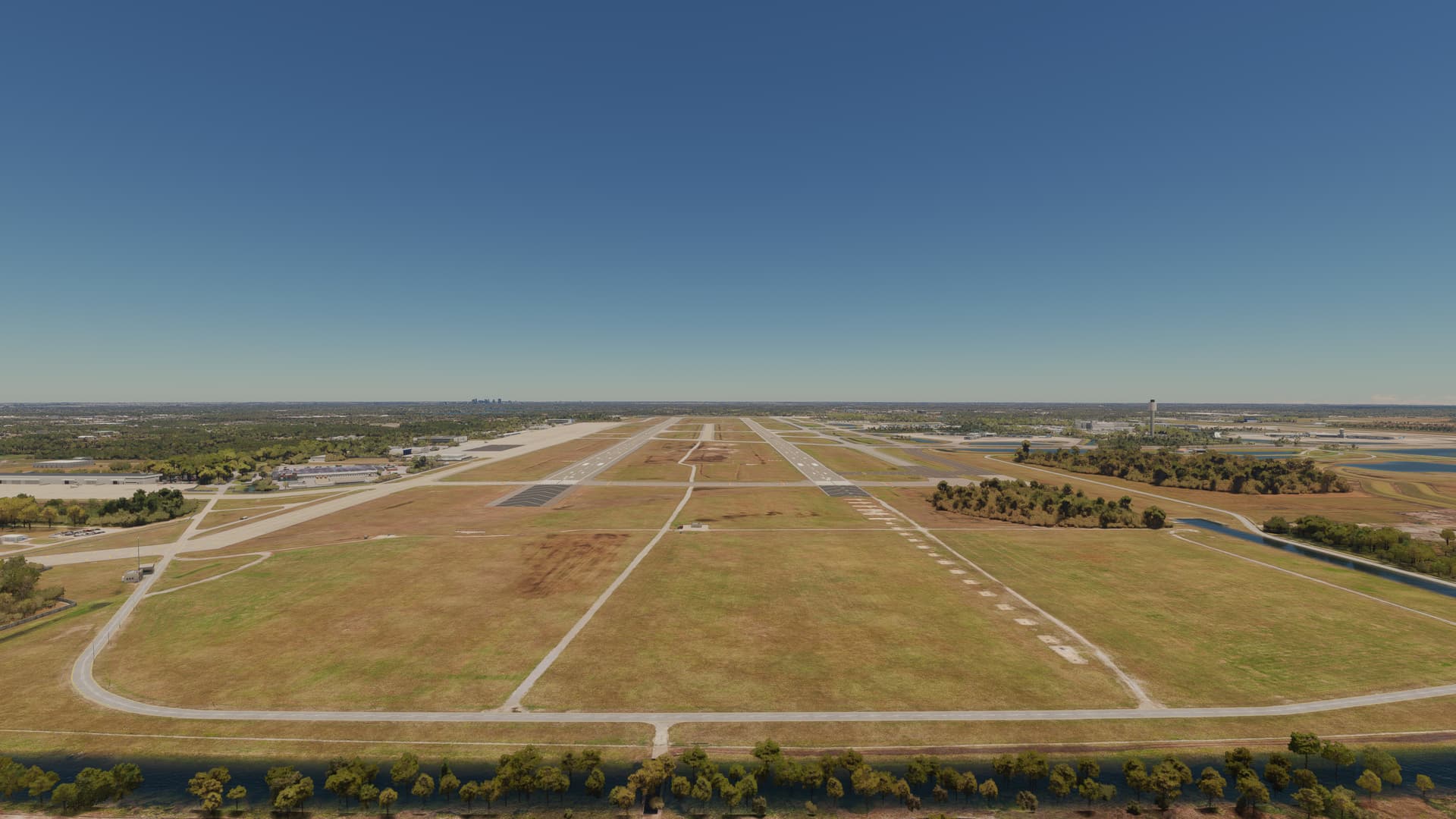
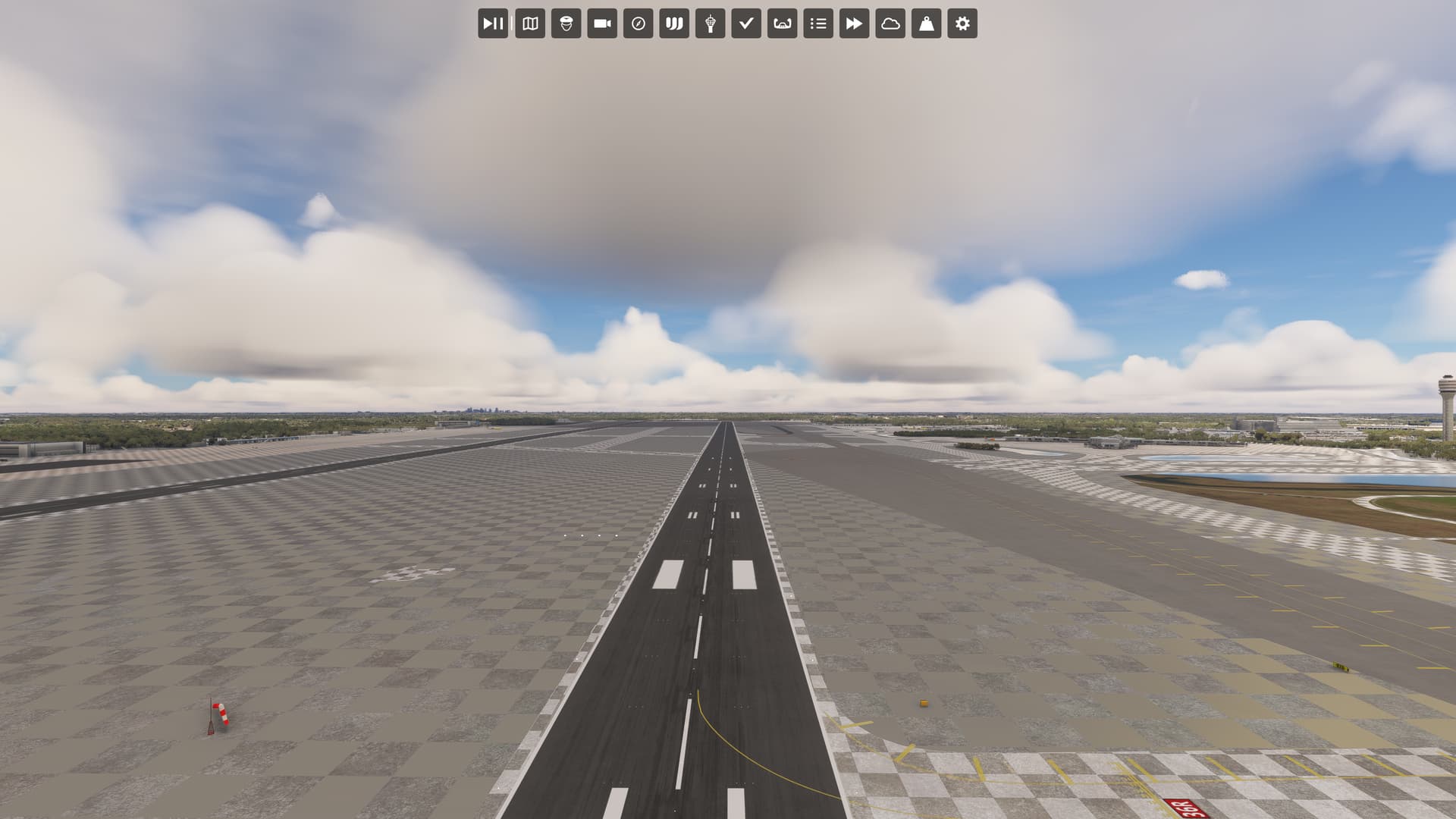
A checkerboard pattern occurs over much of the area outside the runways.
Provide Screenshot(s)/video(s) of the issue encountered:
Thank you for this report. We’ve moved your topic into the User Support Hub.
The Bug Reporting Hub is for posting suspected or confirmed bugs that other users are able to reproduce without duplicating an existing bug report. Using the template or providing all the relevant information about your bug and sim setup is required in order to provide valuable information, feedback, and replication steps to our test team.
If you are not sure if your issue is a bug or need further input from the community, please use the User Support Hub category. If the community can replicate your issue, first search the Bug category to see if there’s an existing topic. If it already exists, contribute to that report. Duplicate bug reports will be closed.
If you believe it is a new report and no duplicate exists, then create a new bug topic using the provided topic template.
All issues caused by or involving third-party addons/mods should be reported to the third-party developer. Assure that no addons/mods are used when reporting issues in Bug Reports.
Do you have the same issue if you follow the OP’s steps to reproduce it?
No
Provide extra information to complete the original description of the issue:
See screenshot below
Partial Specs & current settings:
Build: SU15B v1.37.18.0
3rd-Party Addons: None, Community Addons: None
i7-12700K (No overclocking or undervolting), 32 GB 5200 MHz DDR5 CL40, Intel Arc 770 (16GB, v31.0.101.5445).
Graphics Tab: Full Screen 3840 x 2160 TAA, Render resolution - 100, AMD Fidelity - 150, VSync - On, FRL - 33% MRR (120 Hz), HDR10 - On, DX12B, TLOD @ 400, OLD @ 200, Motion Blur - Off, Other settings - all Ultra (Water Waves & Glass Cockpit Refresh Rate @ High).
Data Tab: Data Connection: All six options - On, Data Limit - Off, Bandwidth - Unlimited, Rolling Cache - Off
Developers Tab: Developer Mode - Off
MSFS Version: MS-Store, Standard, plus All World & City Updates
If relevant, provide additional screenshots/video:
Did as suggested and checkerboard was not present in Safe mode.
Reset computer, reloaded msfs in normal mode and checkerboard is back.
So something is conflicting as you suggested. Not sure what since community folder is completely empty.
Would Mobiflight or Loupedeck be conflicting?
Safe mode disable what you have in your community folder and your addons in your Official folder (Marketplace addons). Since you made the test with your Community folder empty the culprit should be an addon from a Marketplace purchase. You should disable them one by one to identify the one that is causing the conflict.
Removed 8 addons from marketplace before the checkerboard disappeared. Just to check I put them back on and… still no checkerboard. So whatever was broke got unbroke when I uninstalled and reinstalled it. Go figure.
It may well have been that one of those addons was due for an update. Even if you don’t see a notification badge on the upper-right of your homepage, it’s still good practice every now and then to check the Content Manager to see if there are any updates available.
 Thank you for using the Bug section, using templates provided will greatly help the team reproducing the issue and ease the process of fixing it.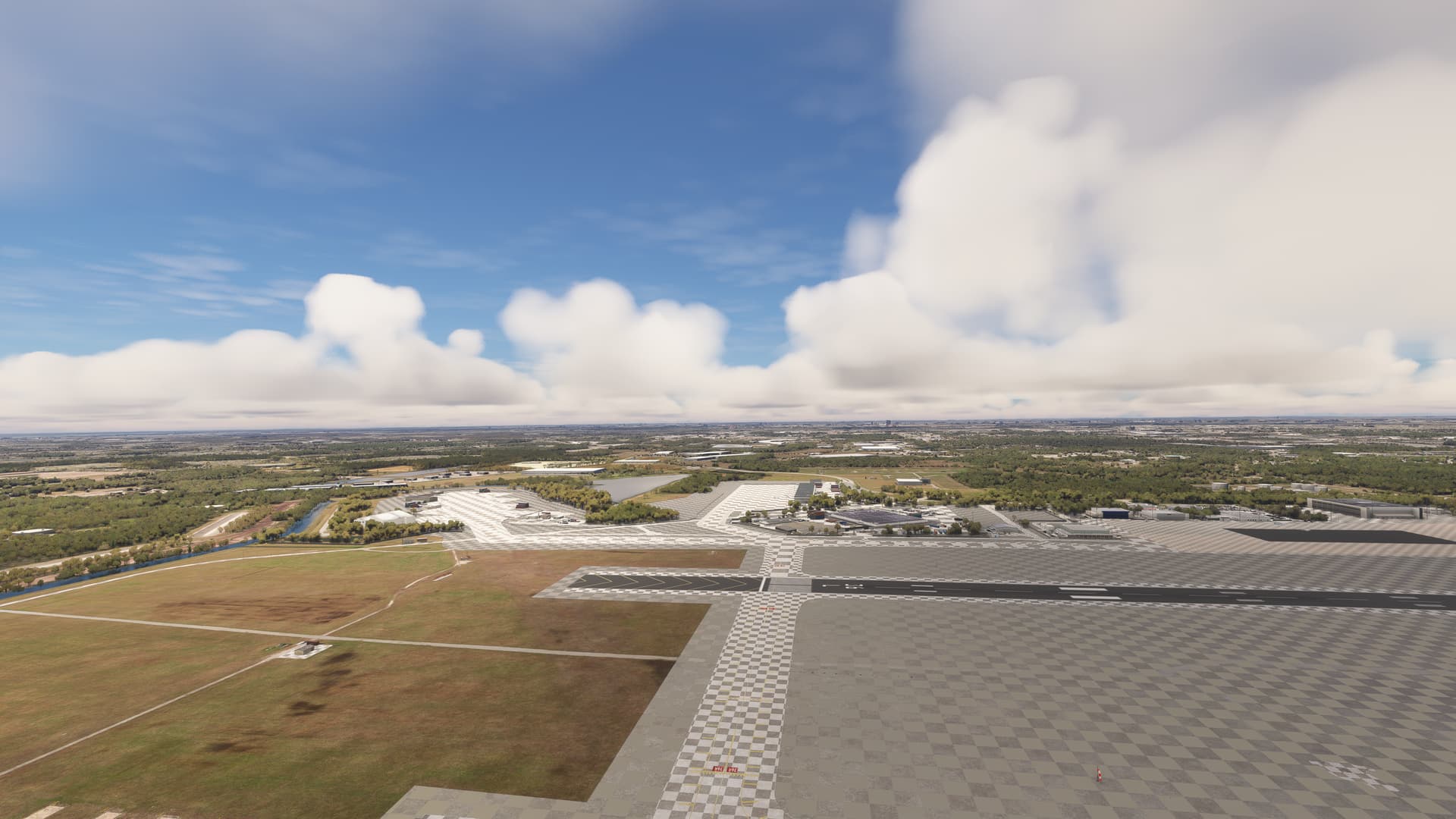
 For anyone who wants to contribute on this issue, Click on the button below to use this template: