Hi!
Now my flight simulator works! after a number of turns with the support on microsoft.
The only thing that helped me was to do a brand new clean installation of the flight simulator. How to do is in the link below!
Good luck!
/ Micael.
Hi!
Now my flight simulator works! after a number of turns with the support on microsoft.
The only thing that helped me was to do a brand new clean installation of the flight simulator. How to do is in the link below!
Good luck!
/ Micael.
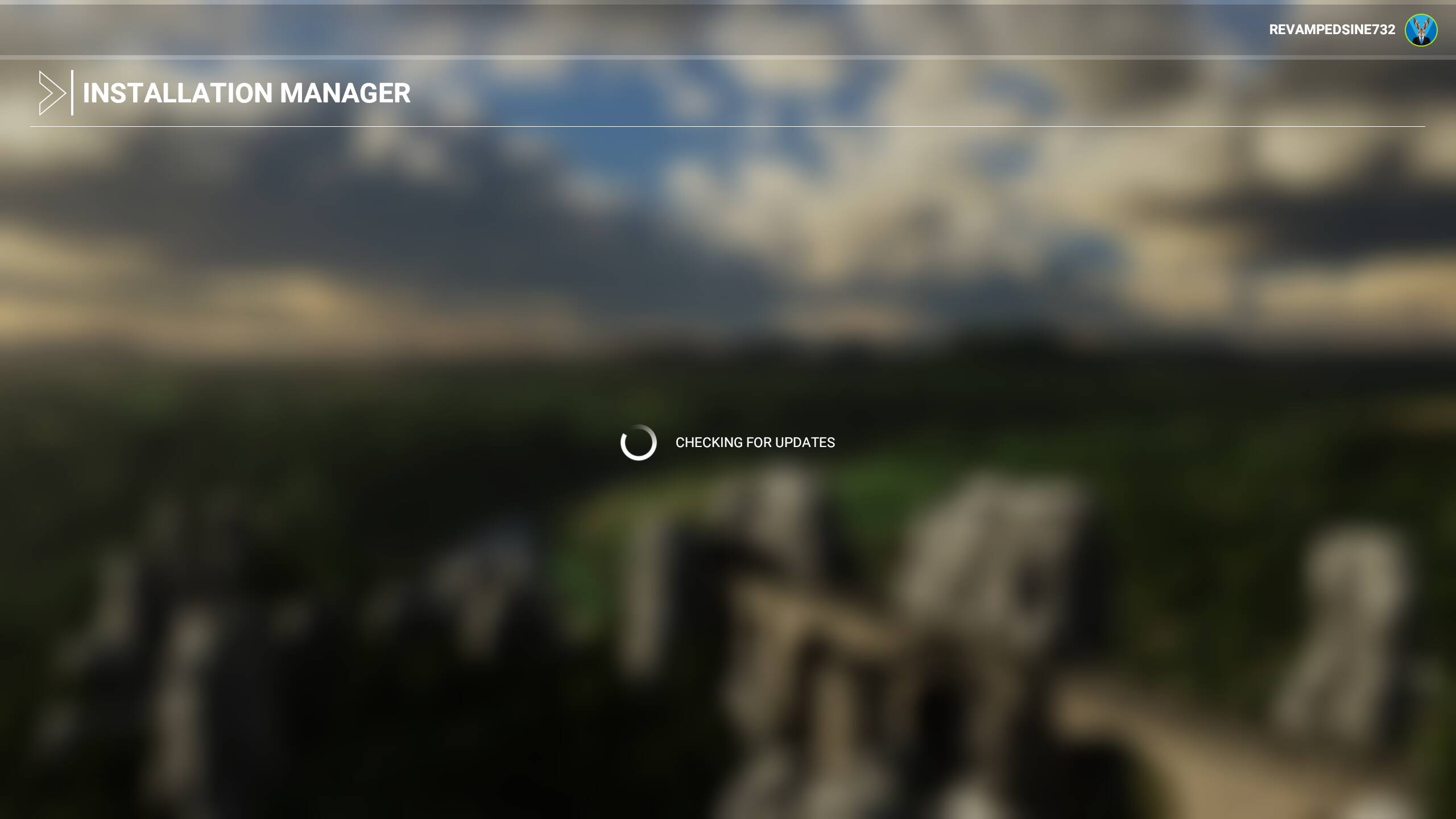
Hi Y’all, I 'm in need of some friendly advice on the best instrument to use for doing fine adjustments on a PC running MSFS. Yesterday I downloaded and installed some freeware aircraft and the “Nordics” update from MS. Now when I go to load the sim, I get an endless “Checking for Updates” screen, and the sim will not load. I’ve disabled the freeware but to no avail, leaving me in need of advice on the proper adjustment tool. At present, my options are as follows 1) Double bit Woodsmans axe 2) 8 lb. Splitting Maul 3) Stihl 18" Chain Saw w/carbon steel blade. 4) 00 Buckshot delivered via Remington 870 12ga. pump. Ideally, 1/2 pound of C4 would do the job nicely but it’s just not practical in my neighborhood. All suggestions considered. Any help is appreciated.
So much for my warped sense of humor. Any help with the issue at hand is appreciated.
Thanks, Rex
MOD Edit: Original title (pre-merge):
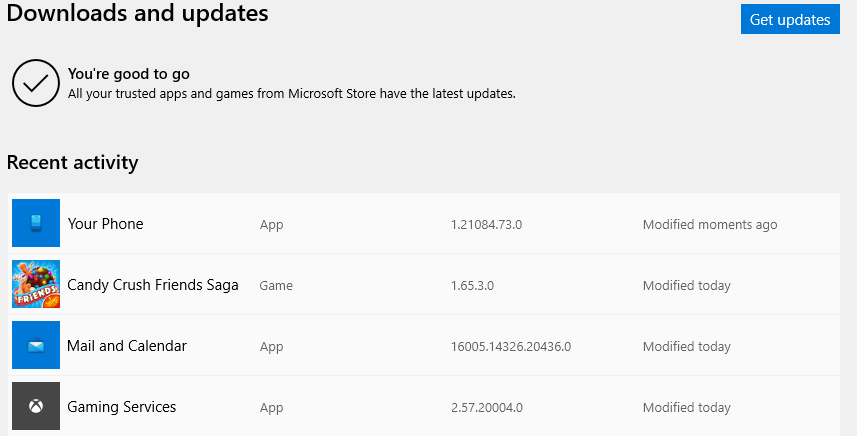
FS stuck on CHECKING FOR UPDATES when starting, after Gaming Services 2.57.20004.0
Please tag your post with #pc and/or #xbox.
PC
Are you on Steam or Microsoft Store version?
MS Store
Do you have any add-ons in your Community folder? If yes, please remove and retest before posting.
Yes, not many , but fine before latest v of Gaming Services
Are you using Developer Mode or made changes in it?
NO
Brief description of the issue:
See title: install GS, then start FS
Provide Screenshot(s)/video(s) of the issue encountered:

Detail steps to reproduce the issue encountered:
install GS, then start FS
PC specs for those who want to assist (if not entered in your profile)
i7 5960X
3090 ASUS Tuf Gaming
2 SSDs
Build Version # when you first started experiencing this issue:
1.19.9.0
Are you on the Steam or Microsoft Store version?
Store
Did you submit this to Zendesk? If so, what is your ticket #?
No
Same situation here
Just wait about 5 to 10 minutes you will eventually get in.
But you will show as offline and the Marketplace is greyed out.
The live services needed to fly above real terrain the in live weather, are working though.
There’s a thread in the “community” section that is also filling up with these issues pretty quickly. Seems the servers have an issue.
Thank you. Wait fix the problem
The Nobel for Patience awaits us.
Same here.
This software and the support provided by Asobo / Microsoft are a big joke (in my opinion the biggest on PC games). It’s a disaster.
Why I put 120$ on this plus some addons? Why? Why?
Well… it’s our drug! We love it when it works; not quite so much when it fails.
Said to say, but is true.
Servers issue.
BTW. Update gaming services to the latest version 2.57.3002.0
Restart PC and try again.
This happened to me too yesterday. Maybe its a msfs server issue.
Nothing seemed to work,removing community folder, running as admin etc. then i reset the data for the msfs app in the app and program config in windows. Restarted and it worked.
Took a long time to get to the menu but it finally did.
Thank you for your reply. Sorry I had to go to bed: in the 4 previous nights I only had 14 h sleep.
Yes it was fine when I used FS ~ 12 hours ago. So I assume it’s fine now…
What is weird for me is that FS never went off-line: all top settings in Data were ON at all times.
Indeed there are different versions of “Gaming Services”.
As the title says, installing on Win 11, around 85% install of the updates, then it stopped. I restarted it it offered normal mode or safe mode, did normal mode and it just has a checking for updates loop, see image.
Any ideas folks?