It was just a short flight from CYYF to CYDC. Dev mode off. Confirmed it’s in the logbook. The size of the file after the flight is still 194kb. Go figure. But it’s not 16mb so I’m thrilled. I can sim again!
Alas it doesn’t help those of us without that add-on. 
As my “logbook” file just reached near 16 MB:

Error 2047 is back:
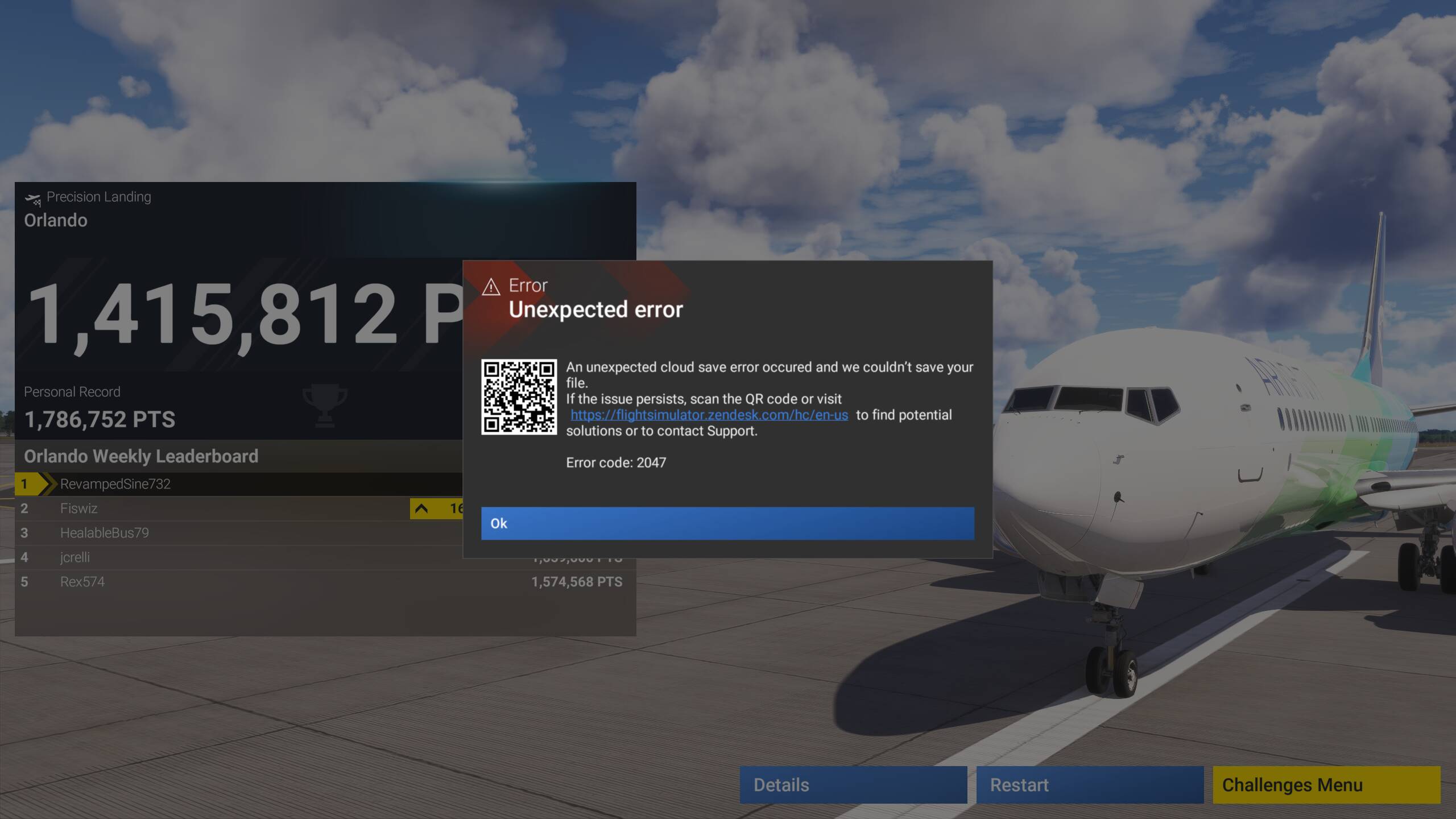
This time, logbook file full with only 3154 flights:

And just removing the “ logbook” file (cut and paste somewhere else)

no more Error 2047:
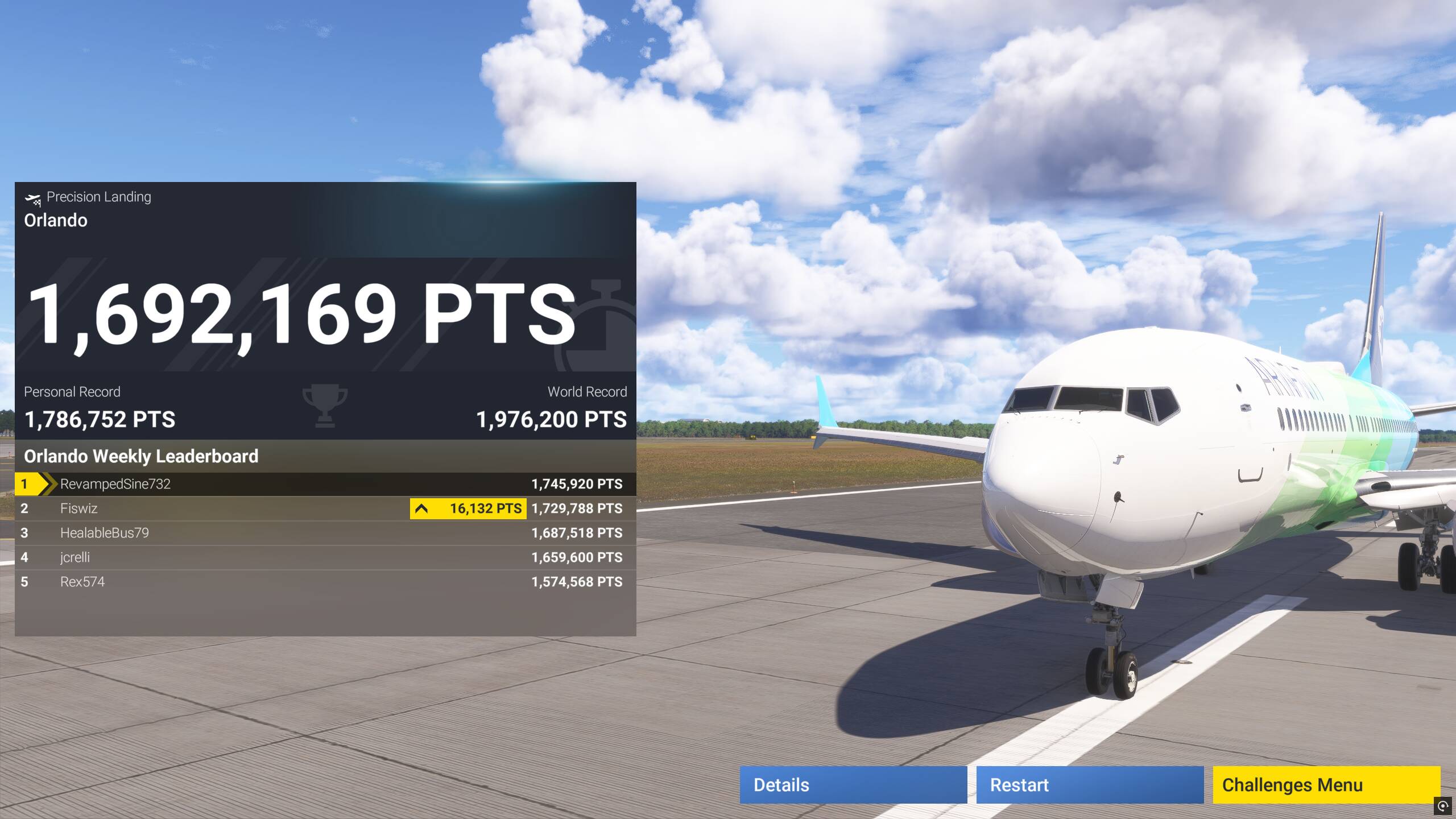
but a new 15.9 file reappeared:
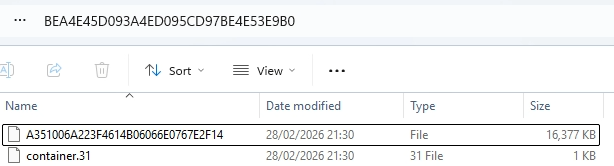
So I moved (cut then paste) the whole folder, closed then restarted FS 2024
After having restarted FS 2024, the folder and the logbook file had not yet reappeared:
no BEA4E45D093A4ED095CD97BE4E53E9B0 folder yet:
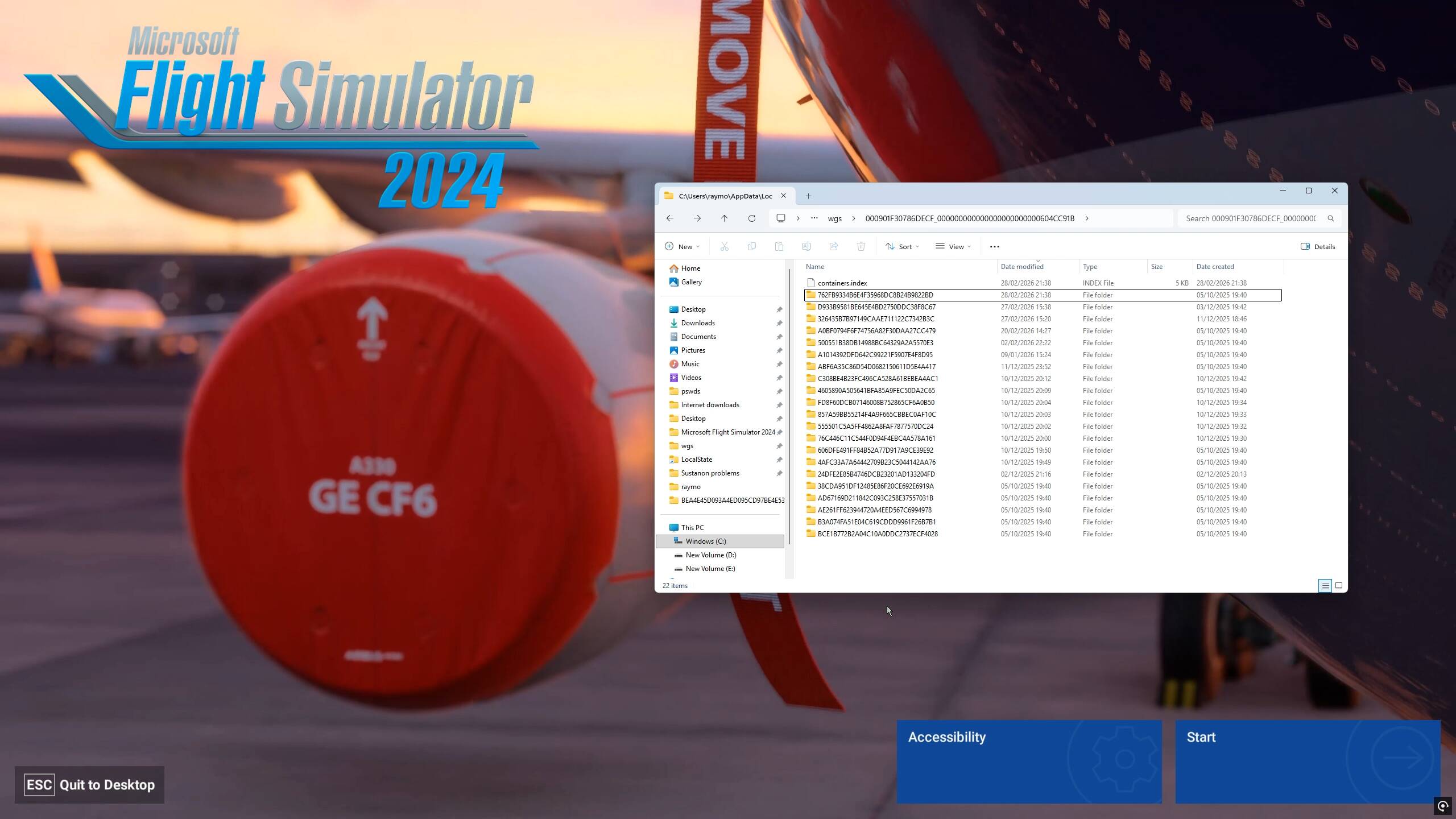
And in FS 2024, the logbook is again empty, as expected:
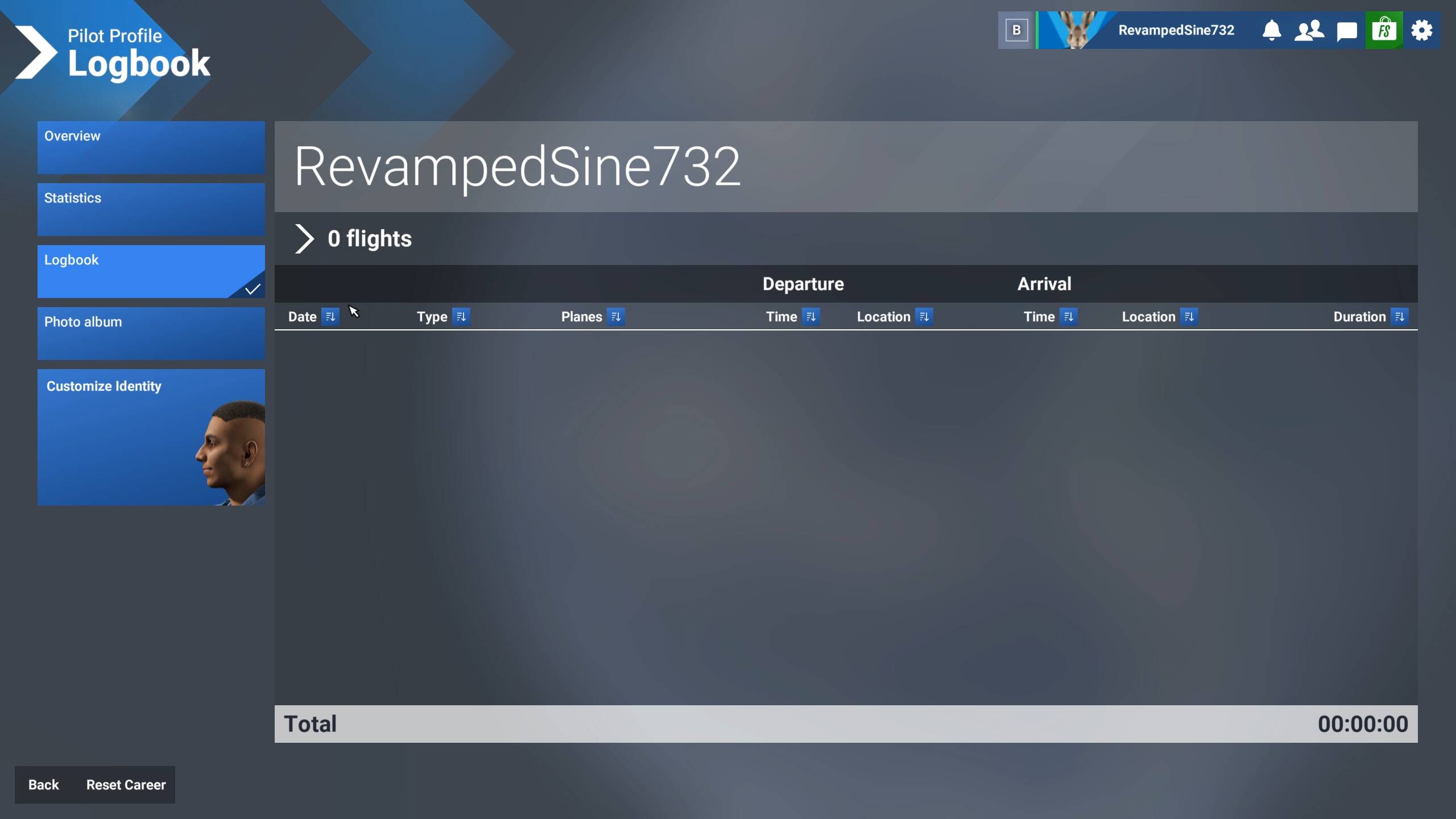
It is only after completing a flight (here a landing challenge), that the
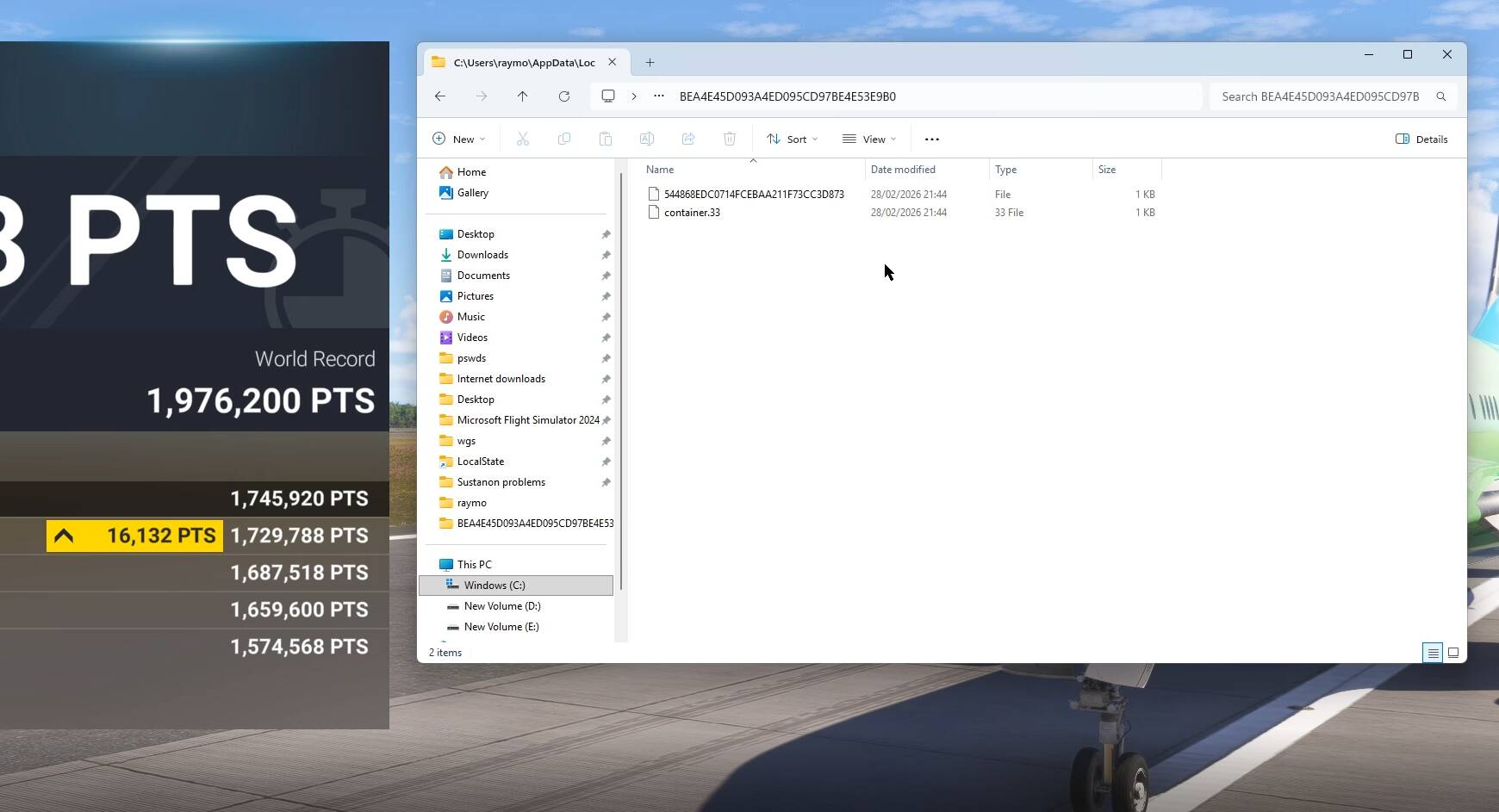
BEA4E45D093A4ED095CD97BE4E53E9B0
folder reappeared:
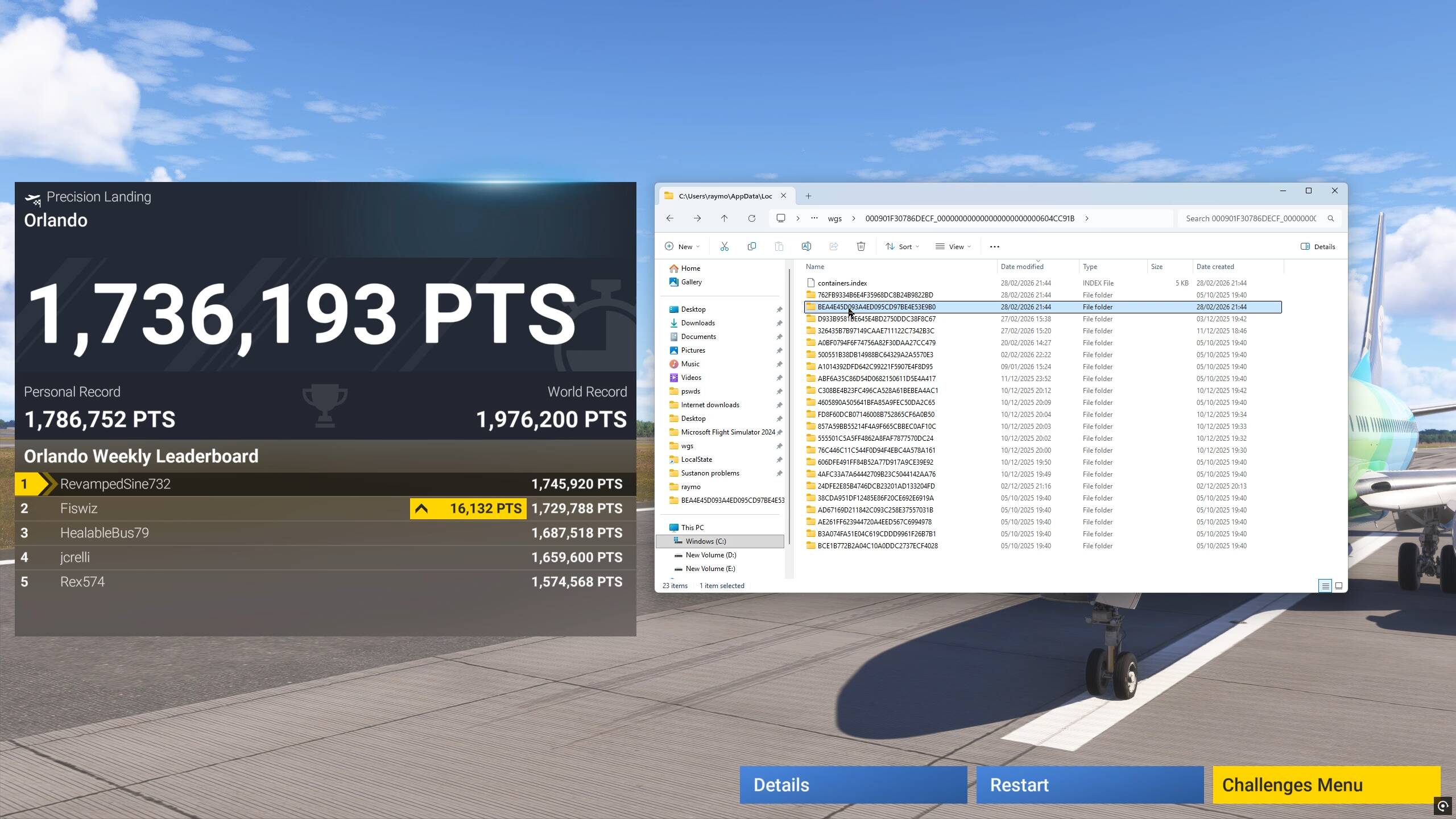
with size 1 KB
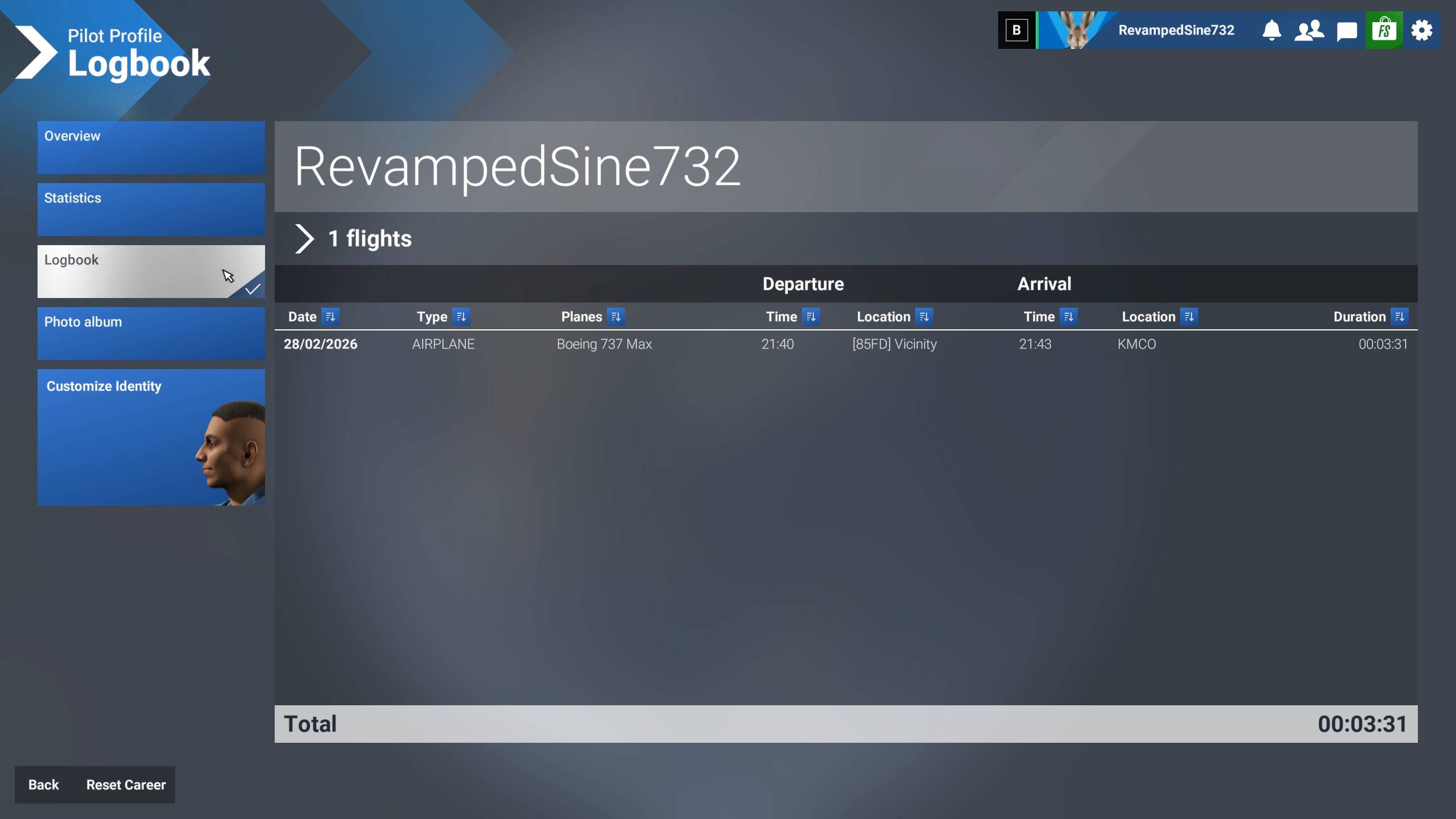
This last flight is recorded in the FS 2024 logbook:
I have recorded everything in 2 videos.
So, I am good for another ~ 3000 flights…
******************
Something that I found interesting about Microsoft/Asobo’s silence:
What are your thoughts about this?
mine messed up at 3500 flights.
I’ve just published a new release (v1.2.0) that addresses the issue.
This update no longer relies on cloud saves. Instead, it stores records directly on disk through a WASM module.
You can find the files here:
-
Steam:
C:\Users\<YOUR_USERNAME>\AppData\Roaming\Microsoft Flight Simulator 2024\WASM\MSFS2024\alexhome-msfs2024-vfrnav\work -
MS Store (Please confirm, as I’m not using this version myself):
C:\Users\<YOUR_USERNAME>\AppData\Local\Packages\Microsoft.Limitless_8wekyb3d8bbwe\LocalState\WASM\MSFS2024\alexhome-msfs2024-vfrnav\work
I’ve also improved the save logic to significantly reduce performance overhead and disk usage (see the release notes for details).
For those who no longer use the mod, it may still be worth launching this version once so it can clean up any leftover records.
My update:
Since deleting the alexvfr mod my position report file no longer grows exponentially and coincidentally (or not?) I am now finally rid of the continual stutters I’ve been having for months. After a bunch of smoother-than-ever flights, the file size is only 350kb and no 2047 errors anymore.
SU4 dropped in, what, October? I can finally fly in the sim again after countless resets and endless troubleshooting.
I appreciate that the mod got updated but for me it’s a hard pass to grabbing the update.
Note my own thread on this topic I’ve started myself.
My version of MSFS-2024 has been working well up until the last update than it went totally pear-shaped. Any attempt to run the game:
- (About 30% of the time) Throws a 2026 (unspecified), error, (which resolves to a cloud save error when I looked it up.)
- (100% of the time) It begins downloading external content and after some period of time, (varies over wide limits), crashes the entire system to a hard power reboot all the way back to the bios.
I have done everything, up to and including completely uninstalling MSFS-2024, deleting all files, deleting the X-Box App’s profile for the game, and clearing the saved cloud context.
I totally reinstalled from scratch, verified I had aggressive cooling fan settings set on my GPU and CPU - starting at 50% fan and rapidly rising to 100% fan at about 50°C
Wanting to exclude all other factors, I ran extensive torture testing on my system simultaneously:
- Prime95 in “beat the living bajesus out of it” mode for the CPU and RAM.
- AMD’s Adrenaline software’s GPU stress test, which does the same thing with the GPU.
. . . and let it run for about 12-14 hours.
Result: No problems.
- Max GPU temps - about 50°C
- Max CPU temps - no greater than 90°C with Prime95 maxed out.
My conclusion is that there is something intrinsically wrong with the software itself, (a memory leak?), that causes a kernel panic and a total system crash. Unfortunately I do not have access to the tools to research this further.
This is really disappointing.
What say ye?
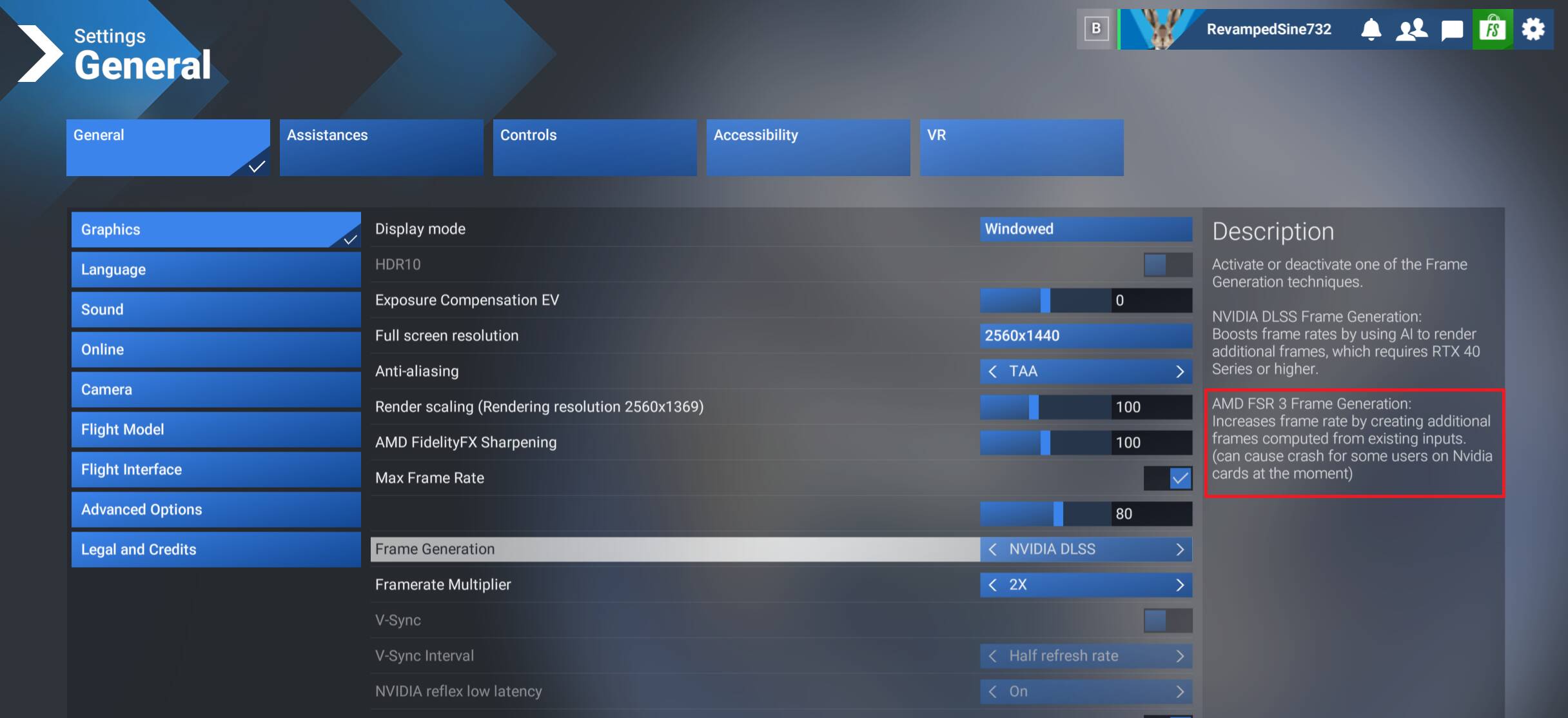
If I get that far.
Now it’s crashing to a reboot during the loading video. . . . 
I can grab, and even read, the crashdump files, but I cannot use them since MSFS isn’t compiled with debug symbols. 
Sometimes, (but not every time), I get this: (Assuming it doesn’t crash first. . .)

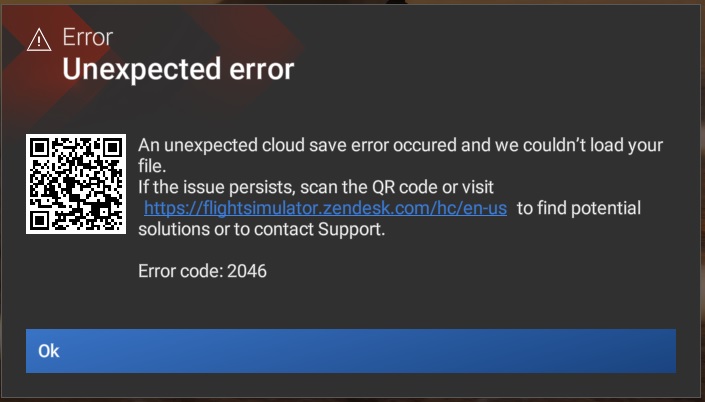
This leads me to believe that part of the root cause might be an unhandled exception during networking.
So, you start FS 2024, and it causes your PC to crash and reboot?
What error do you get in Event Viewer?
If I can remember, in January 2026 there was a Windows 11 update that caused some PCs to keep rebooting…
EDIT: a few weeks ago, I got a Blue, now black, screen. After, I ran Run System File Checker sfc /scannow, and it fixed 525 things:

So, try sfc /scannow
Been there, done that.
I have a couple of scripts that I use to run DISM/SFC and a chkdsk c: after every crash.
P.S.
I always run DISM before I run SFC to ensure a consistent recovery image.
DISM.exe /Online /Cleanup-image /Restorehealth
sfc /scannowUpdate:
My latest attempt to run MSFS-2024 has been running for about eight hours now, and I am down to 264 items to download. One failed, but I was able to restart the download.
Hopefully I haven’t jinxed it.
I am beginning to suspect more and more that it is an unhandled exception being thrown by the network routines in MSFS-2024 as it appears to me that an unstable network connection is the root cause.
Third Beta of SU5 and still no mention of Error Code 2047. Six hundred posts and they spent their time fixing the overhead light in the 737 and ignoring us.
I’m going to go out on a limb here and suggest that the team that fixed the light on the 737 would not be the same team that is investigating the data the sim syncs into the cloud, or responsible for the data in those files.
The status of the topic is still “feedback-logged”, not “bug-logged”. As long as there is no bug, there is nothing to fix.
Taking into account the discussion of the recent past, add-ons should be considered.
I have decided to attack this from a different angle:
Since we have no visibility into the process - for whatever strange and paranoid reason, they don’t trust us with source code, debug builds, and the dev toolchain - I am attacking this indirectly.
I have 2024 running under Steam on Linux. That provides an isolated Windows emulation sandbox, (Proton/WINE), with visibility into the various processes, so that when something DOES go wrong, I hope to be able to capture the logs from both Steam and Proton to see exactly where the problem was.
Once I can do that, it should be relatively easy to map a Proton/Vulkan error to the appropriate Windows/Direct-X error. I suspect that part of the problem is caused by Direct-X 12 being (ahem!) “less mature” than Direct-X 11, especially its potentially huge terrain rendering data structures.
Maybe it works, maybe it doesn’t, but it’s better than just griping at it.
I never had the alexvfr mod. For me, it is just when the file storing the flights for the logbook reaches 16 MB that I get Error 2047. This Error 2047 appeared just minutes after SU4 got installed.
While some addons can help getting such errors, there is something from within SU4 that made those errors appear.
Yeah, I think that mod just sped things along much faster. I expect once I hit 16mb I’ll have the 2047 error again but fortunately with the mod gone, that’s many, many weeks away instead of 2-3 days
I know it is not quite the same as a CTD but with recent updates I started to encounter error:
‘An unexpected cloud save error occurred and we couldn’t save your file… Error code: 2056 -0
The most recent instance was after landing a Robinson R66 helicopter at a landing spot in the field and trying to take off again.
Description of the issue:
See above
Weather settings:
Live weather on
FREQUENCY OF ISSUE
I had it about 5-6 times by now.
How often does this occur for you (Example:
Quite random but it appeared since I started to fly helicopters recently.
REPRODUCTION STEPS
YOUR SETTINGS
Using turtlebeach flight stick one on Xbox series X
I posted this about three weeks ago. I’d reset the rolling cache to 16 GB a few days before that post and I haven’t had the issue since. Probably tempting fate by saying this.
I’m also on Xbox X.