Any suggestions for a similar problem and fix but with Radeon 5700? I’m using the Thicc 3 Ultra and have really bad pixelated clouds…
1 Like
Same for me with the 5600 XT gaming X it’s a real immersion killer
2 Likes
I know this is late reply, But what did you actually do in the file ??? or changed ??
Thank you so much. I registered in the forum just to thank you. Cloud graphics have improved. In addition, I experienced tons of FPS boosts. You are the man.
Mine was here:
C:\Users<username>\AppData\Roaming\Microsoft Flight Simulator
And what did you do there exactly ? talk to me bro.
Check this thread, but just substitute the location with the AppData\Roaming\Microsoft Flight Simulator folder: https://forums.flightsimulator.com/t/fix-pixelated-clouds-and-shimmering/260199
See what your graphics card is set at, mine was 1080p changing to 1080i sorted it lovely fluffy clouds
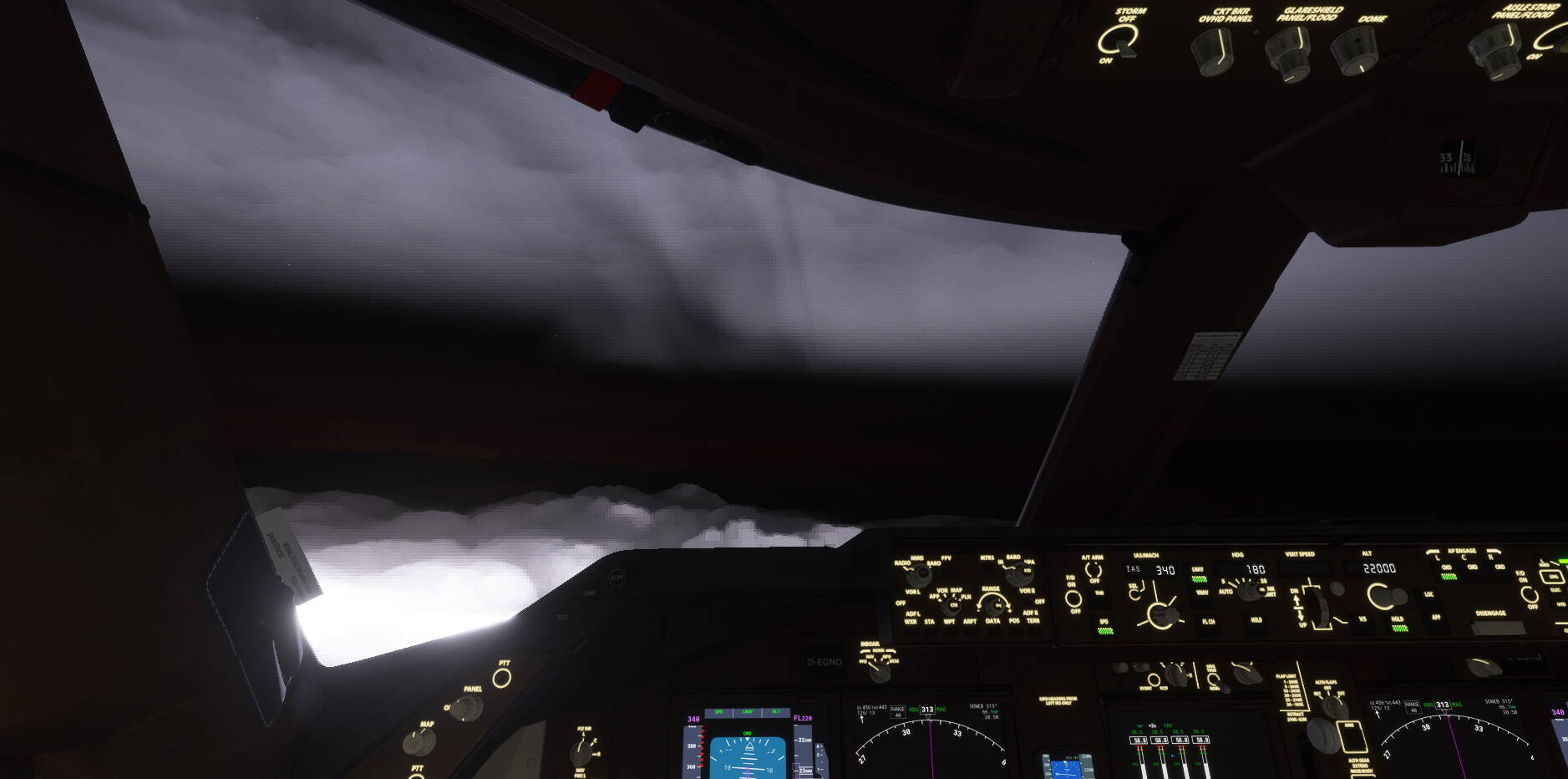
I only started to have this problem recently. As much as we all want them to concentrate on other issues, in my personal opinion, I believe clouds are one of the most important and best feature of this sim, therefore I believe it is as important to fix this issue as it is any other. They are an integral part of the whole experience.
3 Likes
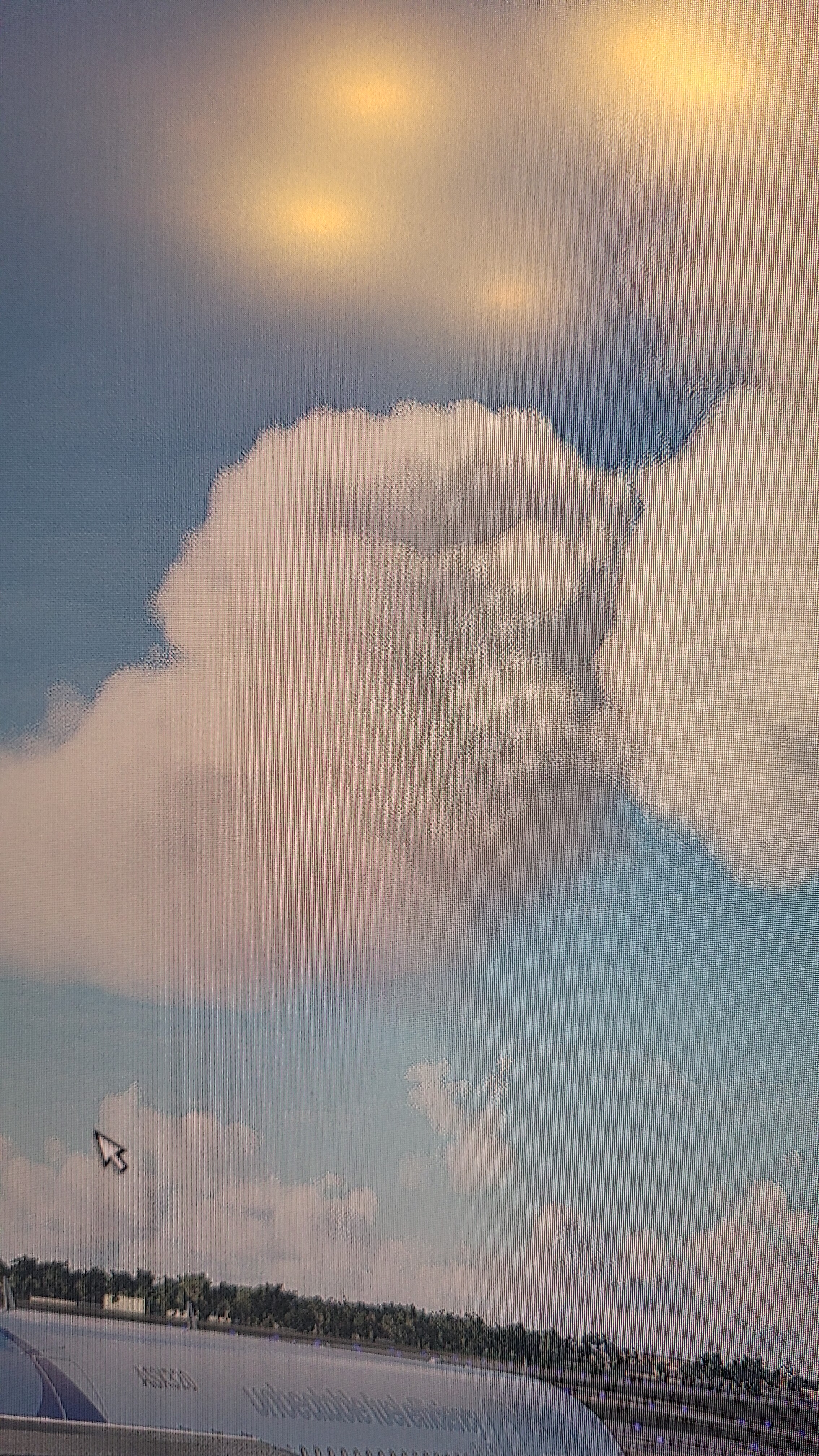
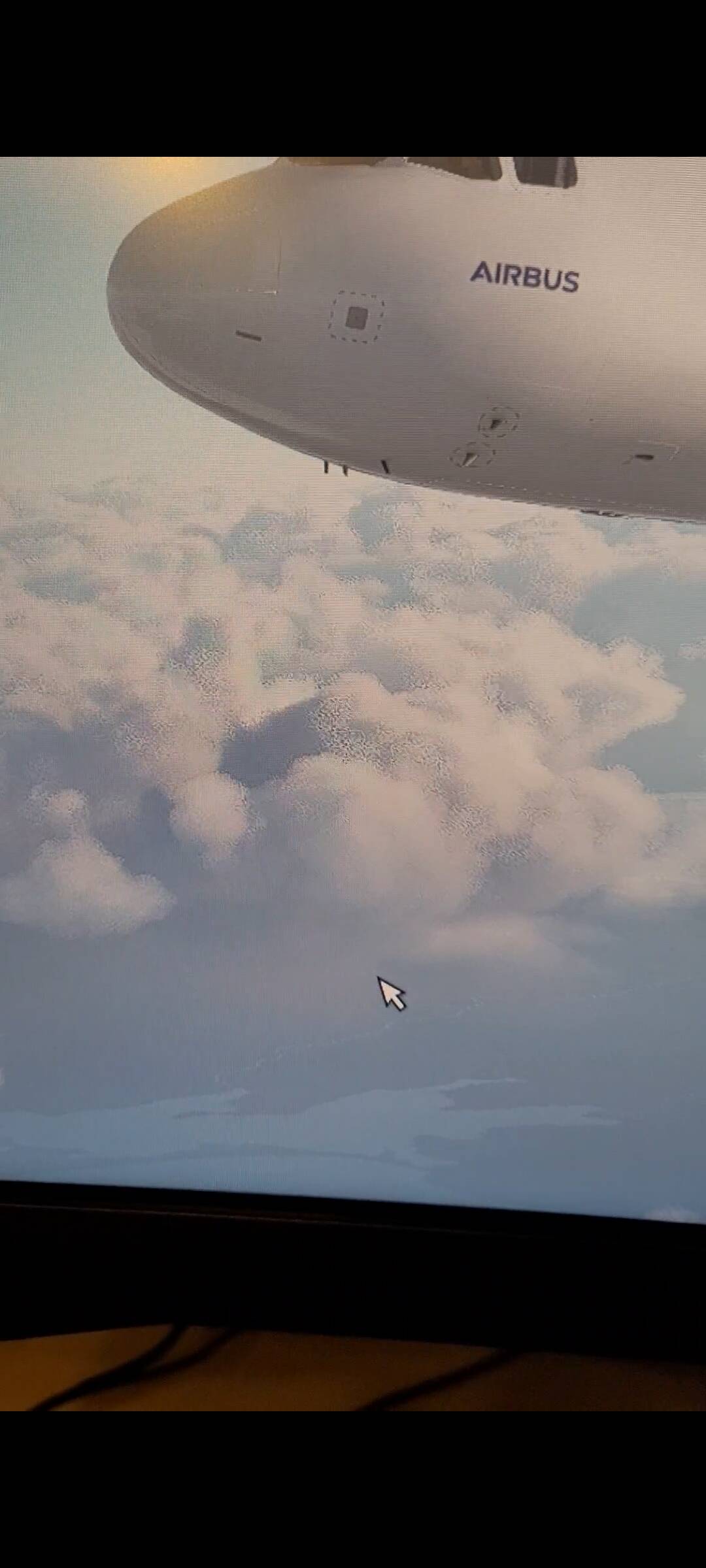
I also seem to be having this problem. I tried fiddling around with Nvidia settings and in game and still no luck. I even tried the tweaks mentioned above and that didn’t work out. MSFS should fix this issue asap.
Everything on this sim is “a real issue”.
The fact that they look better than previous sims doesn’t mean that there is no problem with the pixels on the clouds. most of us love this sim because is the closest one to the real thing right? Well, guess what, the clouds are one of the main reason we love this sim, therefore it should be something that should take as much priority as any other problem. 
2 Likes
I don’t know if this has to do with the pixelated clouds but it does override your sim settings!
I’ve voted this up, it definitely needs addressing!
Is there a fix at the moment for the sun shining through thick clouds does anyone know?, I was flying in Reykjavik today in thick overcast cloud but could still see the sun…crazy stuff!!
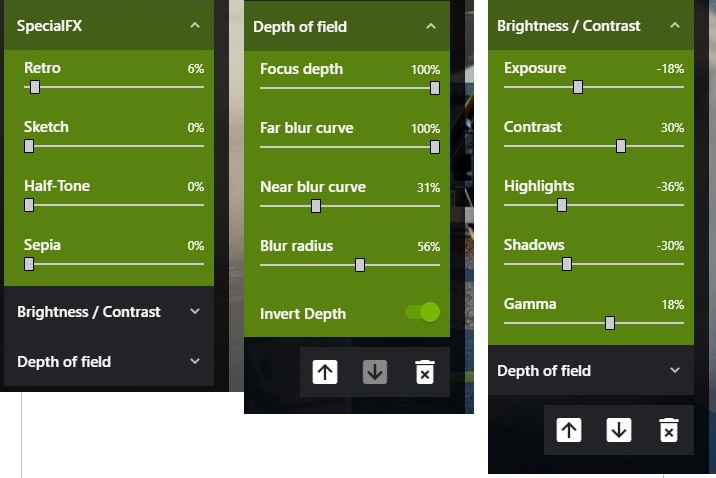
Help is at hand, I have found a temporary ‘fudge’ to fix the cloud problem. No optimisations are needed to the simulator or display driver!
Here are my results …
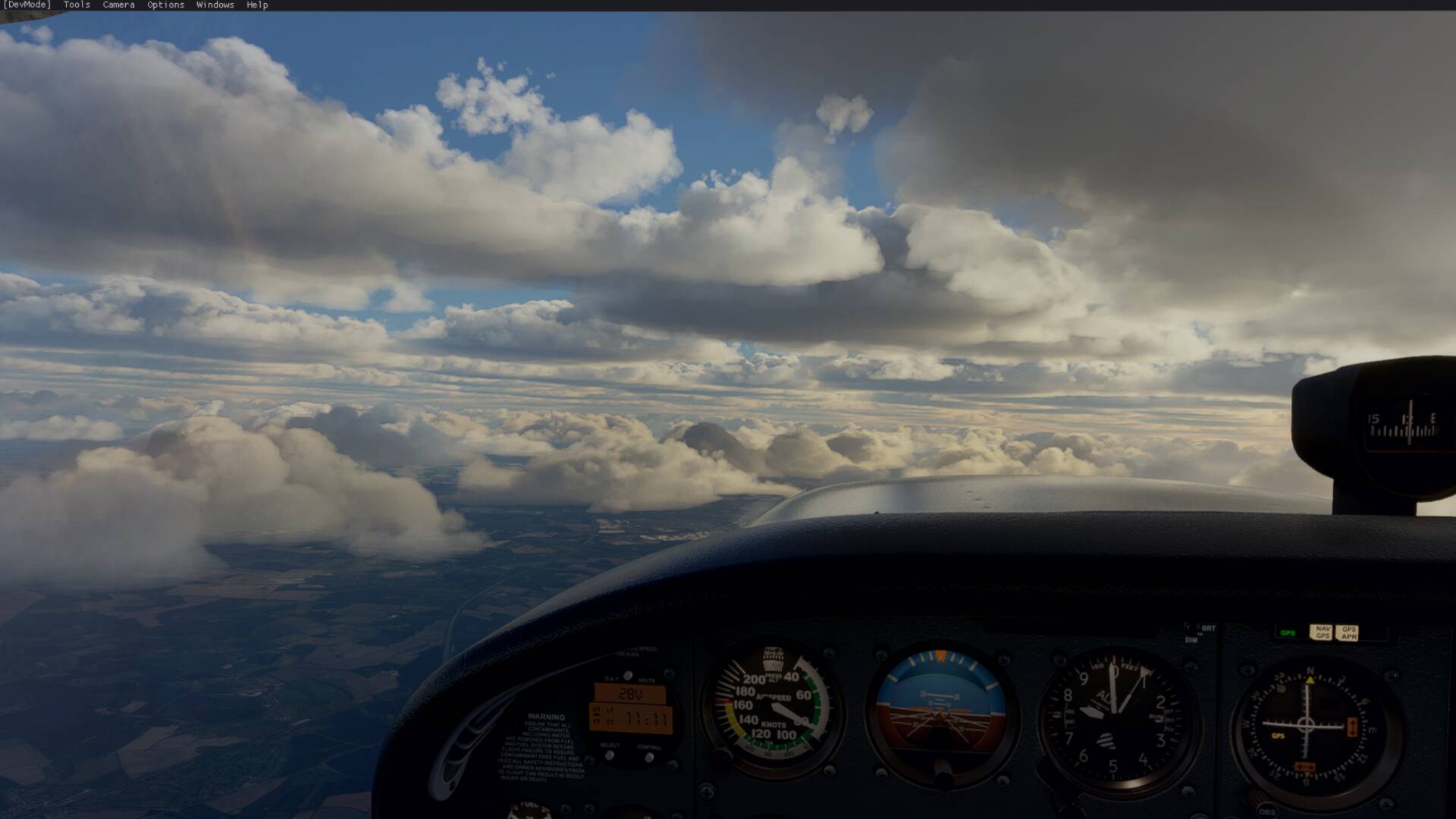
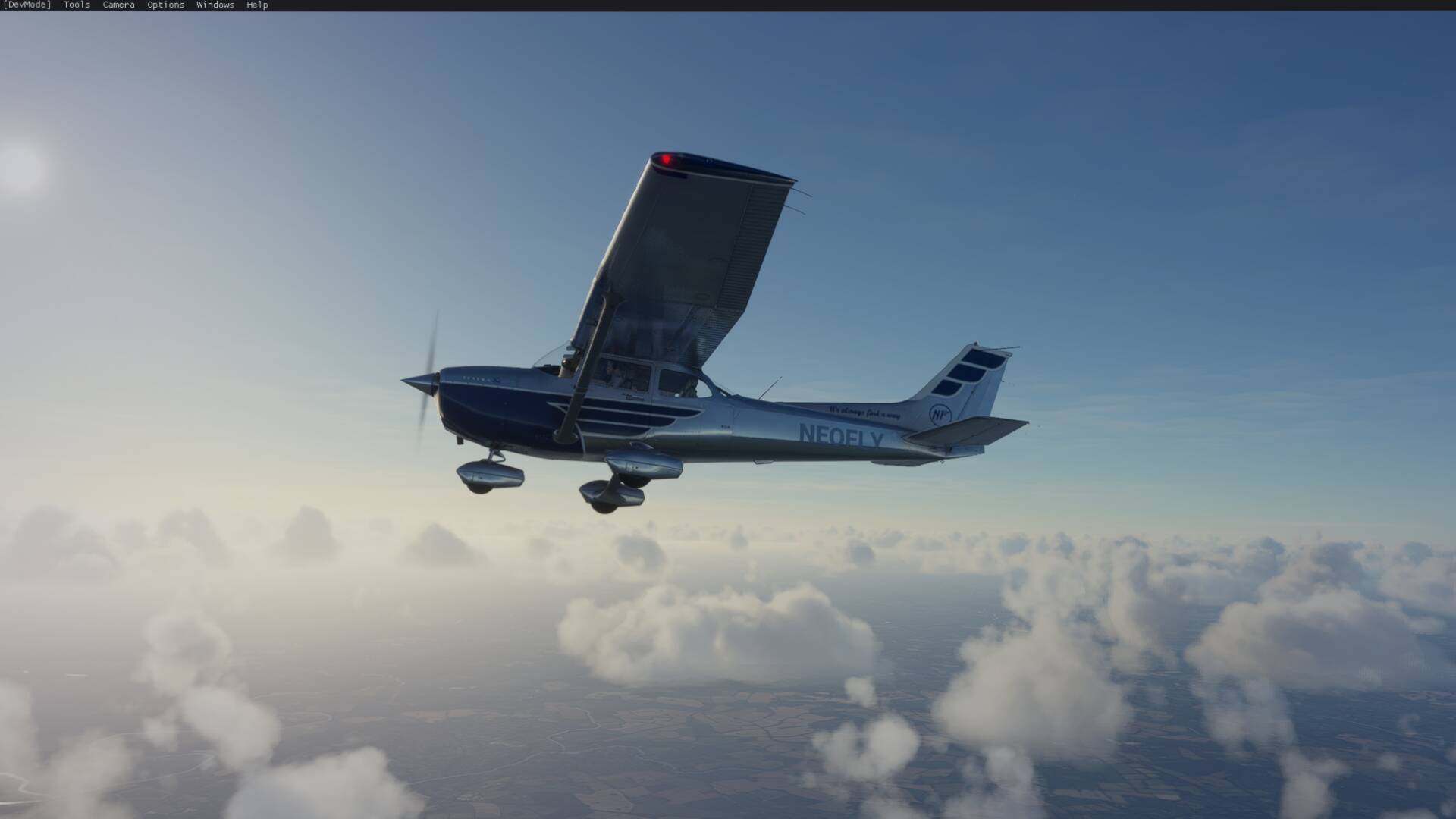
Install Nvidia Experience or if you have Nvidia Experience use my overlay settings shown below and adjust to your own taste…
Charles
3 Likes
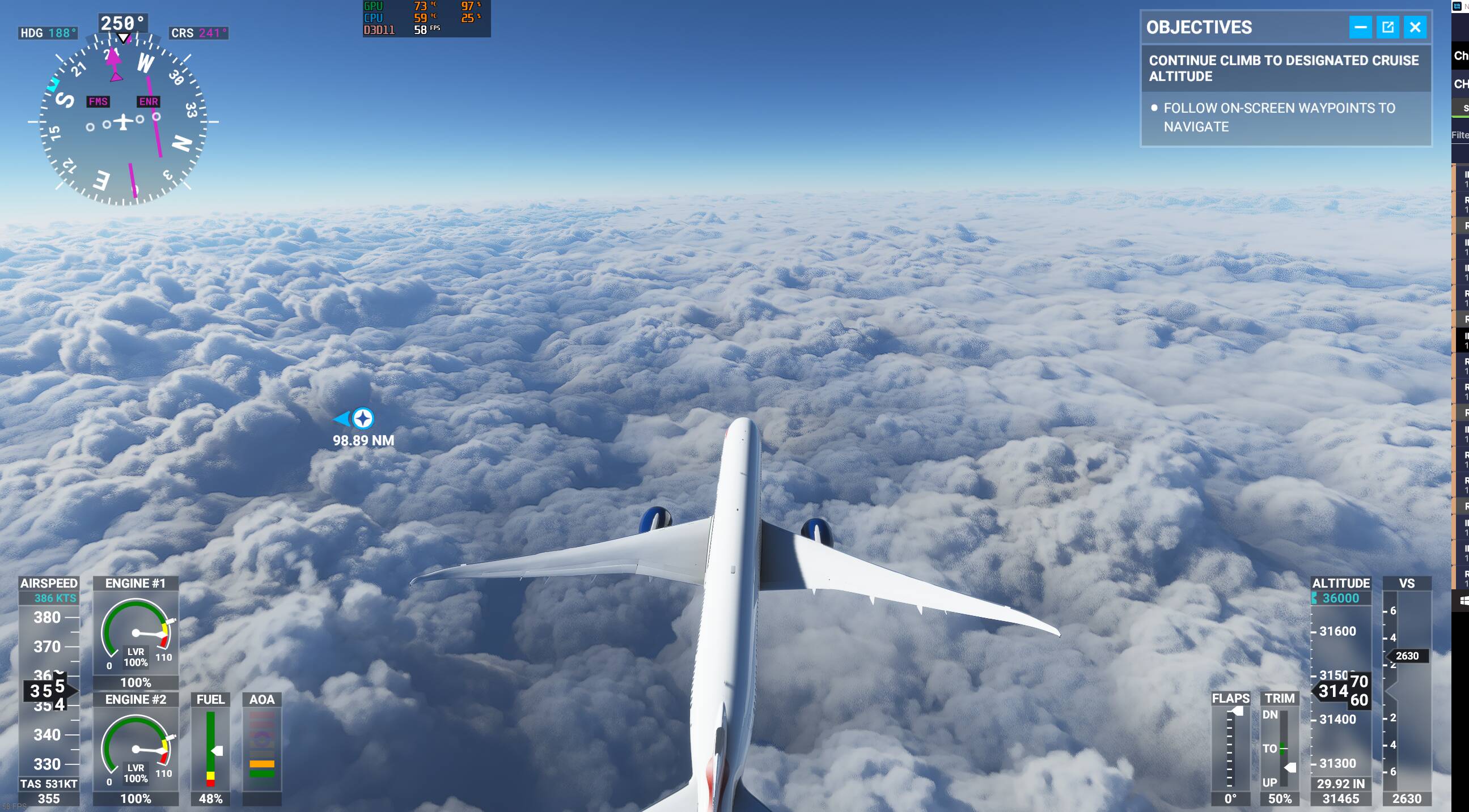
I have I-9900k with 32gb Ram and RTX 2080 super with AOC gaming monitor 32G23 (2560 *1440) 2K yet bad pixels. Please help
This topic was automatically closed 30 days after the last reply. New replies are no longer allowed.
I turned off: image sharpening and film grain in the UserCfg file of the simulator. The file is found in ‘LocalCache’ folder of the simulator. I also made sure that Volumetric lighting is set on =1 and volumetric lighting quality is set =2. I am using a ‘naked’ stripped down version of the very latest Nvidia driver which I am having great results from in terms of great looking graphics.
Check out my clouds here, they look fantastic now …
Charles
3 Likes
STILL have pixelated clouds on HIGH and ULTRA with the latest release today. Was supposed to be fixed?
2 Likes