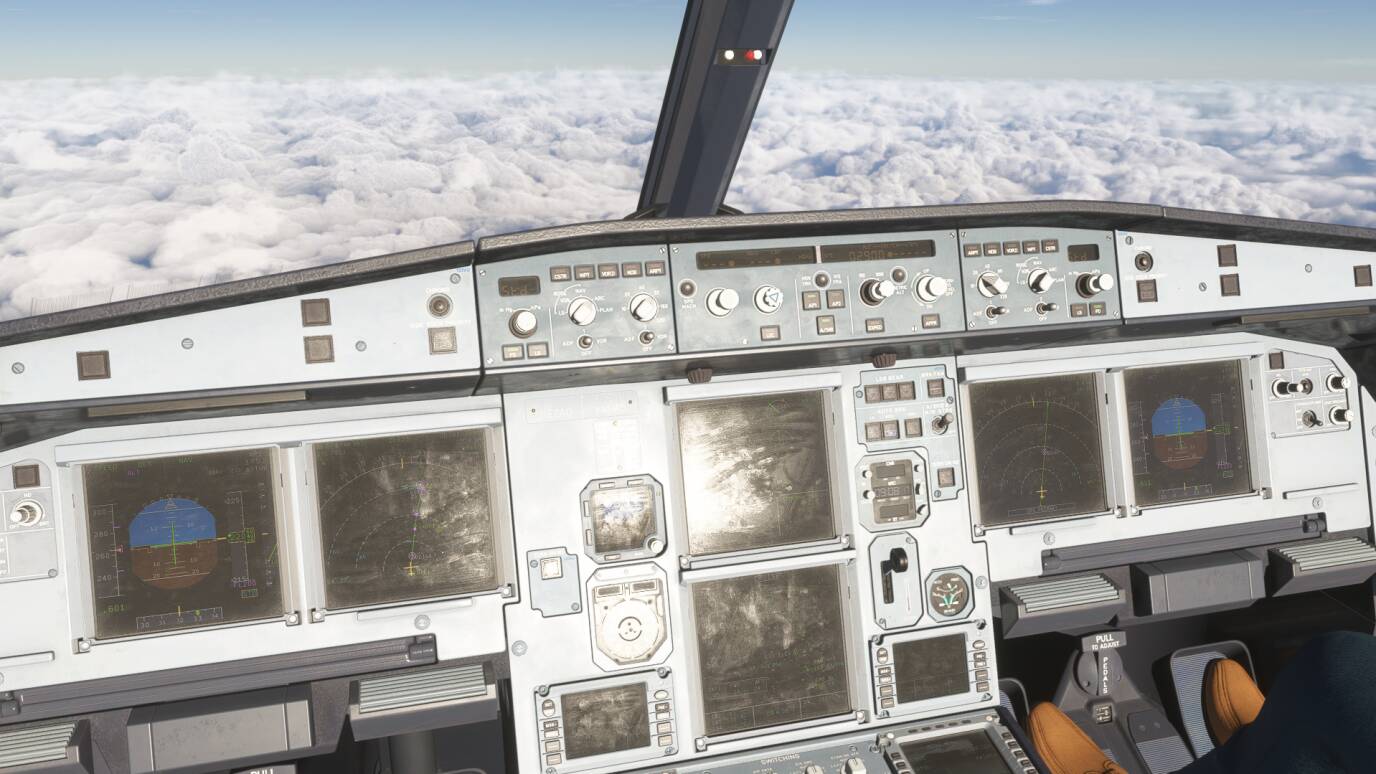
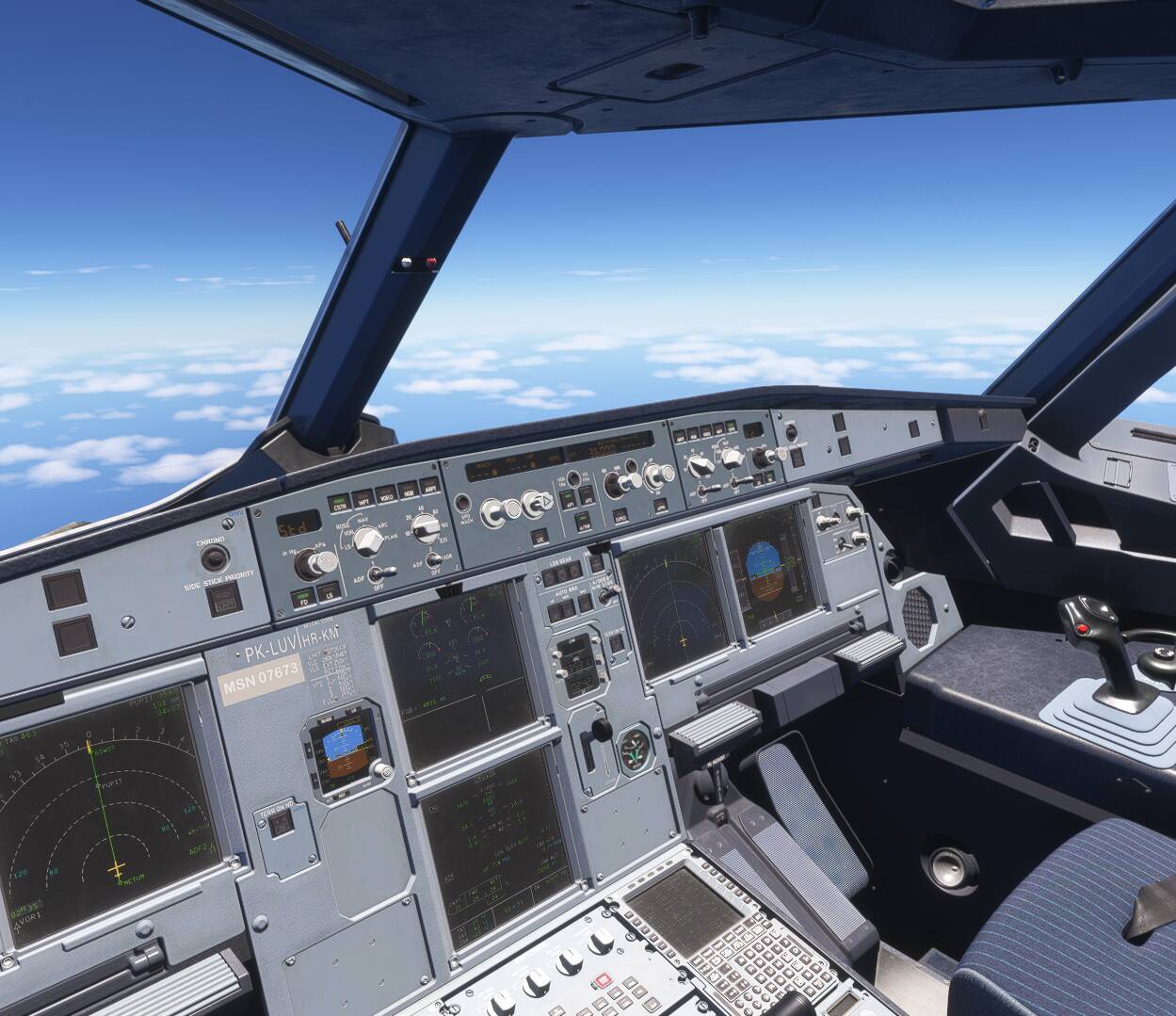
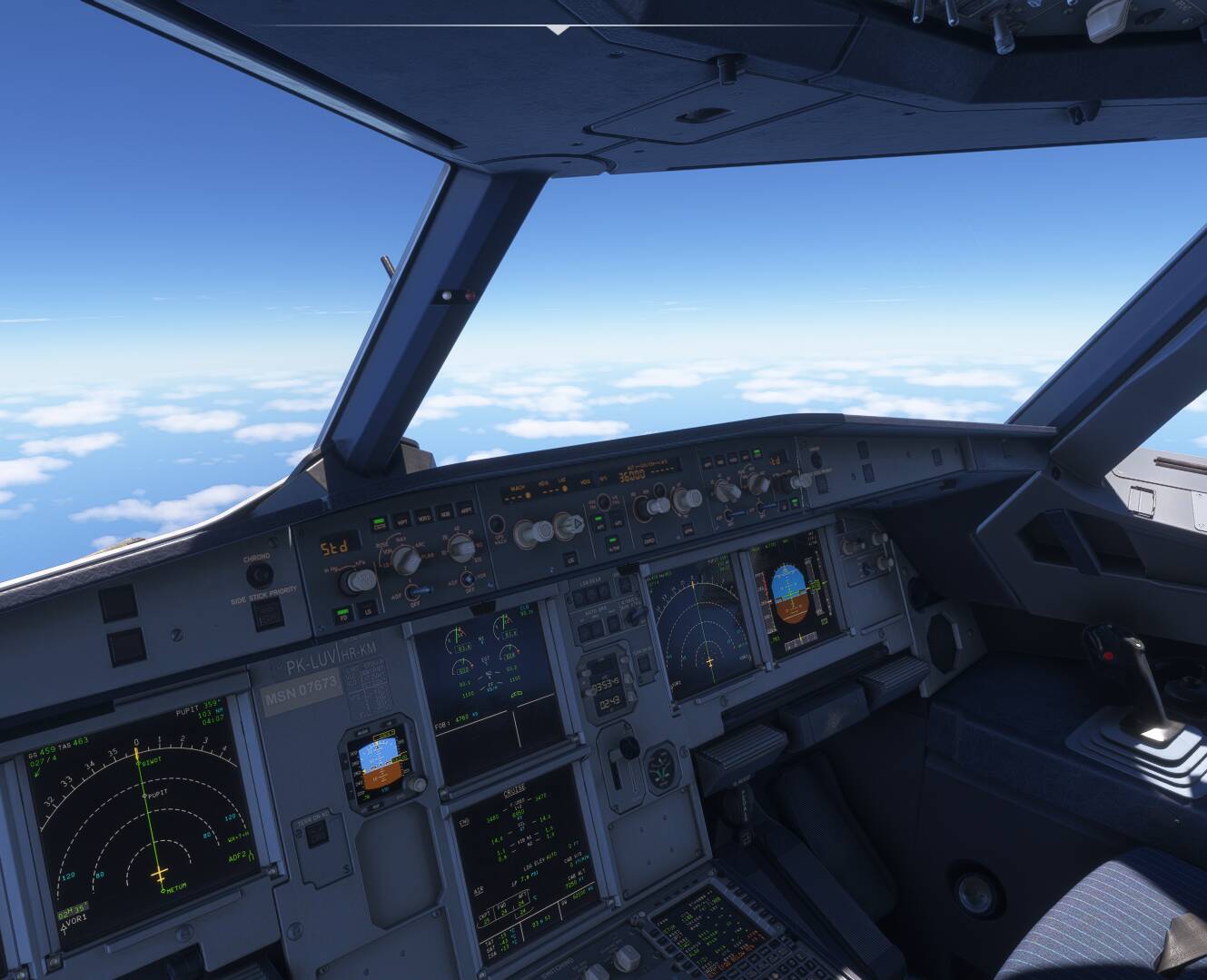
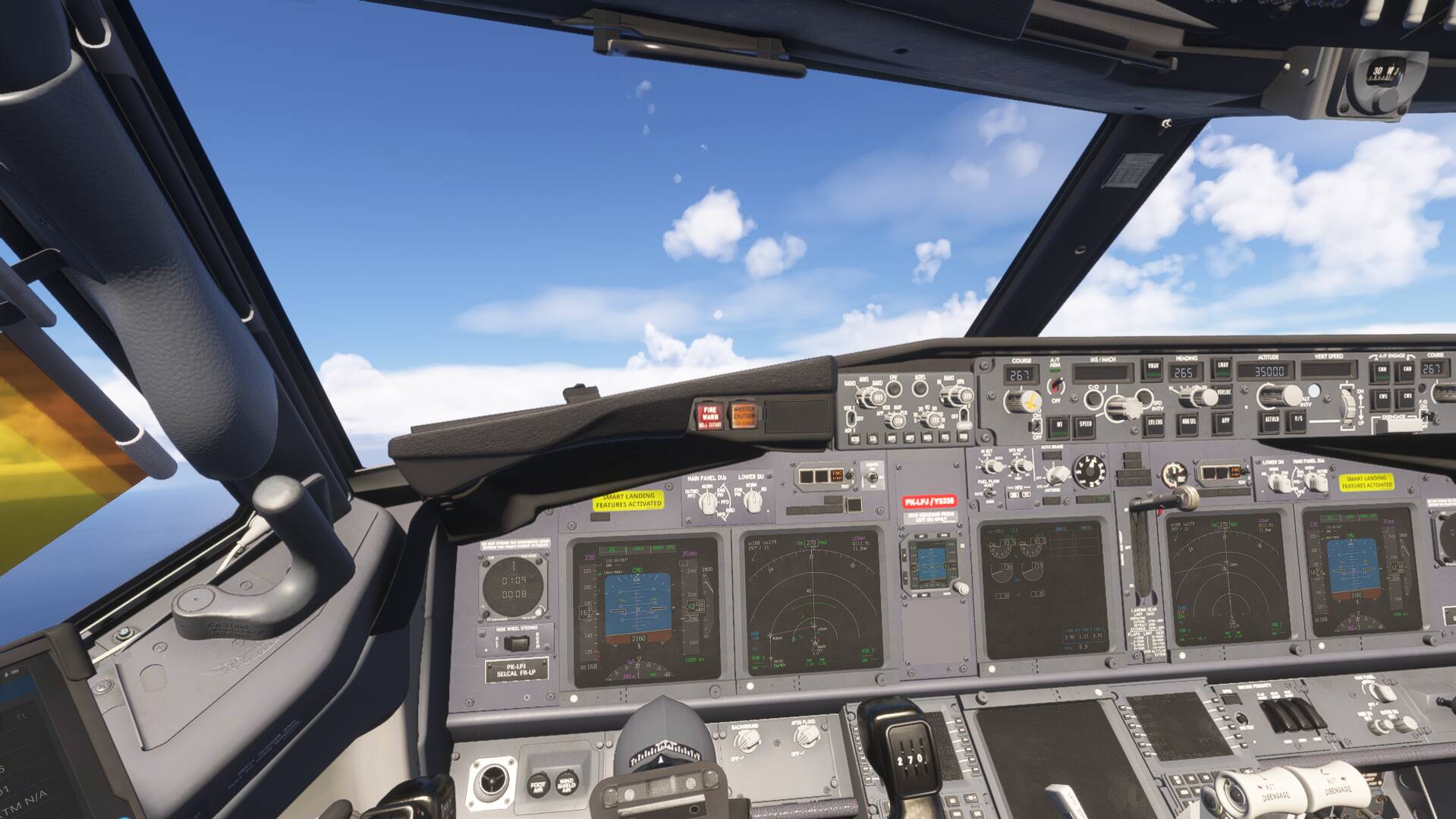
Sometimes when I am flying my planes, like iniBuilds A350 or PMDG 737 the plane suddenly turns bright all of a sudden for a couple seconds then it turns back to normal like nothing happened. This is very strange. I am using the latest AMD 26.1.1 drivers.
FREQUENCY OF ISSUE
How often does this occur for you (Example: Just once, every time on sim load, intermittently)?
Not many times, in my experience it has only occured twice for me so far, however I did install the new AMD 26.1.1 drivers recently. (I have looked back at my Discord msgs and have confirmed that it occured before i installed the new drivers so It is not a driver issue)
REPRODUCTION STEPS
Please list clear steps you took in order to help our test team reproduce the same issue:
Use latest AMD driver 26.1.1 and use my same pc specs
Fly some planes like iniBuilds A350, PMDG 737
YOUR SETTINGS
If the issue still occurs with no mods and add-ons, please continue to report your issue. If not, please move this post to the User Support Hub.
What peripherals are you using:
Winwing Ursa Minor
Thrustmaster TCA Airbus Throttle Quadrant
Logitech G923 (connected to PC but not used for flight sim)
[PC Only] Are you using Developer Mode or have you made any changes to it?
No
[PC, MSFS 2020 Only] Are you using DX11 or DX12?
[PC Only] What GPU (Graphics Card) do you use?
AMD RX 9070XT
[PC Only] What other relevant PC specs can you share? PC Specs:
GPU: RX 9070XT and with latest AMD 26.1.1 drivers
CPU: Ryzen 7 9800X3D
MOBO: ROG STRIX B650E-F GAMING WIFI
RAM: 64GB DDR5
Internet speed: 2.5 gbps
MEDIA
*Please add a screenshot or video of the issue occurring.
We’ve moved your post from the Bug Reporting Hub to the User Support Hub so that you can receive community support for your issue. From the description, it seems as though this may be an issue with a specific AMD driver, and not a bug with MSFS 2024.
Hi Chewwy is it possible to move my thread back to bug reports because I have confirmed that this issue was also on the last driver so it is not a driver issue
I’m also facing the same issue on FS24. On almost every single aircraft. I’m running an Nvidia RTX3080. It is unlikely both NVIDIA and AMD are affected no?
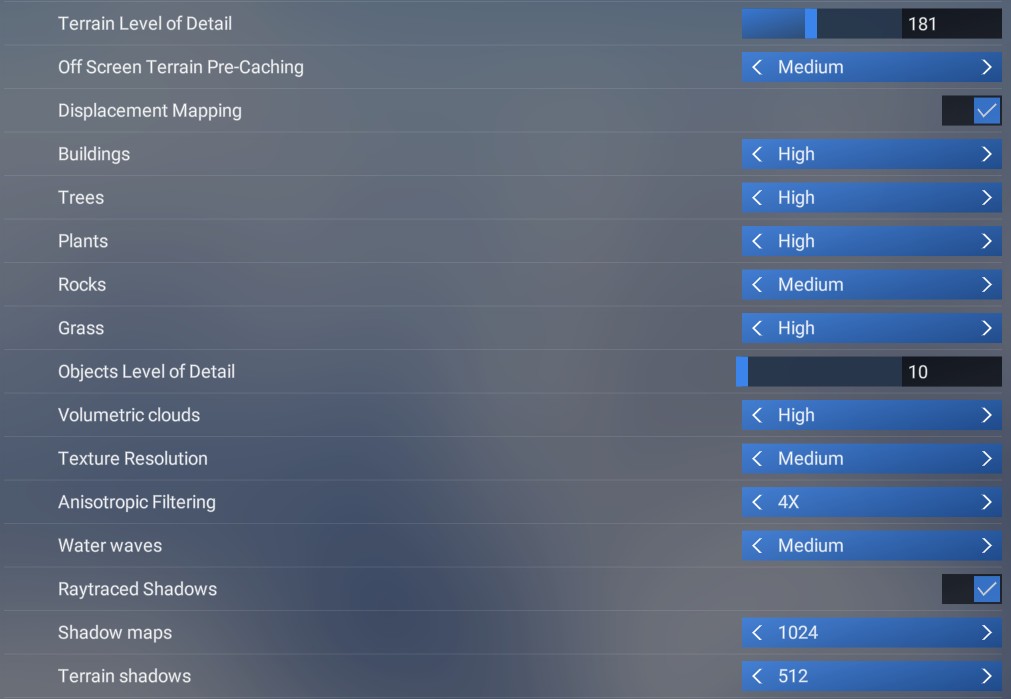
Ray Traced Shadows is set to on
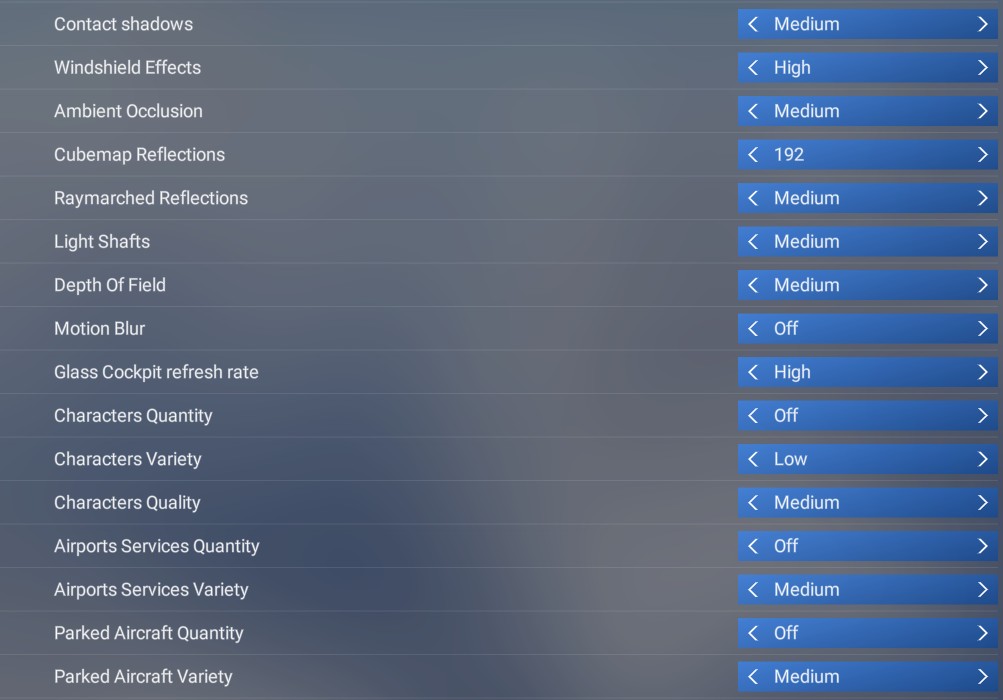
Light Shafts Medium
Driver version 591.86, which is the latest at the time of this writing.
So far, no tweaking on the graphics settings helped for me. Only thing that makes it goes away is moving my camera. Couldn’t find a way to replicate this issue, sadly.
Would appreciate any help / advice from the community!
(P.S not sure if this helps but I also use Active Sky FS, reverting to the default weather engine also doesn’t fix this issue).
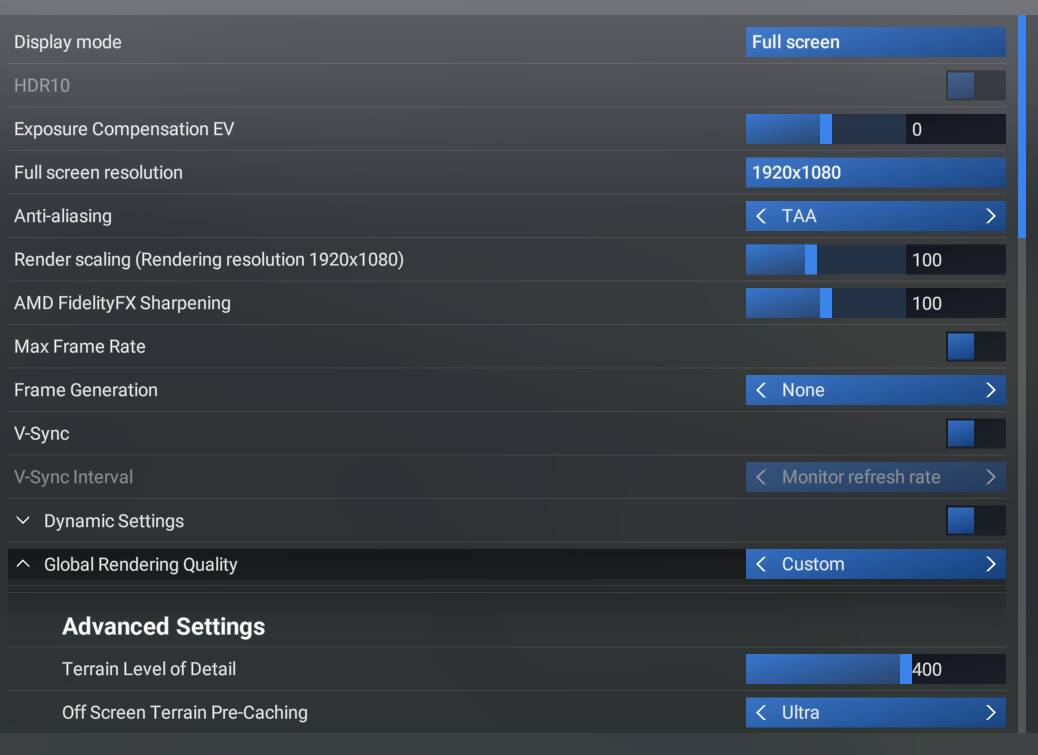
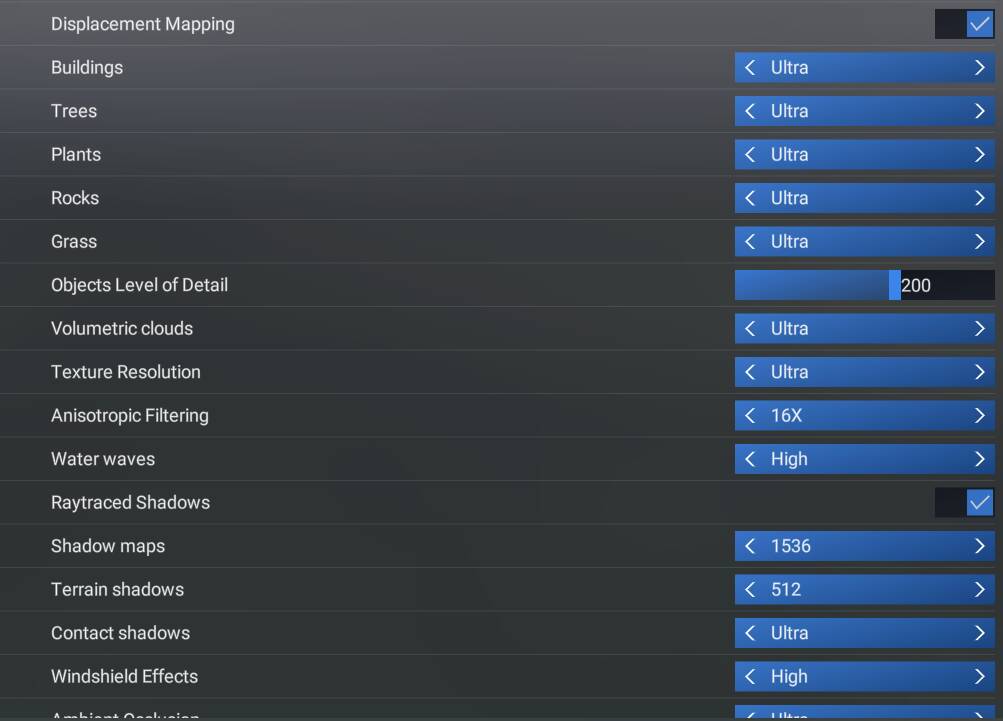
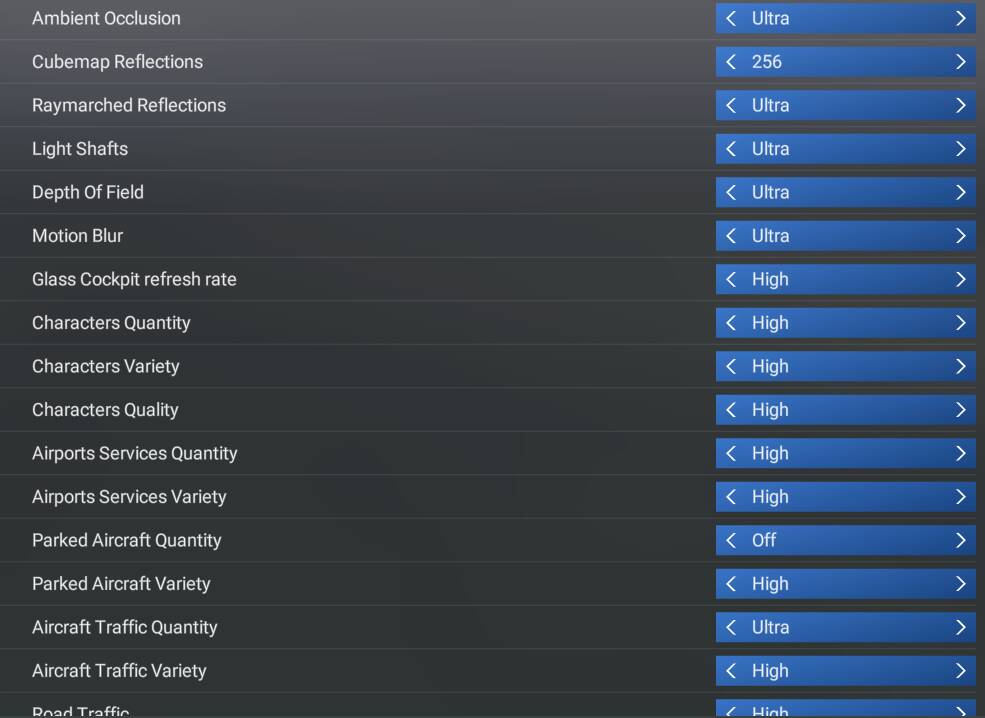
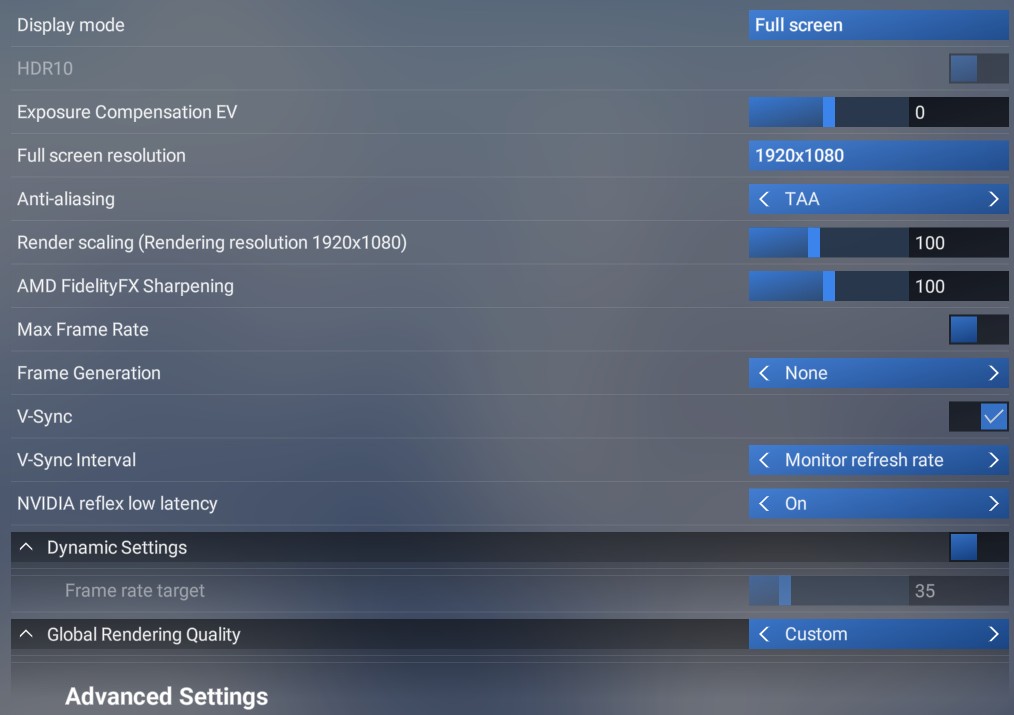
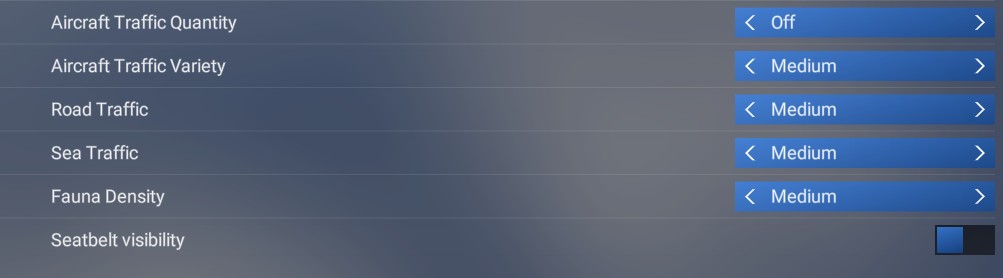
It looks like you forgot to include screenshots of all your MSFS graphics settings as well as your GPU driver settings if you’ve made any changes. Could you please provide those?
Hello. Any chance this thread be considered as bug reporting? We’ve established that this doesn’t only happen to AMD users, and happens on all aircraft, including default aircraft.