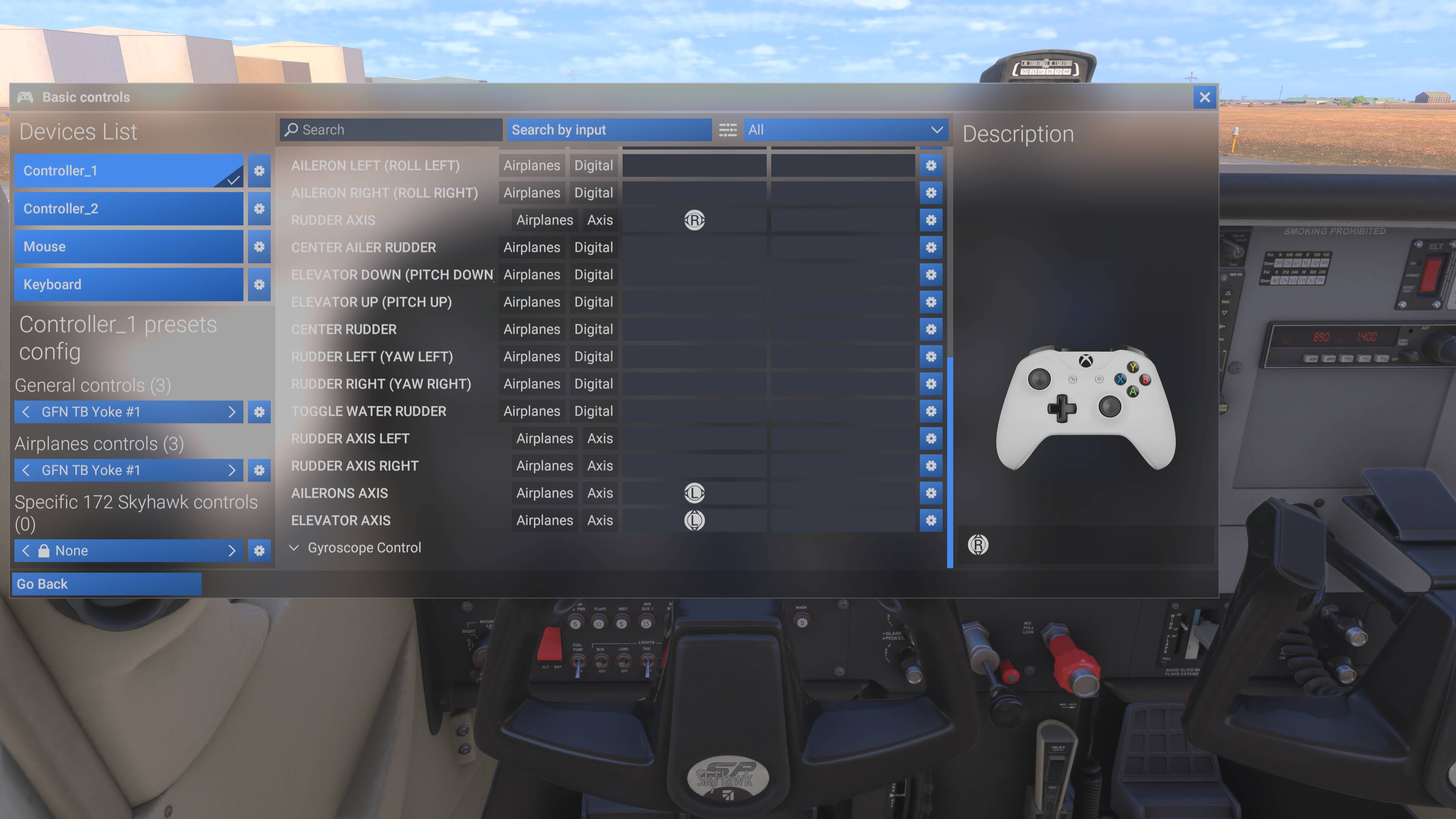
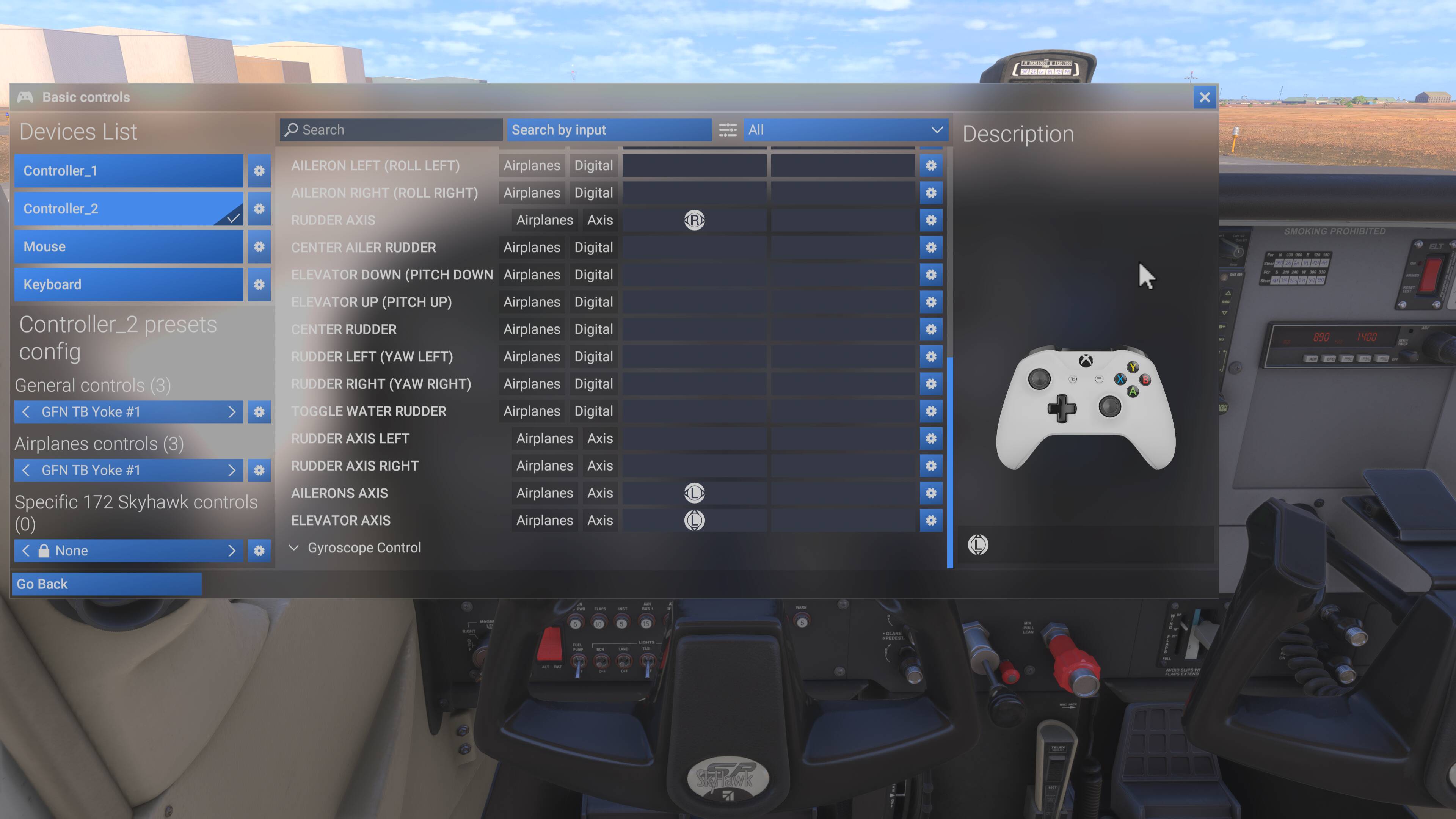
Thanks for the suggestions. But first of all, this is on Xbox (although it does the same thing on PC). So there’s no saving anything to folders.
Secondly, yes, I could make separate profiles for each controller, but you can only have one profile active at a time (within its type). I need to be able to use both controllers at the same time, each with its own unique commands.
I only used Xbox controllers as an example here because that would be the easiest way to duplicate the problem. Perhaps if I explain what I’m really trying to do it will make more sense.
I’m streaming the sim from Nvidia’s GeForce Now. I have a Turtle Beach VelocityOne yoke and rudder pedals. GFN doesn’t natively recognize the Turtle Beach controls, so I have to use XOutput to make them emulate an Xbox controller. In doing so, I’m limited to only the number of inputs a controller has, ie. 2 sticks, a d-pad, triggers and some buttons.
This works great for what it can handle, but the TB yoke has many more levers and buttons than can be mapped to a single controller. The only axes I can map are ailerons, elevator, rudder and throttle. There are no more analog inputs for brakes, flaps, propeller or mixture (the triggers are another issue, basically unusable).
So what I’m trying to do is map all of those to a second controller, using the same analog stick inputs as I used for the first controller, but now mapped to different commands.
So for example, on Controller 1 the left stick x-axis is mapped to ailerons. On Controller 2, the left stick x-axis is mapped to the left brake. If I set this up by mapping the controls after starting the flight, it all works fine.
But as soon as I end that flight and begin another one, every mapping shows up on both controllers. So if I turn the yoke to move the ailerons, it also applies the left brake and vice versa.
I have literally spent around 30 hours fiddling with this, using every mapping tool I can find, XOutput, Joystick Gremlin, vJoy, and some I can’t remember the names. I tried every possible sequence of setting, saving, starting and stopping, disabling and enabling inputs. The behavior is always the same.
So out of desperation, I decided to simply connect 2 controllers to my Xbox at the same time and see if it still does this. No mapping utilities, add-ons or anything else in the mix. Just 2 controllers. Lo and behold it does the same thing, so the problem is inherent within the sim itself. I wish I had tested this first.
Digging around I found a thread discussing this, and it said it had been bug logged. But the thread was closed and I couldn’t find any list of bugs that included this, so I opened a new bug report.
Surprisingly, that thread said this worked properly in 2020. Unfortunately, I cancelled Gamepass and purchased 2024 outright, so I no longer have 2020 available to try. If I did, I might just settle in and use it until support for the TB yoke gets added to GFN or Asobo fixes this.
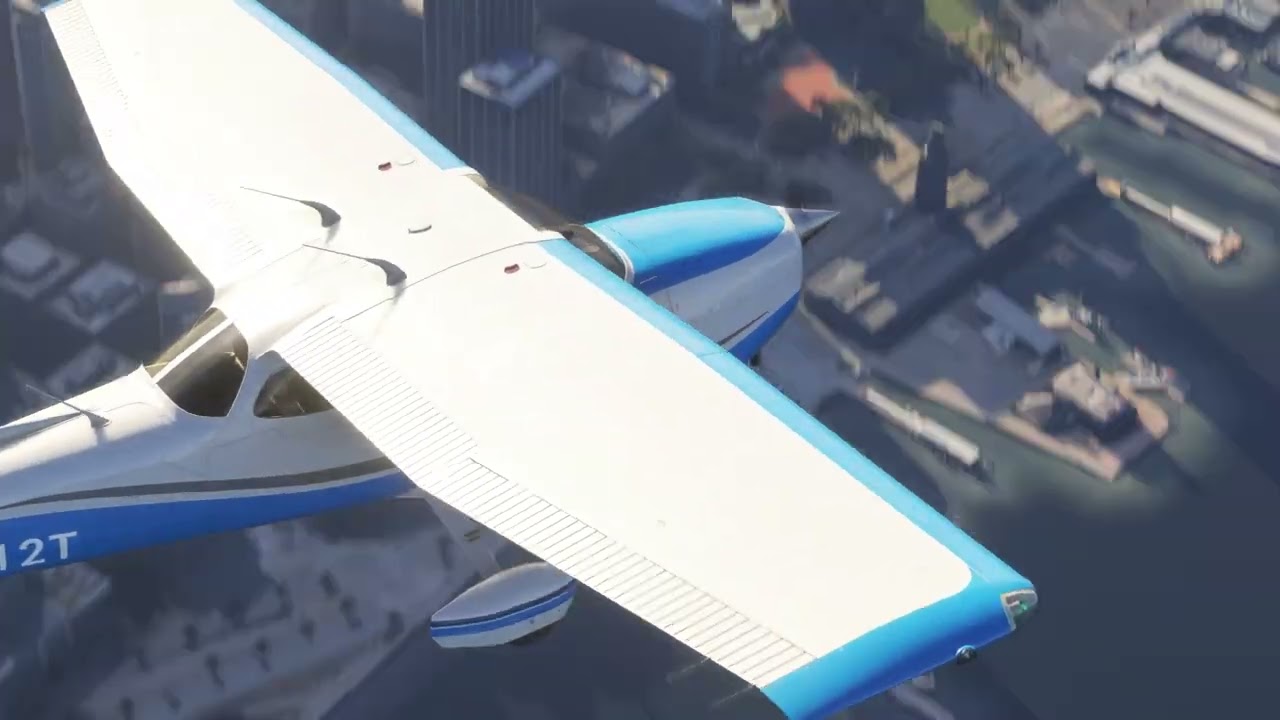
For those wondering why go to all this trouble when I already have an Xbox X where my peripherals all work properly - streaming from GFN LOOKS AMAZING! I’m running everything at 4K UHD, 60 FPS, all settings to Ultra and LOD 400. It is buttery smooth and any pop in is nearly imperceptible. So it’s worth all the work.
Here’s the closed thread where this was reported earlier: Assigning Profiles to Joysticks Not Saved (same bug with 1.2.7.0 and 1.2.8.0 !) - #10 by Rushman4959
And here’s a video I captured streaming from GFN.