Hey everyone, maybe someone can help me.
Since this afternoon I’ve been having an issue with my MSFS 2024. It got stuck during loading, so I started it in Safe Mode. Since then, every time I launch the simulator, it creates a new Community folder, and my old one with all my add-ons is no longer being used. I have checked the path and seems to be correct.
Does anyone know how to fix this?
Thanks,
Massimo
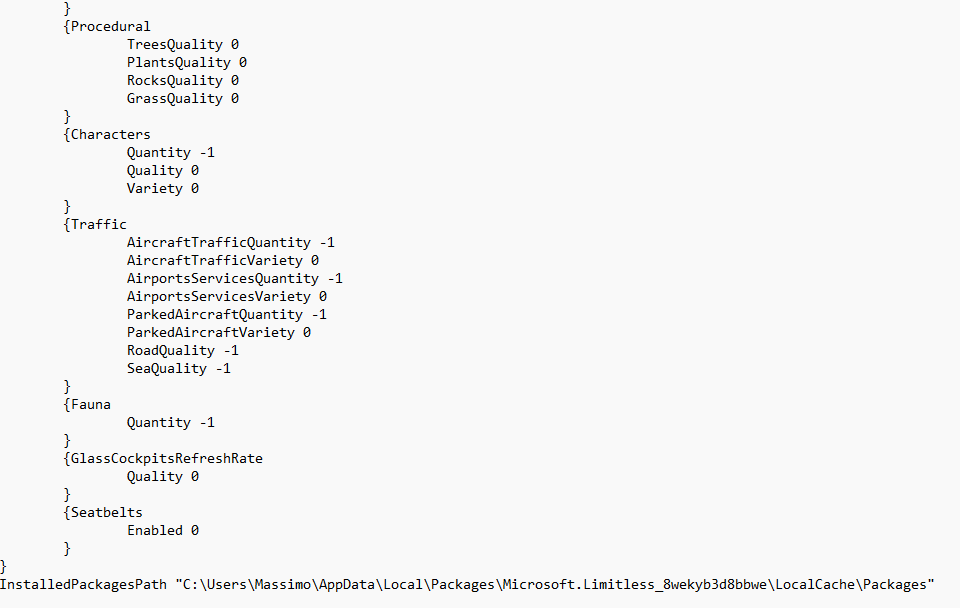
Could you please share a screenshot of the last four lines UserCfg.opt file?
The path you see in the InstalledPackagesPath line is also the standard location for your Community folder - it’s the default directory MSFS uses.
So the question is: is your Community folder with all aircraft and scenery actually located inside that path, or do you have it stored somewhere else on your drive or partition?
It’s installed in the same path, yes
If your Community folder is inside Packages fodler, then that’s correct - your aircraft, airports and other add-ons should normally be there.
However, something may have gone wrong: MSFS can sometimes create a second Community folder inside the original one, which ends up empty. If that happens, the simulator will load that empty folder instead of the one that actually contains your add-ons.
So, check if inside Community folder there is another Community folder.
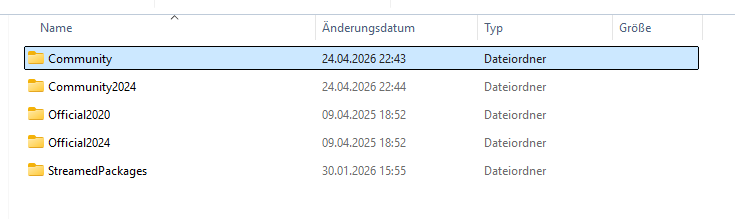
If I start MSFS it will create a new one outside from the Community folder, see below
From your screenshot everything looks fine.
MSFS 2024 actually creates two folders:
Community and Community2024
You should install your add-ons into the Community folder, not the Community2024 one.
The only exception is installers that automatically detect and select the Community2024 folder - this can happen now or in the future if a specific add-on is designed to work exclusively with MSFS 2024.
But why I all my addons are not showing anymore in the sim? I never had this issue, since starting of today. What shall I do?
From the screenshot it looks like the Community and Community2024 folders were created recently for some reason.
Because of that, your original Community folder might now be empty.That would explain why nothing is showing in the sim.
what do you recommend to do now?
Open Community folder and check what’s inside.
If it’s empty, then something likely went wrong and your add-ons were removed, so you’ll need to reinstall them.
If there are still folders/files inside, then just post a screenshot of the Community folder here.
Community folder 2024 it’s empty
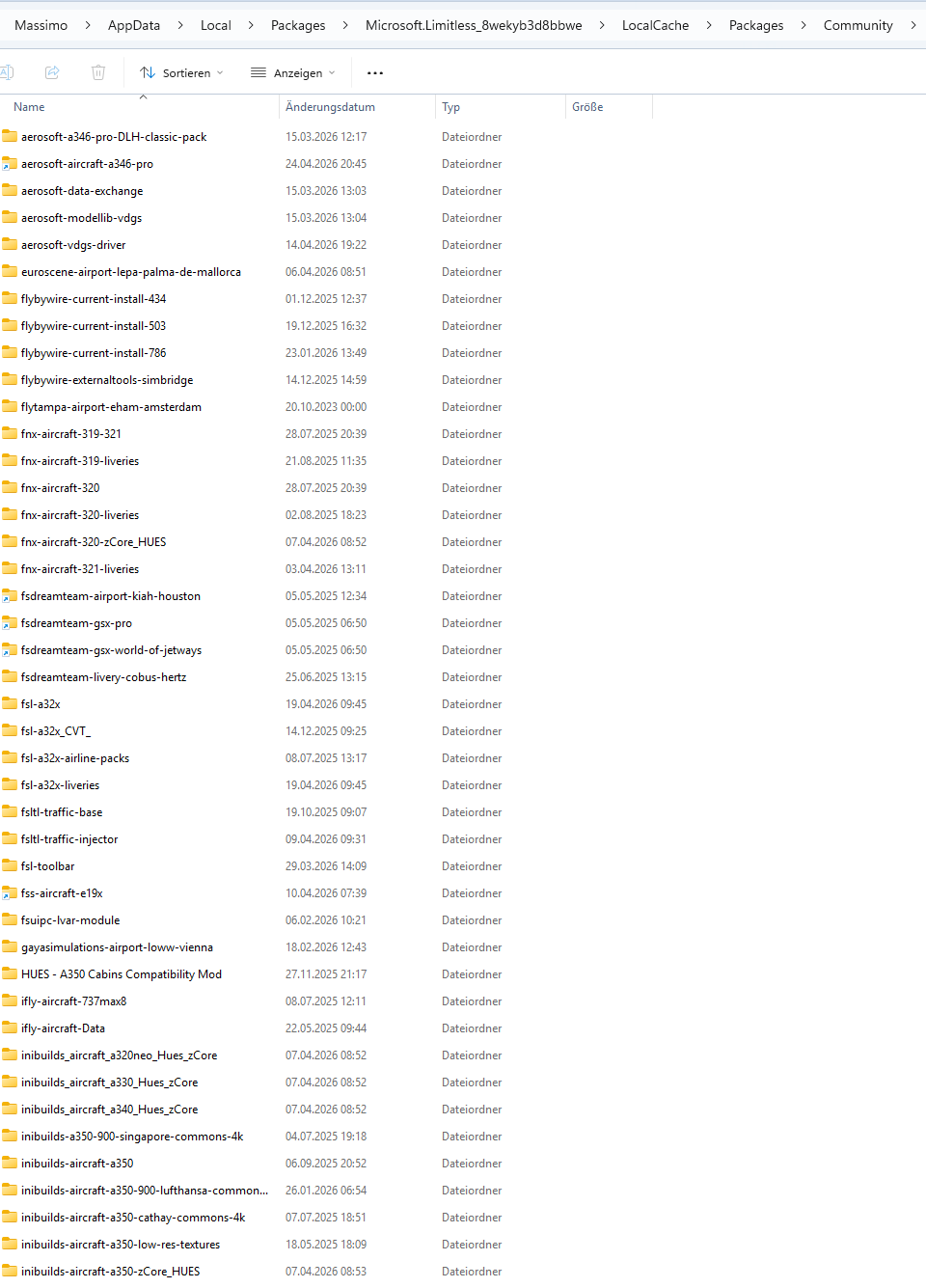
Community folder has the installed add-ons
From the screenshot everything looks Ok.
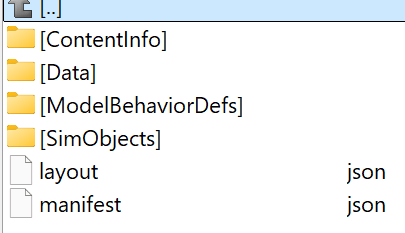
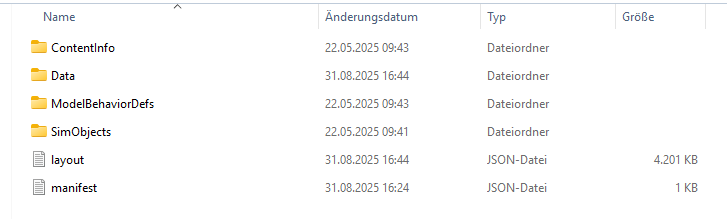
But just to be sure, please open the ifly-aircraft-737max8 folder inside your Community. It should contain multiple subfolders and files, similar to what I’m showing in my screenshot below.
Please confirm whether you see the same structure there.
Everything looks fine, so it should work as expected.
Restart PC and when launching MSFS, if you get the option to start in Safe Mode, do not select it - just launch MSFS in the standard way.
The problem is that MSFS is not asking anymore Safe Mode - it’s start and then a new community folder will be create everytime.
? How exactly is it creating a new Community folder if you already have one in place? Windows normally doesn’t allow two folders with the same name in the same location.
it add the name 2024 as per below on the screenshot, but the folder 2024 is empty.
@FONM9488 something doesn’t add up here. The thread is tagged as Steam, but the path we’ve been discussing matches the MS Store ver.
On Steam, the Community folder is usually located in a completely different directory.