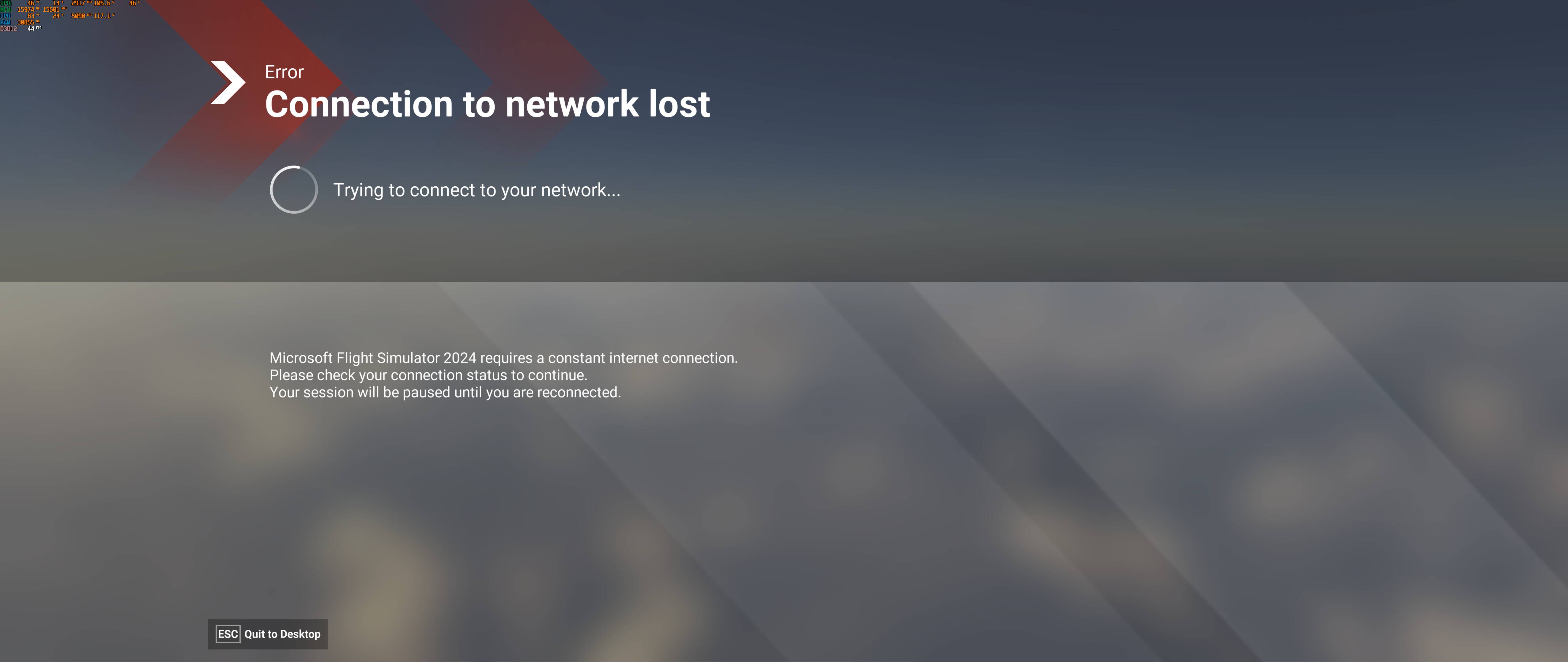
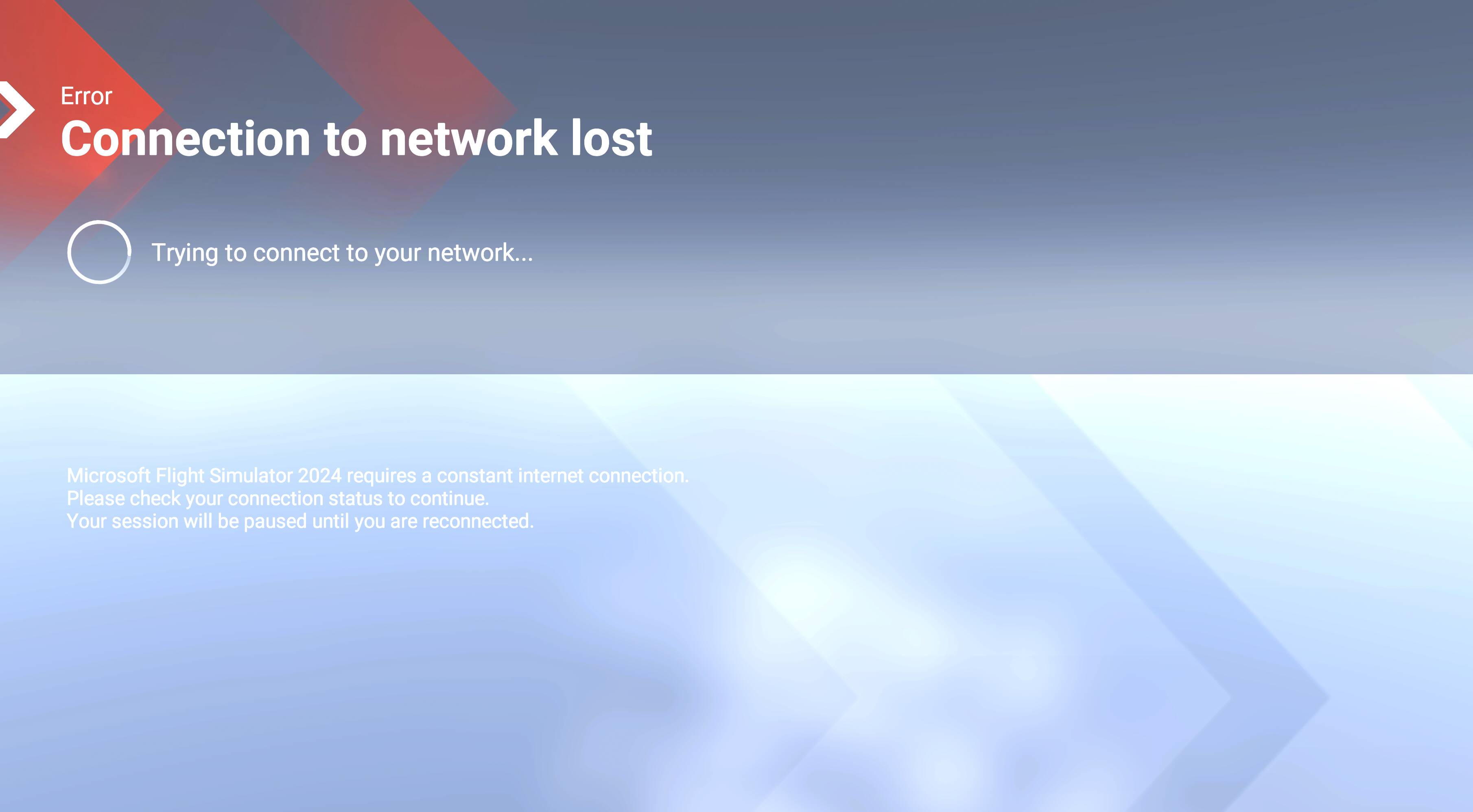
Connection to Network Lost never unpauses or recovers

ISSUE DESCRIPTION

Description of the issue: If I have a temporary disruption to my internet connection, MSFS pauses and explains Network Connectivity is lost which I understand is normal. However, when that internet connection returns back the sim never acknowledges it has internet connection again. It explains in the message that it will remain paused until I get internet connectivity back. This results in having no choice but to quit the flight (I’ve left it two hours in the past)

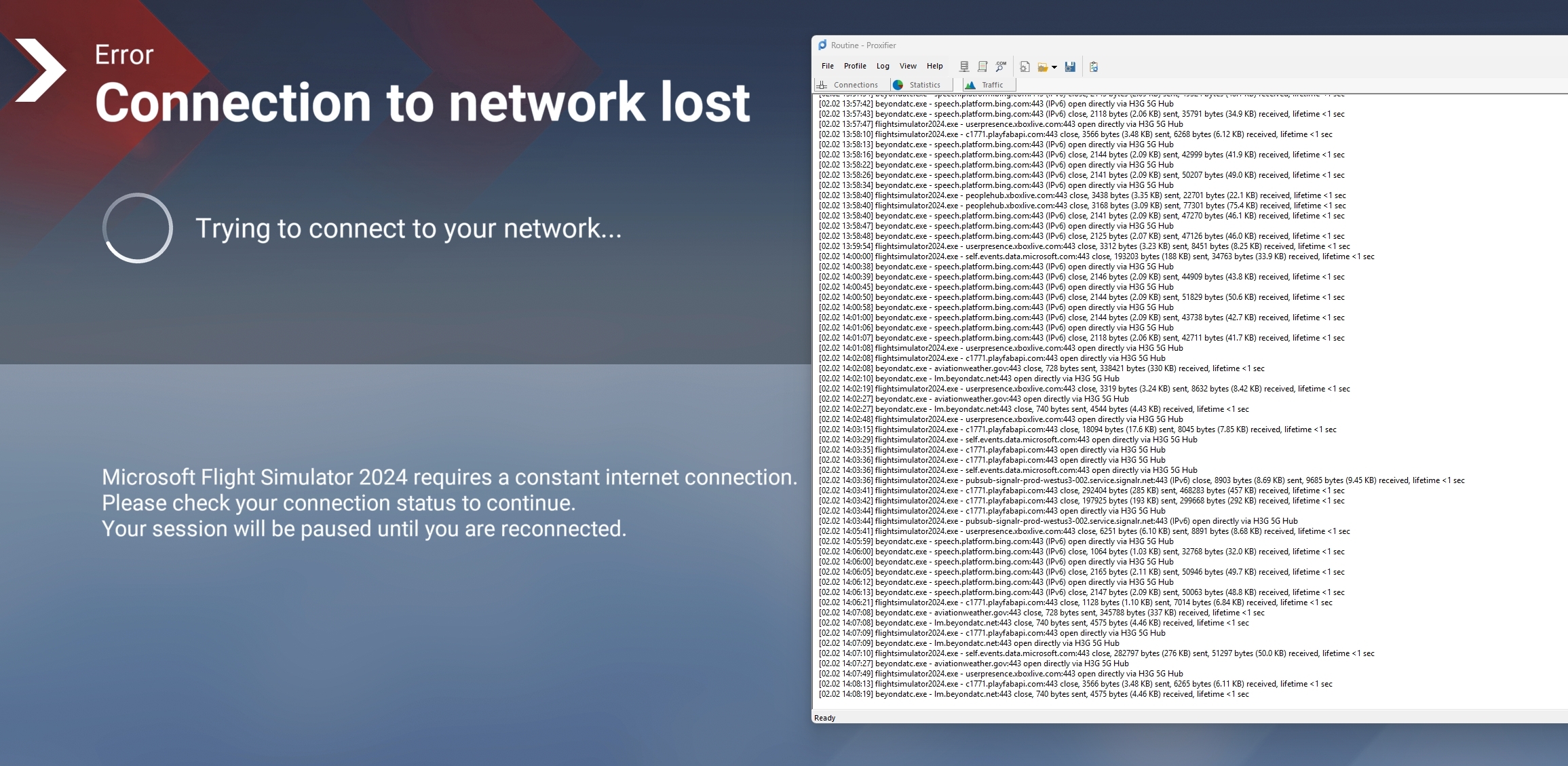
Monitoring the network activity of flightsimulator2024.exe I can see it makes a number of regular calls to userpresence.xboxlive.com, c1771.playfabapi.com, peoplehub.xboxlive.com, and numerous others which are clearly related to Microsoft, Azure, Xbox and similar services. When the internet drops I see some of these fail and is when the messages of instability and ultimately the connection lost. When my internet restores (sometimes it’s only 1-2 minutes offline) I see these requests continue to return with a 200 response and a data playload return, which confirms internet connectivity is back. Other applications using the internet also work as normal after the internet is restored. It is only MSFS2024 that seems to think the internet is not active, despite it receiving data from the internet.

I have attempted switching between ethernet and wireless (wifi), restarting my internet router, using my phone as a hotspot, disabling firewall on Windows. I have no third party anti-virus or firewall.

Everything on my computer continues to work as normal once my internet is restored from what is usually a very brief outage, except for MSFS2024.

FREQUENCY OF ISSUE

How often does this occur for you (Example: Just once, every time on sim load, intermittently)?

This happens everytime when my internet drops out during a flight. It’s a point of no return once I see it.

REPRODUCTION STEPS

Please list clear steps you took in order to help our test team reproduce the same issue:

  1. Have internet connection drop out to trigger the warnings associated to an unstable internet until eventually the sim pauses with the display “Connetion to Network Lost”

  2. Restore Internet connectivity

  3. Connection to Network Lost window never goes away or unpauses despite a positive internet connection

YOUR SETTINGS

If the issue still occurs with no mods and add-ons, please continue to report your issue. If not, please move this post to the User Support Hub.

What peripherals are you using:

[PC Only] Are you using Developer Mode or have you made any changes to it? - No

[PC, MSFS 2020 Only] Are you using DX11 or DX12? N/A

[PC Only] What GPU (Graphics Card) do you use? 4090 Aero OC

[PC Only] What other relevant PC specs can you share? 7800X3D, 64GB DDR5 RAM

MEDIA

This image shows the network activity in front of the message. Failed connections would be in red, those in black are good responses to the online requiests; as you can see connections to BeyondATC’s engine is working fine with data returned, as are the periodic connections to MSFS 2024 endpoints, also returning data or a response. It seems MSFS2024 does not pull itself out of this state when it should be?
Can replicate, I have noticed the same.

same here. pretty annoying!

edit: found two workarounds just now.
Method1: Enable dev mode, Tools → Web view profiler → click the checkbox near the notifications.html?type=POPUP|MESSAGE|OBJECTIVE|… → Shutdown selected. The downside is that u can’t return to main menu anymore. since the popup menu is also disabled.

Method2: launch CoherentGT Debugger, navigate to the page uri above, then refresh the page.

How do you get into dev menu from when you’re on this?

Encountered the same and am furious about it.
I do not believe one can go into main menu while it happens, has to be done beforehand

Same issue tonight - tried to also switch to another WIFI and it froze the sim.

Same here, after losing internet connection for 1 minute, my connection came back and the simulator continues to display the error message. There is no way to return to flight. I have no choice but to restart MSFS24, which is very annoying

Same thing happened. Wasn’t able to continue my 8 hour flight…

Same issue here, but my network goes down, it stays steady - i just get a random “network unstable” message then get the connection lost screen and it never “reconnects”.

AsoboReport-Crash-3062796188.txt (45.1 KB)

Me too bro, I don’t know what happened, I fly ten hours flight it just say network connection lost and stuck there. Only thing I can do is to quit to desktop

Same problem for me, it never reconnect

ISSUE DESCRIPTION

Description of the issue: Temporary loss of internet connection triggers the “connection to network lost” screen, and the user can’t resume the sim or get rid of the error screen after the internet connection is restored. Therefore, we have to quit the desktop and re-launch the sim…This is extremely annoying, especially during an unattended long-haul flight or at the final stage, as you will lose all your progress.

Please, Asobo, if you are willing to make internet connection mandatory for your game, at least address the internet-related issues on your end…

FREQUENCY OF ISSUE

Reproducible every time I lose internet for 10 seconds due to either changing different wifi or my router restarts…

REPRODUCTION STEPS

Please list clear steps you took in order to help our test team reproduce the same issue:

  1. Fly

  2. Switch internet/restart router/lose internet for 5 seconds

  3. The error screen will pop up and you can’t get rid of it to resume the flight after internet restored

YOUR SETTINGS

If the issue still occurs with no mods and add-ons, please continue to report your issue. If not, please move this post to the User Support Hub.

What peripherals are you using: irrelevant

[PC Only] Are you using Developer Mode or have you made any changes to it? No

[PC, MSFS 2020 Only] Are you using DX11 or DX12? DX12

[PC Only] What GPU (Graphics Card) do you use? RTX5090

[PC Only] What other relevant PC specs can you share? Can reproduce issue across PCs

MEDIA

Thank you for the bug report.

We have created an internal ticket to see if our team already has this logged, and if not they will attempt to reproduce the issue and create a new bug report. This item is now marked as feedback-logged. If there is an existing bug report or one is created, we will move this thread to bug-logged.

Cannot even start the Sim any more -it stops loading at 97% and nothing seems to help:

Hello , I am not having the exact same issue: Rather mine is quite a bit more insidious. I cant start a flight at all, I get that error message “Connection to network lost” from the get-go. At first the flight would look as if it would start…the “zoom in “ process starts from the globe. Then it seizes at - I am guessing - say- 65000 feet. I hovers and lingers there before the ““Connection to network lost” appears….I tried online servers East Asia / West Europe…same result.

So I moved my community folder to test what will happen with that folder empty.

Then I dont expect that to work but will rather delete it and re install…. wish me luck

Oh Just to mention, I have no real “reliability test” for my internet connection but its optical and on no other services such as steam or any streaming do I have any indications whatsoever of a connection that goes down. I have 14 ms ping consistently. So its as if my ISP has redlisted the MSFS servers. I have no idea….only MSFS giving problems.

Community folder deleted : Same issue. I went to the APP and an option to “repair” got a checkmark there now trying again…I notice load time is high, an indication the software is not connecting to the (Azure?) servers ? Ok its like the bandwidth is nil : When I zoom in on Rygge AFB south of Oslo :

OK so now after “Reset” in advanced options in the App section of Windowns the sim goes through the opening animations and does not complete loading.

I do software testing at work, if this happened there it would be all sirens blaring in the developer department.97% loading inusually long: Log saved it does transmit now : Next step is to delete the whole sh-bang and re install…Should take awhile :smiley: ? Oh at 97% it wont let me quit to dekstop it just stopped there…

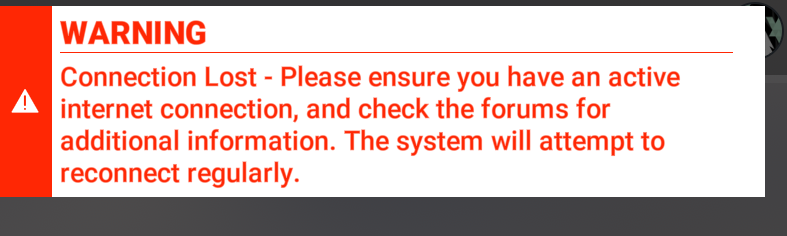
So guess what ? I unistalled the software via APP control panel. I went to the MS store and reinstalled the software ..looked promising loading in 9,62 Gb or thereabouts and lo and behold: Its NOT working at all ! Its not loading up the sim. It stops loading in at 97%. Only difference is its stops loading fast at around 50% and loads incrementally slower until reaching 97% then stops. It just replays all the intro videos that go in a loop. Not getting to start menu’s. Am I happy about this ? take a guess.

image

And I would love to include and upload that “report-loading” something file but it sure doesn’t want to be found anywhere.

I have checked the time settings - all are correct - I have restarted the sim - nothing so far helps. And I have been through countless issues previously with MSFS 2020 all were relatively east to fix but this one seems to “stick” no rebooting or reinstall is helping.

I can tentatively conclude that my PC is NOT connecting to any MSFS server, so why is that? I called my ISP who says several callers have the same problem but he said there are no restrictions, no new policies dictating what I should or should not be able to connect to . So what on earth is causing this ? When I can delete the app, and can download from Microsoft Store to reinstall and it just will not load ?

I get to 97& load and thats it, game over. I have to to load into taskmanager and stop the software it has no option to Quit to desktop

I tried some suggested tips : there is no community folder nor streamed packages folder under the “LocalState” folder…its not there.. so nothing to delete.

At my wits end I guess thats it for me. nor More MSFS for me.

Its NO GO. I can start MSFS 2020 —however it loads slow very slow despite zero community folder. Also as soon as I set up a flight it takes forever to load in and then claims my bandwidth is too low ..when it isnt at all. I have a great optical connection and 14ms ping at worst 17. I re enable Photogrammetry and get a “successfully connected” then failed connection after that…

Then this

But when I go back to play I can tell Phogrrammetry is shut off. This goes in a loop.

Now things are getting worse: I have uninstalled and re installed several times now. same result as above. New development is that the XboX App tells me I dont own MSFS2024 Deluxe version and its also unintsalling MSFS2024 standard which its not completing. Just a side note : I cannot locate any other software or connections or streaming on this PC otherwise that is strange or not working

EDIT : Ohh my goodnesssss : I let the PC rest over the weekend…and what ? I got a different kind of install….and now it works ??? What ? Im happy but I have not the faintest idea why it decided to work …. Well: I do not recall having deleted MSFS2020 but strange enough…I found the icon gone and going to the store I couldnt find it…so it was ALSO reinstalled..but I swear I didnt unintsall it… ok well I am just a huge questionmark at this point and reinstalling MSFS2020 as well. Go figure… :slight_smile:

Just had this issue, very important it gets fixed, not all of us have reliable internet connetivity 24/7/365

This issue also happens for me, in fact it has ruined dozens of flights, many of which after many hours in the air. I’ve had this problem for close to a year.

The internet connection can resume at my end seconds later… and despite this the sim never re-connects. Unacceptable in my opinion…

Thankfully some aircraft add-ons have Autosave functions allowing me to restore my flight once the sim is re-launched, but honestly having to rely on that is insane considering how basic a re-connection logic should be for a sim so reliant on a broadband connection. So frustrating.

Same happened here after SU5. twice in a week. Only msfs thinks network is down. I am on Lan fiber and everything else works perfectly. Very annoying indeed. It never recovers, paused indefinitely

just happened to me SU5. No choice but to exit and quit to desktop. flusheddns. did release renew. disabled card.. reneabled card. nothing.. MSFS2024 will not recover. Internet was down maybe a minute. It has been 10 minutes on my laptop and gaming rig internet browsing works. MSFS 2024 still paused. I went into my router during the outage during that process I saw internet come back (traffic graph started populating again) that was before I did anything. So internet restored on its own.

Add-ons, mods, and other community content are an important part of MSFS and we deeply appreciate the work being done to enhance the sim. However, we do not recommend using any streamed map data add-on to replace Bing maps.

Discussion of the Google Maps mod or any addon that alters licensed data is prohibited in this forum and will be removed. As per this notice, we’ve been instructed to remove these discussions due to the legalities of using such addons in this way.

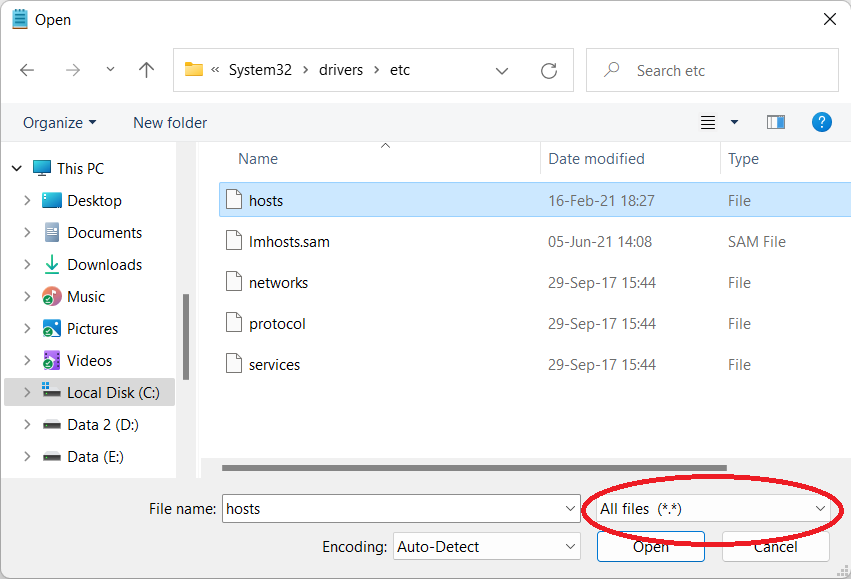
If you’ve had the mod installed at any point, and are now experiencing connectivity issues, please open Notepad as administrator (type notepad in the windows search bar, right click the App, and select ‘Run as administrator’), from there, open up the hosts file located in C:\Windows\System32\Drivers\etc . Be sure not to filter on *.txt, otherwise the file won’t show up.

Look for the following two lines, and delete them, then save the hosts file (don’t add a file extension like .txt):

127.0.0.1 kh.ssl.ak.tiles.virtualearth.net
127.0.0.1 khstorelive.azureedge.net

Please keep in mind that add-ons, mods, and other community content are not official Microsoft Flight Simulator products and may cause issues with MSFS.

Not sure what was said in respect of the bug report to trigger the above. But can confirm my hosts file has no modifications impacting connectivity to Microsoft services and never used the modification it refers to when my connectivity issues in the sim.