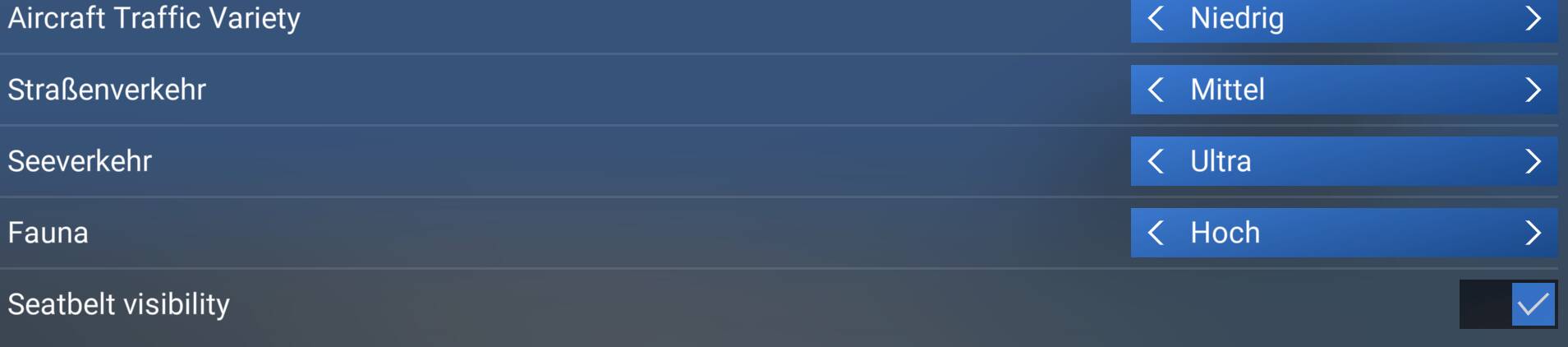
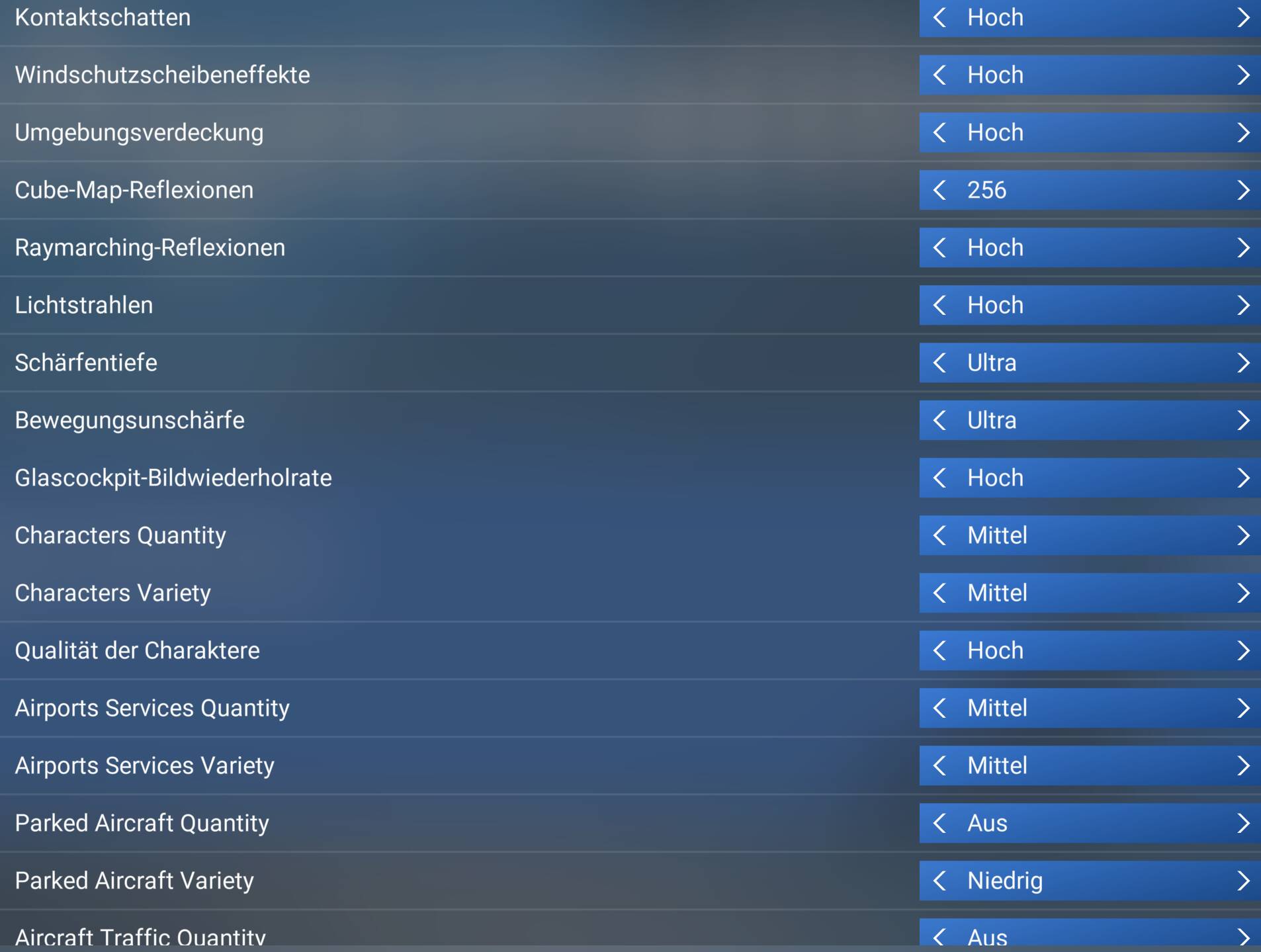
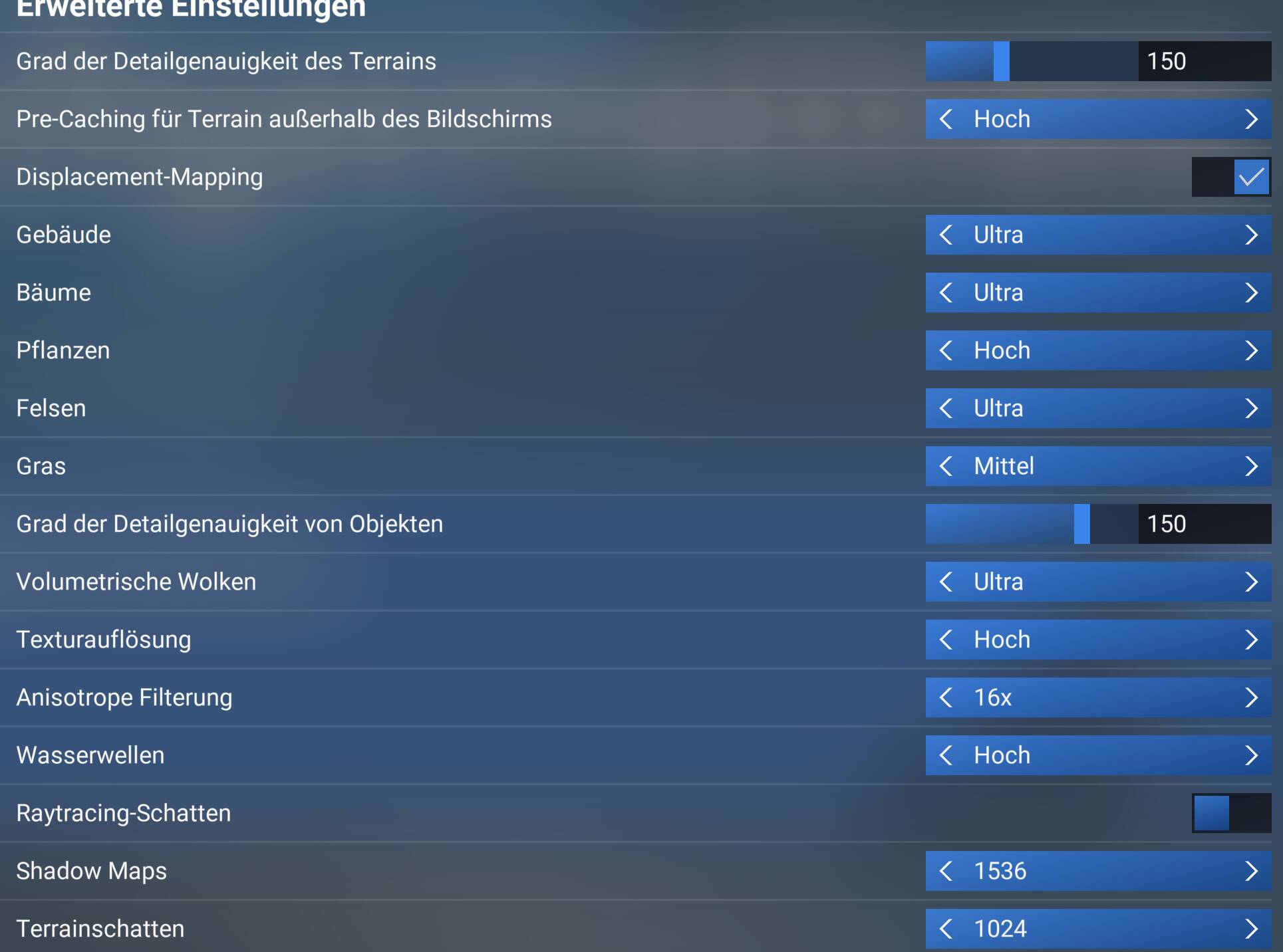
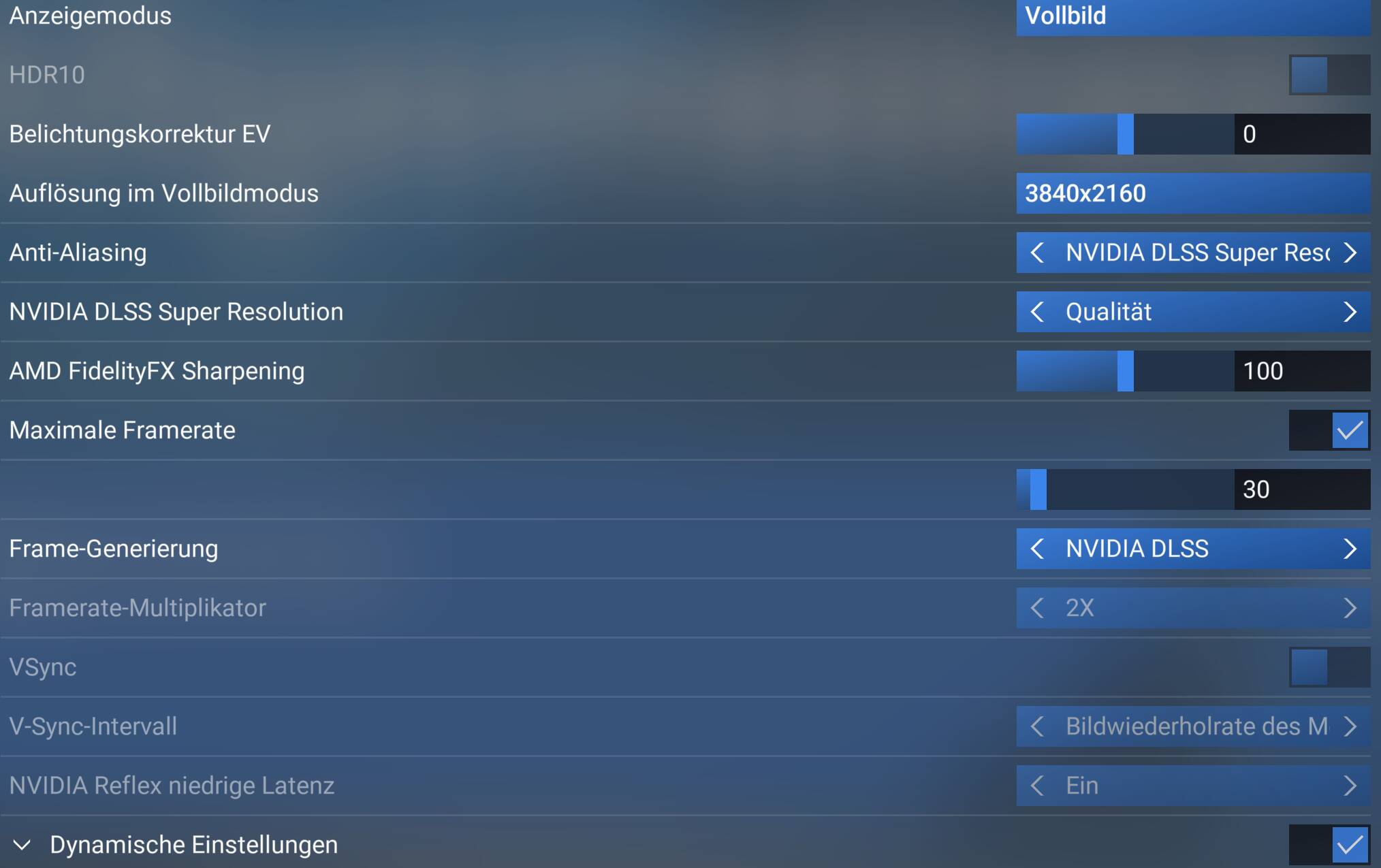
Funny as I am also suffering this, what I have noticed that if you use FS2crew and the window is open and you select that window over the top of Msfs the flickering stops, as soon as you click on Msfs again the flickering starts. Mostly at night mine is noticeable.
I had a long flight in the default A321LR with landing at multiple airports (ROAH→RJBB→RJAA), at RJAA just after parking at the gate the DLSS stuttering problem appeared, together with flickering textures. When panning the camera it appears like every other frame is displayed in the wrong order. Disabling DLSS fixes that issue, and unlike SU3 where the FPS would almost always be in the single digits at that point, in SU4 I still get 20-30 fps at 4K resolution with DLSS off. Ryzen 7 5800X / 32GB RAM / RTX 4070 Ti SUPER
That’s again not what this thread is about. Your issue is about Framegen.
This thread is about shadows flickering in a pink-ish color and it happens independently from graphics settings and has nothing to do with Framegen either.
Weird that the changelog has nothing about a fix. It’s like they didn’t acknowledge or find the cause of it, so who knows it might reappear in the next update again…
Not unusual though. There has been many previous such occasions. It would be nice to be able to access the complete internal list of changes if you were interested and wanted to get in deep. I understand why a simplified list is generally shared though as I would think the list would be unwieldy long and so difficult to find the (important) user identified fixes.
This particular bug went “bug-logged” pretty quickly so that means they were able to replicate internally and as such can be seen as an acknowledgment. Doesn’t always mean it’s going to be fixed soon though!
I understand about the angst that undocumented fixes may cause users but to be honest the sim is so good now I worry about any update spoiling that!
I had a lot of things solved without one word in the release notes… Sometimes more things are solved with 1 change of a core thing… Just be happy it’s solved… If it’s coming back we will be back to complain…
I am encountering the flickering issue in certain situations with 9070 XT with TAA and whether or not FSR Frame Generation is enabled. The flickering seems to happen more often when I’m in the clouds and stops if I point my camera entirely within the cockpit.
I have the same problem but not only MSFS2024 but also on MFFS2020.I have two different computers, both with MFS2020 and MSFS2024. Sims are updated to the latest (beta) version.
Computer 1: Pimax Crystal / Geforce 4070 ti driver v.581.57,
computer 2: Pimax Crystal Super / Geforce 4090. driver v581.57.
When I start FS2020 or FS2024 on either computer, my Windows screen with the flight sim starts flickering. This is the case with both FS2020 and FS2024. The image in my VR headset doesn’t flicker. I don’t experience this with other games or programs. See video
Depending on how you’ve setup your system you may well get bad tearing or other issues but if the flickering goes away you’ll know it’s the gsync limitations I mentioned. Would also explain why you don’t see it in VR.