Thank you for using the Bug section, using templates provided will greatly help the team reproducing the issue and ease the process of fixing it.
Are you using Developer Mode or made changes in it?
No
Have you disabled/removed all your mods and addons? If the issue still occurs with no mods and add-ons, please continue to report your issue. If not, please move this post to the User Support Hub.
Yes
Brief description of the issue:
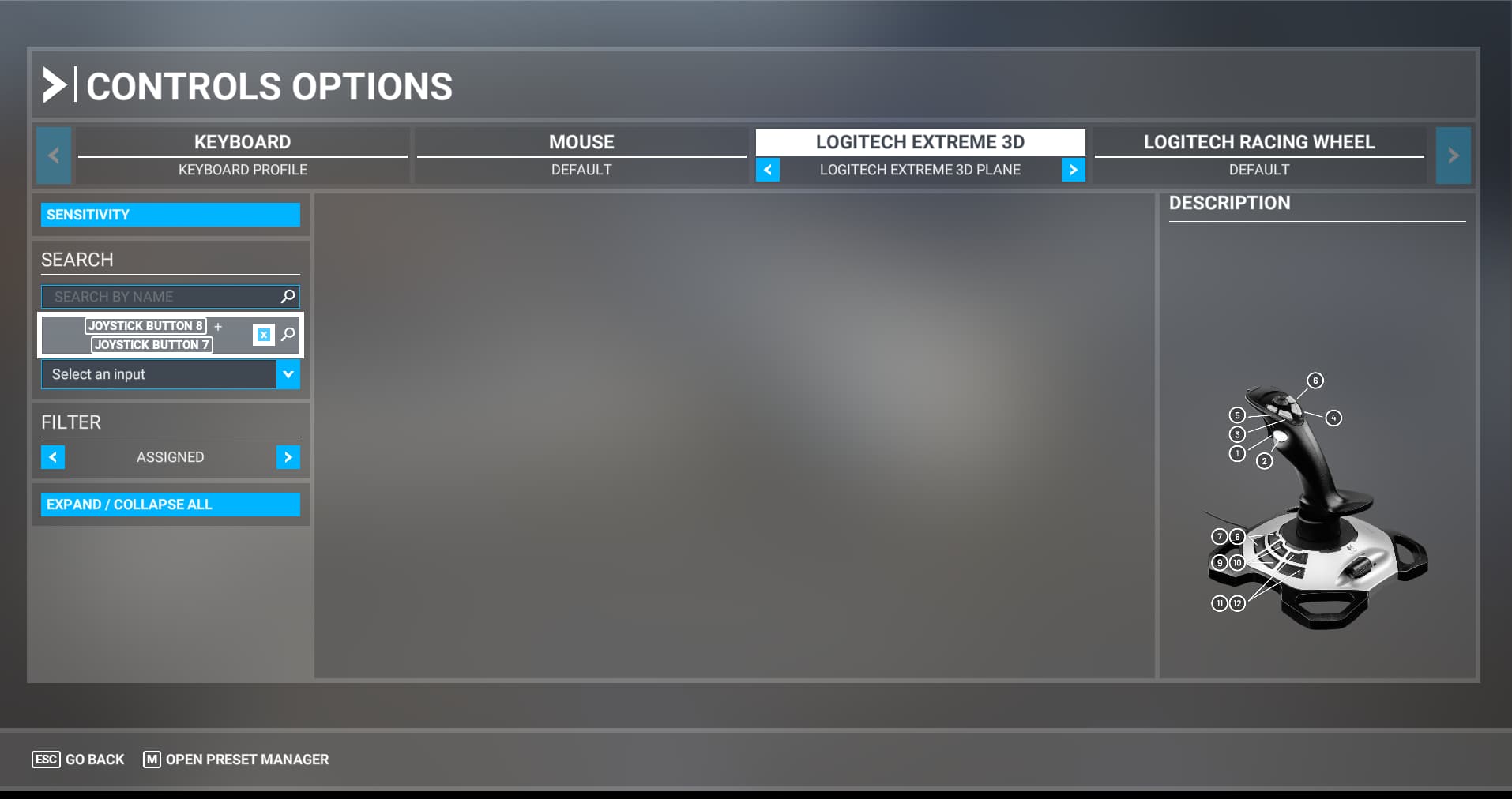
Using “Search by Input” within Controls/Controls Options and selecting one of my controllers. I accidently press two, or more, buttons on my controller. This causes the interface locks up. No escape, no exit, nothing, except ALT+F4
I’ve experienced this a few times in the past couple Sim updates.
Notice that Search by Name has a [F4] CLEAR. This should also be for Search by Input BECAUSE the does not work. Also notice that the [ESC} Go Back and [M] Open Preset Manger disappear.
https://www.youtube-nocookie.com/embed/4Rlt_snLBWk
Provide Screenshot(s)/video(s) of the issue encountered:
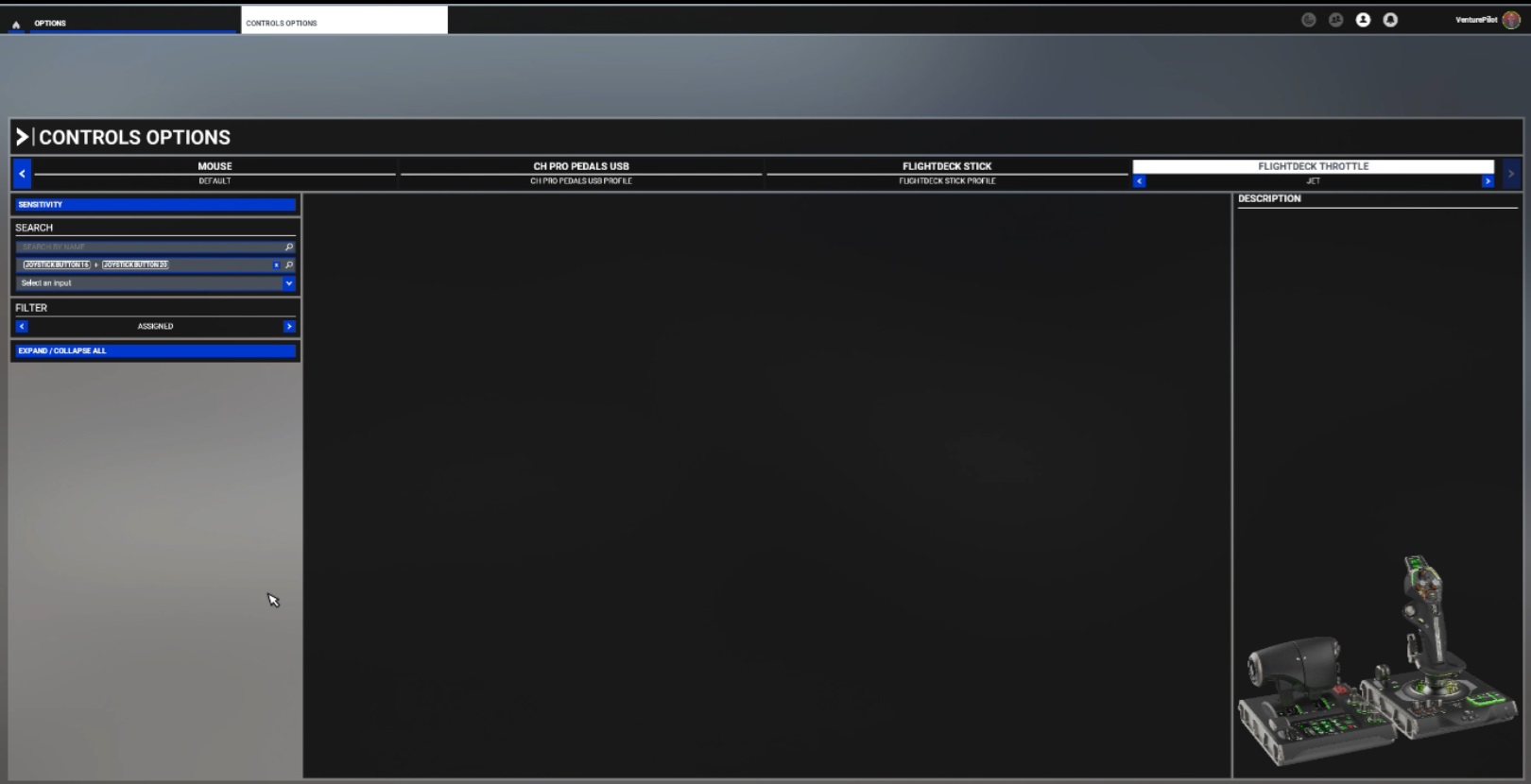
Detailed steps to reproduce the issue encountered:
From the Welcome Screen, select Options, then Controls Options, select your controller.
Under Search, select Search by Input. Press two or more buttons on your controller.
(It is not my intention to press more than one button, but it happens).
PC specs and/or peripheral set up if relevant:
14th Gen Core i7, RTX 4080, 32G RAM, 1TB + 2TB SSDs, Win 11
Build Version # when you first started experiencing this issue:
1.37.19.0
 For anyone who wants to contribute on this issue, Click on the button below to use this template:
Do you have the same issue if you follow the OP’s steps to reproduce it?
Provide extra information to complete the original description of the issue:
If relevant, provide additional screenshots/video: