Crusing Altitude (ATC and Mission requirements)

ISSUE DESCRIPTION

Description of the issue:

  • One key point of every mission (especially Medevac/VIP Missions) is reaching cruise Altitude. If you fly below the transition altitude (I assume the sim uses US standard of 18’000ft) the reference Altitude is relevant for the flight. (ft in mbar given by ATC)
    But to achieve the milestone “Cruising Altitude reached” the sim refers in the background to a altitude based on 1013mbar. With live pressures above 1013mbar you don’t reach cruising altitude.

If applicable, which aircraft is experiencing this issue:

  • So far in any, unless i chosen a cruise altitude high enough the FL is relevant and not feet.
  • It is especially relevant for VIP missions (we are cruising now messages) and medevac missions (Patient examination / or evaluation of your start and climb :stuck_out_tongue: )
    [PC Only] Did you remove all your community mods/add-ons? If yes, are you still experiencing the issue?
  • No addons installed

FREQUENCY OF ISSUE

How often does this occur for you

  • Every time I cruise below the transition Altitude in a mission and it is relevant fo the mission.

REPRODUCTION STEPS

Please list clear steps you took in order to help our test team reproduce the same issue:

  1. Fly in live Weather conditions with barometric pressure deviating greatly from the standard pressure. (roughly +6mbar should be enough if cruising between 11’000 and 17’000ft)
  2. Try to reach the milestone cruising altitude reached. (Announcement we are cruising in VIP missions or patient examination in medevac missions.

YOUR SETTINGS

If the issue still occurs with no mods and add-ons, please continue to report your issue. If not, please move this post to the User Support Hub.

What peripherals are you using, if relevant:

  • not relevant

[PC Only] Are you using Developer Mode or have you made any changes to it?

  • No

[PC Only] What GPU (Graphics Card) do you use?
RTX 4090

[PC Only] What other relevant PC specs can you share?
AMD7900X3D
64GB RAM

MEDIA

Description is more relevant then a screen shot. Easy to reproduce.

[END OF FIRST USER REPORT]


:loudspeaker: For anyone who wants to contribute on this issue, Click on the button below to use this template:

Do you have the same issue if you follow the OP’s steps to reproduce it?

Provide extra information to complete the original description of the issue:

If relevant, provide additional screenshots/video:

2 Likes

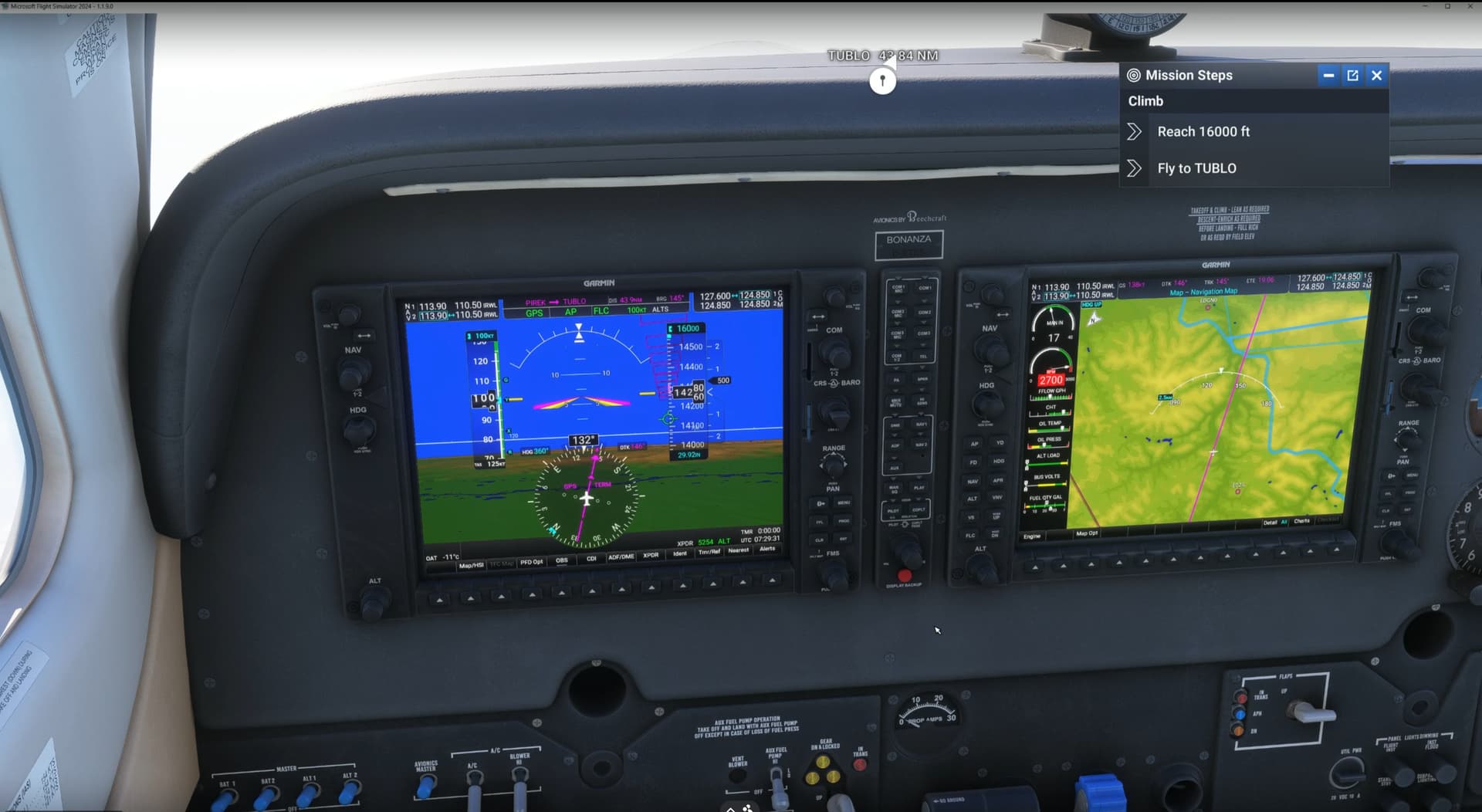
I’ve got FL160 on a bonanza

Do you have the same issue if you follow the OP’s steps to reproduce it?
• Yes - in Cirrus Vision Jet, flying VIP Mission from KRWI-WV62. PFD shows altitude = 20000 and barometer = STD. Mission Steps box is still asking me to “reach 20000.” Captain announces to passengers that we are presently cruising at 18900 feet. If I set VS on and ALT = 21000, at 20700 indicated on PFD, ATC warns that I am 700’ above my assigned flight level.

Provide extra information to complete the original description of the issue:

If relevant, provide additional screenshots/video:

I observed the same issue above the transition level.

The mission steps seem to use whatever pressure setting, but not STD.

I’m cruising at the assigned FL290, but mission steps wants me to reach cruise.
If I play around with my altitude by a couple of hundred feet, the mission step turns green, but ATC starts complaining, that I’m not at my assigned altitude.

In a PC-12 on a Medevac flight

I think they changed it. Now the altitudes below the transition seam to be correct, but not the once above anymore.

1 Like

ISSUE DESCRIPTION

Description of the issue:
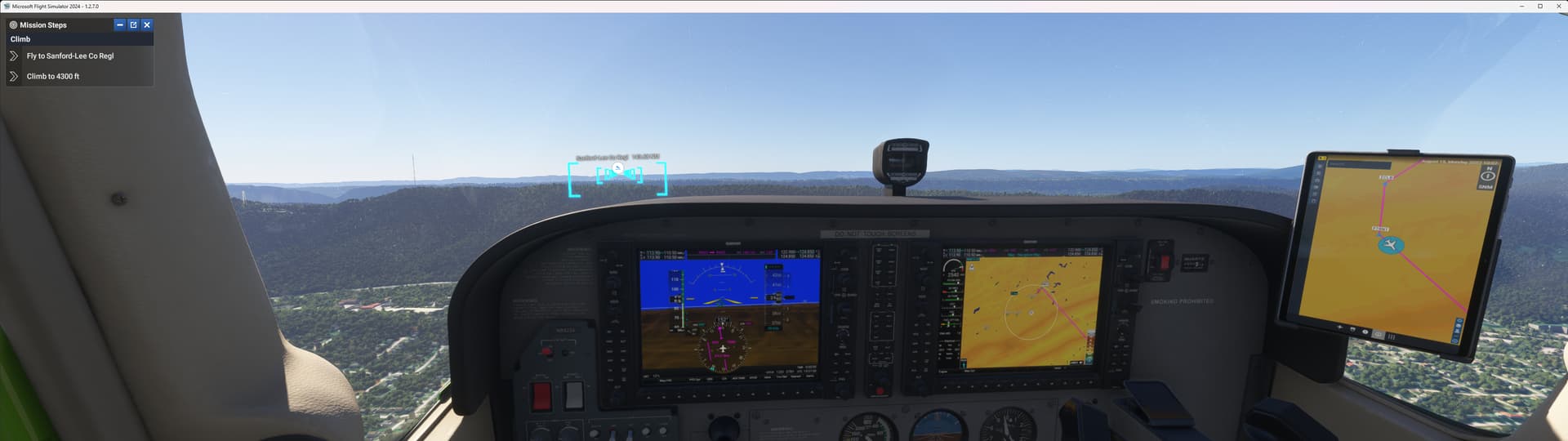
Incorrect VFR altitudes in Career flight missions

If applicable, which aircraft is experiencing this issue:

[PC Only] Did you remove all your community mods/add-ons? If yes, are you still experiencing the issue?

FREQUENCY OF ISSUE

How often does this occur for you (Example: Just once, every time on sim load, intermittently)? Every mission

REPRODUCTION STEPS

Please list clear steps you took in order to help our test team reproduce the same issue:

1.Enter career mode
2.Begin mission
3.Fly flight path gates

YOUR SETTINGS

If the issue still occurs with no mods and add-ons, please continue to report your issue. If not, please move this post to the User Support Hub.

What peripherals are you using, if relevant:

[PC Only] Are you using Developer Mode or have you made any changes to it? No

[PC, MSFS 2020 Only] Are you using DX11 or DX12?

[PC Only] What GPU (Graphics Card) do you use? RTX4070


[PC Only] What other relevant PC specs can you share?

MEDIA

Please add a screenshot or video of the issue occurring.

[END OF FIRST USER REPORT]


:loudspeaker: For anyone who wants to contribute on this issue, Click on the button below to use this template:

Do you have the same issue if you follow the OP’s steps to reproduce it?

Provide extra information to complete the original description of the issue:

If relevant, provide additional screenshots/video:

Its really messed up when you’re set to the local barometric pressure, you’re at 12,000 feet, the mission steps to reach 12,000 completes, but ATC says you are 600 feet above your assigned altitude. So then you have to descend to make ATC happy and that causes the medevac mission fail the patient check because you were slightly descending instead of staying perfectly level. Not that any real person would have notice a slow descent of 600 feet. Not feet per minute, a total of 600 feet over a minute or so.

By the by, the transition altitude/level is specific to the area in which you are flying. In the U.S. it is always 18,000 feet/FL180 but around England for example it can be as low as 5,000 to 7,000 feet. It seems to me that MSFS should know what the transition level is for the area and use it correctly.

Confirming - I’m in SU1 beta, and the mission seems to be using barometric pressure instead of std pressure. I had to find the right altitude to satisfy the medevac mission requirements and then fly back to the right FL to satisfy ATC.

in career atc never says the altimeter to set, hence i cannot set the baro, hence my altitude is always wrong.

You can always set the altimeter using the Set Altimeter shortcut which defaults to the comma key (“,”). As a bonus, it also switches between standard and local barometric pressure if needed.

Do you have the same issue if you follow the OP’s steps to reproduce it?
• Yes, when flying the King Air C90 on medevac missions, with altitude set to std baro above FL180, upon reaching the cleared altitude the mission step to reach the cleared altitude does not trigger at the assigned altitude.

Provide extra information to complete the original description of the issue:
• For example, when cleared to FL280, the mission step to reach 28,000 feet will not clear unless climbing to a higher altitude, most times it’s between 300-1000 feet (suspecting it’s not taking in to account the standard baro, but using the local baro for the area). This means that ATC will continually notify you that you are too high and to descend, but this will cause a mission failure for not accomplishing the proper altitude.

If relevant, provide additional screenshots/video:

Do you have the same issue if you follow the OP’s steps to reproduce it?
• Yes

Provide extra information to complete the original description of the issue:
• In SU2 beta it’s still not solved, I’m cruising at FL440 and the mission step still requests me to reach 44000ft (which is not the same!). QNH at takeoff was 1003, so I’m still below 44000ft.

If relevant, provide additional screenshots/video:

1 Like