1 tag is required - add it in the tag section next to the title above:
Feel free to delete this quote section after adding your appropriate tags.
ISSUE DESCRIPTION
Description of the issue:
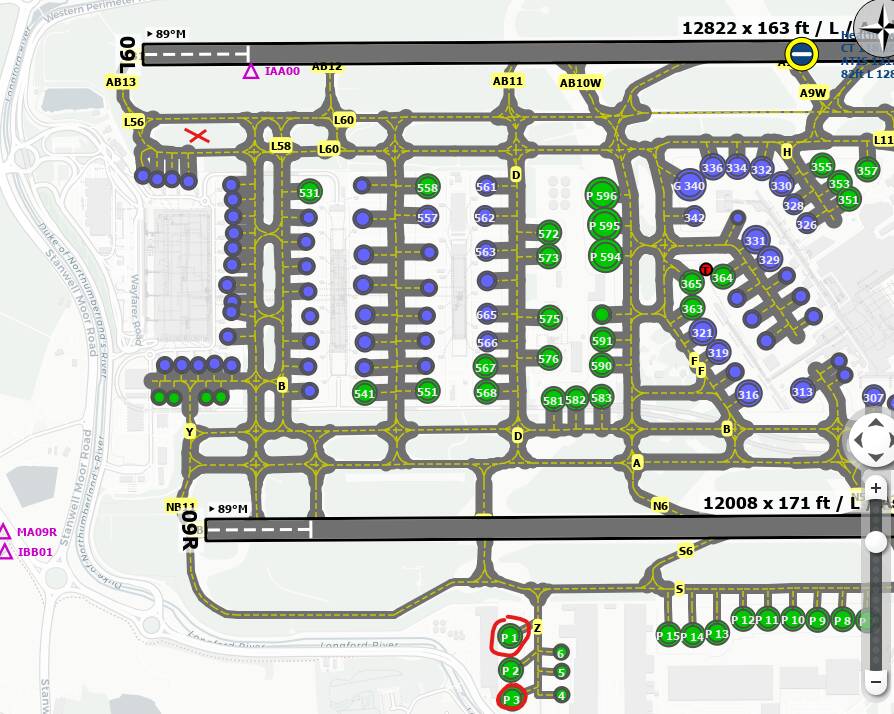
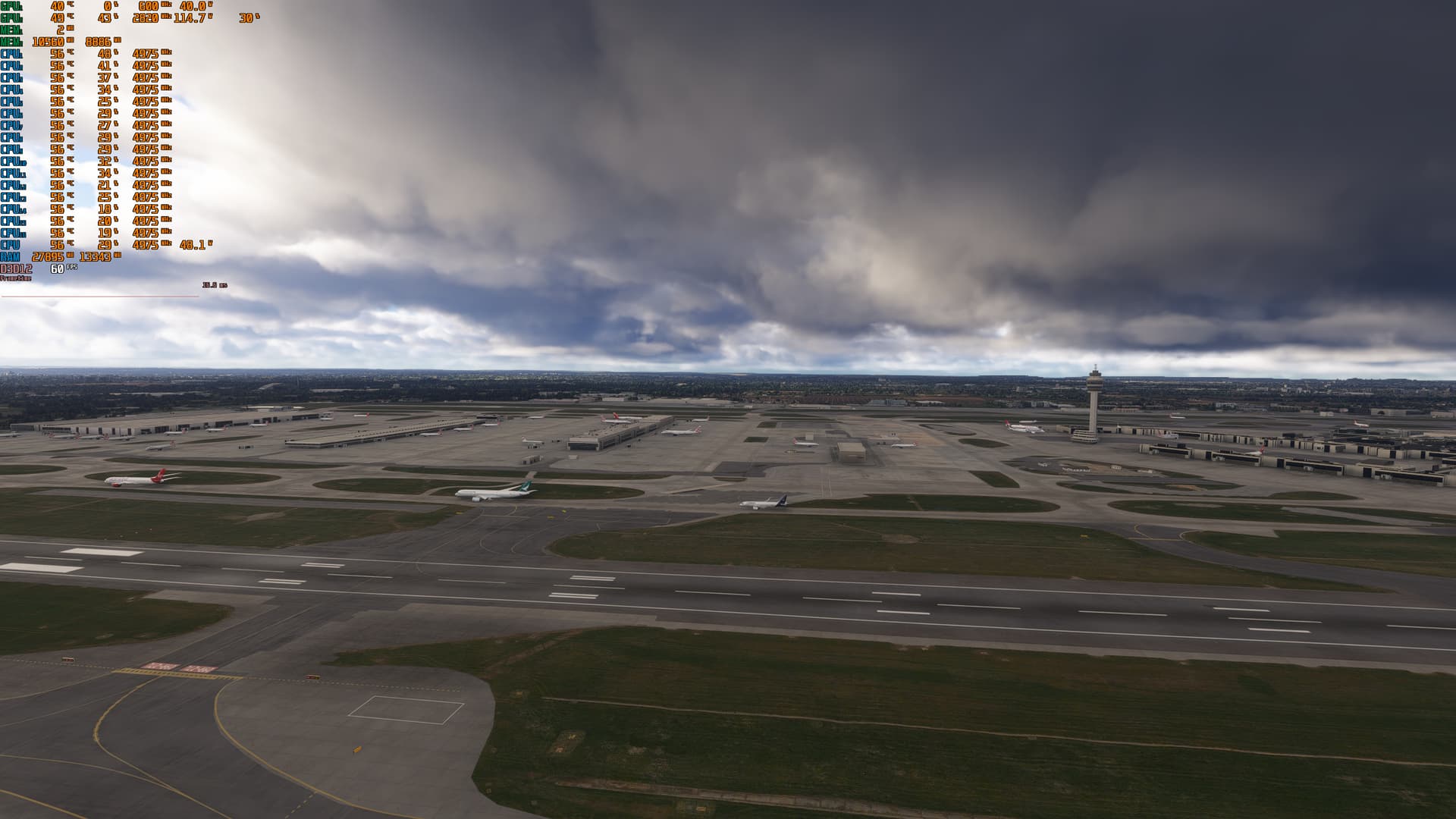
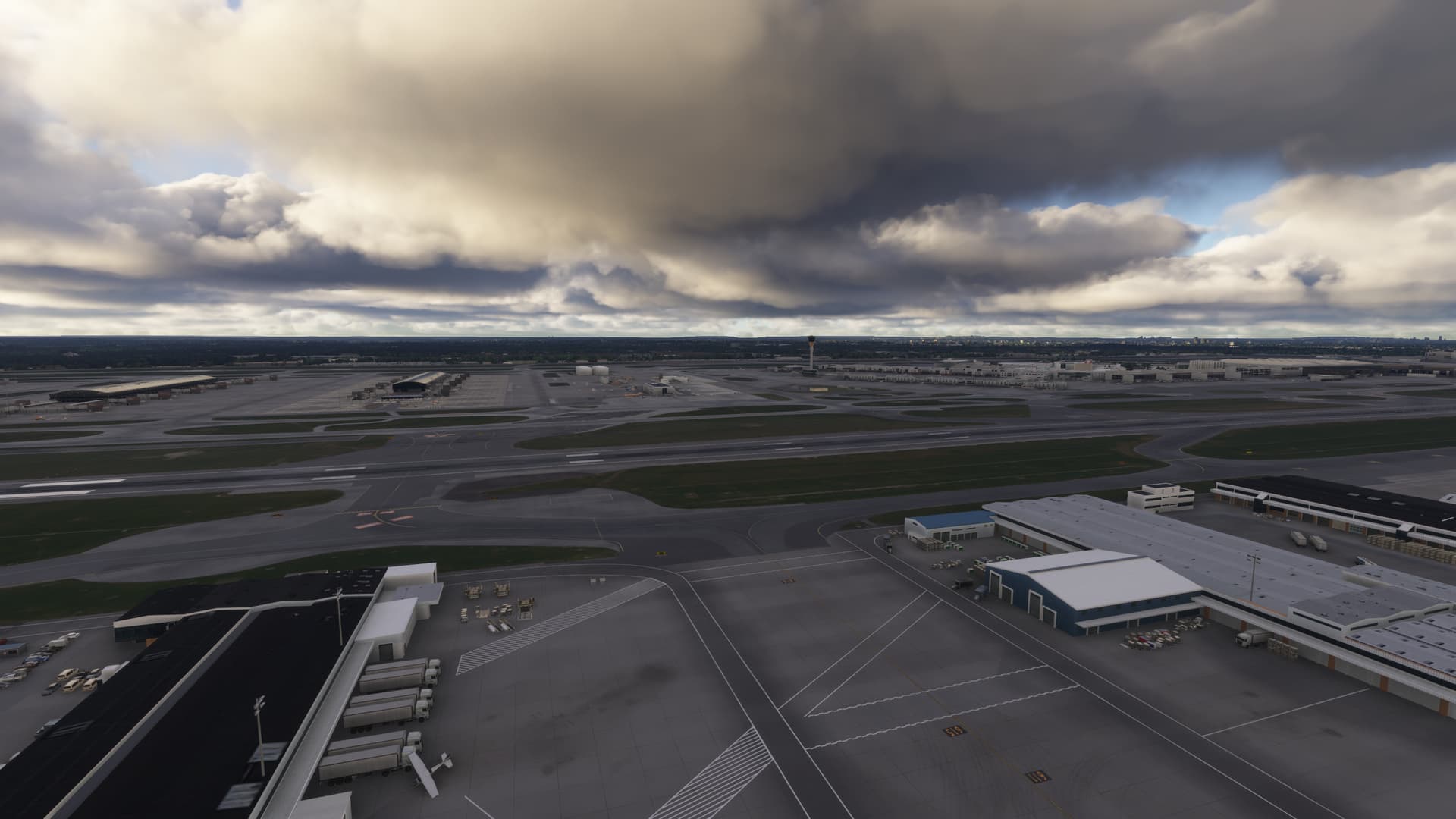
Spawned in at EGLL to test some LOD related things, and after a few seconds of switching to the drone camera, and clicking on the top menu camera icon so I could adjust the drone camera speed, and the sim fell over.
Faulting application name: FlightSimulator2024.exe, version: 1.5.2.0, time stamp: 0x00000000
Faulting module name: FlightSimulator2024.exe, version: 1.5.2.0, time stamp: 0x00000000
Exception code: 0xc0000005
Fault offset: 0x0000000002bb6359
Faulting process id: 0x4BDC
Faulting application start time: 0x1DBCB03E2C29D0D
Faulting application path: C:\Program Files\WindowsApps\Microsoft.Limitless_1.5.2.0_x64__8wekyb3d8bbwe\FlightSimulator2024.exe
Faulting module path: C:\Program Files\WindowsApps\Microsoft.Limitless_1.5.2.0_x64__8wekyb3d8bbwe\FlightSimulator2024.exe
Report Id: 9d98bf70-8578-4328-a6cb-1c46ad28d62f
Faulting package full name: Microsoft.Limitless_1.5.2.0_x64__8wekyb3d8bbwe
Faulting package-relative application ID: App

Fault bucket 1947639955619448071, type 5
Event Name: MoAppCrash
Response: Not available
Cab Id: 0

Problem signature:
P1: Microsoft.Limitless_1.5.2.0_x64__8wekyb3d8bbwe
P2: praid:App
P3: 1.5.2.0
P4: 00000000
P5: FlightSimulator2024.exe
P6: 1.5.2.0
P7: 00000000
P8: c0000005
P9: 0000000002bb6359
P10:
Did you experience this issue before you joined the Beta?
I don’t think so, no.
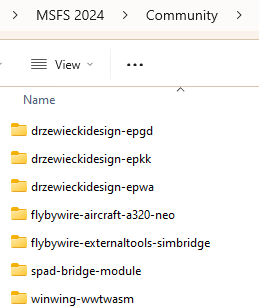
[PC Only] Did you remove all your community mods/add-ons? If yes, are you still experiencing the issue?
No.
FREQUENCY OF ISSUE
How often does this occur for you (Example: Just once, every time on sim load, intermittently)?
Only saw it the once.
REPRODUCTION STEPS
Please list clear steps you took in order to help our test team reproduce the same issue:
- Spawn at EGLL
- Switch to drone camera.
- Attempt to adjust the camera speed settings via the top menu.
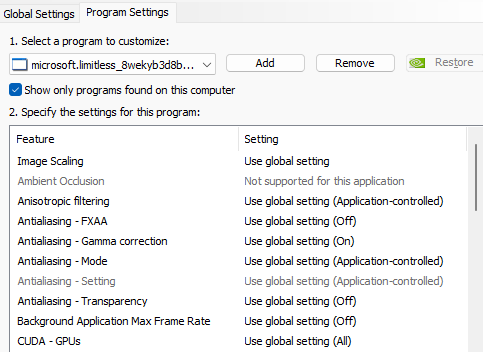
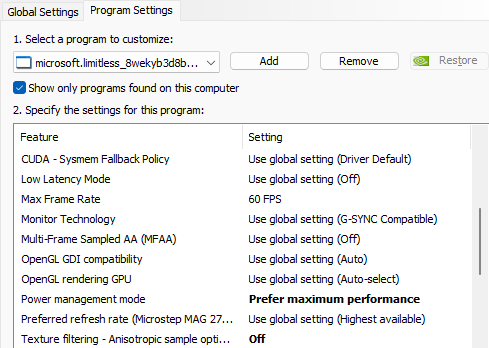
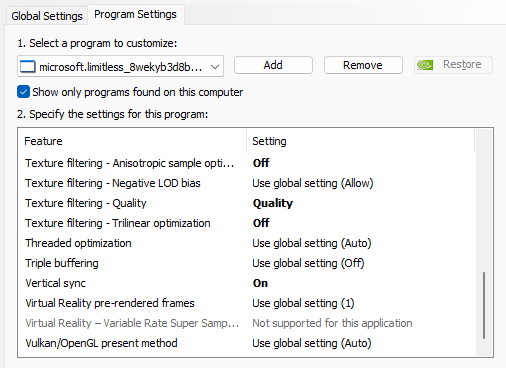
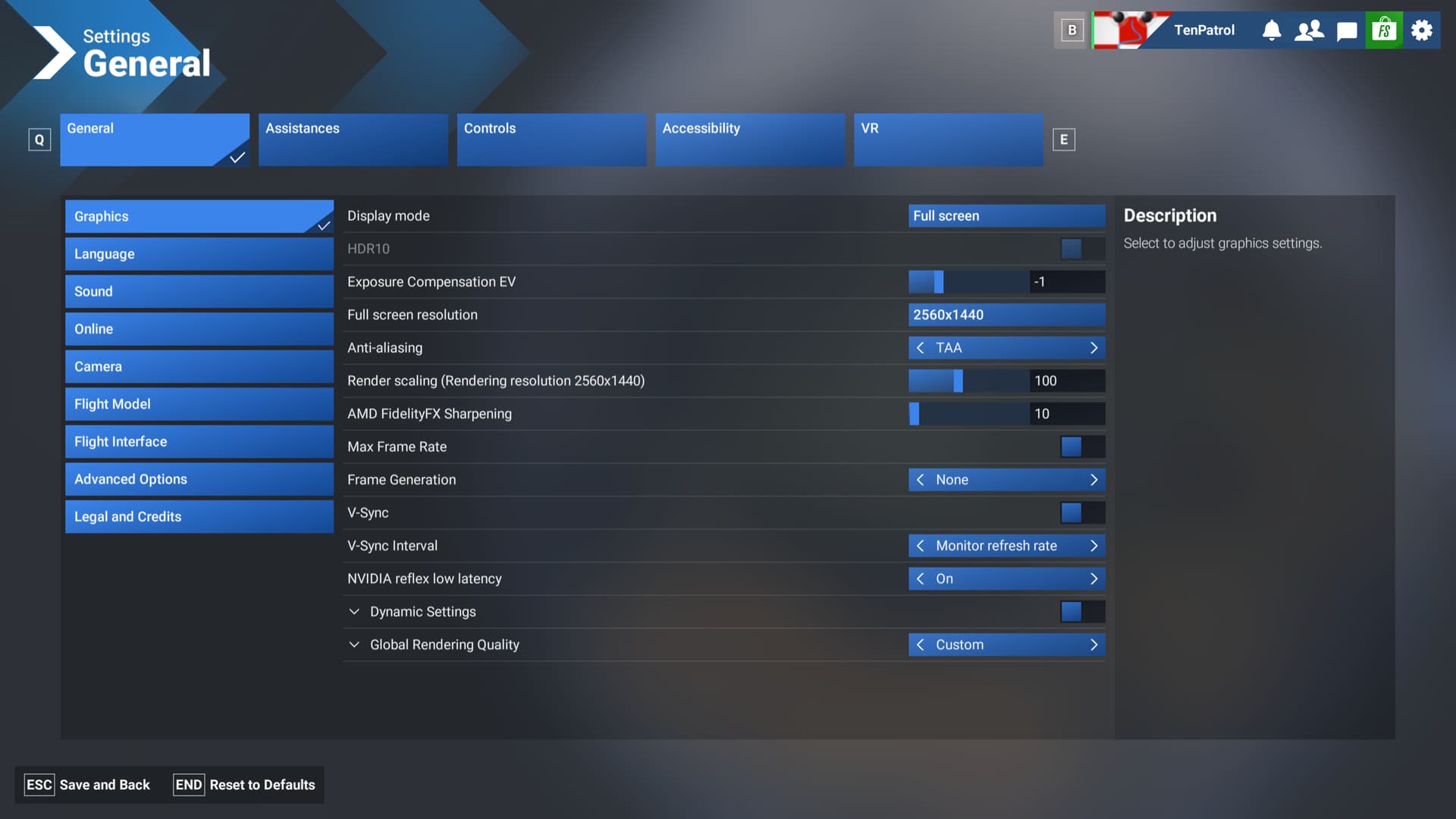
YOUR SETTINGS
If the issue still occurs with no mods and add-ons, please continue to report your issue. If not, please move this post to the User Support Hub.
What peripherals are you using, if relevant:
N/A
[PC Only] Are you using Developer Mode or have you made any changes to it?
Dev mode was on, but I wasn’t using it.
[PC Only] Many issues may be due to an outdated graphics card. Please state your Graphics Card Driver Manufacturer (NVIDIA, Intel, AMD) and Version:
Nvidia 3090, 566.14
[PC Only] What other relevant PC specs can you share?
N/A
MEDIA
Please add a screenshot or video of the issue occurring.
[END OF FIRST USER REPORT]
 For anyone who wants to contribute on this issue, Click on the button below to use this template:
Do you have the same issue if you follow the OP’s steps to reproduce it?
•
Provide extra information to complete the original description of the issue:
•
If relevant, provide additional screenshots/video:
•