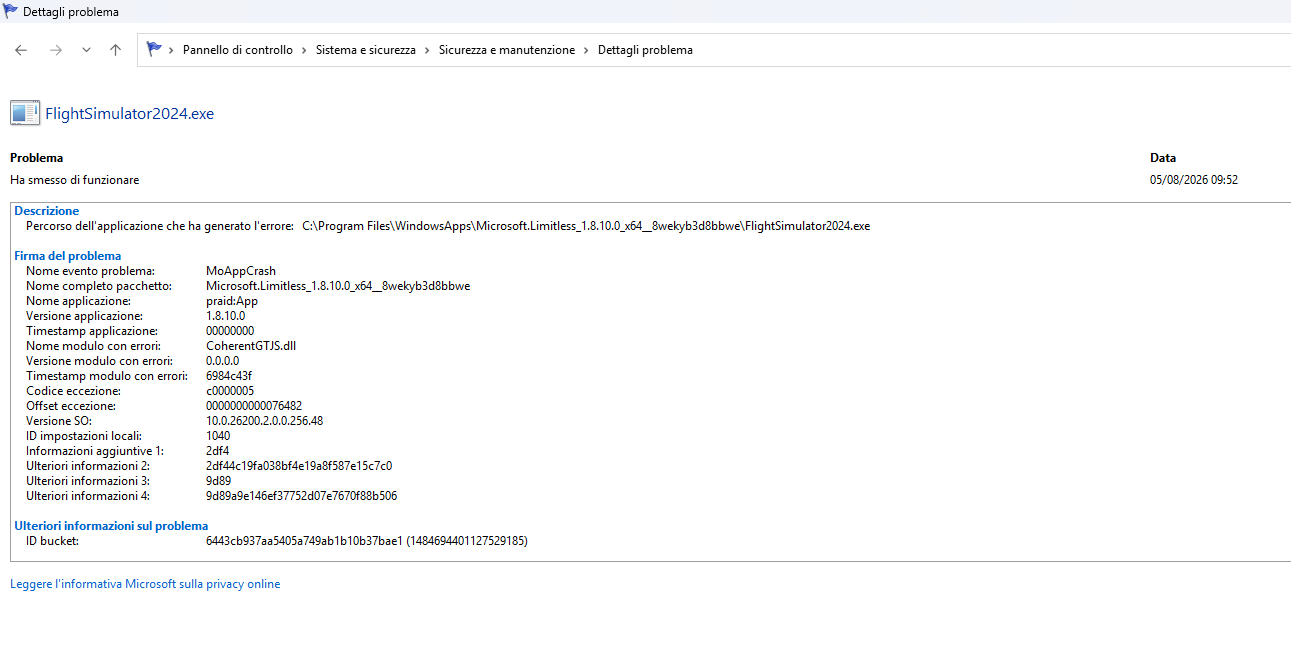
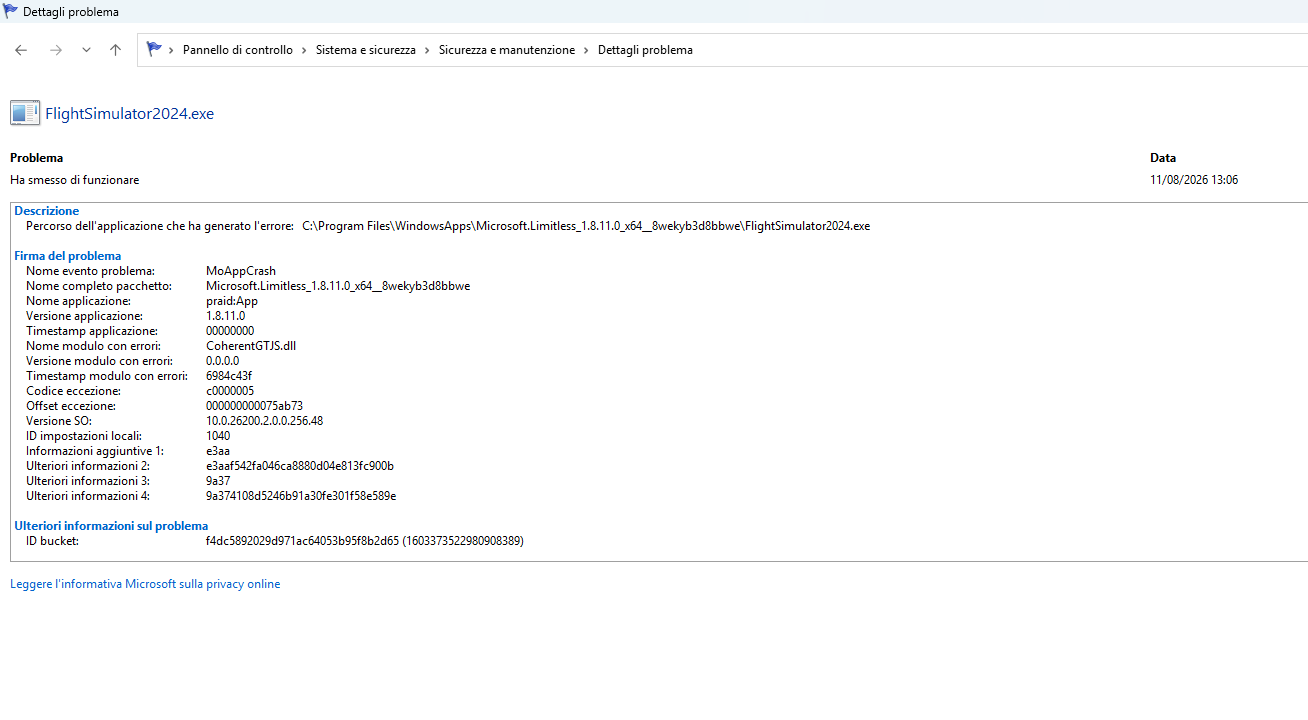
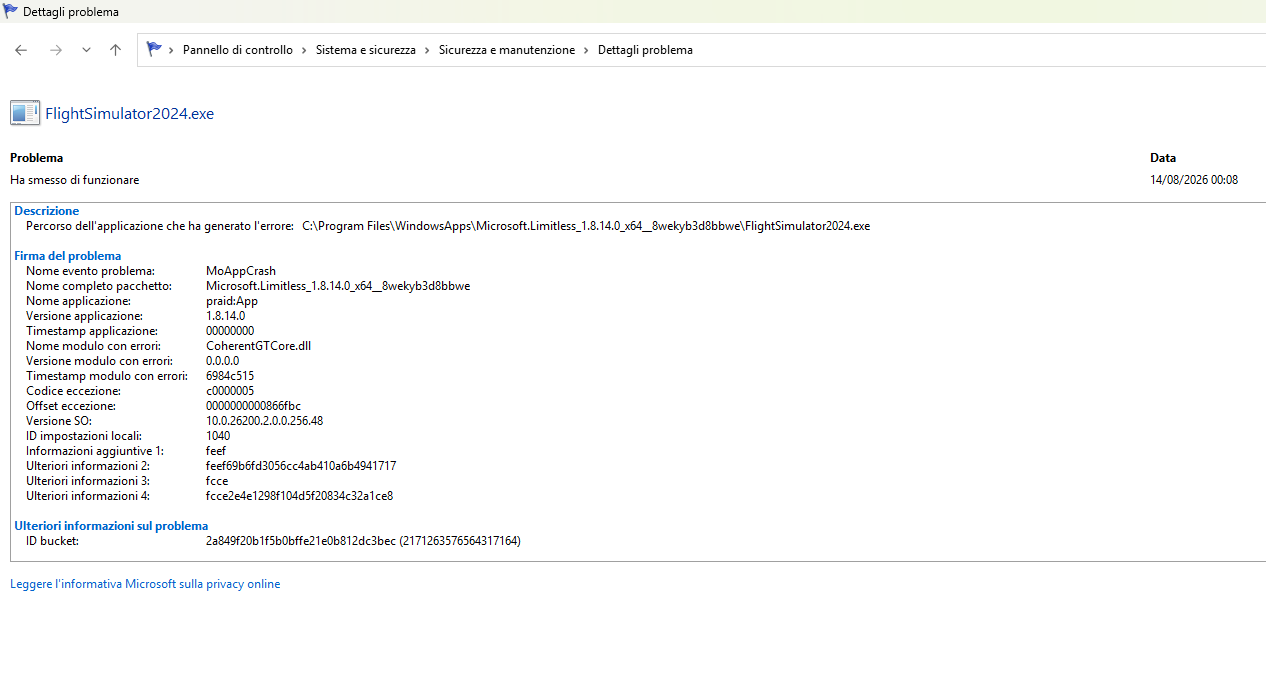
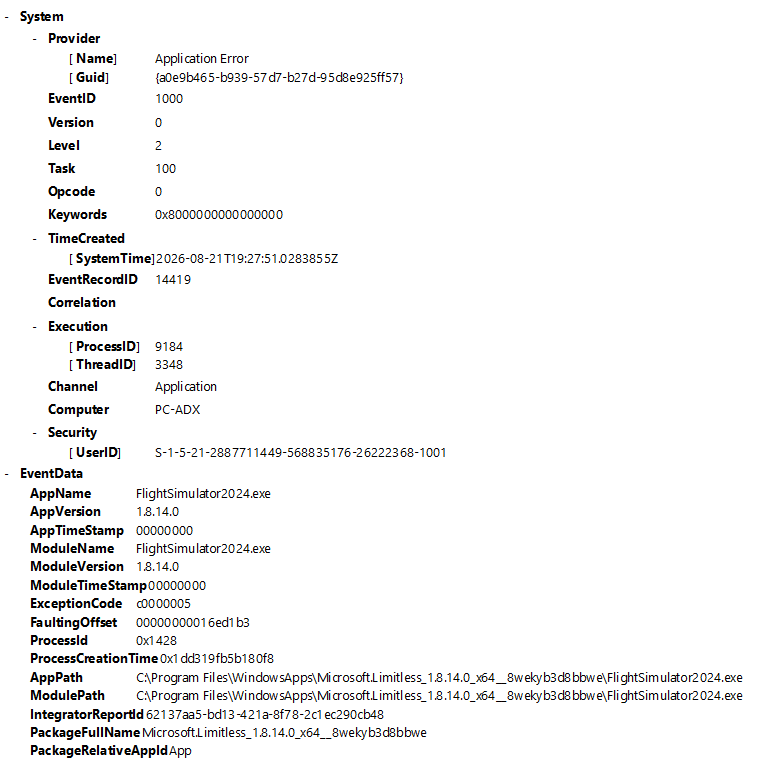
I’ve had exactly the same for nearly two weeks. Updated BIOS, deleted packages, deleted scenery files, deleted rolling cache, reinstalled FS2024. Yesterday I deactivated and unlinked GSX. The couatl64_ms2024.exe was still opening in the system tray on sim load. If I manually exit the couatl64 in the system tray, my sim is stable. Leave it running it CTD about 2 min after loading into a flight.
Tried exiting couatl during launch of sim, flying a few mins then starting couatl64 manually. CTD within a minute. I’m sensing something changed for us about two weeks ago. Are you running GSX/couatl64?
Ps I’m not running the 6.1 beta, just noticed this thread and it made me think…
Got this crash/error last week, made no config changes in MSFS and/or Win11, my PC.
Yesterday I changed my 7800X3D PBO Bios settings, curve optimizer > all cores > negative from 20 to 15. No crashes.
For testing purposes I activate HAGS (for my 7900XTX): After 3 minutes: crash
I wonder why I found no entry in the Windows event viewer.
With the 1.8.14.0 update, I had a crash, and other problems like frozen windows, fsuipc, spadnext, active sky, ivao, everything blocked, the plane suddenly stalled in flight for no reason
I’ve just updated mine. Tried a bush trip crashed 5 mins in.
4090 9800x3d drivers are up to date. Will try once more when I can be bothered but if it does it again I’m just gonna sell my the pc because lods is getting ridiculous on pc now, feels like it’s being build more for consoles and not a proper rig
Good morning, I have already followed your explanations on how to intervene to exit the beta version, I also reinstalled the simulator, but nothing changes, the beta version always reinstalls, since when I find some time to do a flight, every time between crashes and bugs I can never do a flight, for this reason I want to return to the native version, if you can kindly help me thank you.
These files may be available here:
\?\C:\ProgramData\Microsoft\Windows\WER\ReportArchive\AppCrash_Microsoft.Limitl_485bd21daf9680c6d1e7339d324762715b97ee6_b8c5f1b2_d8bce594-72c4-499c-8b10-9de61565f286
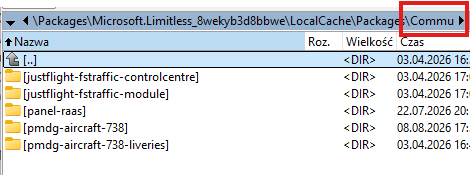
Tried with full Community folder tonight and everything worked fine with BATC and no crash! Everything was the same!
Today (next day) had crash at completion of Simbrief flight plan import with EFB. Reported the crash to AMD, as the AMD Crash Report dialog box popped up on its own. Error: DXGI_ERROR_DEVICE_HUNG (0x887a0006). This error could be due to either of:
-a driver fault
-an application bug
-graphics card overheating (it is not overheated)
-graphics card overclocking (it is not overclocked)
Hi all, this is my first forum so please bear with me. I am running MSFS24 on my PC with the default Cessna Citation CJ4 aircraft. The only add-ons I have are GSX and pay-ware KTEB airport (but this crash happens anywhere).
Since maybe a week ago, my game has been crashing after some time (sometimes 30 minutes, sometimes 1.5+ hours) but only right** after** I select an approach procedure on my flight computer. Selecting an approach procedure seems to trigger the crash.
I’ve tried deleting cache (WASM, MSFS Rolling Cache, NVDIA Shader Cache) and it worked for one flight, but I tried again today and it crashed again.
I did read online that if you fly to different regions (e.g. Caribbean to mainland-U.S.) that the cache might get corrupted? I feel like I have been doing this lately, which I have not before. But it’s hard for me to believe that the cache can get corrupted after just one or two different-region flights?
Also noting that it doesn’t CTD like other users are experiencing here, it literally just freezes and I have to go into task manager to force close it. Also a crash/error doesn’t get logged in Event Viewer for me to view what happened - ergo I’m here seeing if anyone can help or has experienced this before.
Most of my MSFS24 settings are on Medium.
Windows 11; Version 10.0.26200
NVIDIA Driver: Game Ready Driver - 610.88
CPU: 12th Gen Intel(R) Core™ i5-12400F
RAM: 32.0 GB
Storage: SSD - 931.5GB
Graphics: NVIDIA GeFroce RTX 4060 (8GB VRAM)
Monitors: HP Inc. HP M22f FHD (1080p, 1920 x 1080 (native) | 60hz