Hi, I have the problem that MSFS24 crashes during the loading screen. The strange thing is that it only happens in career mode when I try to load a flight.
What I notice is that during the loading screen a new window pops up with the name camera. After the popup, MSFS crashes to desktop.
With the help of a capture program, I was able to record the entire process. Afterwards, I listed individual images from the pop-up window again.
After crashing to the desktop, the program crashed and is no longer displayed in the task manager, but Steam still reports that the game is running. The game must then also be closed before the MSFS2024 can be restarted.
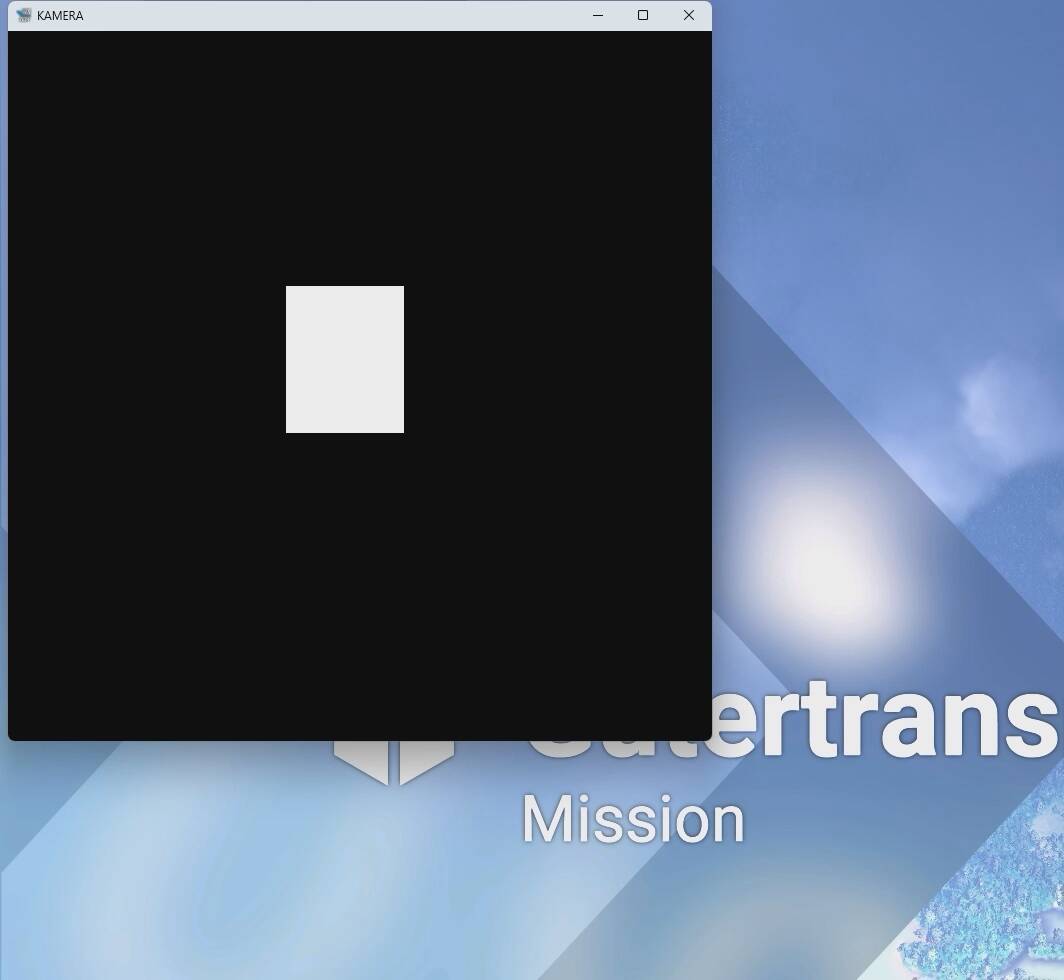
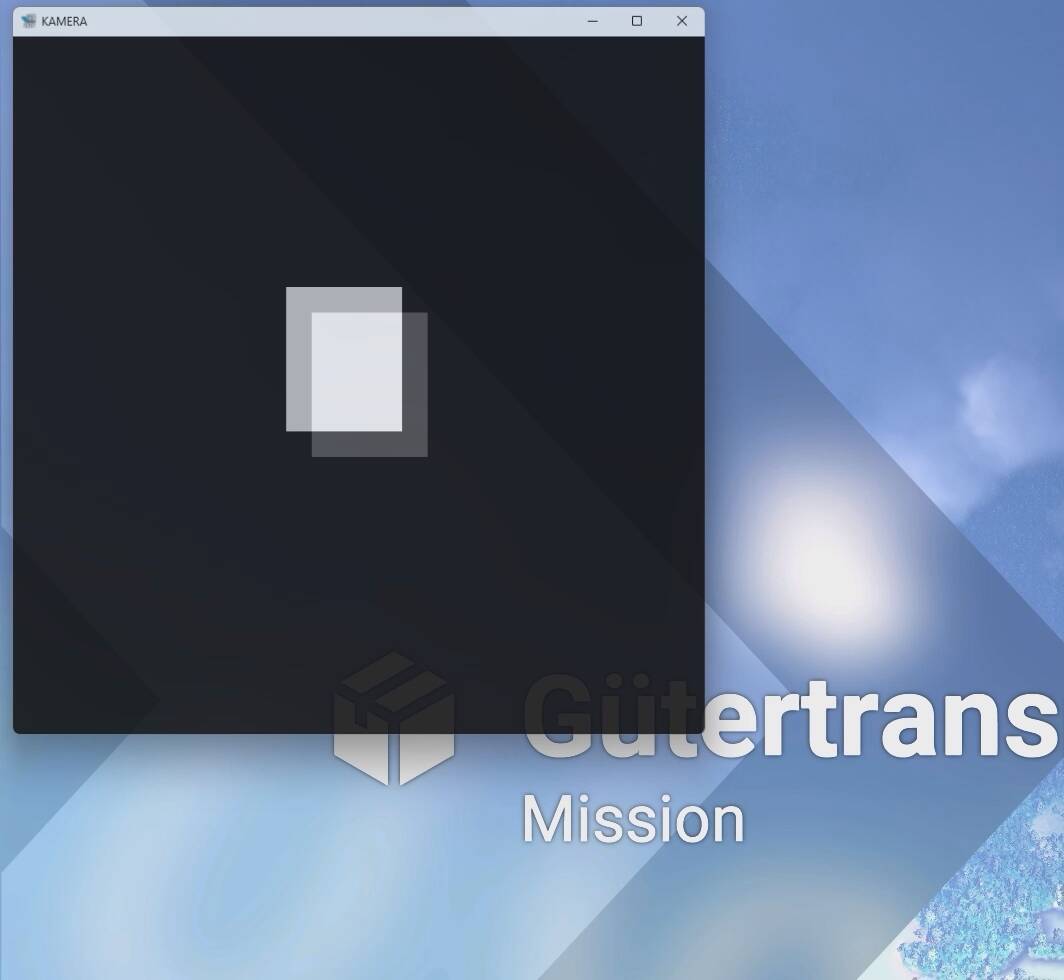
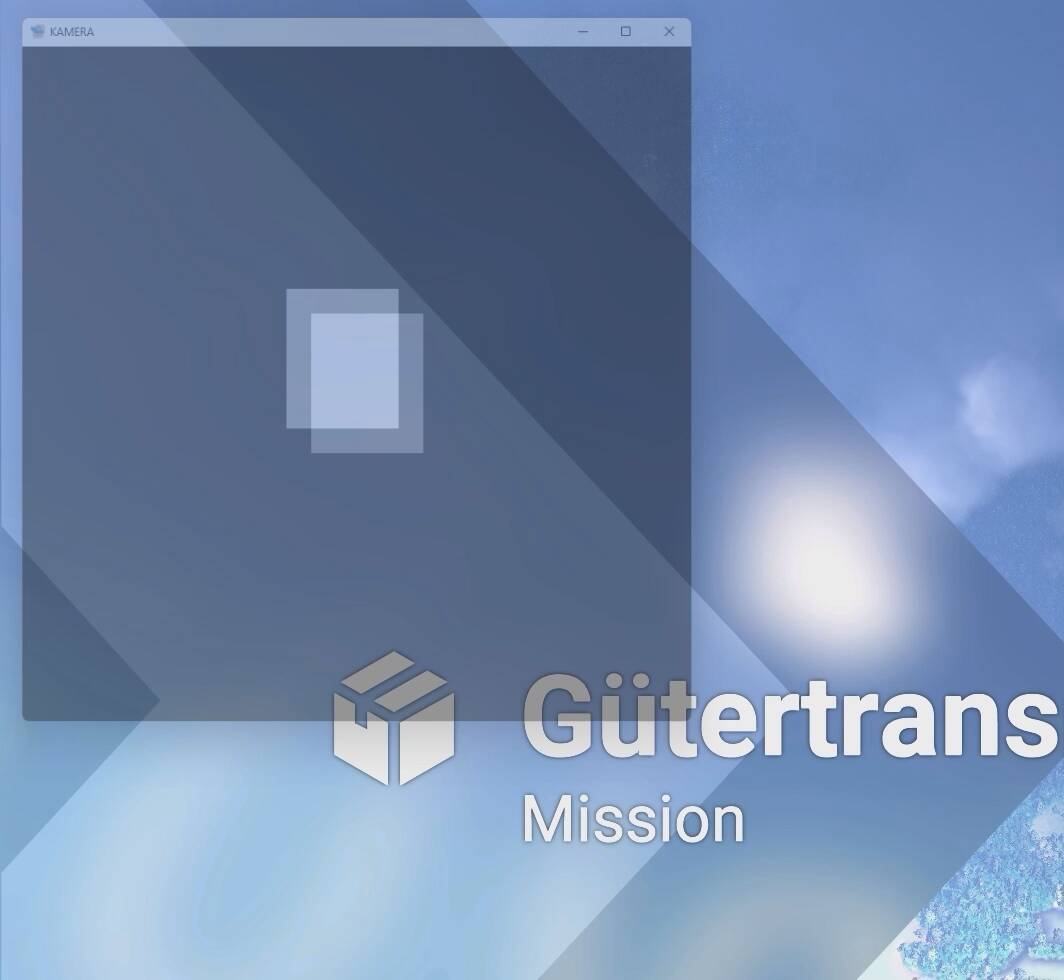
https://streamable.com/j9aq3c
At min 0:22
I am having the same issue. I have spent days trying to figure it out. Have you found a solution?
Unfortunatelly not, a reinstall or MSFS worked but just a couple of days than it happened again.
Indid a completely reinstall of my PC and now I am more the free flight pilot and dis not try the carrerer mode again.
Maybe the new beta update will help you?
I’m shocked there’s no solution to this, I may have missed other posts about it but I’ve tried to load 3 flights and it’s just because I left the Camera window popped out for a flight before I quit out of the sim. Working to see if I can resolve..
Hi all, I have a fix. Put .old on the end of this file to change the file type to .old:
%localappdata%\Packages\Microsoft.Limitless_8wekyb3d8bbwe\LocalCache\UserCfg.opt
It’s the cache for graphics and other “windowed” settings which remember if the camera or other window is popped out.