CTD on startup since update

:wave: Thank you for using the Bug section, using templates provided will greatly help the team reproducing the issue and ease the process of fixing it.

Are you using Developer Mode or made changes in it?

No

Have you disabled/removed all your mods and addons? If the issue still occurs with no mods and add-ons, please continue to report your issue. If not, please move this post to the User Support Hub.

Yes

Brief description of the issue:

CTD on startup, about 80% through the start up, before main menu is loaded, then it CTD. ONLY since latest update.

Provide Screenshot(s)/video(s) of the issue encountered:

Not applicable

Detailed steps to reproduce the issue encountered:

Start MFS then it CTD up to about 80% through the start up process.

Many issues may be due to an outdated graphics card. Please state your Graphics Card Driver Manufacturer (NVIDIA, Intel, AMD) and Version (Learn how to find your current graphics card driver version):

PC specs and peripheral set up:

i9-11900K, 64GB Ram, RTX3090, 2TB Gen4 SSD. Fast 1GB Broadband.

If on PC, Fault Bucket ID - Instructions here - Please type in just the Fault Bucket ID # rather than a screenshot for privacy reasons:

1354524022935523900 type5

Build Version # when you first started experiencing this issue:

1.37.19.0


:loudspeaker: For anyone who wants to contribute on this issue, Click on the button below to use this template:

Do you have the same issue if you follow the OP’s steps to reproduce it?

Provide extra information to complete the original description of the issue:

If relevant, provide additional screenshots/video:

If on PC, Fault Bucket ID - Instructions here - Please type in just the Fault Bucket ID # rather than a screenshot for privacy reasons:

If you are in the Oculus beta, revert back to the stable version.

Do you have the same issue if you follow the OP’s steps to reproduce it?

YES - FOR TWO DAYS NOW. HAVE UNINSTALLED AND REINSTALLED 4 TIMES

Provide extra information to complete the original description of the issue:

GPU DRIVER UP TO DATE NO CORRUPTED FILES ALL KNOWN DIAGNOSTICS DONE

If relevant, provide additional screenshots/video:

n/a

If on PC, Fault Bucket ID - Instructions here - Please type in just the Fault Bucket ID # rather than a screenshot for privacy reasons:
1354524022935523900, TYPE 5

Do you have the same issue if you follow the OP’s steps to reproduce it?

Provide extra information to complete the original description of the issue:

If relevant, provide additional screenshots/video:

If on PC, Fault Bucket ID - Instructions here - Please type in just the Fault Bucket ID # rather than a screenshot for privacy reasons:

I experience the same. I had not used my PC or MSFS 2020 for a week so I started by updating NVIDIA, MS Store and Windows. Then I started my MSFS, and it kicked off with an update that I accepted and then this annoying situation occurred - MSFS 2020 crashes at 80% load bar and never reaches the Home screen in MSFS 2020. I have tried emptying the community folder, uninstalling a lot of addons and deleting som folders in MSFS 2020 upon seeing som videos on Youtube, but still same result. In Normal as well as Safe mode. I was on version 1.37.19.0 and I do not know what version I am on now. I amrunning Windows 11 on an Intel i9-10900K with 64 Gb RAM and, 2 Tb SSD and an NVIDIA 3080 and my internet connection delivers 1Gb/1Gb.
Has anyone any suggestions on what to do? I see a lot of people have tried uninstalling and re-installing without any luck so I am waiting a little to try that option.

The problem according to Event viewer Log appears to be in C/Program Files/WindowsApps/Microsoft.VCLibs/.140.00UWPDesktop-14.029231. . . VCRUNTIME140.dll

Do you have the same issue if you follow the OP’s steps to reproduce it?

Provide extra information to complete the original description of the issue:

If relevant, provide additional screenshots/video:

If on PC, Fault Bucket ID - Instructions here - Please type in just the Fault Bucket ID # rather than a screenshot for privacy reasons:

Something that helps me…uninstall Meta Oculus software. Problem solved. First start up in safe mode, it works i am in the menu. Than i start up in normal mode and this works also.
So now im go install meta again and try it again…fingers cross

I just reinstalled Windows (after trying everything else under the sun) and startup finally finished. (I did also uninstall oculus. Cant see in it anyway since my cataract surgery)

Do you have the same issue if you follow the OP’s steps to reproduce it?

YES

Provide extra information to complete the original description of the issue:

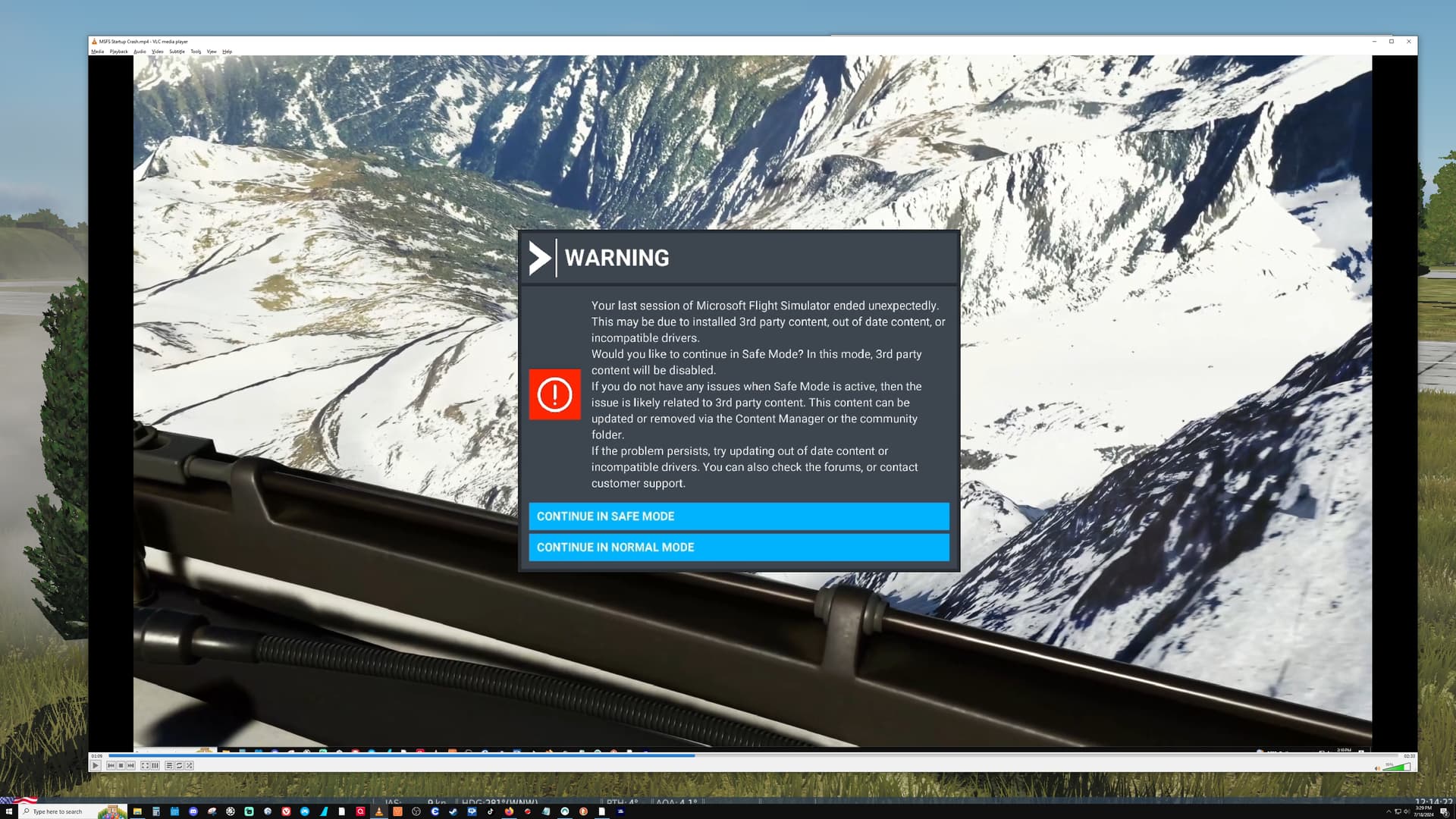
In my case, the load safe mode or normal mode before crash to desktop

If relevant, provide additional screenshots/video:


If on PC, Fault Bucket ID - Instructions here - Please type in just the Fault Bucket ID # rather than a screenshot for privacy reasons:

The flight sim back and running ok. Followed suggestions Changed the Quest3 profile from Beta to Stable system and that fixed the Sim partly. I still cannot make purchases from the Marketplace. Thank you all for the help.

Hi @Bugeater53, w.r.t:

Can you be more specific about what you are seeing / what the problem is? These two articles may help, though without knowing your specific details, they may not be relevant: