ISSUE DESCRIPTION
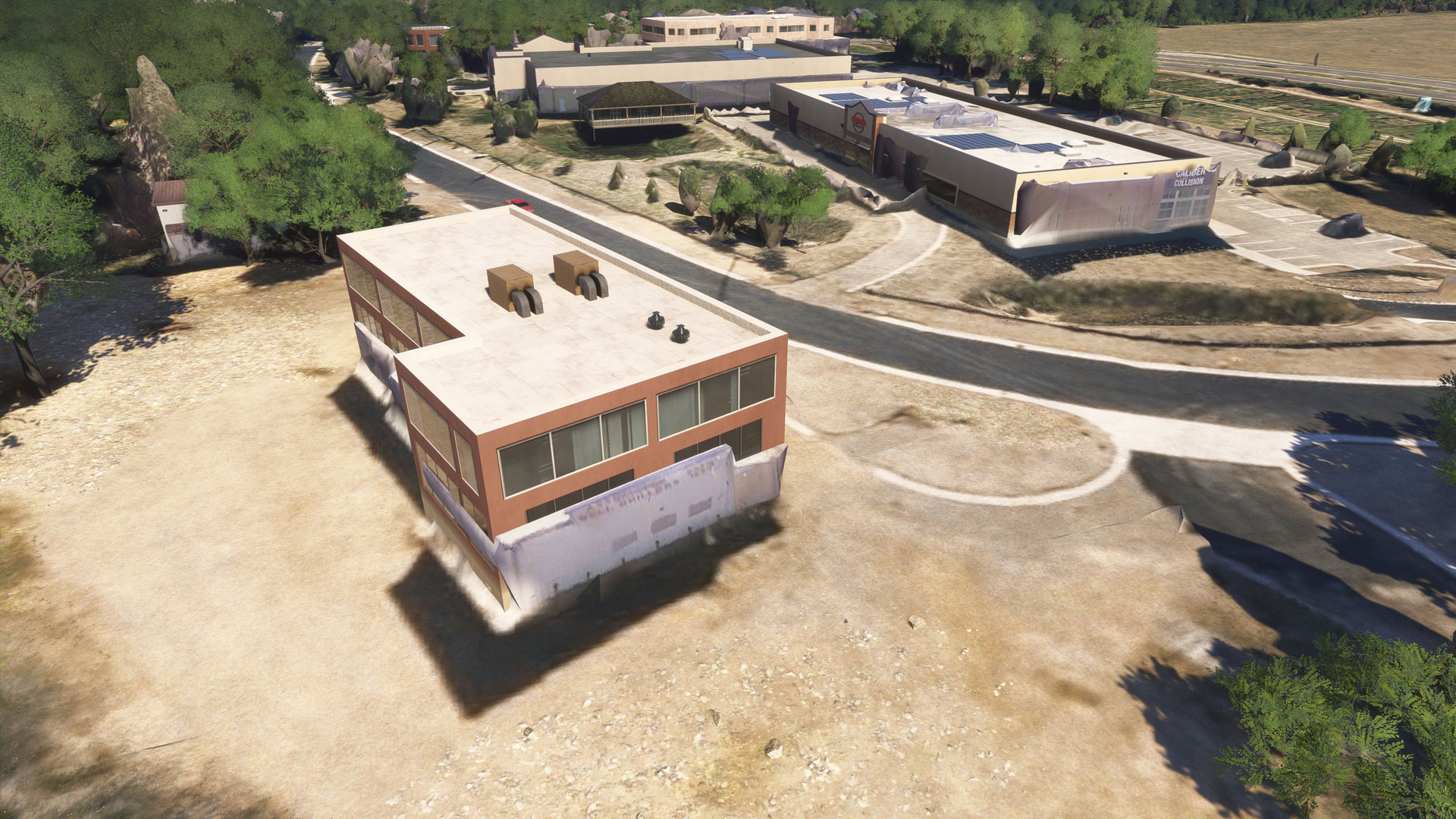
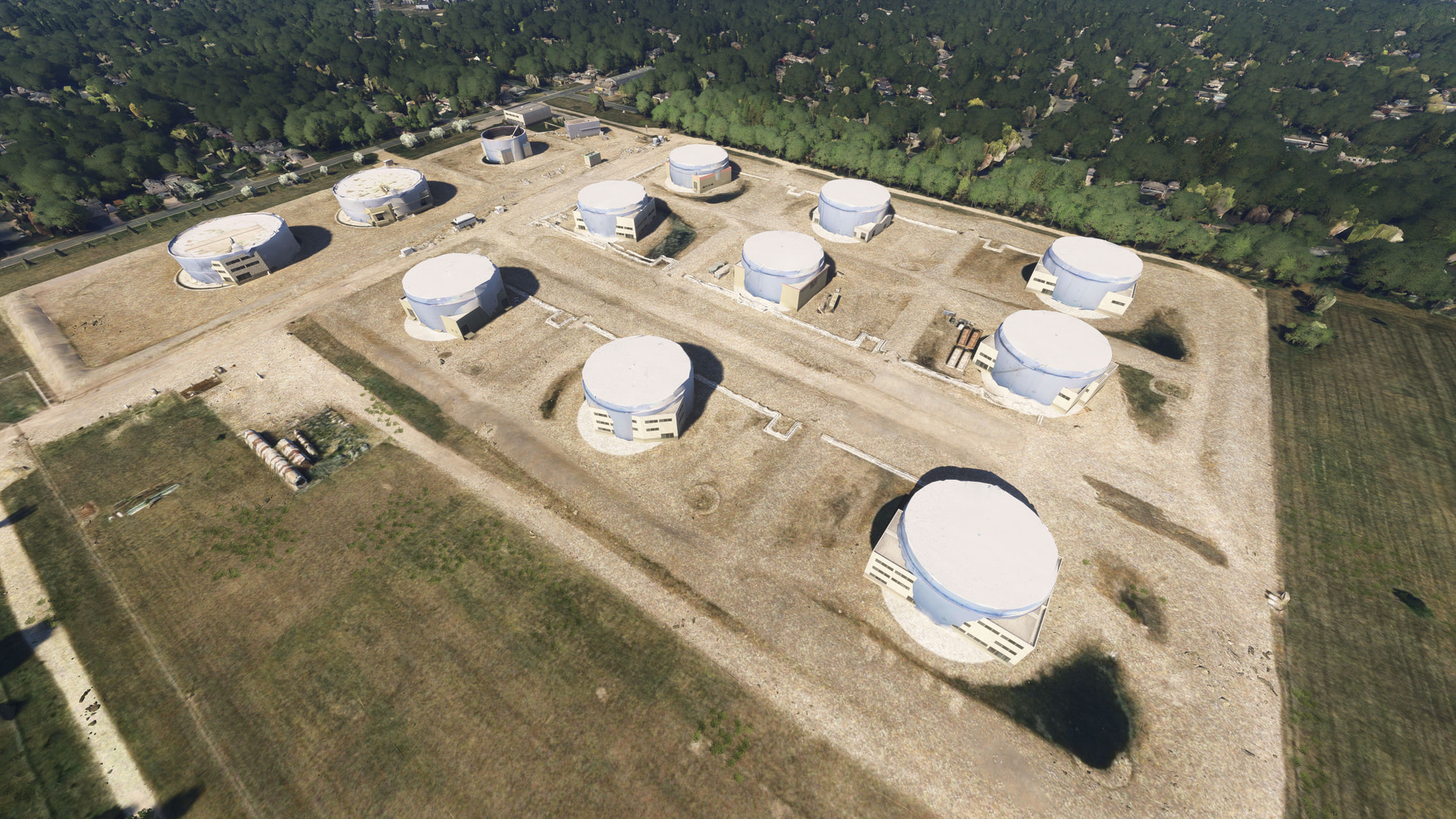
With City Update 15 enabled, there is a large strip/band of photogrammetry scenery, just south of Minneapolis/St. Paul, which isn’t displaying properly. I have been flying over this area every day since CU15 was released (last Friday), and this issue just began today. Within this specific area, the photogrammetry is displaying only partially, while the AI-generated/placed autogen buildings are also being rendered. The photogrammetry ground textures within this area are also not displaying, with only the base/low-res aerials showing. It’s as if there is an exclude missing, in this one strip/band/block, which should be canceling out the AI/autogen buildings and low-res ground textures.
The area that this issue presents itself is located starting at around:
44.82846288979808, -93.55922810108856
and extends all the way east to around:
44.82660145573753, -92.94449377998367.
As I mentioned, this issue was not present until today. From Friday (when CU15 was released) through Monday (yesterday), the scenery in this area looked perfect/there were no such issues at all. I have emptied my community folder, deleted my rolling cache file (multiple times), have disabled and re-enabled the city (and world) updates, done multiple restarts of the sim, and even completely reinstalled the sim, and the issue remains.
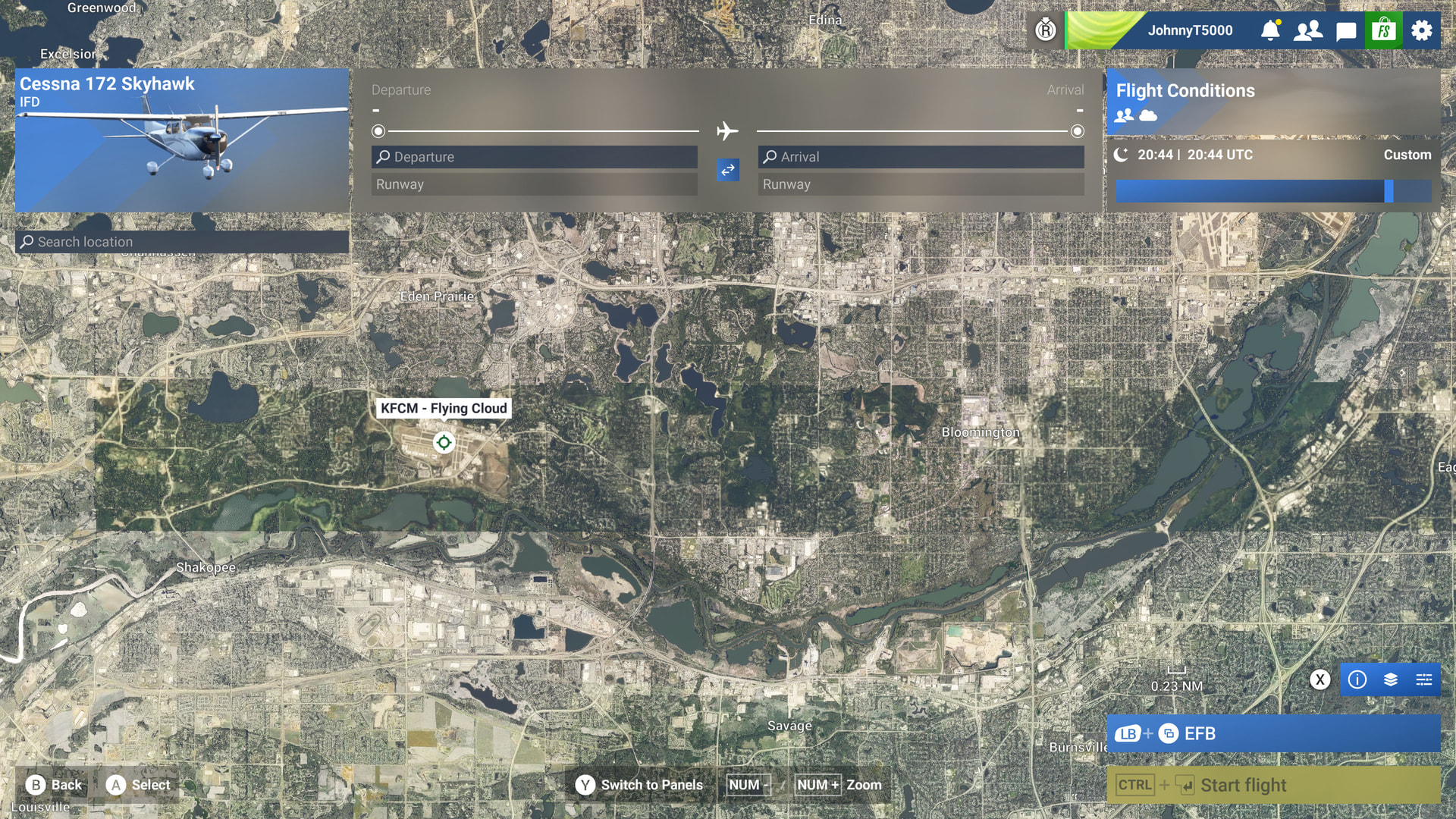
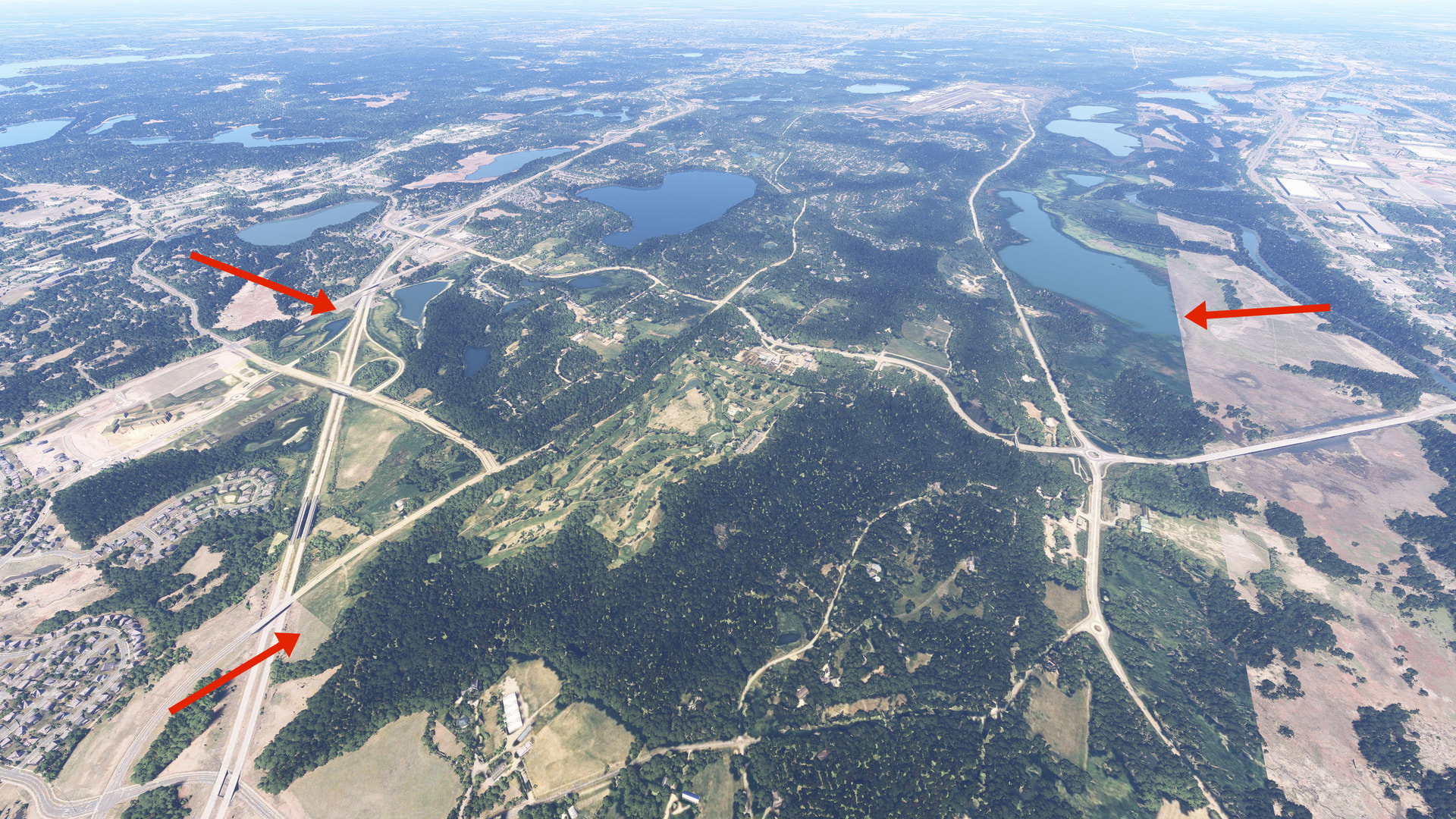
The first two images show a chunk of the area/issue I’m referring to - noticeable by the difference in the colors/values of the ground textures/aerials. Where as the whole area should be (and was until today) covered in photogrammetry ground textures, the problematic area only displays the base/lower-res ground textures (the middle, darker area).
Close to the ground, in this problem area, you can see that the AI/autogen buildings remain present, sticking through the photogrammetry. And, while other elements of the photogrammetry scenery shows through (different elevations), the ground textures are predominantly the base/low-res aerials.