Customizable graphics options for Xbox

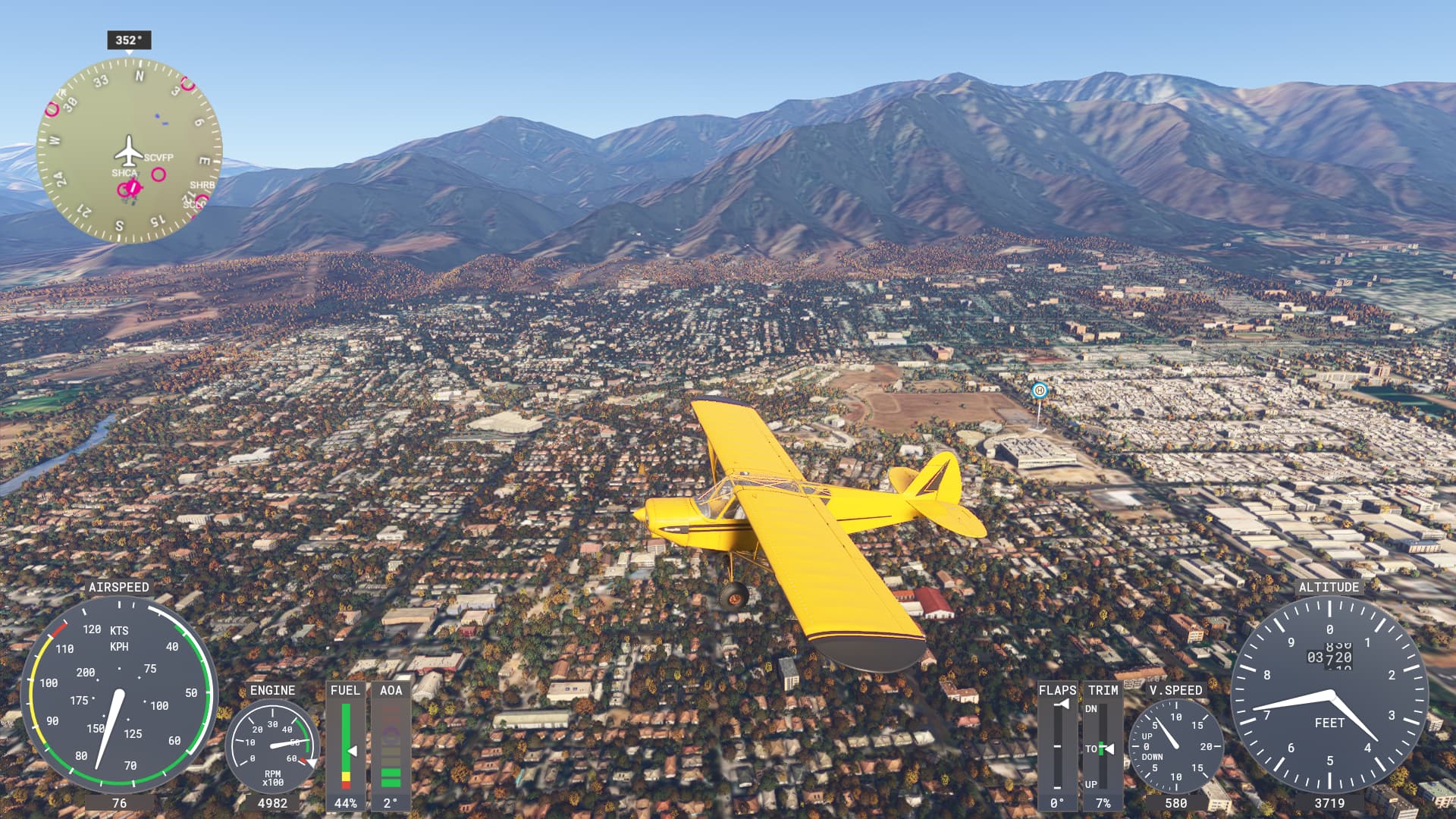
The poor photogrammetry in this case is likely tied to the poor draw distance as they both can be exaggerated when you download incomplete texture data.

But also, it is clear for now the TLOD on console is nerfed, and that also causes detail issues. They just weren’t photographed above. Those Paris pictures are classic incomplete data streaming issues.

There have been consistent issues with the level of detail in Paris in 2024,having a good internet connection.500 mb

It also happens often in Paris in 2020, the Godzilla stepped on Paris incomplete textures. Odd, Paris has been one of the most common places for this to happen for years.

1 Like


Are you on console or PC?

D’oh… this is a thread about console. :joy:

1 Like

Console is a comparation 2020 and 2024

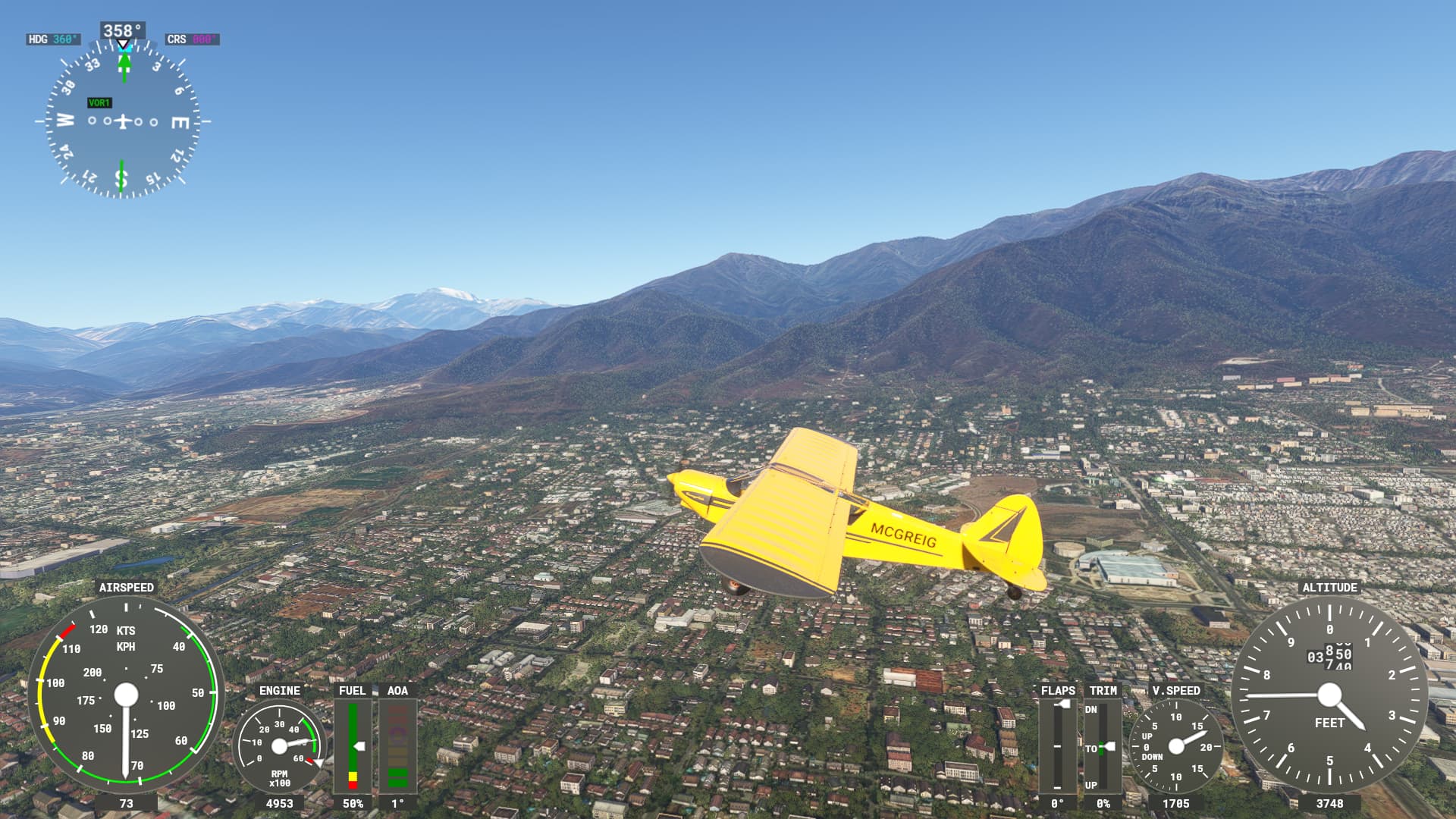
Yeah, I am all but certain that is the nerfed Terrain LOD, those mountains look awful in low LOD… but alas, the Xbox is waiting for a hardware patch to allocate more resources for Asobo.

It was supposed to be ready by the time the sim launched but alas, that doesn’t seem to be the case.

It will require patching to fix this annoying issue.

My experience on PC gives me hope that things can improve a LOT on Xbox. 2024 really does perform quite well on low and mid spec PCs.

I am afraid for now, that is just what 2024 looks like on console.

2 Likes

Just a quick reminder, we already have a topic to write about technical issues and performance about the Xbox Series X/S version of the sim. This one is to ask - in the form of a wishlist - more graphic settings/options on console. Things like:

  • the ability to set the resolution of the sim ( 1080p, 1440p, 4k ).

  • different graphic presets which prioritize image fidelity or performance/framerate ( like a quality/performance mode ).

  • different graphic presets build around different flight experiences. Like a Bush Pilot preset for low altitude/VFR and Airliner Pilot for high altitude/IFR.

  • sliders to change density of various entities of the game like static traffic in airports, cars and fauna.

  • sliders which can help the performance like tree density, shadow quality, raytracing on/off.

  • options to set brightness/contrast.

  • the ability to turn off the dynamic LOD ( experimental ).

We have already an experimental tag under the option menù which is empty on console while on PC for example you can turn on a third person camera mode while on walking mode.

2 Likes

Absolutely agree, the most infuriating thing is that it has been asked several times in previous years. As has been asked about turning off the annoying blue light, the famous legacy mod that is now there on Xbox but doesn’t work, you can’t turn it on. If they allow us to have then settings for graphics a lot of us wouldn’t complain about having terrible, blurry graphics. Like on 2020 also on 2024 on Xbox the graphics are drastically lowered based on memory etc. By letting everything be done automatically the flying experience and the main point of this sim becomes terrible

2 Likes

I would love more options for graphics on Xbox. And I did vote for this.

But alas, the core issue on Xbox right now seems to be hardware related and it means the TLOD can not (yet) be turned up much at all. And while most graphical settings are handled by primarily the GPU, TLOD is CPU throttled. This can slow FPS no matter what you do to other GPU driven graphics settings. When the CPU end is the bottleneck, it governs FPS and when the GPU is the bottleneck, it governs the FPS. Right now our issues appear to leave us bottlenecked by the CPU/RAM end of things, and we simply do not yet have access to all the Xbox hardware resources MSFS 2024 was built to use. So right now, MSFS Xbox is stunted by an odd hardware limitation that must be patched by MS before Asobo can improve things.

2020 is similarly stunted on Xbox right now, and the step back in quality from SU14 to SU15 on Xbox has been quite the controversy. Xbox lost a lot of LOD, and a fix is promised in the next update after MS patches the hardware. This appears to be a similar issue if not the same in 2024, something requiring the devs to severely throttle LOD just to be able to get the sim to work.

This leaves me thinking, for now, even with extra graphics sliders, or different resolution options, the core performance issue on Xbox is system related, not graphics related, and it seems to relate to CPU optimization, RAM optimization, and TLOD. So that would still need patching before we can see real improvements. Search for GDK on these forums for more info.

While I doubt MS would ever give us a bunch of graphical sliders on console, right now, something else is holding the Xbox hardware back with MSFS, and once fixed, performance should noticeably improve. Hopefully fidelity too. Especially on Series X. As on a low/mid spec PC, MSFS 2024 runs about as well if not better than 2020 did, and folks remember how good 2020 looked on a Series X back with SU14 before LOD got nerfed.

2024 simply is running too good on low and mid spec PCs right now, at least performance wise, I mean it is still a mess of bugs… and clearly something is off with the Xbox hardware that is preventing it from performing like a similar spec PC.

That needs patching before GPU heavy graphics sliders could make much of a difference for us. And THEN, after patching, other graphics sliders on Xbox might finally show real benefits.

I know the OP suggested earlier that I had strayed from the topic by mentioning this. It does seem counterintuitive at first glance, but it is important, as it would likely prevent the OP’s suggestion from having any real tangible impact until fixed.
6 Likes

Your points are valid but the introduction of the dynamic LOD was to prevent memory leaks mainly for very complex aircraft such as airliners. There are many bush pilots which weren’t affected at all by CTD or black avionics but still they were forced to deal with a downgraded graphic after WU 14-15. It was a fiasco ( we’re still waiting a fix for the SDK ) and the feedback very harsh from the Xbox comunity. Something they could simply avoid by introducing a graphic preset for bush pilots ( without dynamic LOD ) and one for airliners ( with dynamic LOD ). They didn’t. Not only that, but with MFS 2024 they even removed the only graphic options we had like the slider density for aircraft, fauna and cars.

3 Likes

The bad/good thing is those traffic sliders have less of an impact in 2024 than in 2020, so they found a more efficient way to do traffic. You would still see a small boost switching them off but not like in 2020. 2024 traffic is more Xbox friendly.

But being able to switch it off sure would reduce a lot of annoying last second pop in.

2024 is just so undercooked right now and not quite ready for release. Worse on Xbox right now than PC but not too much.

They don’t appear to have the Xbox hardware working with 2024 the way they had intended by release.

It has been clear to me since early on with 2020 a Performance and Quality setting would really help the folks on console. Trying to make one size fits all dynamic solution is cool. But why not a two sizes fits all dynamic solution?

4 Likes

I have an idea, Please Asobo give us the exact same graphical options as PC where possible, unless its PC specifc setting.

I need to lower the graphics any way possible in XBOX ?

I’m on Xbox Series S and when it’s working I works good enough for me. I have joystick, throttle and pedals and see myself as a advanced simmer.
I agree with you and especially on/off option for dust effect. I’m flying helicopters 99% of the time and the rotator downwash dust effect lower for to unplayable.

The options Xbox had in 2020 were really helpful to optimise performance and make the game run well everywhere, I actively avoid areas on the map on 24 due to performance. This needs more votes. The development streams prior to release even showed the same options that we had in 2020 yet they’re missing in 24’s ‘full release’

Please put the option to remove the static planes on Xbox! It’s horrible to see the airport full of genetic planes I think it would even help in performance

6 Likes

At least give me an option to turn some stuff OFF. That should not decrease performance should it? I don’t need to see cows dancing around like deranged bunny rabbits or every space in a commercial passenger terminal occupied by gliders. Stuff like that does not help with immersion and if anything steals a few cycles from somewhere else.

2 Likes

I keep everything at zero in 2020 - all turned up to 100 leads to the same stuttering that we have at large airports on 2024

Disabling fauna apparently improves performance by a lot — but only on PC, as Xbox does not have this option. It would be great if we could disable not just air traffic but also:

  • airport static aircraft
  • fauna
  • road traffic
  • water traffic (not that I’ve ever seen a single ship on Xbox)

These things bring down the performance and possibly needlessly fill the memory on Xbox with things we wouldn’t even see from the air. So I think we definitely need these options in the Xbox version.

3 Likes