Ok once you unpack it - the folder that goes in community is DA62X - copy and paste or drag that one into the community folder!
I was just trying to inspire some inquisitive mind to find out whether air flow (instead of speed of the vehicle) will affect engine temperatures. Like turning the aircraft into the wind. Or, paradoxically, increasing engine output to cool the engine down.
1 Like
Thank you; I have now grey triangle lower left.
1 Like
so uh.. yeah, lets see how this turns out 
1 Like
Nice one 
Is this a later version than v2.2?
i uploaded 0.2.2 and then uploaded all my recent changes to it, so i guess yeah.
GIT is really weird for me. I dont really have a workflow..
I do stuff, and when its good i zip it an upload it
I always follow the latest updates in this thread, so as long as there’s a link in here, I’m good 

This might help a bit…
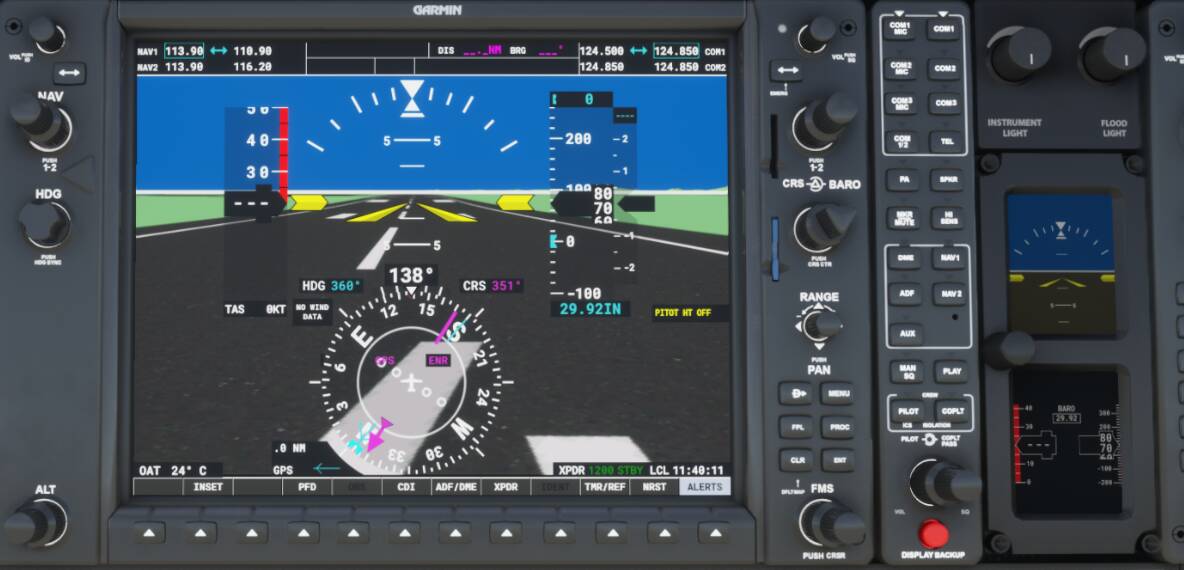
Just completed a flight from RJOO to RJAA (Japan) with the DA62X 2.2 mod. Did a couple touch and go’s, the Autopilot picked up where I left off (first time since using MSFS for almost a year}. What a great mod, only hicup was the high engine temp warnings after landing (I think it was already mentioned) and very long taxi to parking. Have not done any approaches yet, should I also load the G1000 mod for the IFR stuff? Great job Mr. Tommy - as good as any payware (both DA62 developers in P3D v5) I have flown.
I would recommend
https://desktop.github.com/
instead. It requires very little configuration. You can clone the repository to a local folder, work there and commit and upload changes to github.
No not yet
Im not too sure. If you want to turn up the lights, then the Instrument would blind you. Thats the reason i haven’t bound the G1000s to the knobs of the plane.
What did you change? The prev version was working very well!
Stuff..
Github is not the official release… no idea why people want me to make one. Unless they have something to add
You have succeeded.
Standing on the ground (38 C OAT to make it sweat), 100 and 50 load will bump up temps. Put in some 40-70kts headwind, had no noticable cooling effect (at least for a few minutes). Putting it on idle will slowly cool it down.
If I take off on 100 load (speed around 85kts) cooling is started but in a slow pace. When I leveled the plane and reached around 135kts it started to cool back noticably. Decreasing the load made cooling even faster.
Interesting stuff: I’ve tried to adjust the props. I have them on a throttle axis. When I pull them to minimum (strong airflow) the engine load and RPM decreases for a short time but it adjust itself back after a sec.
So while set the engine load to 100 (95) with the main throttle I constantly moved up-down prop adjuster on the lower third scale for a while, keeping the engine load on 50, rpm around 600-800 and GPH around 5-6/eng. The has engine coolant and oil started to cool back (but gearbox cooland temp is raised further).
It’s not easy to have a verdict. You need IAS, more than 70-80kts on 100 load to stop gaining heat on normal operation. Even in pretty warm OAT a nice cruising speed will cool back your plane pretty well.
Airflow MAY reduce heating IF my experiment with the prop speed settings really affected airflow but it’s far from realistic operation (especially with DA62 having no manual prop speed option) to use that.
Note 1: you can easily taxi around idle so no real reason to taxi on higher load after you unstuck your AC.
Note 2: IRL DV20 (I know totally different, but at least a Diamond ) is only allowed to fly under 32 C OAT and traffic pattern exercises only allowed under 30 C OAT by the trainers where I’m learning right now. So overheating is a real concern but even if it cannot be mitigated by more airflow of the engine in the game it can be easily handled by taxiing on idle and choosing a bit faster ascend slope.
1 Like
I have the issue that once stopped, I cannot move on.. I have to toggle the parking brake on and off again, then I can taxi on. Besides that, outstanding work on this mod!!
BTW, the alternate air lever is missing.. I know this is beyond the range of this mod, but how could they miss it. It’s there on the DA40.
i highly, highly doubt that the game models induced airflow from the engines cooling the engine. Maybe turboprops for the 10 seconds of cooling you get during shutdown. but i highly doubt that for pistons
Ive redone the Cooling and heating parameters. will come next update.
no where in the da20 manual did it say we couldn’t fly in temps over 32°.
I did my PPL in the 80hp version in summer. We got 300 fpm with oil on the redline, but hey, it flew
They have modeled it, however it’s not functional. It’s tucked away under the middle console on the opposite side of the DA40. It’s on the right. On the left is the emergency gear deploy.
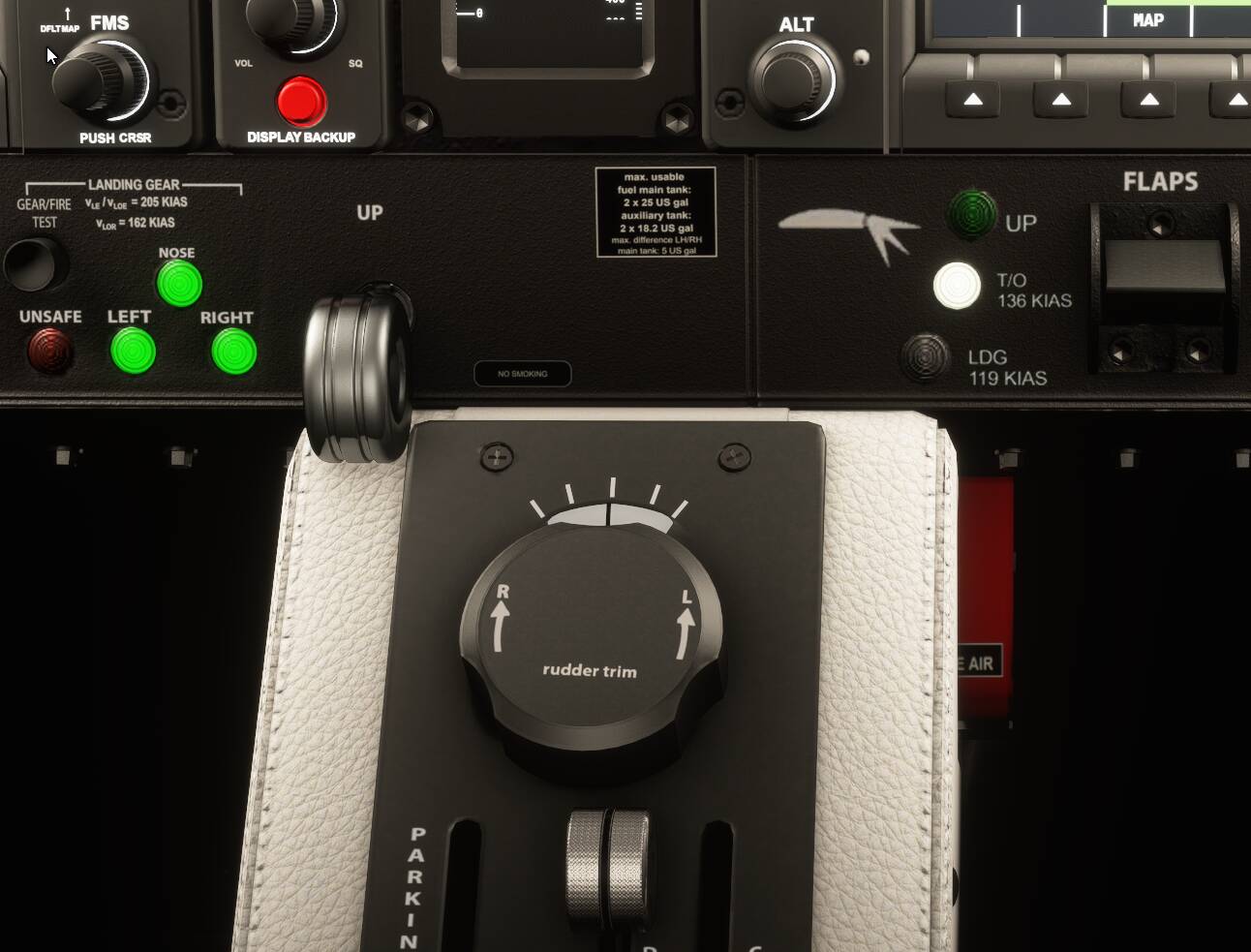
Notice the latest update results in 95% being yellow more often than before. I see that this change was to match the power and prop colours for any given throttle setting. Using values of 0-95.49 for white will see 95 always white and 96 always yellow, providing yellow starts at 95.5 or below. Using this change does highlight a small rpms vs power setting mismatch, as rpms just tick over to yellow 2210 before the white 95 turns into a yellow 96. I expect this is the result of matching prop rpms of 2200 for exactly 95% power, while the display shows values up to 95.49% as 95.
Personally I prefer the power setting to have 95% always white and 96% always yellow. And then adjust the rpms colours to match the power colours rather than the other way around. But this is just my preference, and is an easy manual fix for me.