Using the template below will greatly help the team reproduce the issue and ease the process of fixing it. Before posting, search for an existing report. If you are not sure it’s a bug, please first report in User Support Hub.
2 tags are required - add them in the tag section next to the title above:
Feel free to delete this quote section after adding your appropriate tags.
ISSUE DESCRIPTION
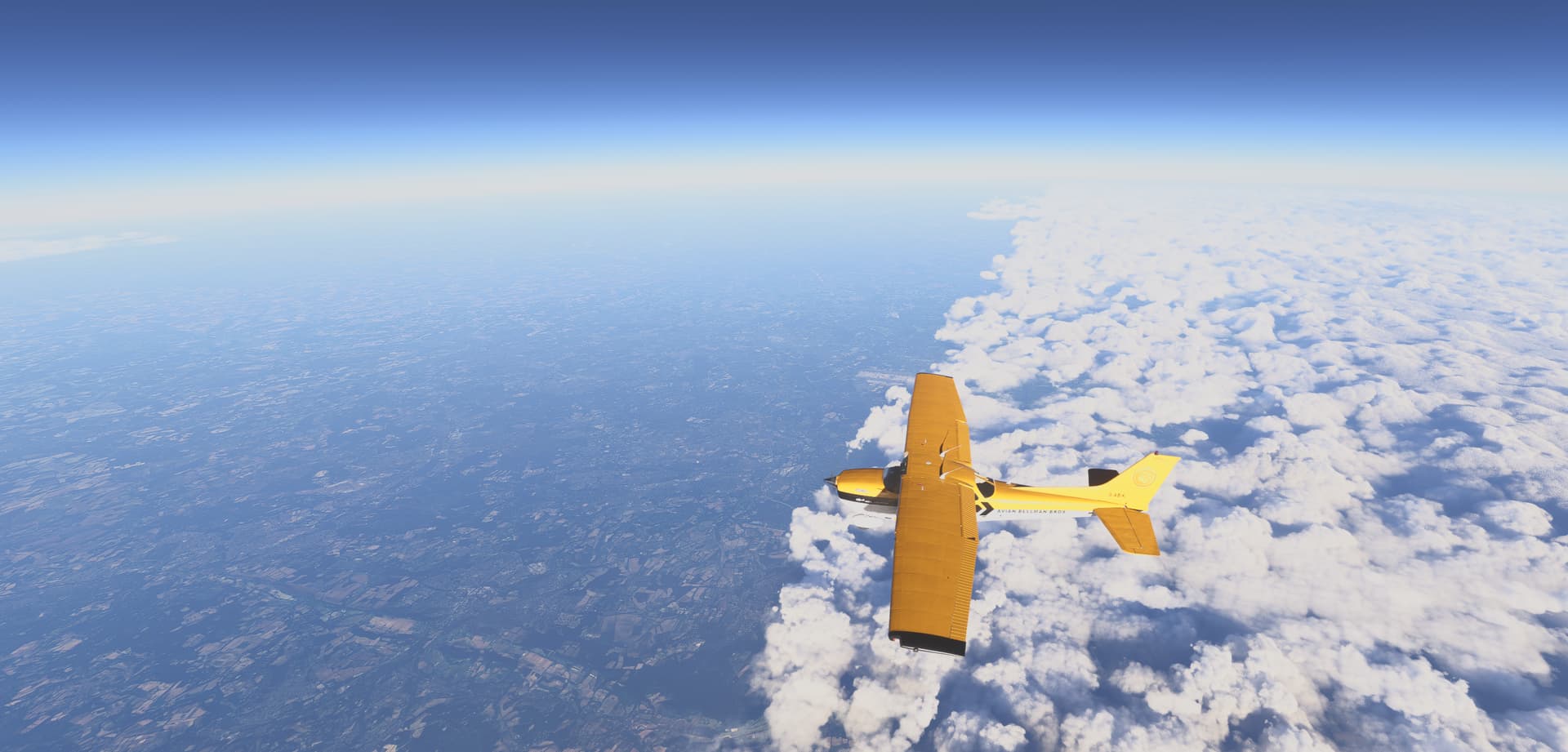
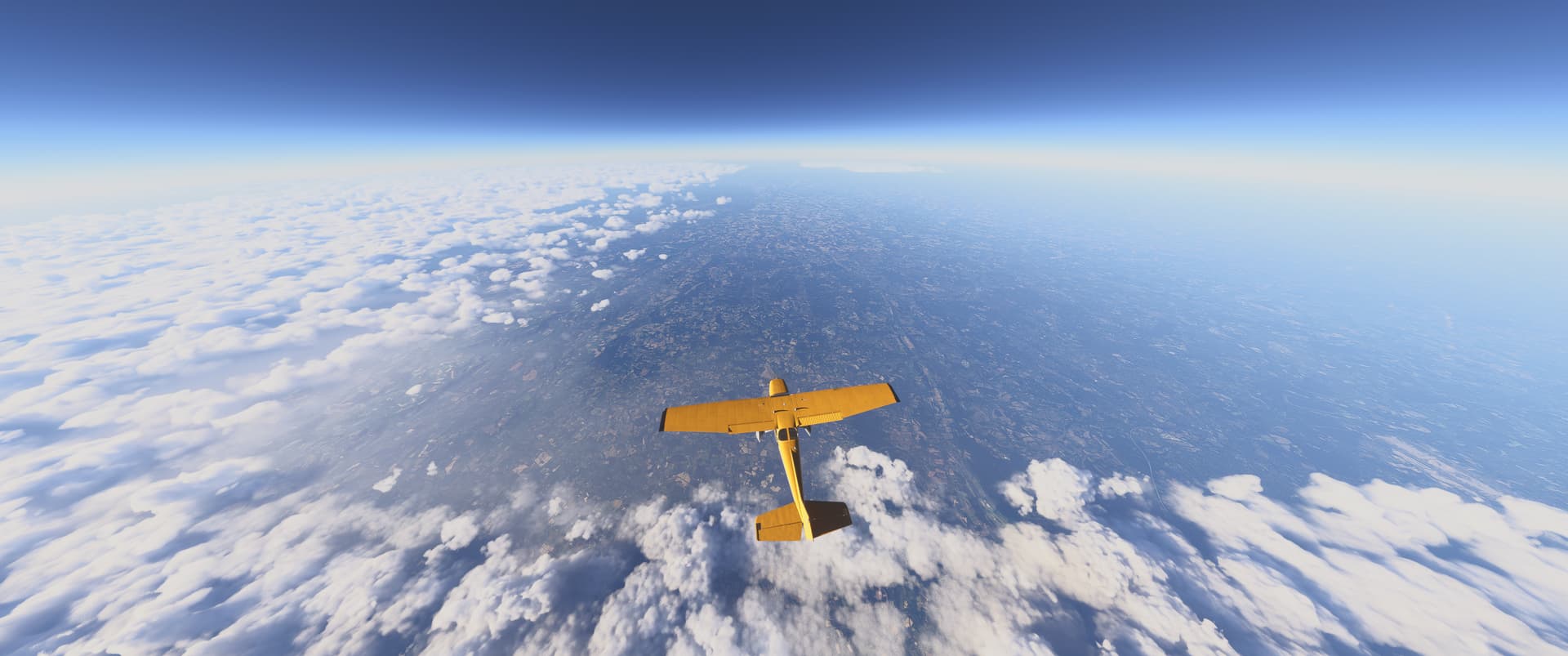
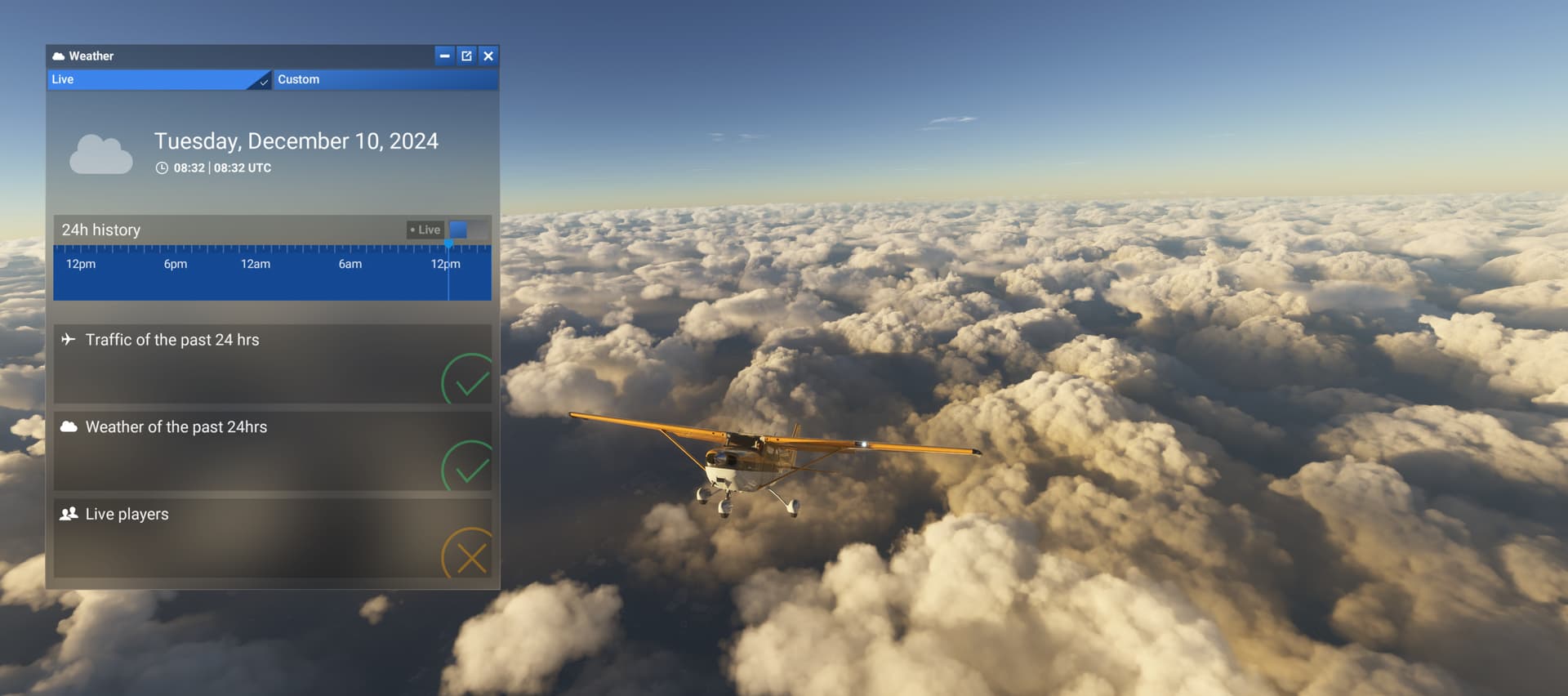
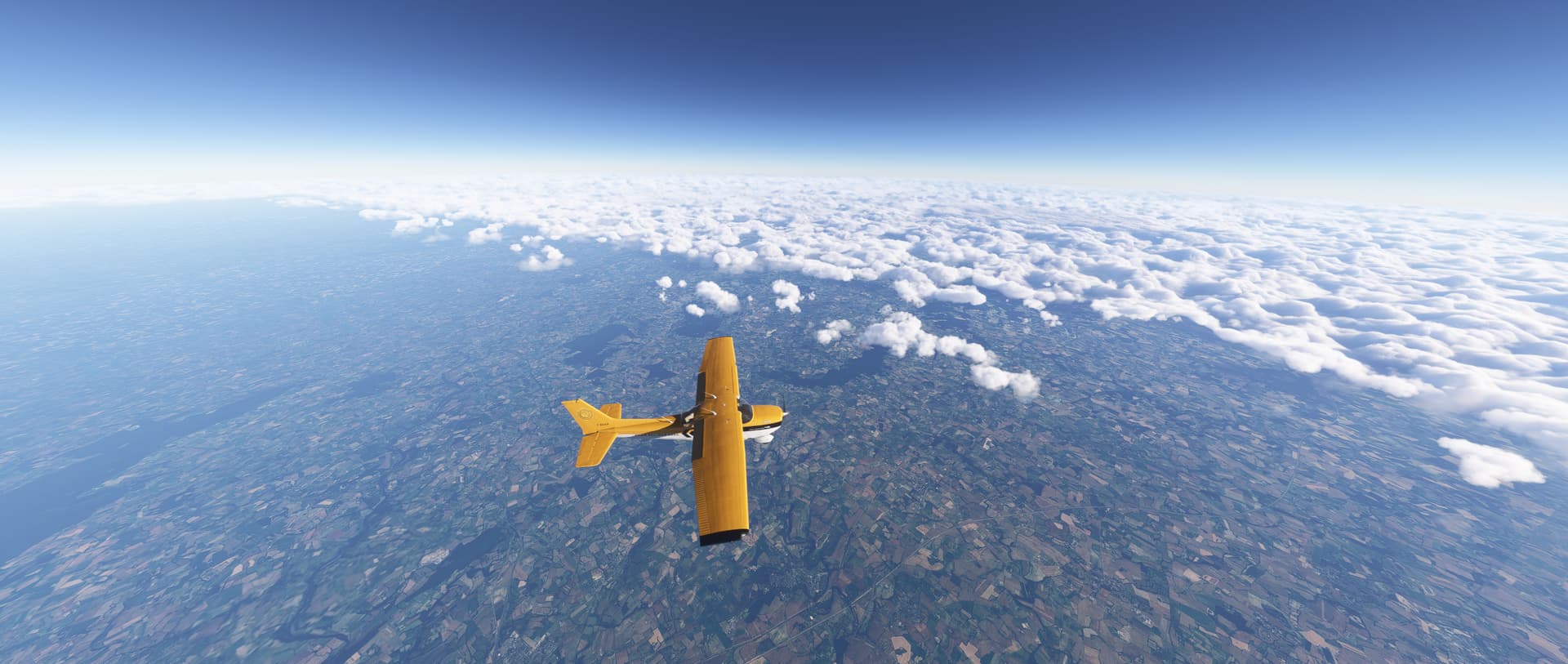
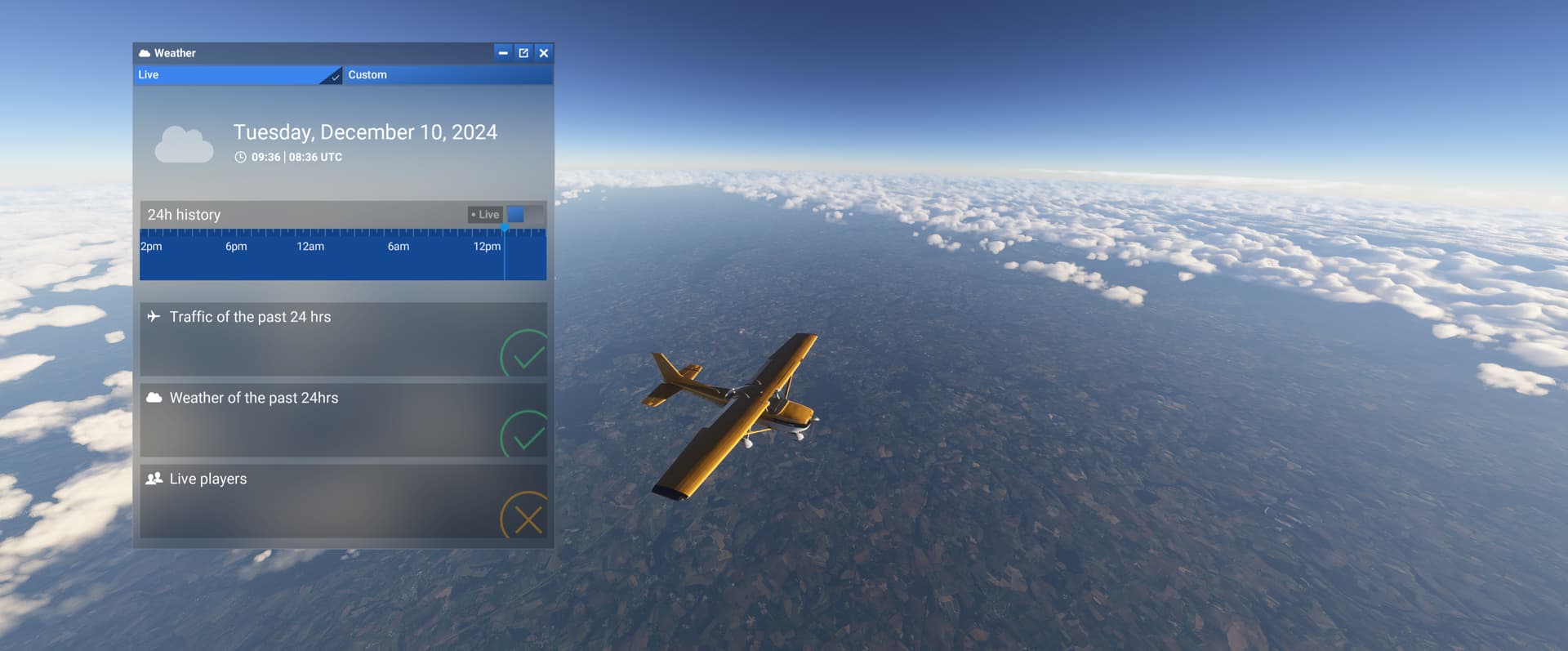
Description of the issue: I’ve tried multiple airports across the UK today and the live weather is not working correctly, the cloud cover is almost always missing at airports either reporting it by METAR or even where the Meteoblue forecast dictates there should be cloud.
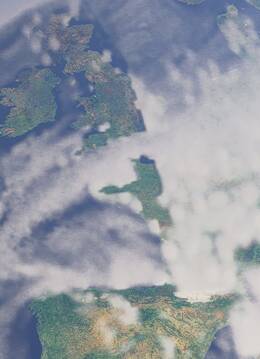
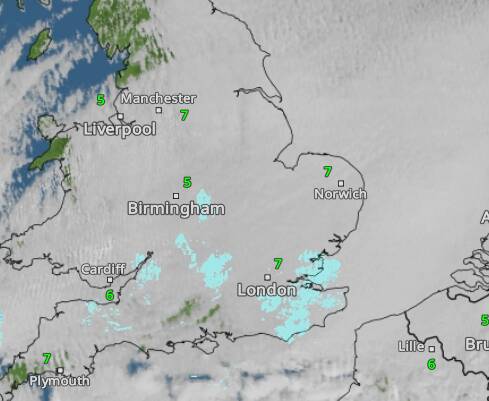
As you can see the whole of England is pretty much shrouded in thick cloud today
I can confirm Live weather enabled and there is the odd few clouds, but it is incorrect.
Provide specific location or coordinates:
EGNM - Leeds Bradford
EGNM 100920Z 06009KT 030V110 9999 BKN025 05/00 Q1038
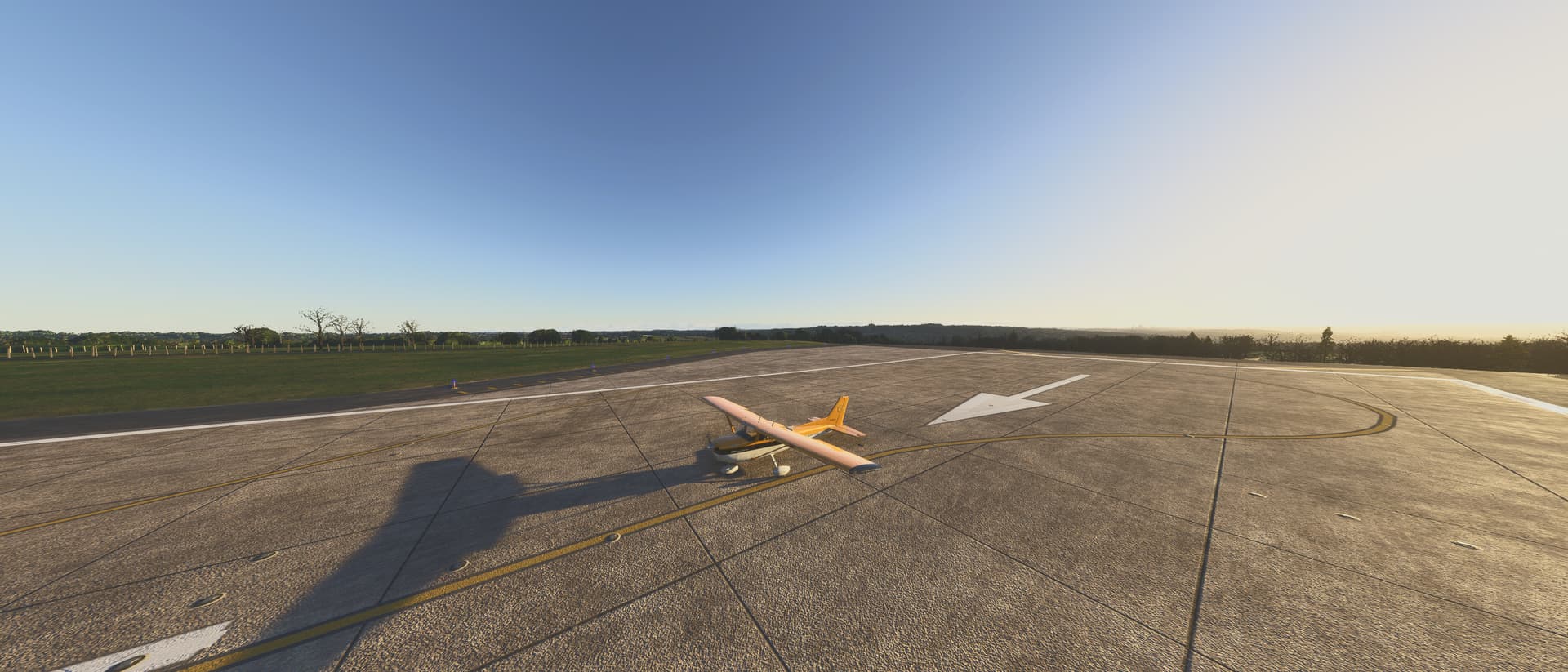
EGCC - Manchester
EGCC 100920Z AUTO 04013KT 9999 OVC027 06/01 Q1038

EGNX - East Midlands
EGNX 100920Z 03012KT 9999 FEW018 BKN027 06/03 Q1036
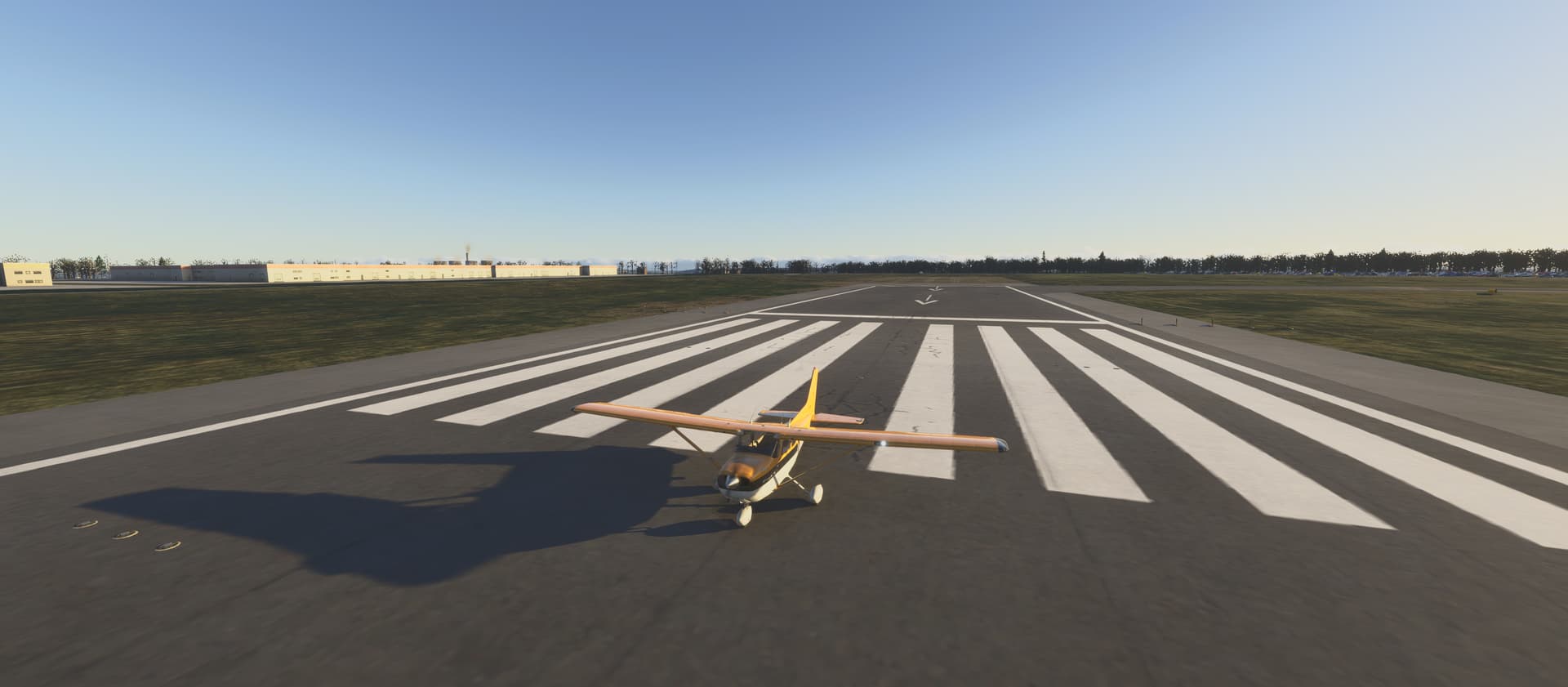
Provide time and date of the observed weather issue:
10th December 2024 0900z onwards
[PC Only] Did you remove all your community mods/add-ons? If yes, are you still experiencing the issue?
FREQUENCY OF ISSUE
How often does this occur for you (Example: Just once, every time on sim load, intermittently)?
Every time
REPRODUCTION STEPS
Please list clear steps you took in order to help our test team reproduce the same issue:
- Load up at airport in England with Live weather, e.g. EGCC, EGNM, EGNX
- Observe cloud cover/live weather is incorrect and missing
- Happens every time
YOUR SETTINGS
If the issue still occurs with no mods and add-ons, please continue to report your issue. If not, please move this post to the User Support Hub.
What peripherals are you using, if relevant:
[PC Only] Are you using Developer Mode or have you made any changes to it? No.
[PC, MSFS 2020 Only] Are you using DX11 or DX12?
[PC Only] What GPU (Graphics Card) do you use?
[PC Only] What other relevant PC specs can you share?
MEDIA
Please add a screenshot or video of the issue occurring.
[END OF FIRST USER REPORT]
 For anyone who wants to contribute on this issue, Click on the button below to use this template:
Do you have the same issue if you follow the OP’s steps to reproduce it?
•
Provide extra information to complete the original description of the issue:
•
If relevant, provide additional screenshots/video:
•