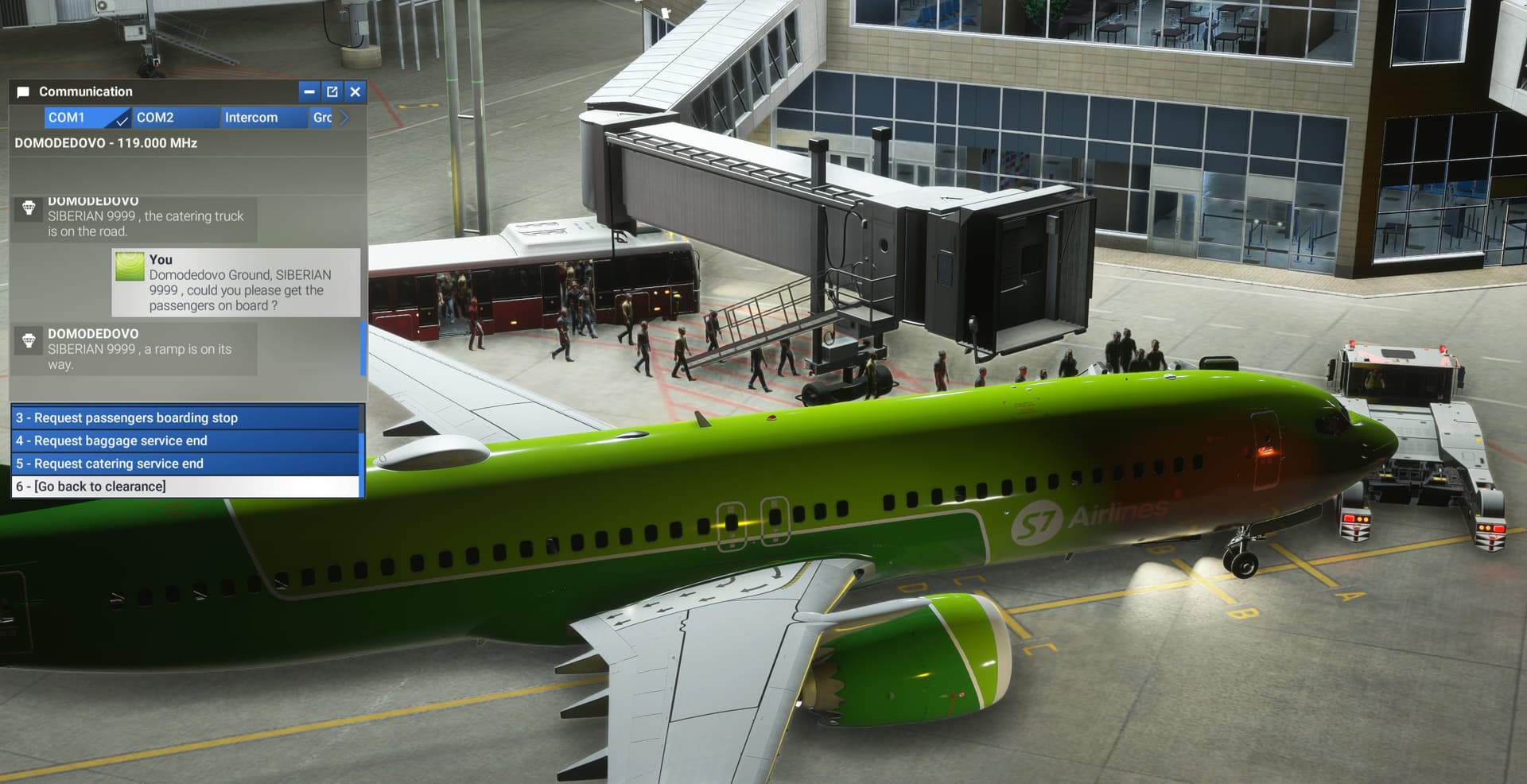
Hi,
im not sure, but as i remember we had issues on the first SU 2 build and for sure on the first SU 3 Build, a Jetway-not-moving, issue ….?!
Flew into 2 Airports so far …. none of them has moved …. anyone else experience such issues (again?)
Hi,
im not sure, but as i remember we had issues on the first SU 2 build and for sure on the first SU 3 Build, a Jetway-not-moving, issue ….?!
Flew into 2 Airports so far …. none of them has moved …. anyone else experience such issues (again?)
Yes my jetways aren’t moving too.
Description of the issue:
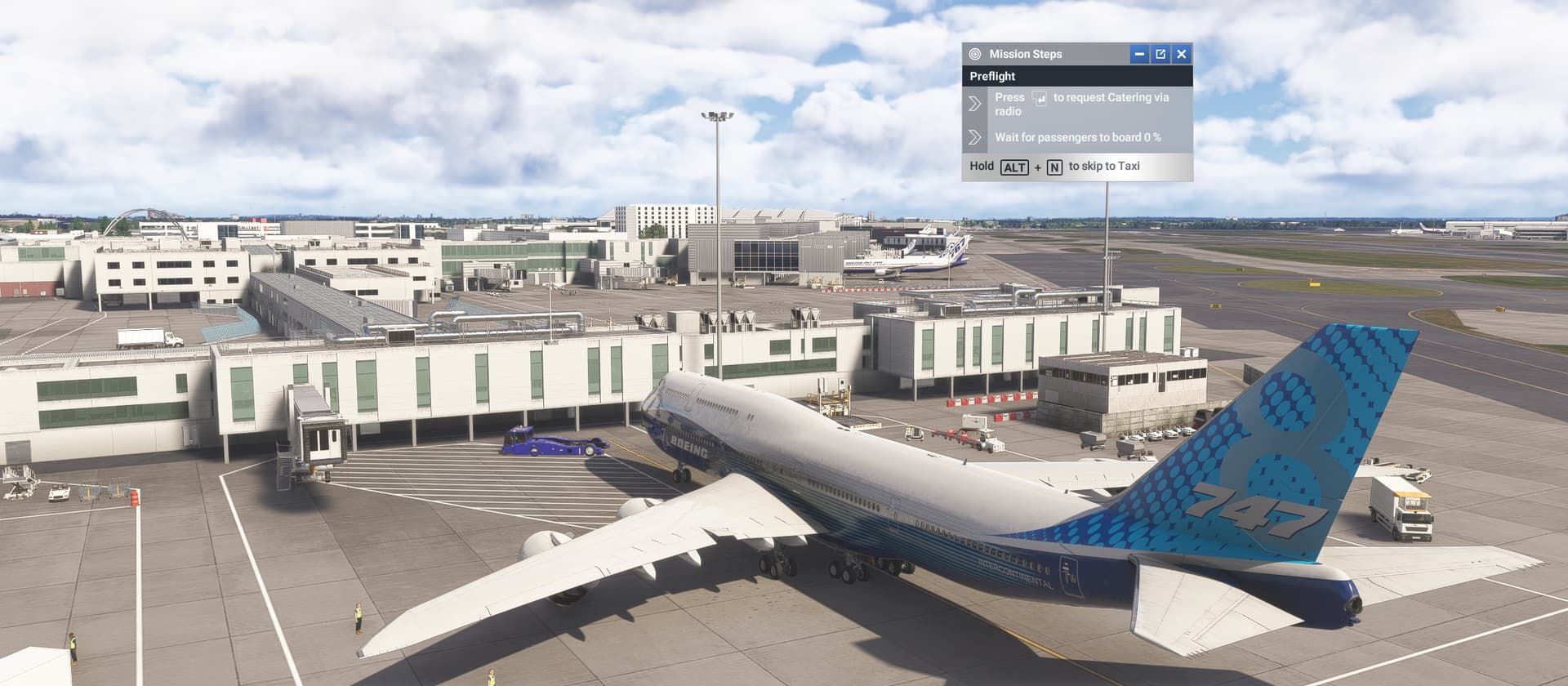
At EGLL in careermode im using the boeing 747 in freelancemode, but the jetway wont connect when pressing the enter key to load passengers, the passenger count stays at 0 aswell
How often does this occur for you (Example: Just once, every time on sim load, intermittently)?
Each time
Please list clear steps you took in order to help our test team reproduce the same issue:
Load a freelance job withe the 747 at egll
Turn on the external power and try loading the passengers via the enter key, the passenger count should stay at 0% and the jetway wont move
It will allow me to skip to taxi without any issue tho
If the issue still occurs with no mods and add-ons, please continue to report your issue. If not, please move this post to the User Support Hub.
What peripherals are you using:
[PC Only] Are you using Developer Mode or have you made any changes to it?
[PC Only] What GPU (Graphics Card) do you use?
[PC Only] What other relevant PC specs can you share?
Please add a screenshot or video of the issue occurring.
GSX says “bad jetway data”…
Experiencing same issue here
I’ve moved this topic to the Sim Update 4 Beta | MSFS 2024 > Scenery & Airports category. Could I politely ask for those of you experiencing this issue to provide details (like you would in a bug report) so that I can include as much information as possible when reporting this to the Development Team?
I’ll paste the bug report template below for you to copy and complete! 
ISSUE DESCRIPTION
Description of the issue:
Coordinate or location of issue:
FREQUENCY OF ISSUE
How often does this occur for you (Example: Just once, every time on sim load, intermittently)?
REPRODUCTION STEPS
Please list clear steps you took in order to help our test team reproduce the same issue:
YOUR SETTINGS
If the issue still occurs with no mods and add-ons, please continue to report your issue. If not, please move this post to the User Support Hub.
What peripherals are you using:
[PC Only] Are you using Developer Mode or have you made any changes to it?
[PC, MSFS 2020 Only] Are you using DX11 or DX12?
[PC Only] What GPU (Graphics Card) do you use?
[PC Only] What other relevant PC specs can you share?
7800x3dMEDIA
Please add a screenshot or video of the issue occurring.
Thanks
The MSFS Team
Same here… broken jetways
Hi Chewwy did you just need the repro part
REPRODUCTION STEPS
Please list clear steps you took in order to help our test team reproduce the same issue:
Load a freelance job withe the 747 at egll
Turn on the external power and try loading the passengers via the enter key, the passenger count should stay at 0% and the jetway wont move
It will allow me to skip to taxi without any issue tho
Its in my post before feel free to remove this one if you want
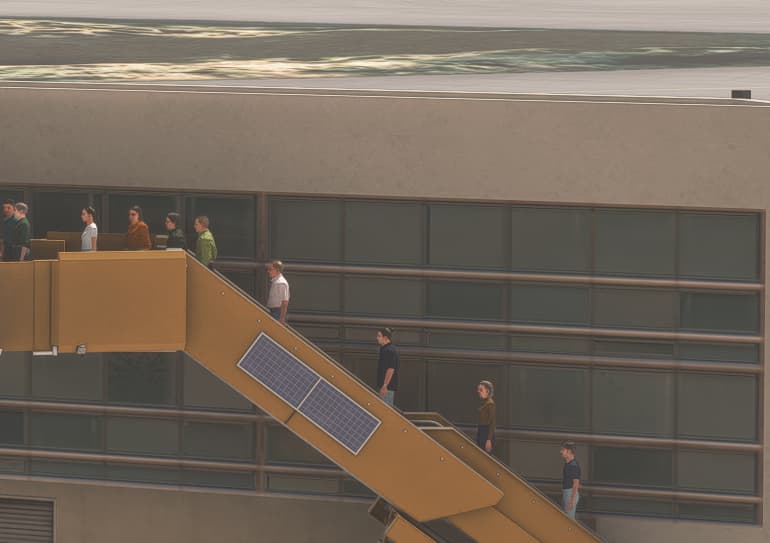
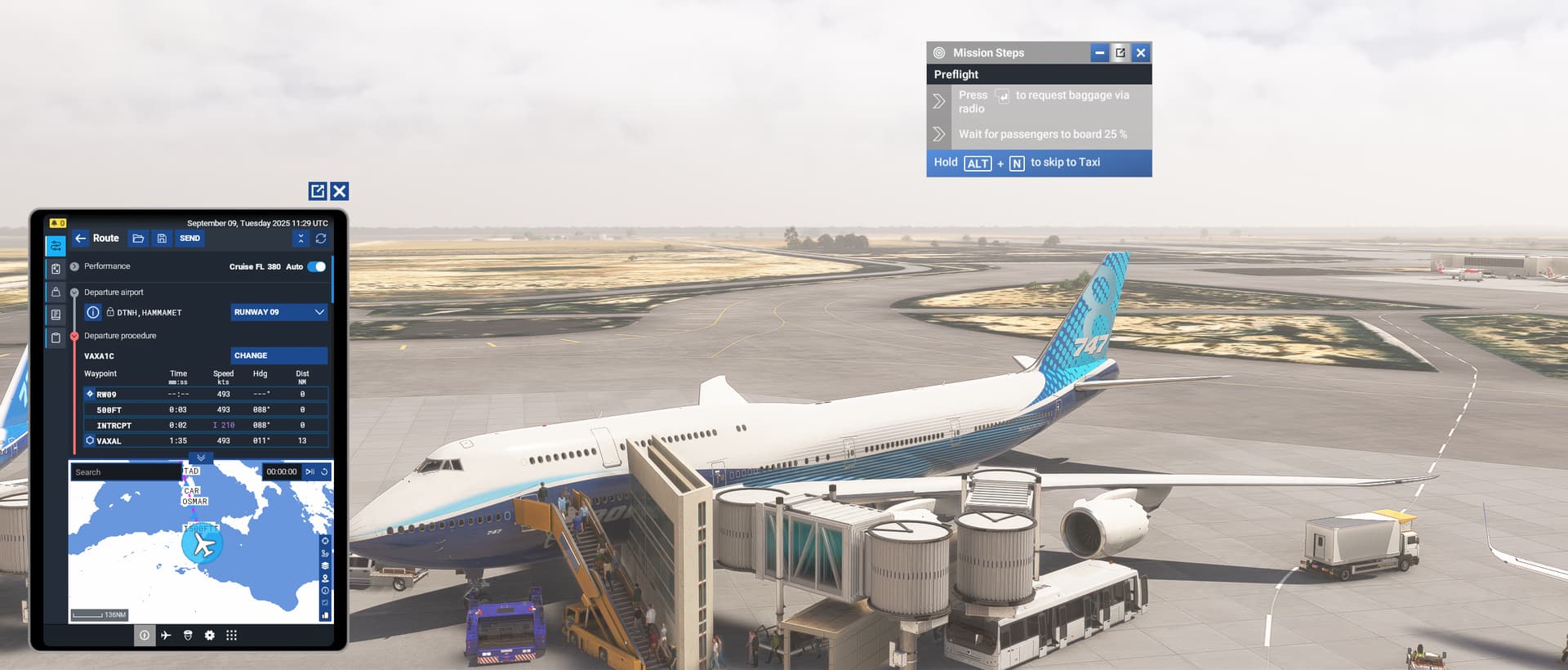
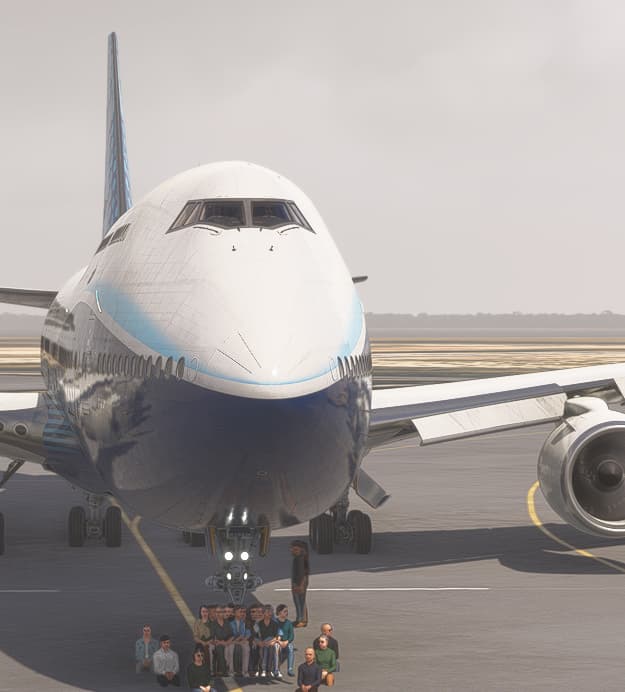
Update the passengers load fine by the stairs, then got stuck at 48% tho the door doesnt open, but the carermode spawned me inside a building 
Noted the same thing. When attemtping to use GSX at multiple airports it shows bad jetweay data and jetways remain static.
Description of the issue:
Coordinate or location of issue:
How often does this occur for you (Example: Just once, every time on sim load, intermittently)?
Please list clear steps you took in order to help our test team reproduce the same issue:
Start MSFS
Chose an airplane capable of getting served by a jetway
Spawn at the gate
Ask to connect the jetway
If the issue still occurs with no mods and add-ons, please continue to report your issue. If not, please move this post to the User Support Hub.
What peripherals are you using:
[PC Only] Are you using Developer Mode or have you made any changes to it?
[PC, MSFS 2020 Only] Are you using DX11 or DX12?
[PC Only] What GPU (Graphics Card) do you use?
[PC Only] What other relevant PC specs can you share?
* not relevant
Please add a screenshot or video of the issue occurring.
Have to say I’m a little bit dissapointed with the first SU4 beta build. I can’t get any of the jetways to work because it says bad jetway data by GSX. Gonna go back to SU3 for the time being
Hey pal, think you are reporting the same bug we are: Default Jetways Broken in v1.6.3.0 - #9 by Hammy8389
Dont be much dissapointed, broken Jetways are kind of a tradition on each first Beta Build of a SimUpdate
Thank you for the bug report.
We have created an internal ticket to see if our team already has this logged, and if not they will attempt to reproduce the issue and create a new bug report. This item is now marked as feedback-logged. If there is an existing bug report or one is created, we will move this thread to bug-logged.
Unfortunate that the jetways do not work. They need to have it where you can select multiple jetways for larger aircraft’s like in real life.
I can’t imagine it is super difficult - has been requested for so long.
After sim update 4 I was constantly getting an error when trying to use GSX specifically the jetways and the command attach jetway in the GSX menu. I was being given bad jetway data constantly, after many hours of trying to figure out what it was I tried to remove/revert back to SU3 and lo and behold that fixed the issue.
Something in SU4 and the beta build is affecting GSX and the jetway data.
I believe you are reporting this same bug:
Same issue. No jetways work. Simbrief is saying “bad jetway data”.
Jetways still broken in 1.5.6.0