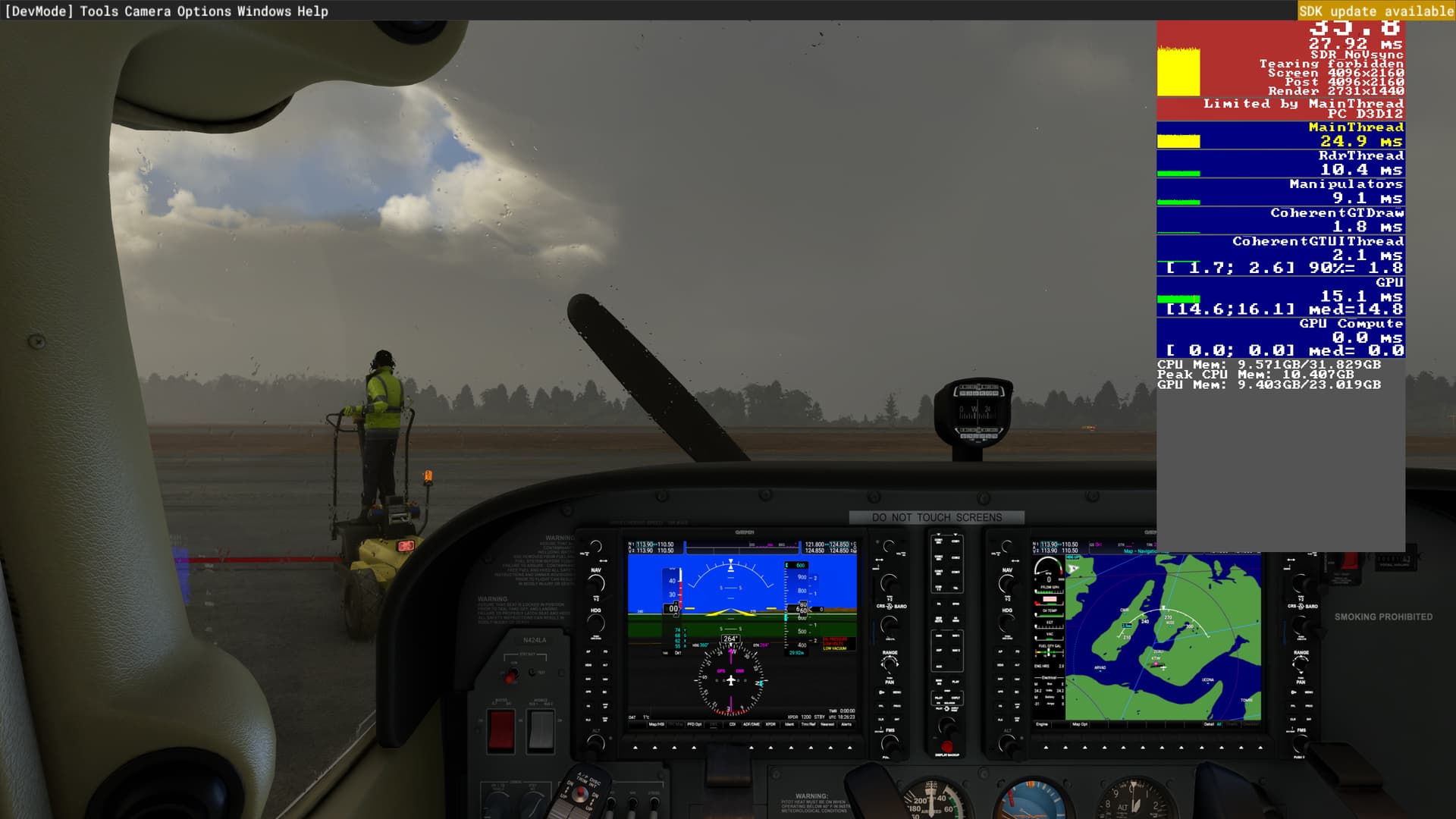
I was running my MSFS2020 today and looking at the Developer FPS widget and noticing that the 3 resolution information lines were not showing the same thing…
the lines are titled Screen, Post and Render.
Looking at these lines and playing with the Anti-Aliasing option, I first noticed that in TAA I had 65% set which gave me the render resolution below and 39.4 FPS (fluctuating) this is 2D only…no VR testing.
Screen : 4096 x 2160 (this is 4K, but above my monitors native resolution of 3180 x 2160)
Post : 4096 x2160
Render : 2662 x 1404 (I believe this is what is being shown on the monitor as the FS2020 playable image)
Then I set DLSS 2.0 / Auto and it gave me
Screen : 4096 x 2160
Post : 4096 x 2160
Render : 1365 x 720
This setting made no noticeable change to the visuals that I noticed…FPS 38.8 (Fluctuating)
Then I set TAA/100% and I got
Screen : 4096 x 2160
Post : 4096 x 2160
Render : 4096 x 2160
Still no noticeable change to the graphics at all…and 38.3 FPS (fluctuating FPS)
I am wondering if I am confused about what the render res does or if I am missing something as I felt that resolution changes that made res from 4096 x 2160 to 1365 x 720 should have made some difference that was noticeable to the eye within MSFS2020…I didn’t notice anything…If I am being blind let me know…Thanks
(specs are RTX3090, 32gb RAM, i9-10900KF, Vizio 4K monitor 60 hz refresh)