Have you tried disabling HPET?
Helped remove any stuttering for me.
Does anyone still remember back in the day when the various manufacturers like Compaq, North Gate, Everex, etc. used to claim “100% IBM PC compatible, fully supports Microsoft Flight Simulator”?
Reading through this thread makes me wonder if perhaps OEM and home systems builders might want to return to this standard. It appears to me that not all of today’s so-called high-end systems can safely make that old claim that they “fully support Microsoft Flight Simulator”.
One often hears comments by avid gamers that they experience no similar issues with their other assumed to be heavy-weight games. But not the case with MSFS.
I think that MSFS has set another new benchmark that only a few of today’s PC configurations can fully/reliably meet. Many of us are still trying to catch up with those costly new hardware requirements. VR? I don’t even dare venture into that unknown. 
2 Likes
SU10 is, unfortunately, very unstable for me on XSX. Almost every flight results in a CTD when i’m taxiing to the gate. Doesn’t matter if it’s a 45mins or a 6 hours flight, it doesn’t matter if I use stock Asobo planes or 3rd party ones. And it happens on stock airports, not just 3rd party ones which are a crime on Xbox as we all know. To me it looks like they sacrificed stability over performance, because performance is good. And they clearly haven’t figured out the memory issues on Xbox.
Note that these issues did not happened during any of the SU10 betas, so something must have been changed in the final release. All in all, I’m disappointed. I hope there will be a SU11 beta starting soon, with performance and stability logging build in for Xbox.
In the meantime, I’m starting saving extra for a game PC because I can’t take this much longer.
4 Likes
I’m hardly getting any CTDs. Was getting them occasionally prior to SU10 but now almost none.
I should mention that I launch the game after a cold boot and always quit fully out of the game.
I also shut down the console fully after my session and don’t put it in quick resume.
It might help to clear your rolling cache. The game is very, very stable and smooth on SX. I’m impressed. It’s definitely an isolated user issue cos’ overall it runs very well. Only complaint here is photogammetry looking ugly or not loading properly in some places.
Isolated issue, you said?
For the record, I always reboot my XSX after every flight, and I’m running without rolling cache for ages.
2 Likes
Do I need to use rolling cache on a 50mbps fiber optic connection?
Will setting a ridiculous size like 100gb or something get rid of the ugly polygons and melted blobs on buildings and structures?
Rolling cache can be useful when you fly over the same areas a lot. That’s my understanding, so yes maybe it helps in that regard.
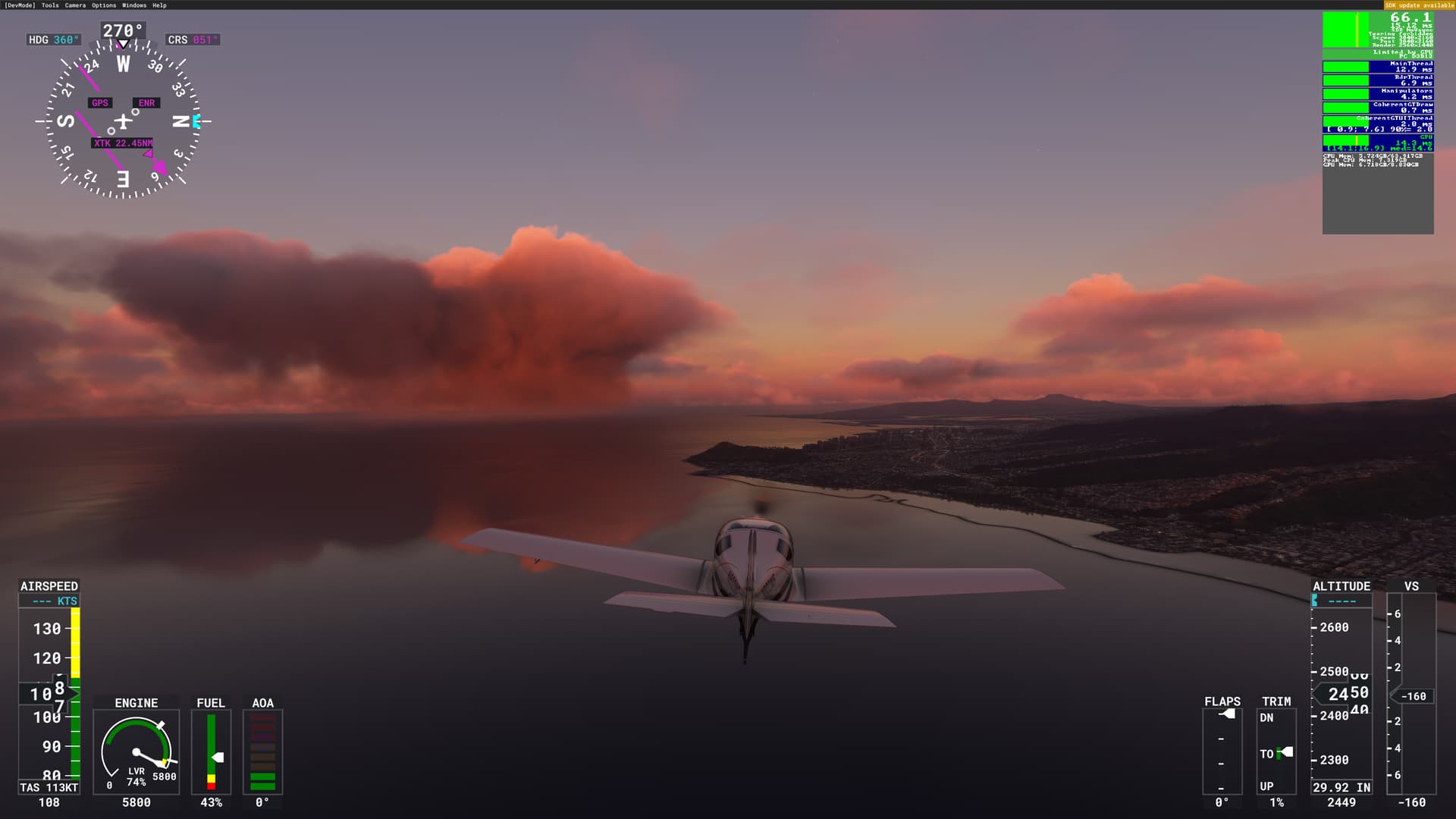
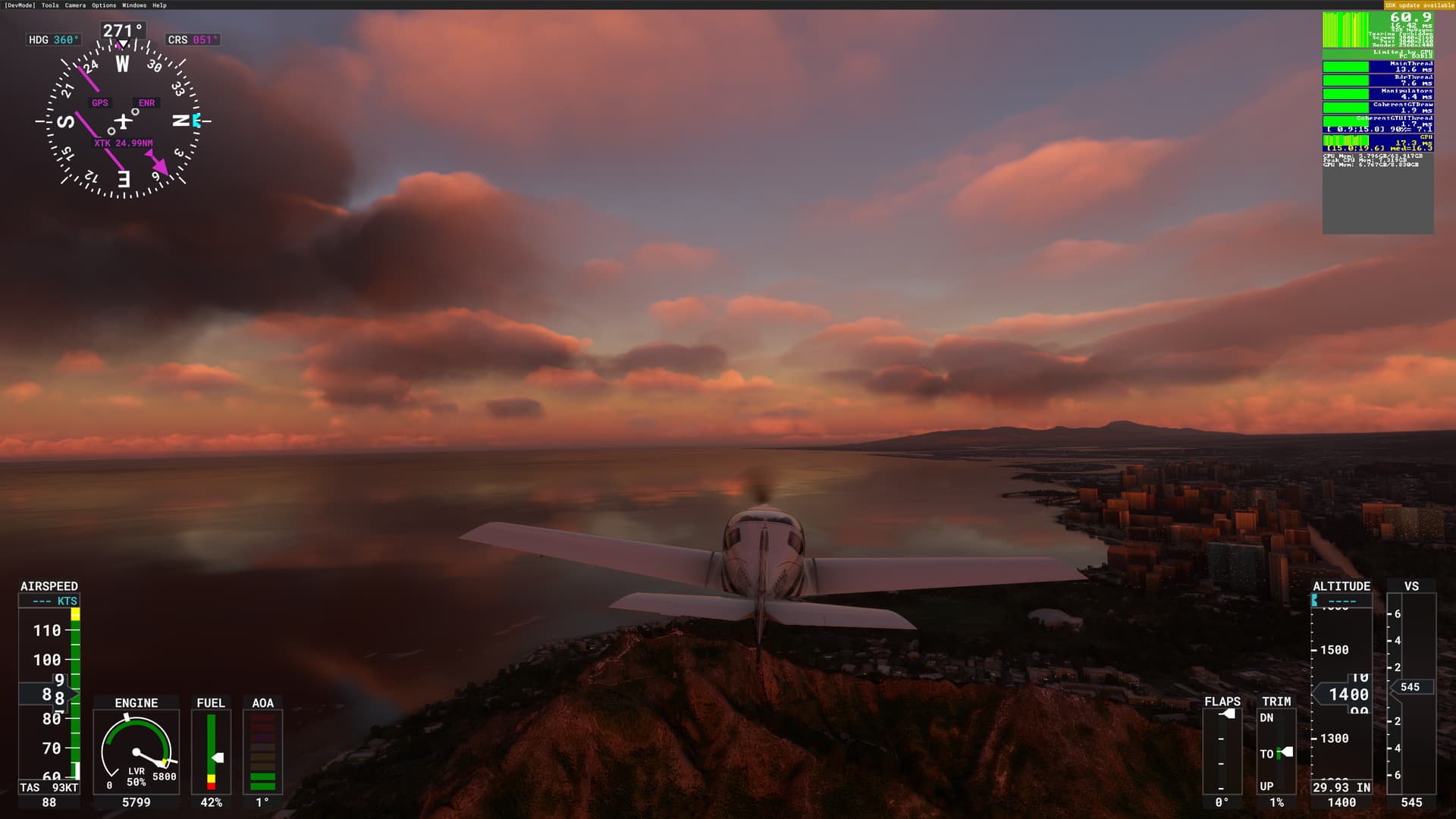
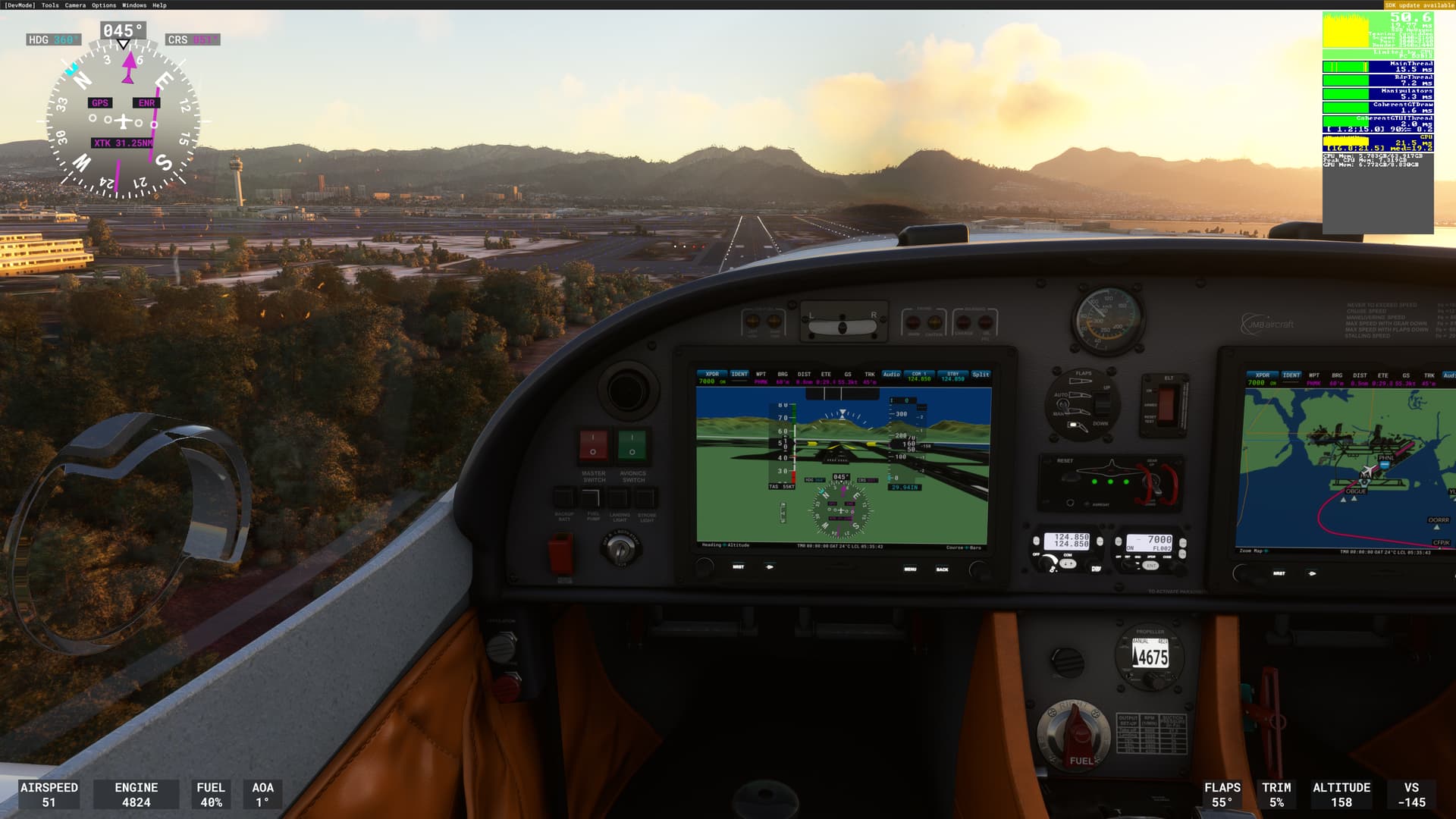
I have to say that I’ve been extremely fortunate with this update - No CTDs except with Development or Experimental versions of planes, stock aircraft have been rock solid for me. Pics below are a dawn approach into PHNL. Core i9 10850K, RTX3080, 4K resolution, DLSS Quality and Ultra settings. I’m getting generally between 65-70 fps in flight, and on the ground in less dense/populated areas… landing in PHNL I’m at about 50, which seems just fine for these settings.
4 Likes
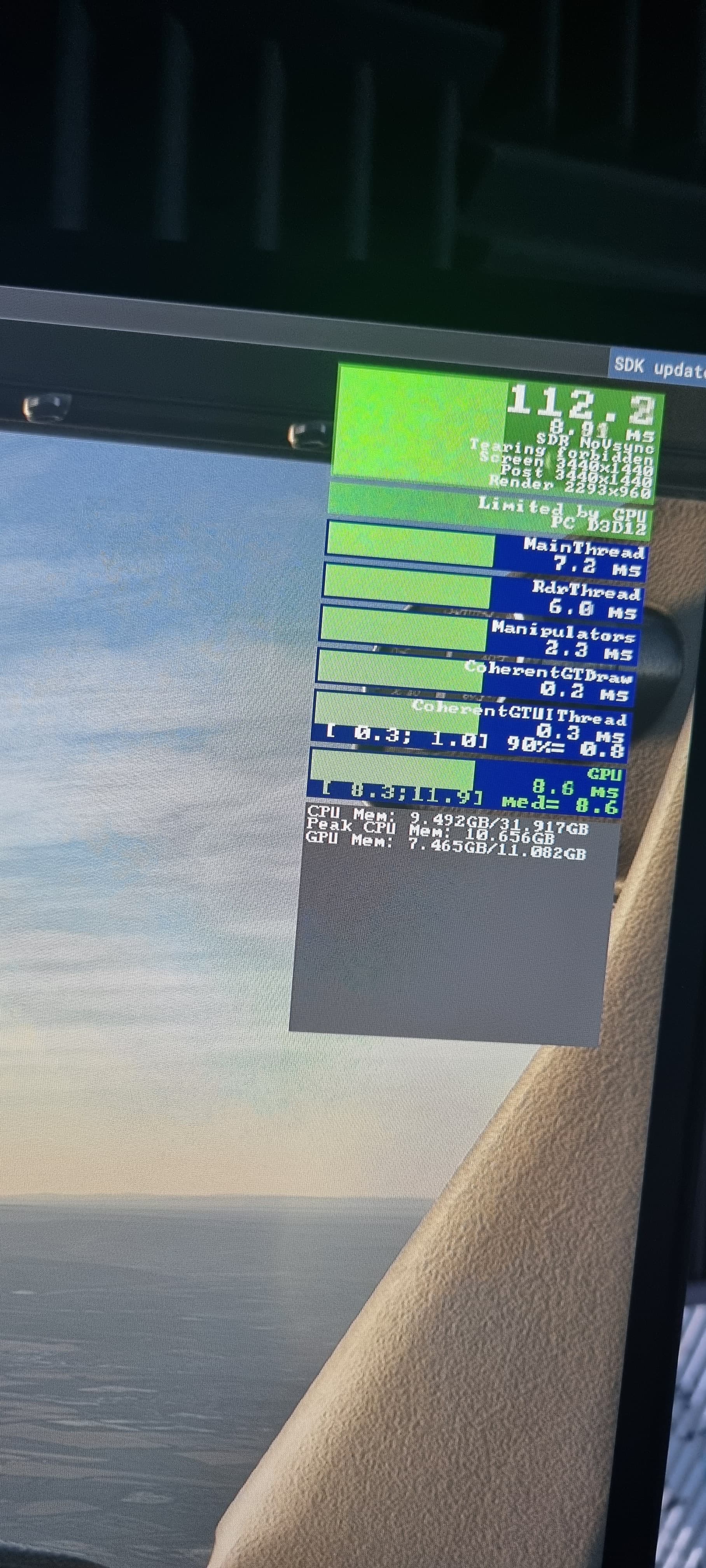
Just re installed with all mods DX12 the 5hrs was worth the wait for this FPS lod 350 and almost everything on ultra 
Only thing different prior to last install was I’ve replaced Windows defender with Norton 360 for gamers, seems to use a lot less CPU apart from that nothing else had changed.
3 Likes
Just tried it. Disabled it in the device manager. Still stutters at the same places, Just under 1000ft and and a few more times under 500ft. I’ve been testing it doing short KONT-KLAX runway 25 approaches. But it does it at other airports as well. Thanks though.
Su10 works perfectly for me. Never had a ctd with any version of FS2020. My rig is fairly high (i9-11900kf rtx 3070 32 Gb ram 2TB ssd version 4? I think) , 600hrs flying and non longer than 8hrs. I hope Asobo realise the problems others are having.
4 Likes
the skyline has been around since Alpha and I think they will never be able to remove it.
I hope I’m wrong.
Can Asobo remove this line please
3 Likes
I’ve seen this ugly line too and totally agree
1 Like
Ryzen 5 3600
Nvidia 3060, 12GB VRAM
32 Gb RAM
5760 x 1080 (Surround)
DX12, DLSS Quality
Mostly flying GA Piston Planes
No CTD, No Stuttering, 40’s for FPS with some dips in the mid 30’s
The experimental multi monitor has not worked well for me - too much of a hit on FPS - 15-18 FPS. Also, when I line up the window pillar of the JF Warrior, the wings look like they are angled to the front of the plane - that may be due to using a larger center monitor. Surround, even with the streach, looks better.
For my system and my use this has been a great update.
1 Like
Unfortunately, As far as the status of fixing the horizon line, it’s status in the latest list of lifetime bugs (29 September dev update) shows it as “not planned”. So certainly not going to be fixed anytime in the foreseeable future.
Regards
2 Likes
So far I have been happy with WU10. Though I do see DLSS giving me more FPS, TAA still hands down the better route for me running DX11. I hope they do improve on DLSS graphical glitches especially noticeable on the waters. TAA is sharp and clean looking for sure. I hope we see more improvements with D12. Please fix the HDR bug that causes the game to not load with it on automatically.
1 Like
Very frustrating. I’ve been there.
Not sure if you did both the following steps for hpet
- Run command prompt as Administrator (or PowerShell as admin), type “bcdedit /deletevalue useplatformclock” without quotes > press enter.
- Next go to your device manager (right click on start button > device manager) > system devices > right click high precision event timer > disable driver).
!Reboot your pc! Test how the game runs.
Also helped alot when I disabled tpm, but if you were running smooth prior to the update, then these may do nothing for you.
1 Like

Been a while since I have posted anything as all was going well. This latest update I have noticed an increase in CTDs and the load screens when you start up the game and have the blue progress bar at the bottom is all black. I believe that isn’t supposed to be like that but I could be wrong.
It probably means you don’t have that value set, so it can’t delete it.
To turn it on run:
bcdedit /set useplatformclock true
Then to disable it again run:
bcdedit /deletevalue useplatformclock
1 Like