Yep, CTD instantly from trying to update myself, got worried unti I came on here and saw everyone is having the same problem
Hmm. Wind socks all pointing 180deg the wrong way since this update.
Just done three flights in three different planes in three different locations, and all the same. 180deg wrong.
I got into this via Posts by @MrTonySm on changing the UserCfg.opt file.
I could not read the runway markers when trying to follow Taxi instructions.
The Terrain seemed to not help.
The Object did and allows me to read those signs easily now.
Object LoD was okay at =6. I just set it to 9 to see what happened and nothing
negative did. Someone said there was a max by the program but I don’t know.
1 Like
Yeah me too, hopefully it will get sorted anytime soon.
Folks - a polite but firm reminder.
This is a Discussion Thread, not a Support Channel. If you are having difficulties following installation of the 1.21.18.0 update, please file a Support Ticket at Zendesk.
Tagging Mods, any of the Community Managers or other Staff on the Board won’t achieve anything, and it’s against Code of Conduct. The fastest way to get help on your issue to open a ticket. Thank you.
1 Like
I’ve just gone back in again and tried for a second time and it’s started to download so try again if you’ve only tried once
CTDing during updating is something new.
Honestly a well quality assured update so far.
Version 1.21.18.0 (Current beta build) to go live January 6th at 8:00am PT
That topic is about today’s patch going live. It has nothing to do with opting into the (now-complete) Pre-Release Test build.
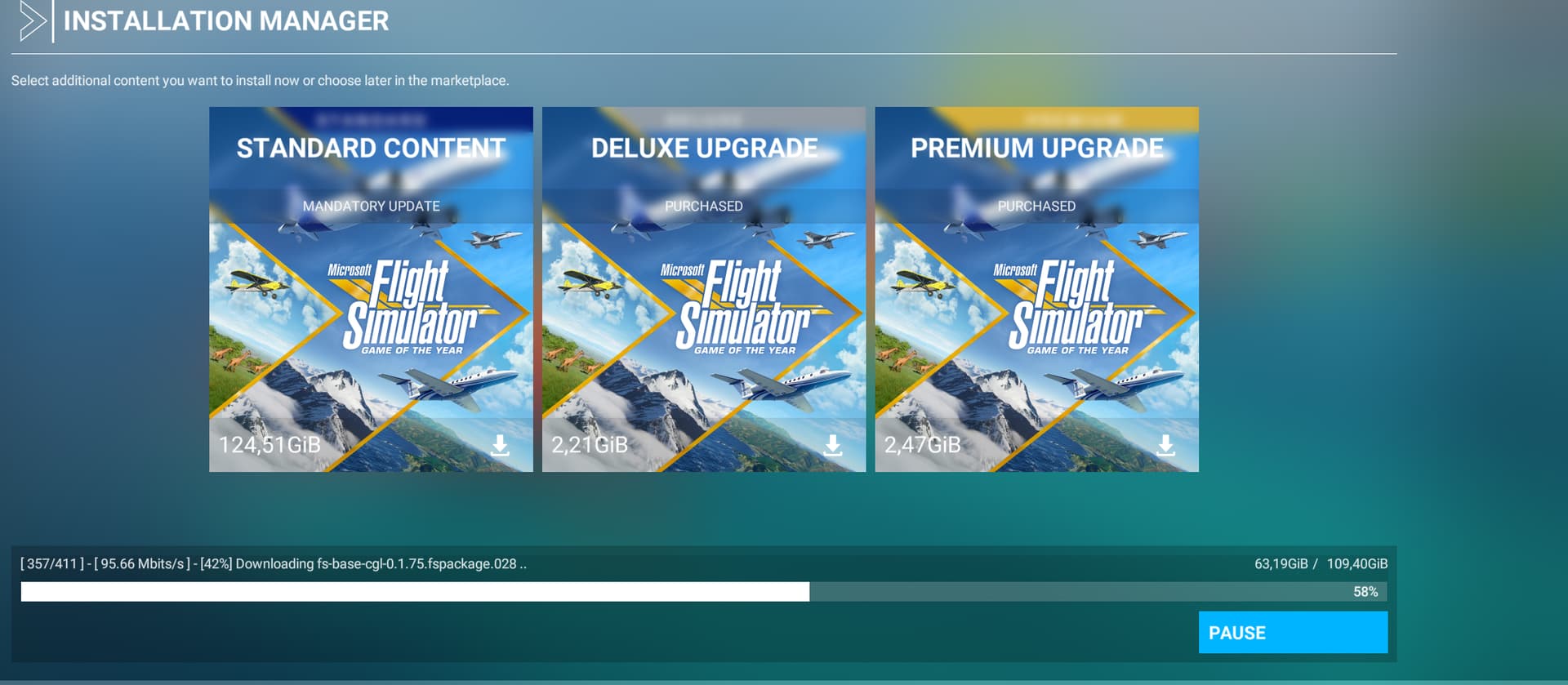
I participated in the pre-release test and now also install 115 GB MSFS is installed on my D: drive.
It is the first time that it is completely reinstalled I was previously in the other beta there it has always worked without problems.
nothing has changed in the installation
Participated the pre-test of this release version. Exited the XBox insider link to the test version, no problem.
Opened the store and got the basic update (1.xx G), then started the sim. It wanted to download the whole 115G (since it seems to always look for the default path rather than the custom path I have set), browsed it over to my custom path and it did a small update.
Went into the sim, and realized it had changed several of my options (graphics, data, etc, but none of the assists), so got those set back up to my liking.
Went to the world map and crashed out. Shut the system down for a couple of minutes, and restarted it, then started the sim and flew one of my standard IFR routes without any issues (aside from the ones that are still on the list of things to be fixed in future updates).
No problems with the issues specifically identified as fixed in this update to SU7.
Looking forward to SU8 (hopefully still ~around~ 22 Feb) and a WU later this month (?!).
Hope to see a weekly news update on the home page later today.
Regards
I believe this situation is exactly why the precautions were published to either move or re-install with Custom Paths for Packages prior to joining the Beta. It’s not a guarantee, but a straw poll of folks who are on Custom Paths seems to indicate they had a very quick and low data consumption update.
2 Likes
it was not installed in the original path but on the drive F:\MSFS2020
I just flew in from Los Angeles and boy are my arms tired! /s
2 Likes
No nothing about opting in as you pointed out you covered that in December. But it gives instructions for those part of the preview program for a “smooth transtion”. I think it may have been a reasonable idea to have mentioned on this thread what exactly we should have done not just half the information. If you disagree then let’s leave it at that, no point discussing any further.
If you are currently in the public beta build, please follow these instructions for the smoothest transition:
We recommend all beta participants leave the flight before January 13th. Once you leave the flight, PC users will receive an update to the sim. If you have not left the flight by January 13th, you will be removed automatically and receive an update on that day.
'Xbox Insider Hub’ PC Users:
- When you leave the flight, your sim will take another update when 1.21.18.0 is released, but the version number will remain the same.
- Open the Xbox Insider Hub
- Click on Microsoft Flight Simulator – Sim Update VII Update
- Click on “Leave Preview” and then “Continue”
‘Xbox Insider Hub’ Xbox Users:
Again, not a guarantee. I too was in the Beta, and was expecting to have to pull down the base game, but ended up only having to get the AIRAC update and a half-gig inside Steam.
this was not my first beta of MSFS and it is the first time that it reinstalls even though it is not installed in the original path
Having been in the Beta the “update” was a breeze;
- Opted Out of the Steam Properties Beta Option (like used with other Games/Sims)
- Ran MSFS2020 and downloaded a 518kb file
- Job done
Still the same convective mess of volcanic ash clouds instead of a true overcast. I wish there was a way to have REX on the Xbox.
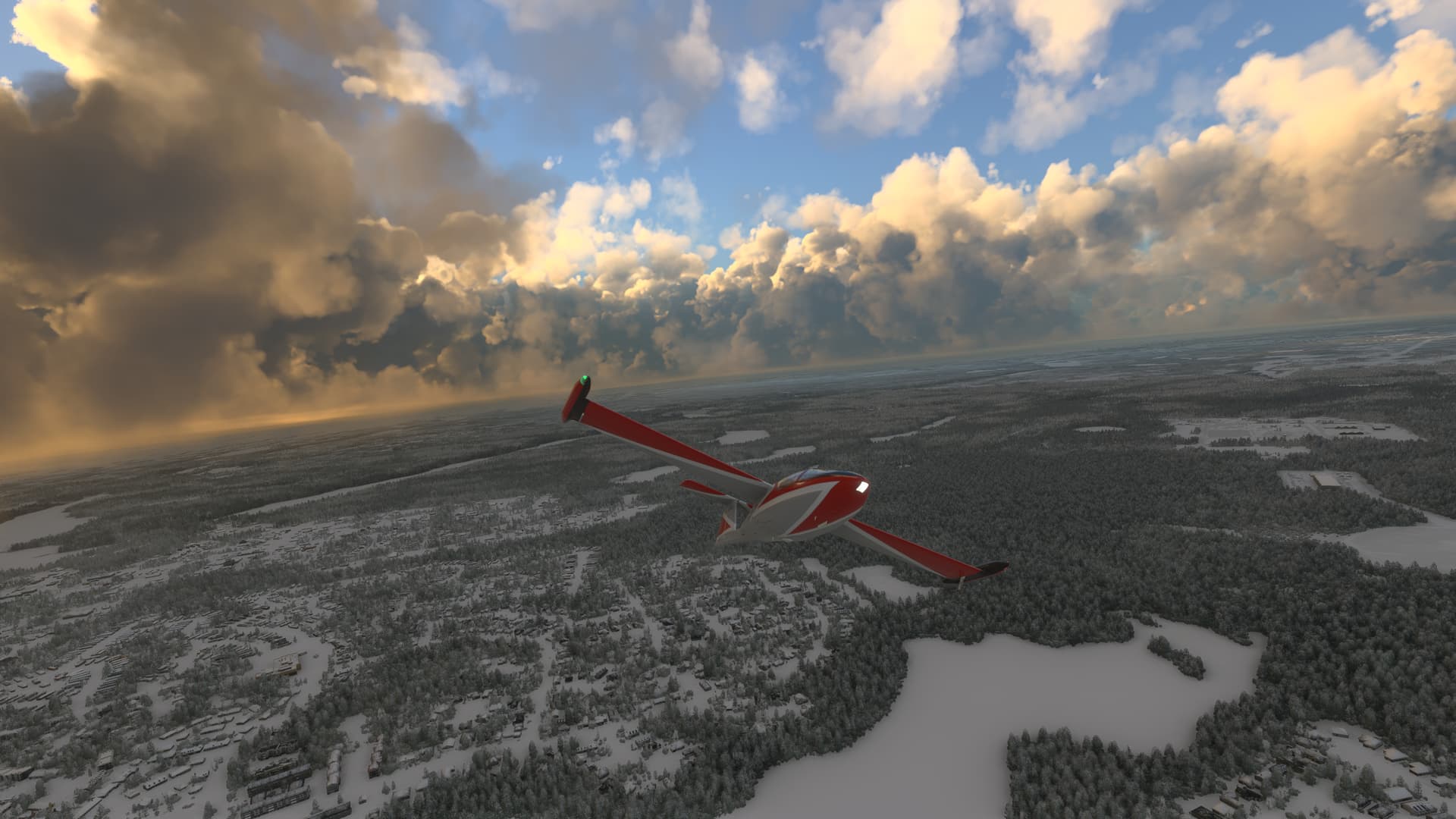
I’ve been running pretty good since the 1st SU7. The new update 6 January seems to be working fine. No issues so far.