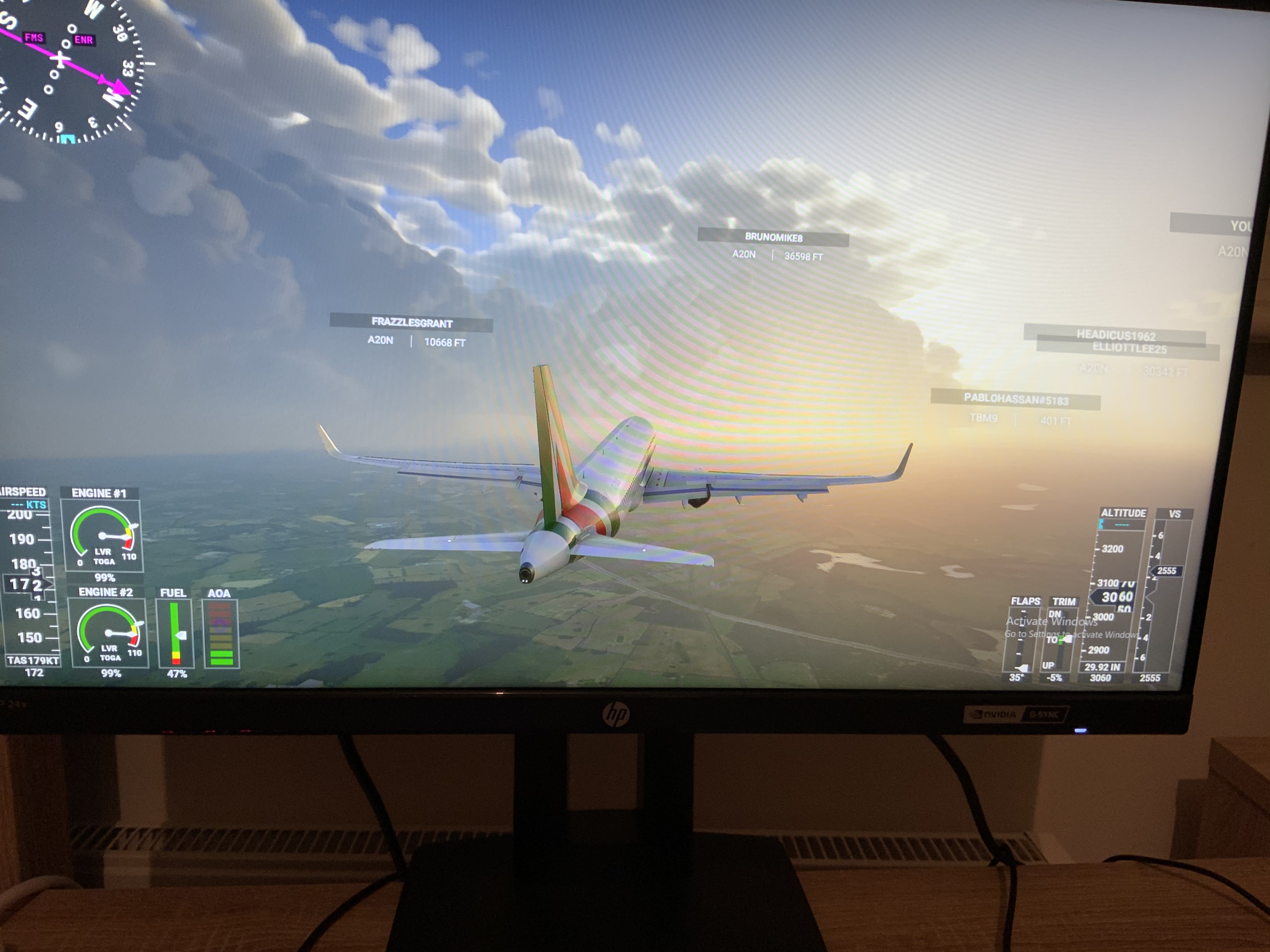
Seems like we’re having the same issue. And from what I’ve seen, there are not many others having this issue.
So this makes me wonder what could cause this that is specific to our systems.
Seems like we’re having the same issue. And from what I’ve seen, there are not many others having this issue.
So this makes me wonder what could cause this that is specific to our systems.
I had this one in time of MS Servers were very busy, in release 1.9.5.0 patch time. I closed and tried after while with no problem.
Hi all.Is anybody had a problem with aircraft banking when take off,and not keep direction of the fly? Just hapenned recently after update
What do you mean?
1st thought ..AP on during takeoff ???
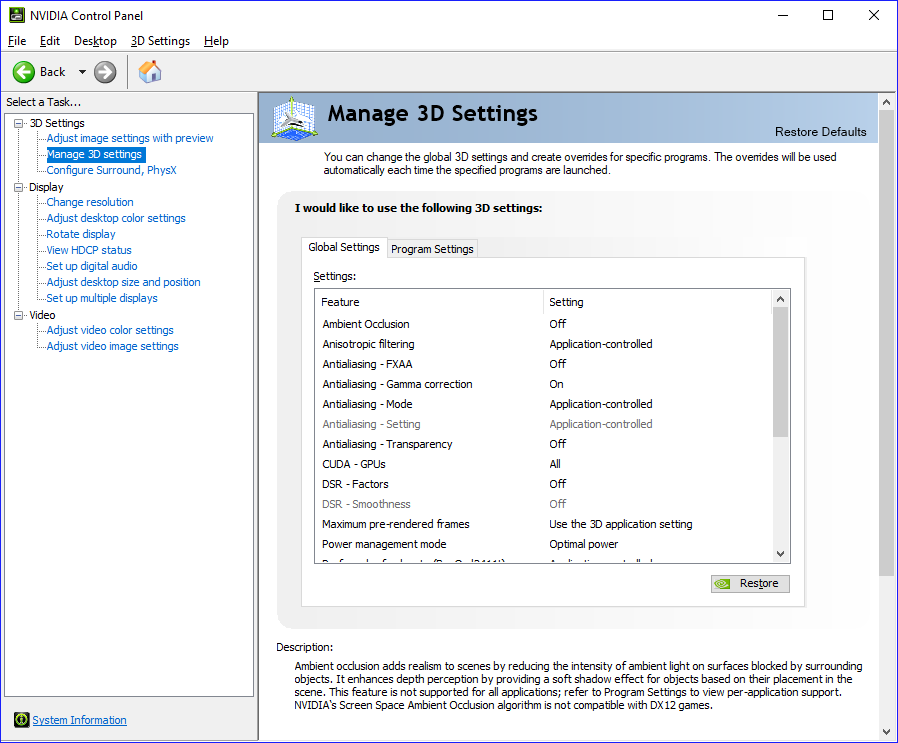
Not to speak for Olie, but I believe he is referring to graphics card software such as NVIDIA’s control panel. Better to leave it to “application controlled” and adjust the settings in the sim.
I agree with you. I have also noticed a very noticeable degredation in LOD in the distace compared to watching YouTube benchmark videos uploaded during late August running same graphic setting as mine. It is very disappointing to look at. I have a 500 Mbps connection and have looke dall teredo workarounds but the distance textures, especially doing bush trips is unacceptable. One reason I was so ■■■■ excited about this sim release is the LOD in the world scenery and here we are getting polar opposite. I really want this to be fixed an upcoming PROPER patch.
I flew KDEN _ KLAS in the CJ4 yesterday, no issues
During the Group flight in Moscow earlier, I had all traffic enabled, generic models turned off, and had no crashes, or avionics failures.
That is a first since the first patch was released. Every stream I’ve taken part in has had an issue of some kind, usually crashes, until now.
Well done Asobo. 
I found that in my case, I had a USAF livery for the Cessna 172, that once taken out of the community folder, fixed the content manager problem.
It seems that after each update, there will be no telling how the community folder, and what you have in it, will affect the program. More fun!
I confirm, waves and water have changed. Taking-off out of KFFA and flying out over the Atlantic, the ocean LOD is way different after the update to the detriment of the simulator. ■■■■.
I’ll keep testing to see if its the gravity of the moon or something. hahaha
What’s weird is there is no indication that Asobo was going to do any changes to that aspect of the software??
I just tried doing a flight from KSAN to PHNL, but ATC put me at FL30 and never let me descend to setup for my approach.
They’re lucky they are a software/online business. Can you imagine an auto repair, or computer repair, or ANYTHING repair service with their track record? 4 patches and we still have to have these discussions?
Thanks for this.
Uhhhhh may I point out to you that in the second screenshot the bridge on the right is completely solid down to the water, and the railroad trestle to the left has two rock towers instead of span support towers. And that’s just the two most obvious issues with the graphics. If you’re going to throw darts, at least be factual…
Sure you may, and look ridiculous doing it. Nothing has changed there.
Solid bridges are something that has been around since the game has been playable. The reason is simply that photogrammetry resolution is optimized not to be a crazy resource hog.
It’s easy to be “factual” while “throwing darts” at the whiners around here because they’ve been utterly ridiculous for two months.
Today discovered more critical bugs,
selected TBM for flight and here are news (general and TBM depended):
 ok, I return to Home and discovered that all NAV freq are broken hehe needed set them again to correct freq because I was on ILS app already, also AP NAV control was disabled and I was drifted out of ILS track, very bad.
What bother me is broken NAV DB with missing data that was ok before, also complete arr/app/dep procedures and also VOR stations also.
Folks, you need a better download manager, showing speed, expected time and progress (not just a bar) and a skip update option.
And you need a better translation for “Set your experience”. Still don’t know what that means, or what it might have been in the original French 
Forget one discover from yesterday.
DA62 flight, quite ok, weather and no other issues. In that time tried check CPU/GPU in Task Manager, was ok, no GPU zig zags. Then I tried check Nvidia panel for performance settings due some reports of users that their settings were changed. To me was all ok but tried set global 3D performance to not Quality but Performance. Clicked Apply and returned to sim. Then I had critical bug My ALT rotary controls are broken, completelly, can’t be set nothing! Not possible descend set to destination altitude with both ALT controls Heading Bug and other options no problem change. ??? Very strange BUG asociated with Nvidia Panel settings change??? No problem any time to go out from sim and check other settings ???
My conclusion with 1.9.5.0 is generally very bad with compare to previous versions. One very positive thing is smooth sim after this Patch, really very smooth than before! Other things broken, on previous versions functional.
Same here, i unistalled and waiting for a fix to get back. I lost cash at premium and need a break from this downgrade.