It sounds like you have multiple Microsoft accounts. You want the one that is associated with your gamertag. Launch MSFS and your gamertag will be displayed in the top right hand corner:

If you don’t remember the email address that is associated with your gamertag you can call Xbox support, they have a US and a UK call center. Try visiting the US support page first:
https://support.xbox.com/en-US/contact-us
Pay attention to the Phone support contact days and hours which are listed in Pacific Time. You can find out what the current time in Pacific Time is by visiting this link: https://www.timeanddate.com/time/zones/pt
If you are outside of the phone support hours for the US call center then visit the UK call center by visiting this link: https://support.xbox.com/en-GB/contact-us
Pay attention to the Phone support contact days and hours which are listed in Greenwich Mean Time. You can find out what the current time in Greenwich Mean Time is by visiting this link: https://www.timeanddate.com/time/zones/gmt
Click the Contact us button:

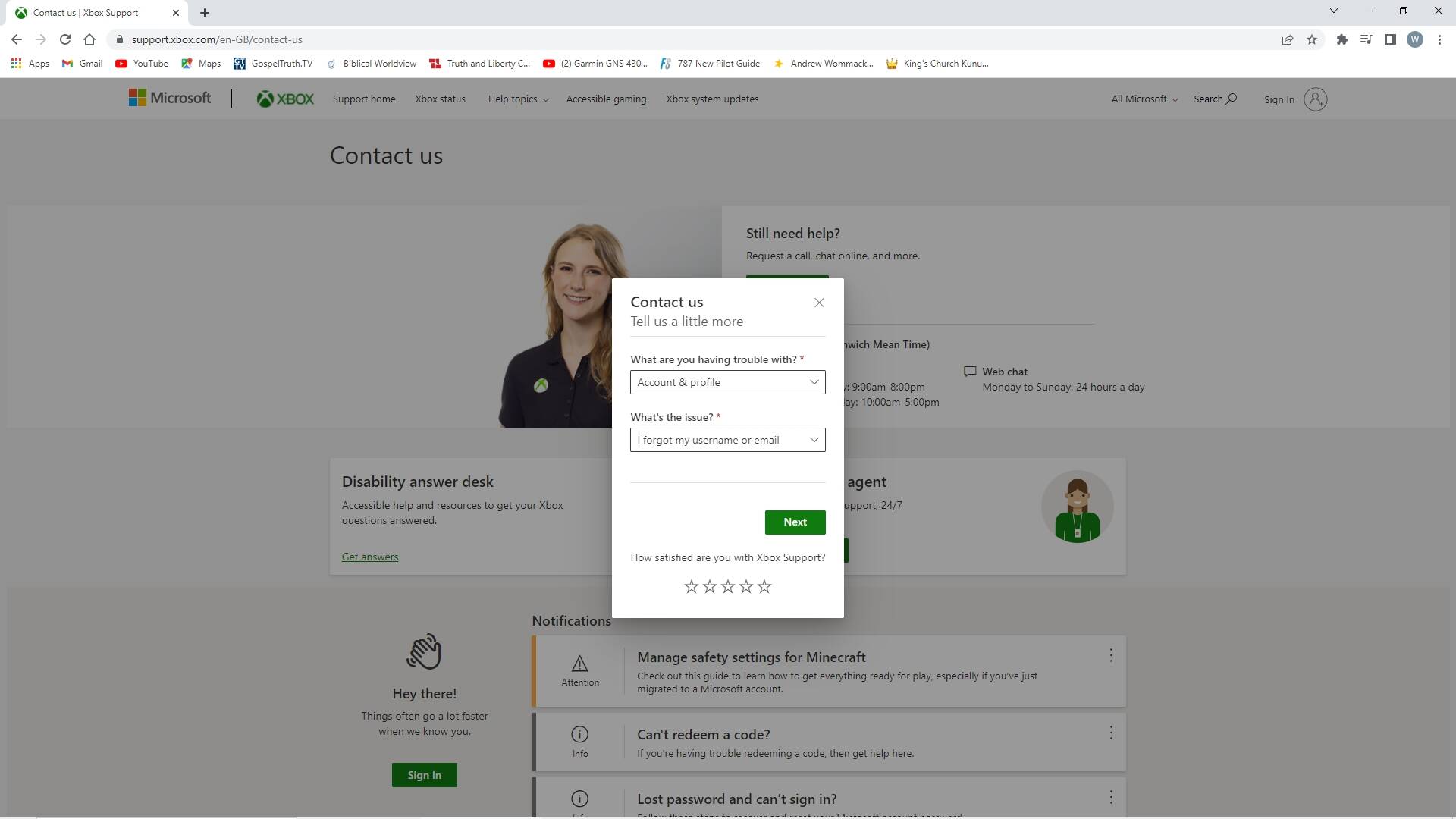
For the What are you having trouble with? drop down box choose Account & Profile. For the What’s the issue? drop down box choose I forgot my username or email then click Next:
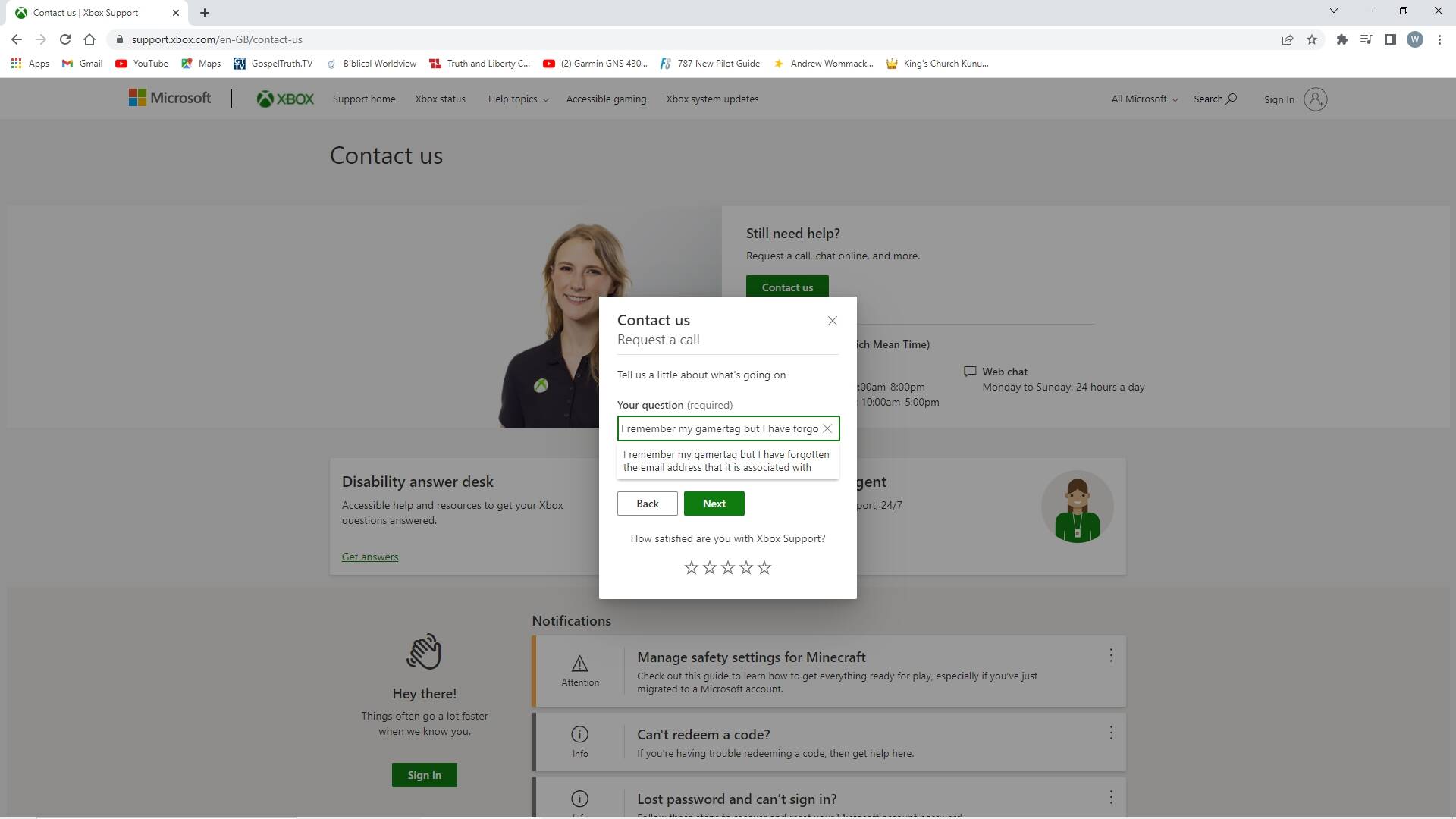
Click Skip. Click Request a call. In the Your question text box type this in:
I remember my gamertag but I have forgotten the email address that it is associated with:
Then click Next:
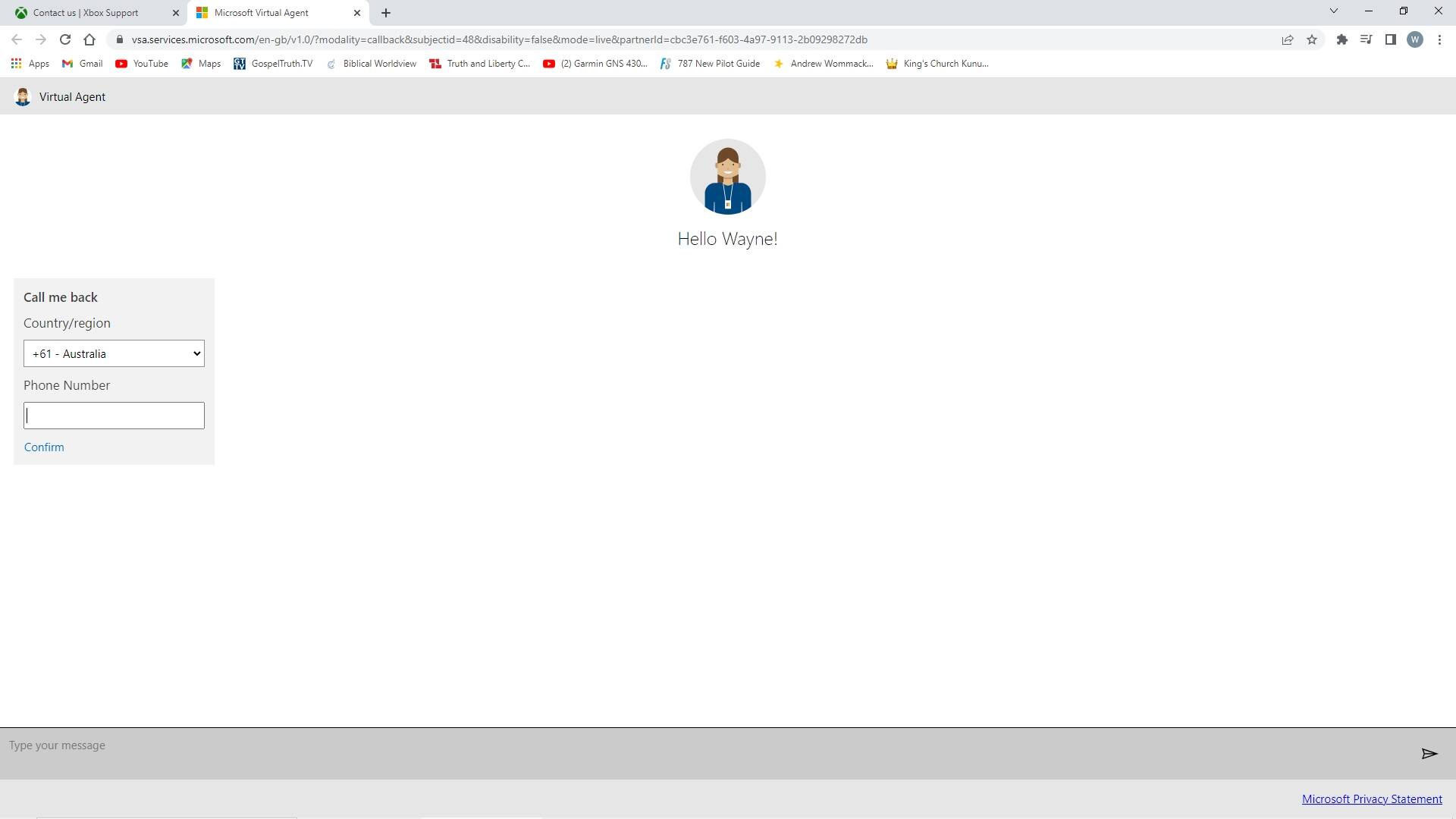
Click Request a call. Complete the CAPTCHA. In the Country/region drop down box choose your country, in the Phone Number text box type in your mobile number and then press Confirm:
When they call you explain to them that you remember your gamertag but you have forgotten the email address that it is associated with. After answering some security questions they should supply you with the email address.
Once you have the email address associated with your gamertag try logging into that account to see if you remember the password by visiting this website: https://www.xbox.com/. Click Sign in which is located on the top right hand corner:

If it signs you straight in without prompting you to type in an email address and password then your avatar will appear in the top right hand corner next to Sign in, click on your avatar and then click on Sign out. Now click Sign in again.
Type in your email address and click Next:

Enter your password and click Sign in. If you get it wrong try a few other passwords and if that fails follow the link to reset your password.
Once your have confirmed the email address and password associated with your gamertag use those details to sign into the Microsoft Store. Click in the Windows Search Bar and type in Microsoft Store and click on it. If you see some initials located between the magnifying glass and the minimise button then click on those initials:
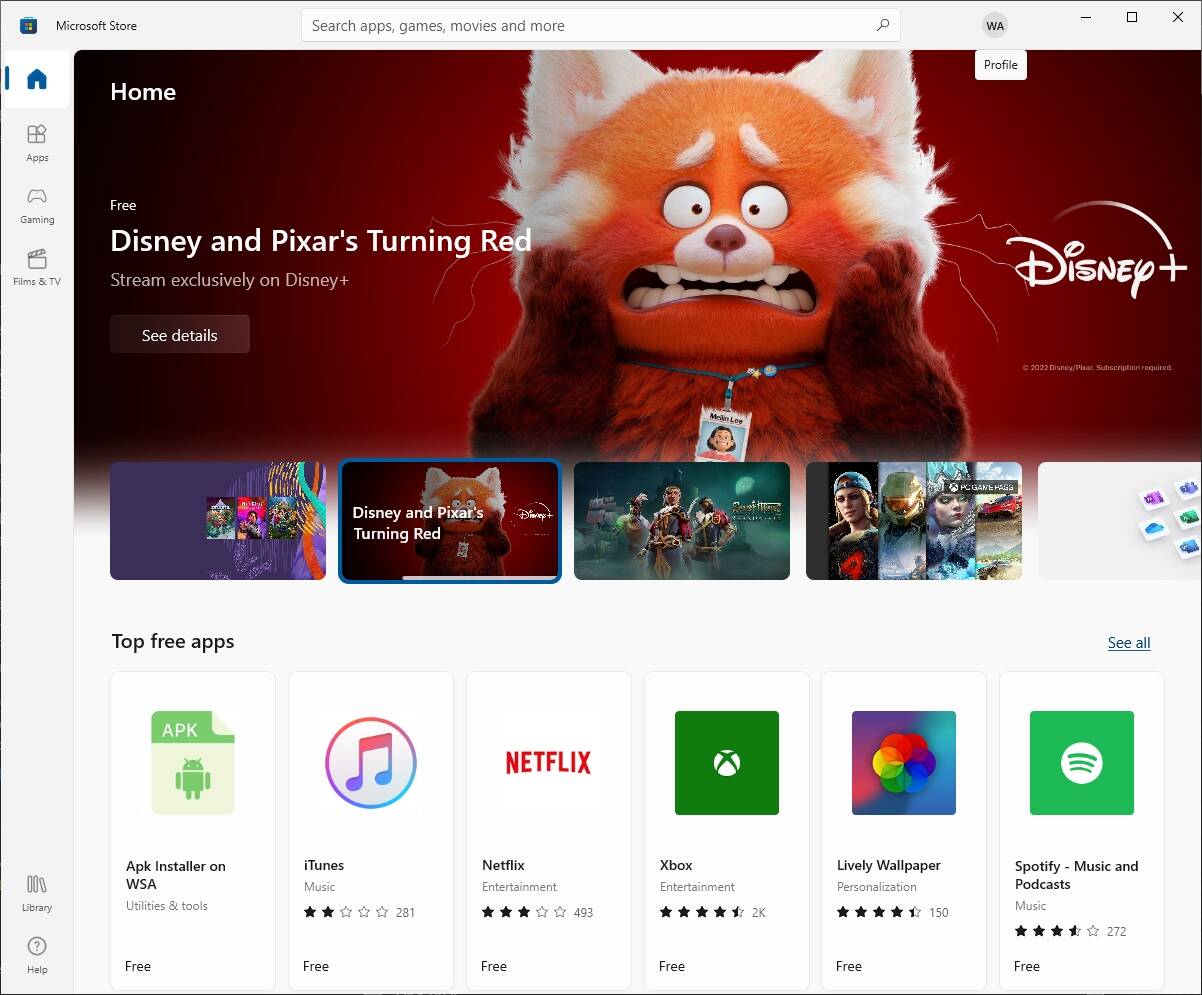
Then click Sign out. Where the initials used to be, click on the person icon, then click on Sign in:

Click on Microsoft account which is located underneath Use a different account. Use the email address and password associated with your gamertag.
Once you have signed into the Microsoft Store click the X to close off Microsoft Store and then follow the instructions in my first post for installing the Dolby Access app.