Using the template below will greatly help the team reproduce the issue and ease the process of fixing it. Before posting, search for an existing report. If you are not sure it’s a bug, please first report in User Support Hub.
3 tags are required - add them in the tag section next to the title above:
-
One for platform (ms-store, steam, xbox, playstation, or xcloud)
-
One for aircraft (start typing in your aircraft name in the tag section and pick correct option)
Feel free to delete this quote section after adding your appropriate tags.
ISSUE DESCRIPTION
Description of the issue:
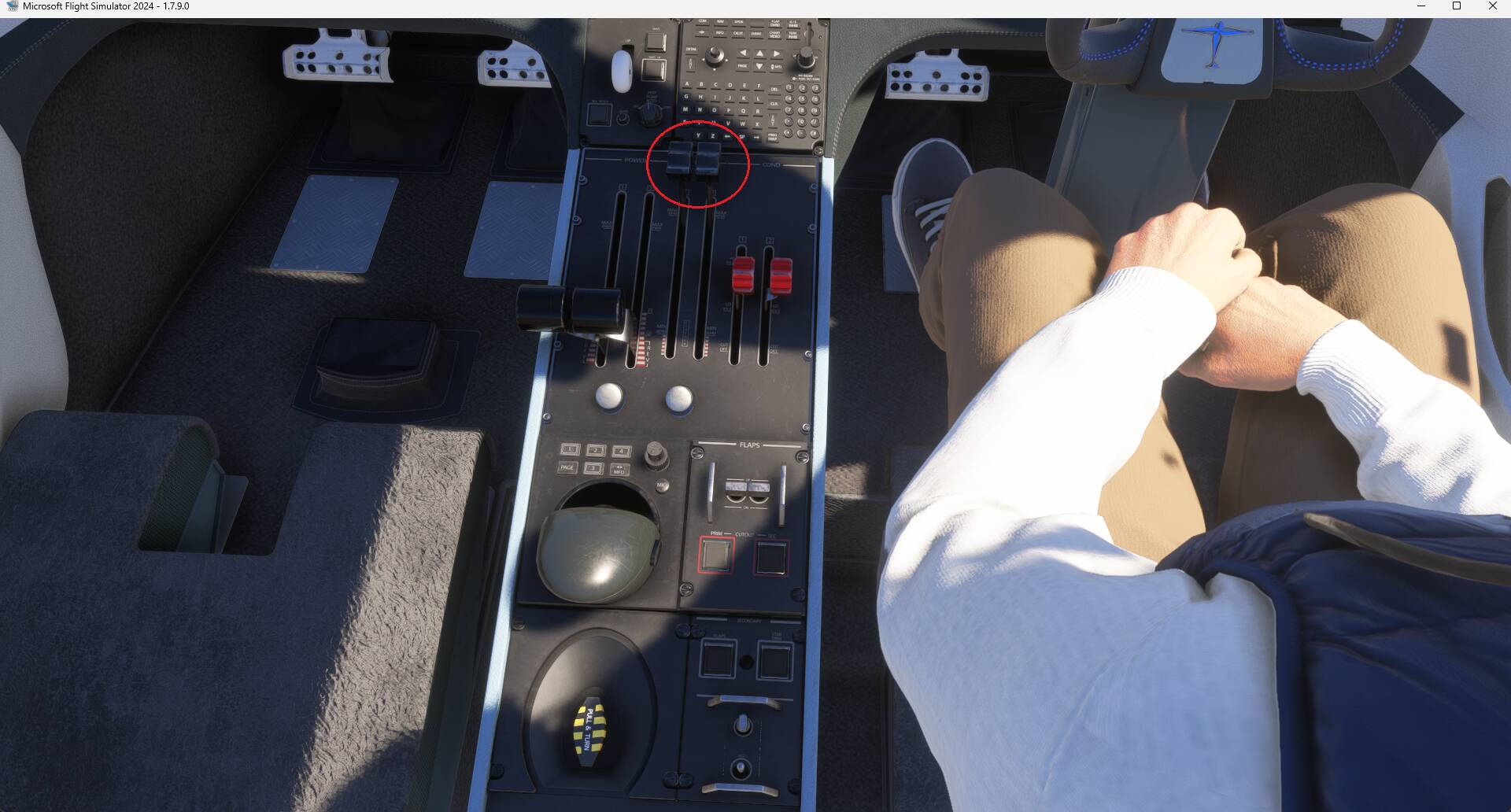
The Dornier Seastar can not move if you spawn cold and dark. All braking blocks were correctly removed, additional I pressed quick preflight check (assigned shortcut), released the parking brake.
It makes no difference how much throttle is set, the plane does not move.
FREQUENCY OF ISSUE
How often does this occur for you (Example: Just once, every time on sim load, intermittently)?
Always
REPRODUCTION STEPS
Please list clear steps you took in order to help our test team reproduce the same issue:
-
Spawn Seastar cold and dark, boot up the plane and try to taxi.
YOUR SETTINGS
PS5