In the Windows search bar, type Command and look for ‘Command Prompt’
In the menu select “Run as administrator”
Enter: netsh int tcp set global autotuninglevel=disable
Press enter
Reboot your computer
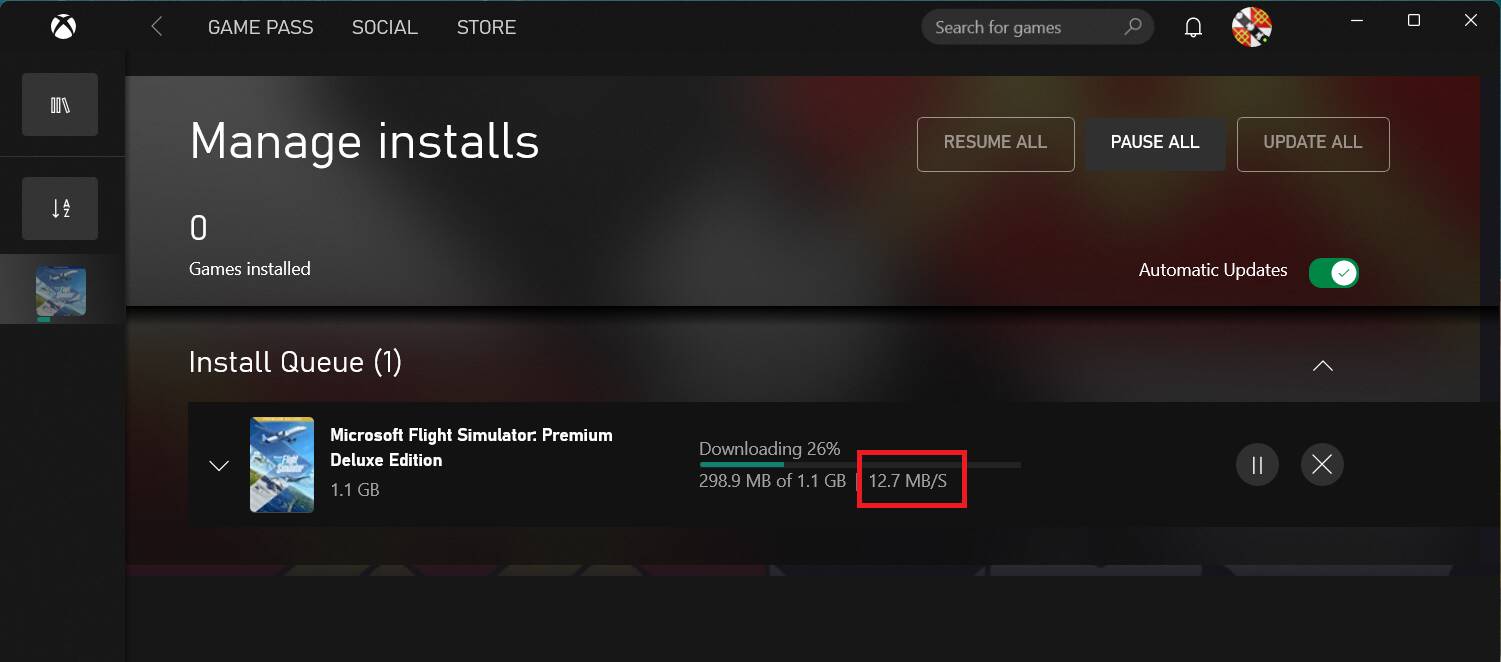
finally i have the sim reinstalling now, but it is loading very slow. ~15 to 19 mbs. i get ~50 mbs. and checked and it is working fine.
is the command slowing everything down, or are the servers just slow now? if it is the command can i change it back before the end of the download? at 1.5 hrs i am only at 11 gigs.
Thanks for the feedback, unfortunately, this did not speed up my downloads. I am getting 5 Mbit/s in for MSFS updates/installation and 100 Mbit/s for Xbox all downloads or really any other internet traffic. As a note, I was getting fast downloads back in the Fall of 2020 but things slowed down for me in the Winter. See the Below images for the download speed comparision: