Thank you for using the Bug section, using templates provided will greatly help the team reproducing the issue and ease the process of fixing it.
Are you using Developer Mode or made changes in it?
No
Have you disabled/removed all your mods and addons? If the issue still occurs with no mods and add-ons, please continue to report your issue. If not, please move this post to the User Support Hub.
Yes
Brief description of the issue:
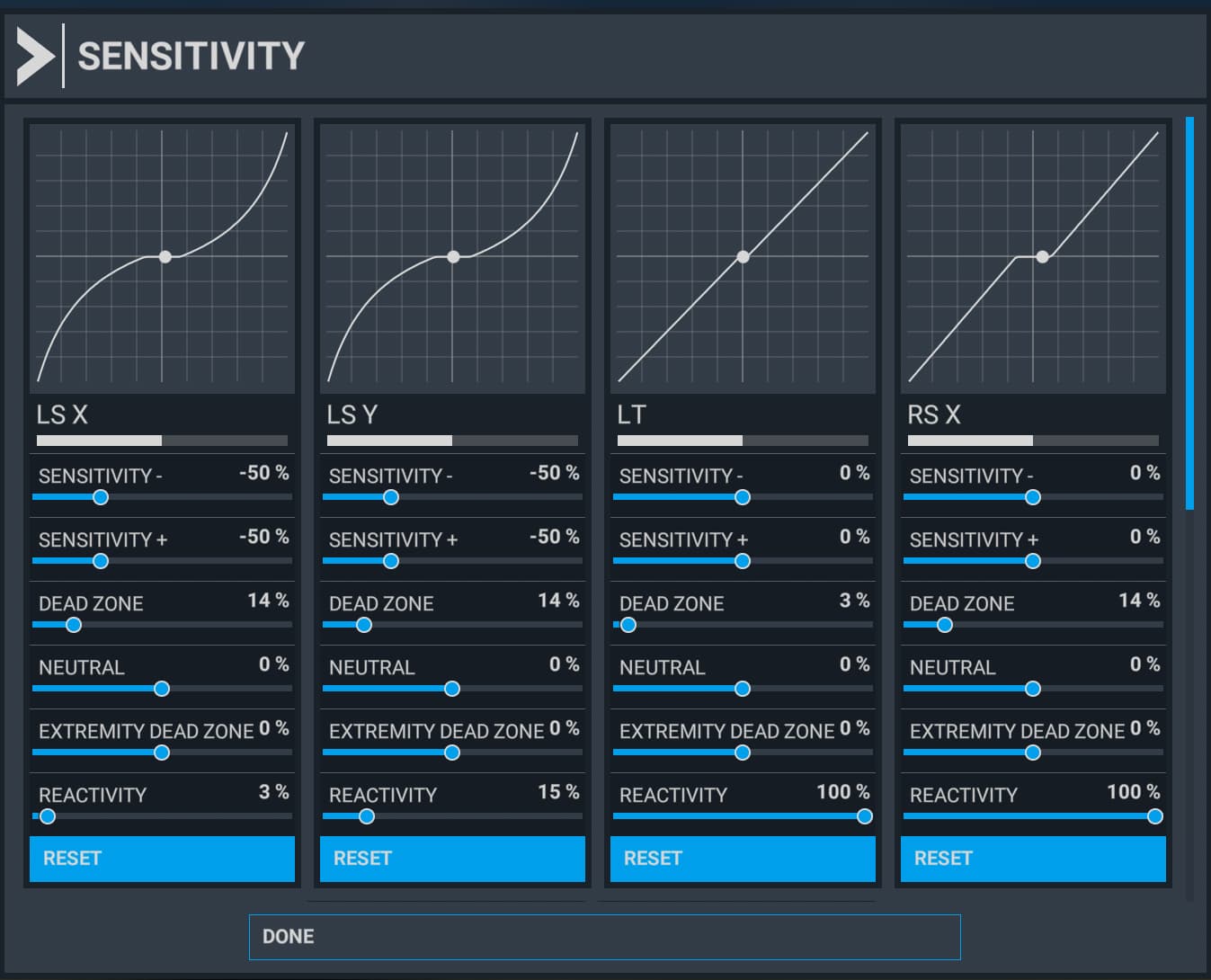
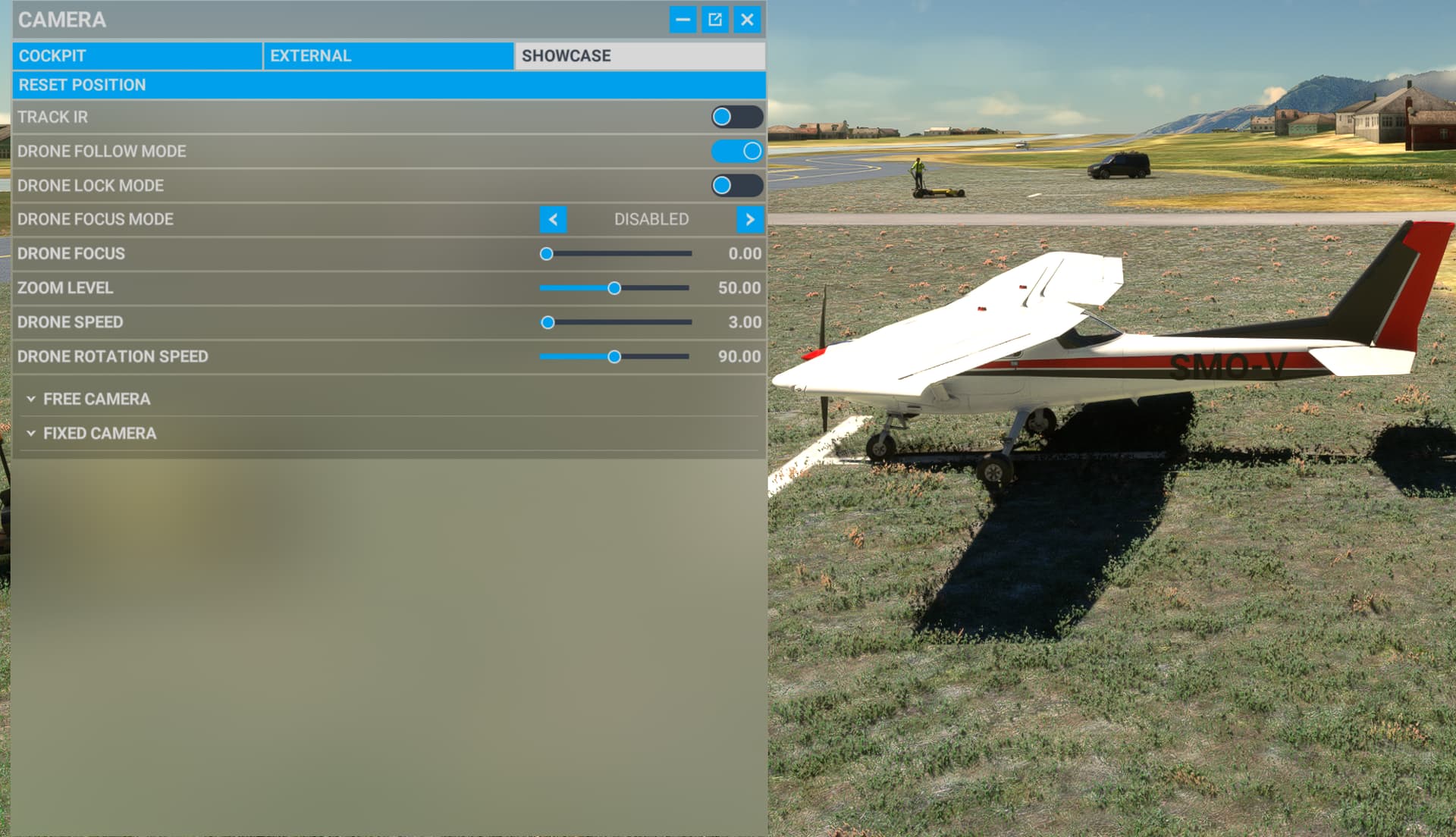
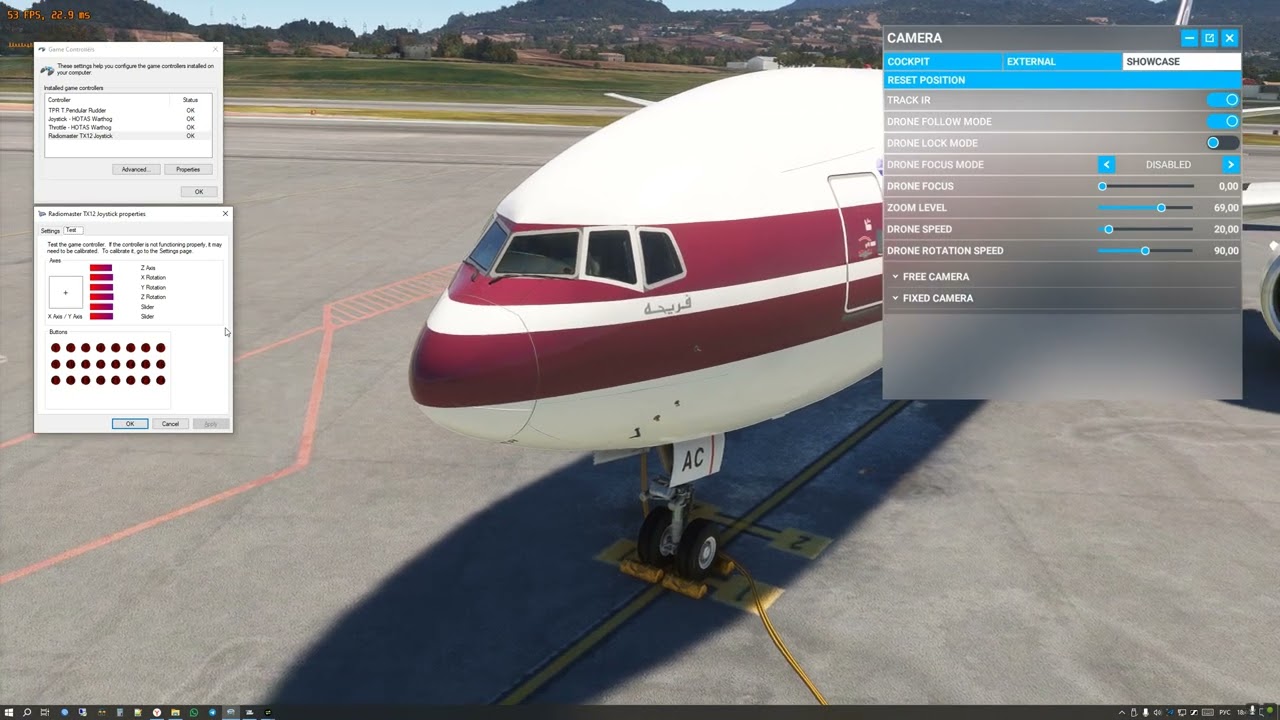
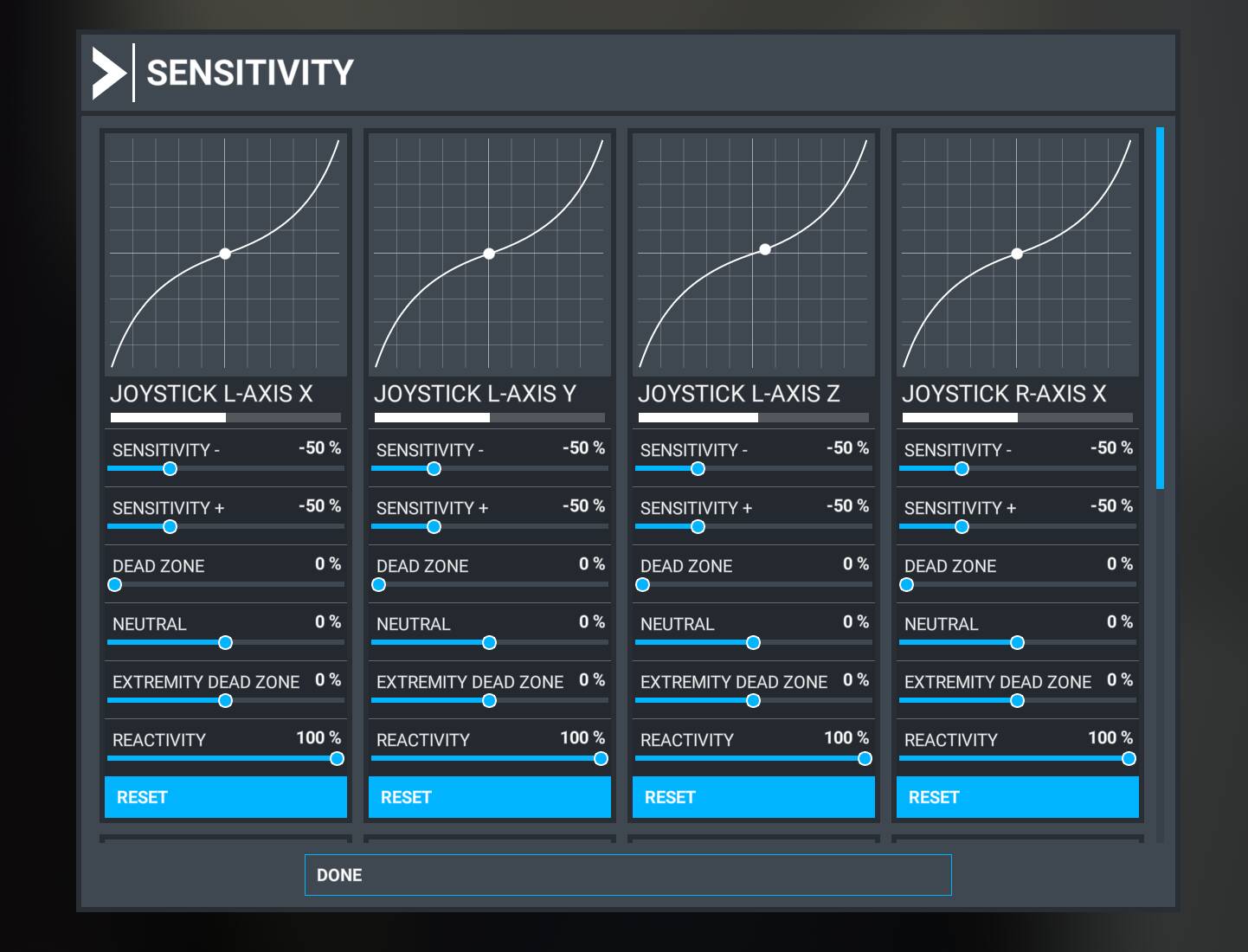
Default drone camera have a very large deadzone and starts moving or rotating with non-zero speed. It excludes ability to control it precisely and, for example, make a smooth external video of your aircraft.
Detailed steps to reproduce the issue encountered:
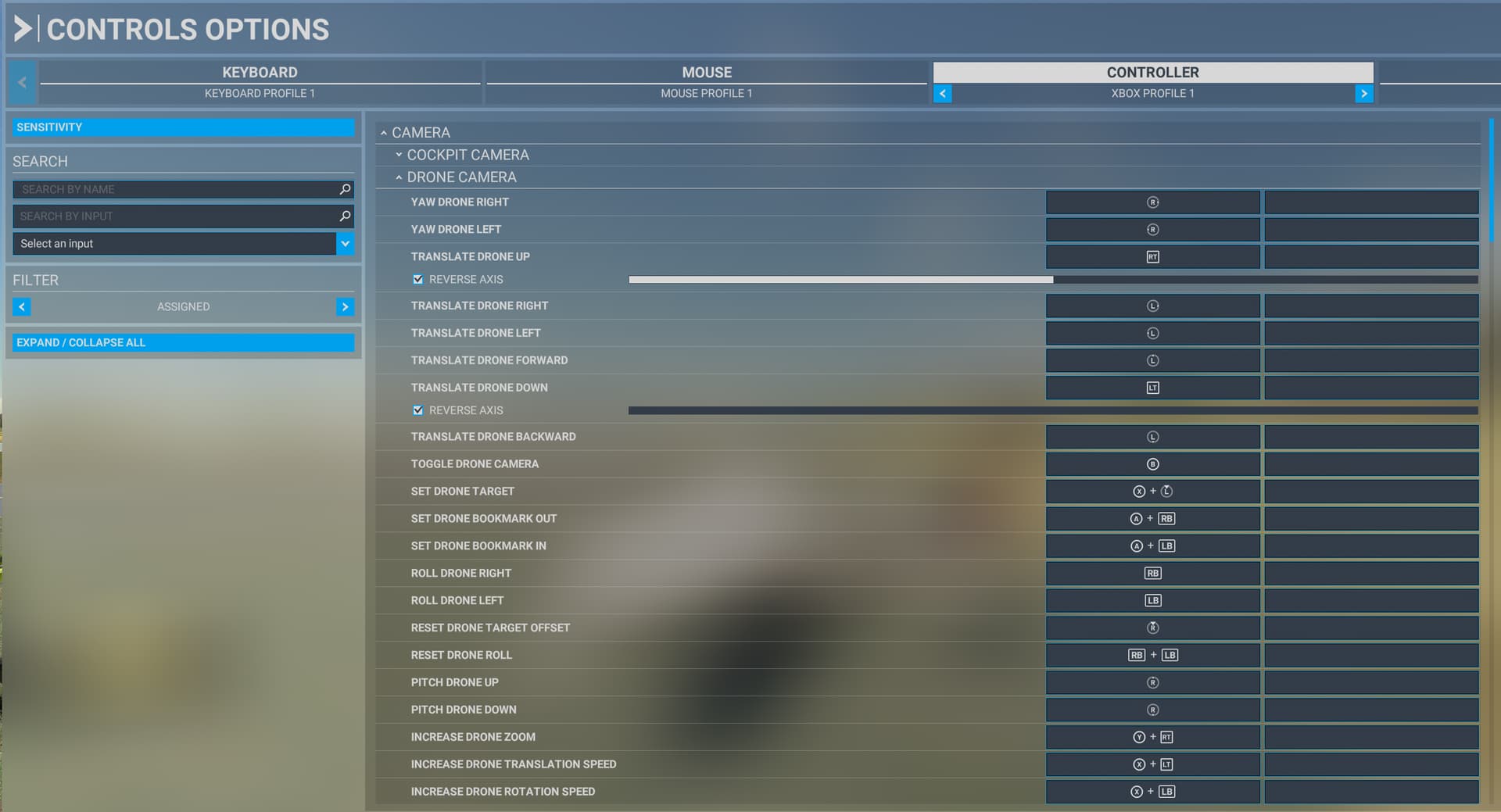
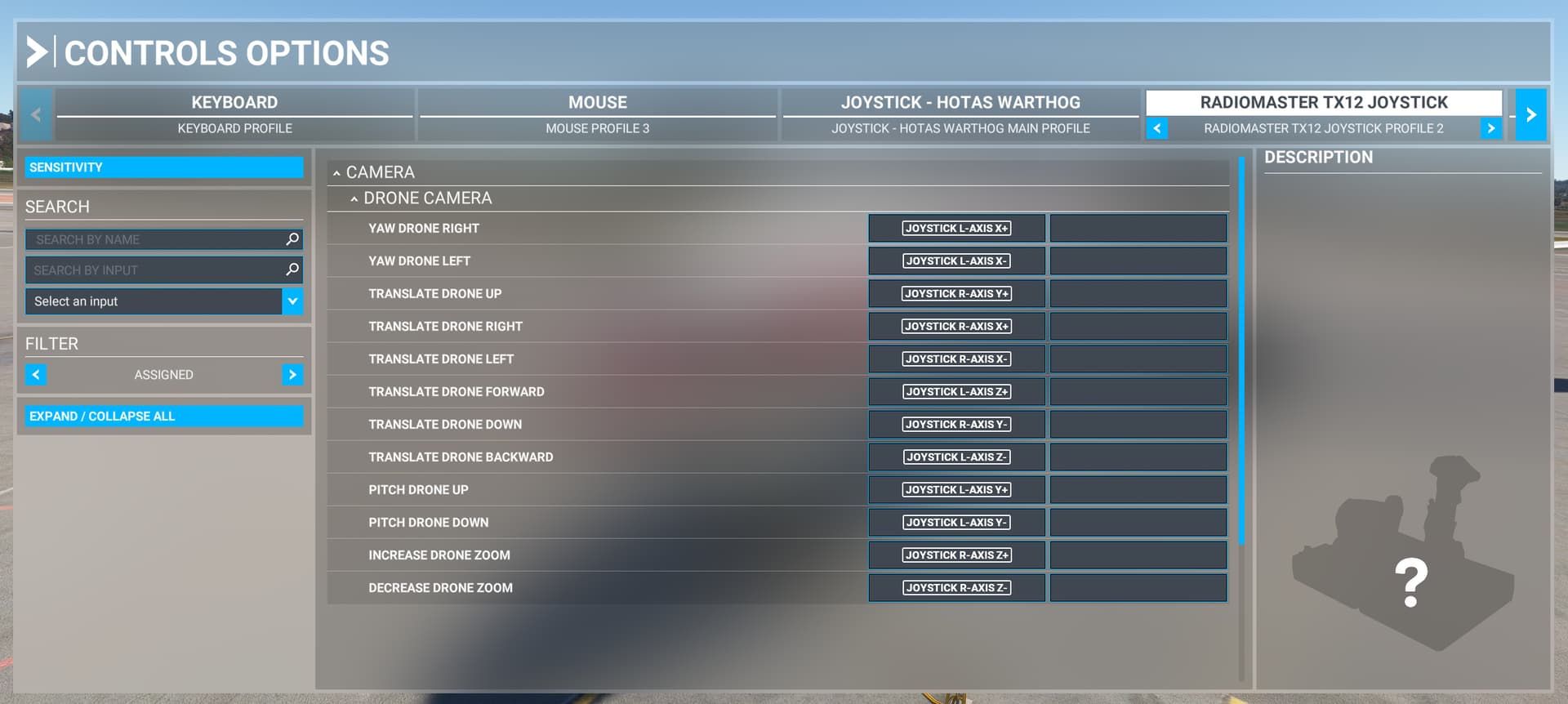
Set any controller/gamepad axis to control any drone axis - yaw/pitch/roll/x/y/z and try to move drone as slowly as your device allow. It will not move anywhere until input value reach large numbers.
Same effect can be seen if you will set mouse movement for any drone axis and will try to move pointer very slowly - drone will be still.
If you will move your mouse a little bit rapidly - drone will start to move or rotate (depends on mouse bindings) “in jerks”, with interruptions. It shows, that camera control in MSFS have a bug.
Also, by my opinion, this bug can be easily overrided with any external camera control software, such as EZdok, but for MSFS2020 it still not exist.
Build Version # when you first started experiencing this issue:
1.37.19.0
 For anyone who wants to contribute on this issue, Click on the button below to use this template:
Do you have the same issue if you follow the OP’s steps to reproduce it?
Provide extra information to complete the original description of the issue:
If relevant, provide additional screenshots/video: