DualSense: L2 Input Remains Active When Pressed Simultaneously With Other Buttons

ISSUE DESCRIPTION

The L2 button (left analog trigger) becomes “stuck” when it is held down while certain other button combinations are pressed. After releasing L2, the trigger continues to send the last registered value instead of returning to neutral. The stuck value persists until L2 is pressed again.

Combinations that trigger this issue:

X + DPAD DOWN
O + DPAD DOWN
X + DPAD RIGHT
X + DPAD LEFT
X + DPAD UP

FREQUENCY OF ISSUE

Every time the combination of those three buttons is pressed

REPRODUCTION STEPS

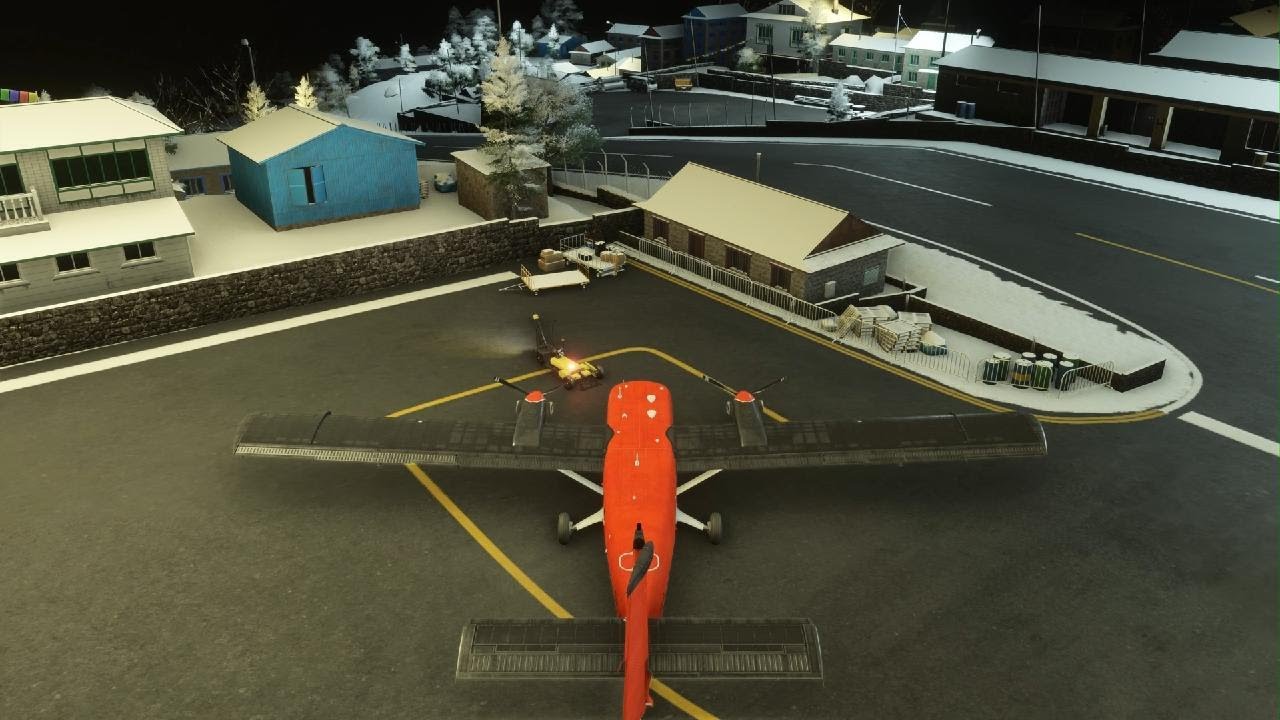
  1. Spawn in the plane

  2. Press L2, keep it pressed and press X + DPAD down (or other of the mentioned combinations)

  3. Rudder is now stuck in the applied position, even after releasing L2. It will remain in this position until L2 is pressed again

YOUR SETTINGS

What peripherals are you using: Playstation 5, Dualsense pad, Logitech MX Keys Mini and Logitech MX Master 3s

MEDIA

Video demonstrates normal operation (L2/R2 pressed), then rudder (L2) locks into leftmost position and R2 being pressed (lock remains, rudder returns to leftmost position each time), then L2 is pressed, lock is released. Next, rudder is locked in slightly applied position, again R2 is pressed showing that lock remains (rudder always returns to initial/slightly left position). Next L2 is pressed which releases the lock.
Regards,
Z

It was working fine in the beta, it is back to the faulted/“sticky” R2 trigger in the full SU5 release. :cry:

i tryed it, and i can confirm it sadly,…
Base PS5 with Sony Dual Sense Controller and Logitech K270 Keyboard with a Razer Deathadder Mouse

SU5 destroyed the game on the PS5… Navigation in Menus with the Pad dosent work anymore, Avionics constantly crash / reboot, Autothrust, Autopilot etc. dosent work at all, and even the Gamepad dosent work correctly,… and there are serius performance Issues,…

Can we have a rollback to SU 4? at least the controler works there…

It again works for me as expected today - problem is gone. Not sure if there were any changes on the backend or what was causing it, but I have removed binding for cockpit interaction increase/decrease. Upon binding them back again, problem is no longer there.

I was finally able to narrow down the problem. It was due to binding of “In flight UI panel - Zoom out” and “-Zoom in” function, being bound to R2 and L2. Once I have removed this, my rudder no longer sticks while pressing R2 simultaneously with X+dpad.

thanks for this Information, it seems that sich works :slight_smile:

Moved to User Support Hub since a solution has been marked.