Alpha tester to Release… LOVE no watermarks! Lol - had a fantastic flight - couldn’t have asked for more (except higher fps but i’m on 1070 at 5120x1440 with high settings) ! Even rainbow on final 
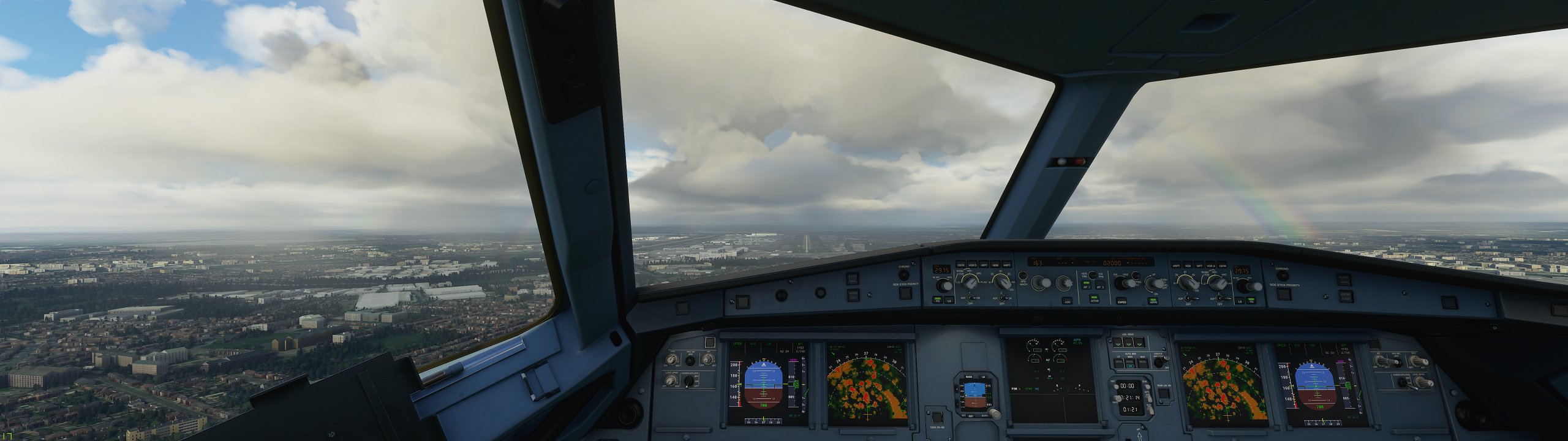
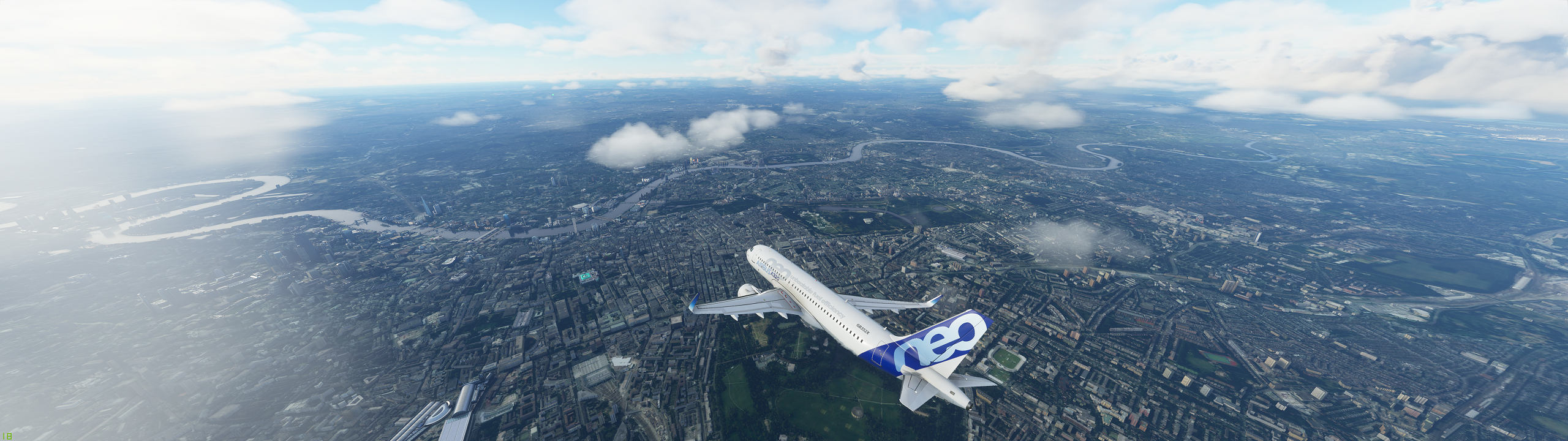
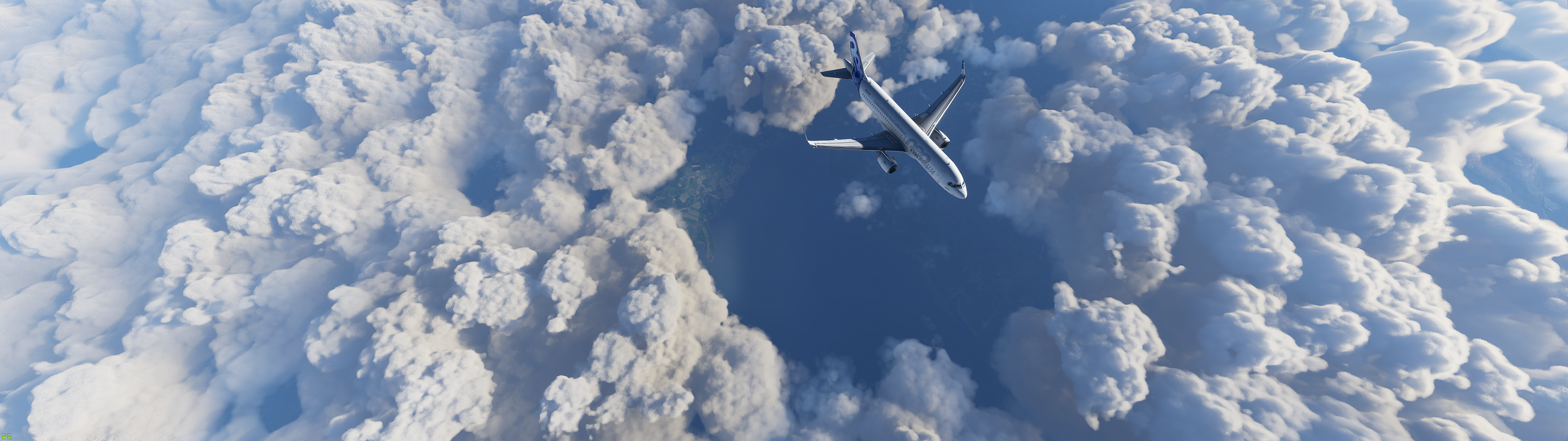
Sounds as though the FMC and all the autopilot is now functioning correctly…how the FLC …does it still porpoise or has that been fixed?
Super awesome pics. Nicely done, I can’t wait to jump on shortly 
FMC and Autopilot worked awesomely for me on this flight even VNAV and no AP oscilliations. ATC still wasn’t letting me follow altitudes of my flight plan without asking for new cruising alts - but can live with that for now!
Can confirm too, much improved. Turns are much much better and no proposing up/down. Very slight rocking but hardly notice most of the time.
Fantastic…sounds as though the developers have been burning the midnight oil. That was a major challenge…everytime you wanted to change altitude (autopilot) I got sea sick 
Wowww. WhatMonitor do ou have? I´m looking for a new one. Any suggestions
I have the Philips 499P - not so much a gaming monitor but works great for the sim and awesome for work. Once you are on 49" ultrawide - you’ll never go back to something smaller
I just need the 3080 cards to release now so i can get more than 20 - 25 FPS!
Have you been able to run at lower resolutions whilst maintaining correct aspect ratio? I’m running at 3840x1600 on the same graphics card and it looks great but does get a bit choppy at times so would like to run at a lower resolution for better experience. But when I go down I just get the image stretched full-screen. I’ve changed the relevant settings in Nvidia Control Panel but the game still stretches (other games work fine).
Any ideas?
Ridiculously good screenshots. Hard to believe we have this level of fidelity now. Amazing.
they look absolutely gorgeous!!
For me if i go down to 3840 x 1080p on the ultawide screen then i get really blurry text and it just doesn’t look good. So i’m afraid i don’t have any ideas on how to run lower res ok. My 1070 is getting long in the tooth now - so will be moving to 3080 when its out to get things moving again!
Hey those screenshots are amazing ! I see that you have a 1070 graphics card. I also have the same Gpu however i can’t get to the same quality. What are your settings ?
Oh my god..that’s just a dream…
I still need to try FS2020 on my Dell 49-inch monitor. Not sure how much my frame rate will drop - I’m currently using this on a 25-inch monitor, but I’ll try it today and report back. I have a Dell Precision 5550 mobile workstation with a Radeon T2000 card.
Hi @HiImAppo - i used the performance guide at FS2020 Graphics Settings and Performance Guide (SU12 Update) (7/26/2023) for my settings. Basically follow his high settings recommendations which is a combo of ultra / high / medium settings. I’m also running Windows insider builds which helps.
I often only get around 25 fps dropping in big cities to high teens - but its still a smooth framerate so still looks good down to high teens - then it becomes hard to control.
My system is also overlclocked for both CPU and GPU but nothing too extreme
Thanks you for the reply. I was already using those settings however the issue i had was with Nvidia Control Panel which made some setting being off anyways. Now it works like a charm !
I just did Zurich to Schipol and the landing was beautiful !
How can we enter the alpha program now
I believe there will be another round of testing sign up when there is something to test - at the moment there is no build other than release and all other testing was closed off before the 18th.
Nice shots, btw how can we see the remaining distance to the Airport or RWY on the A320?