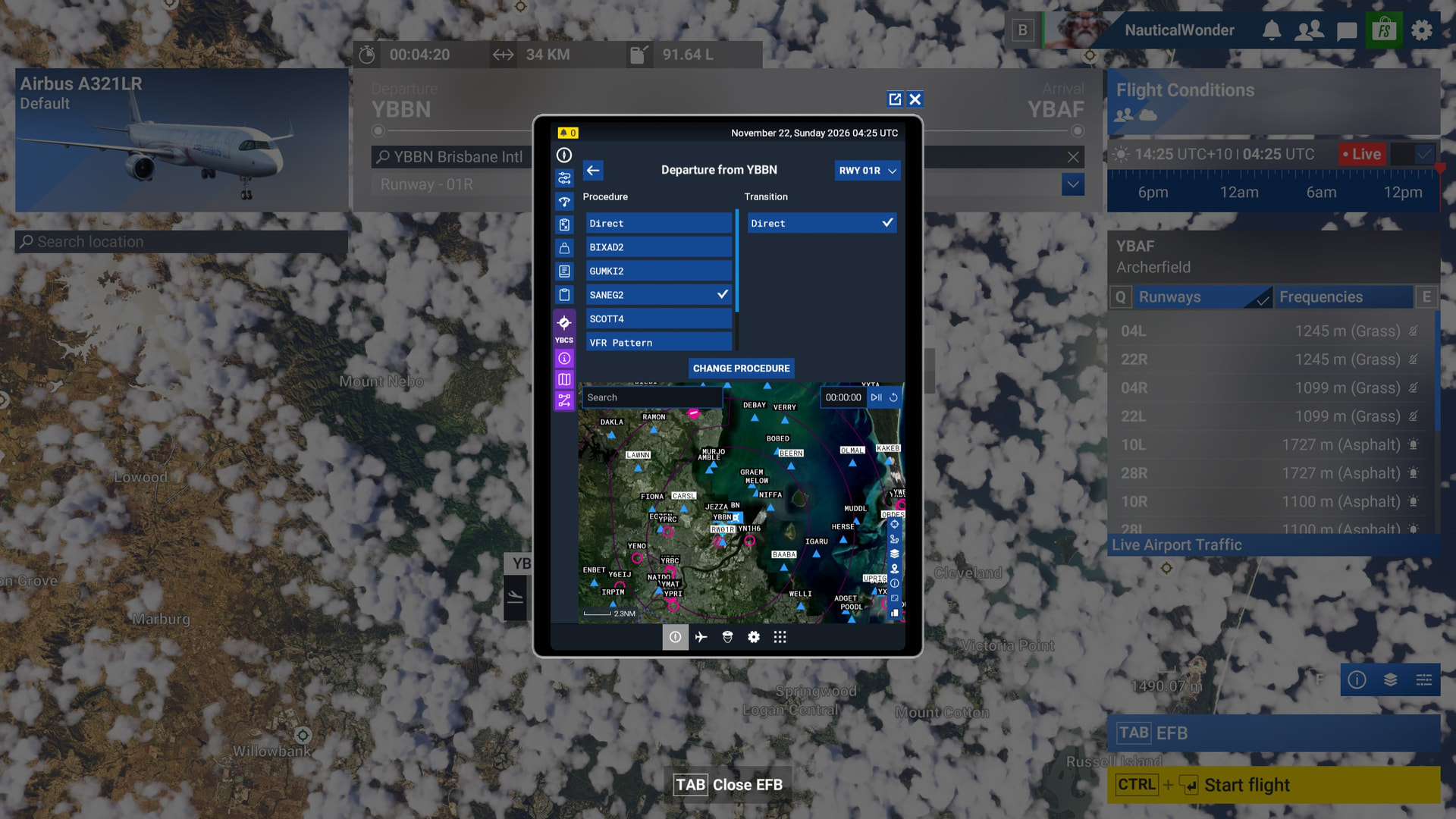
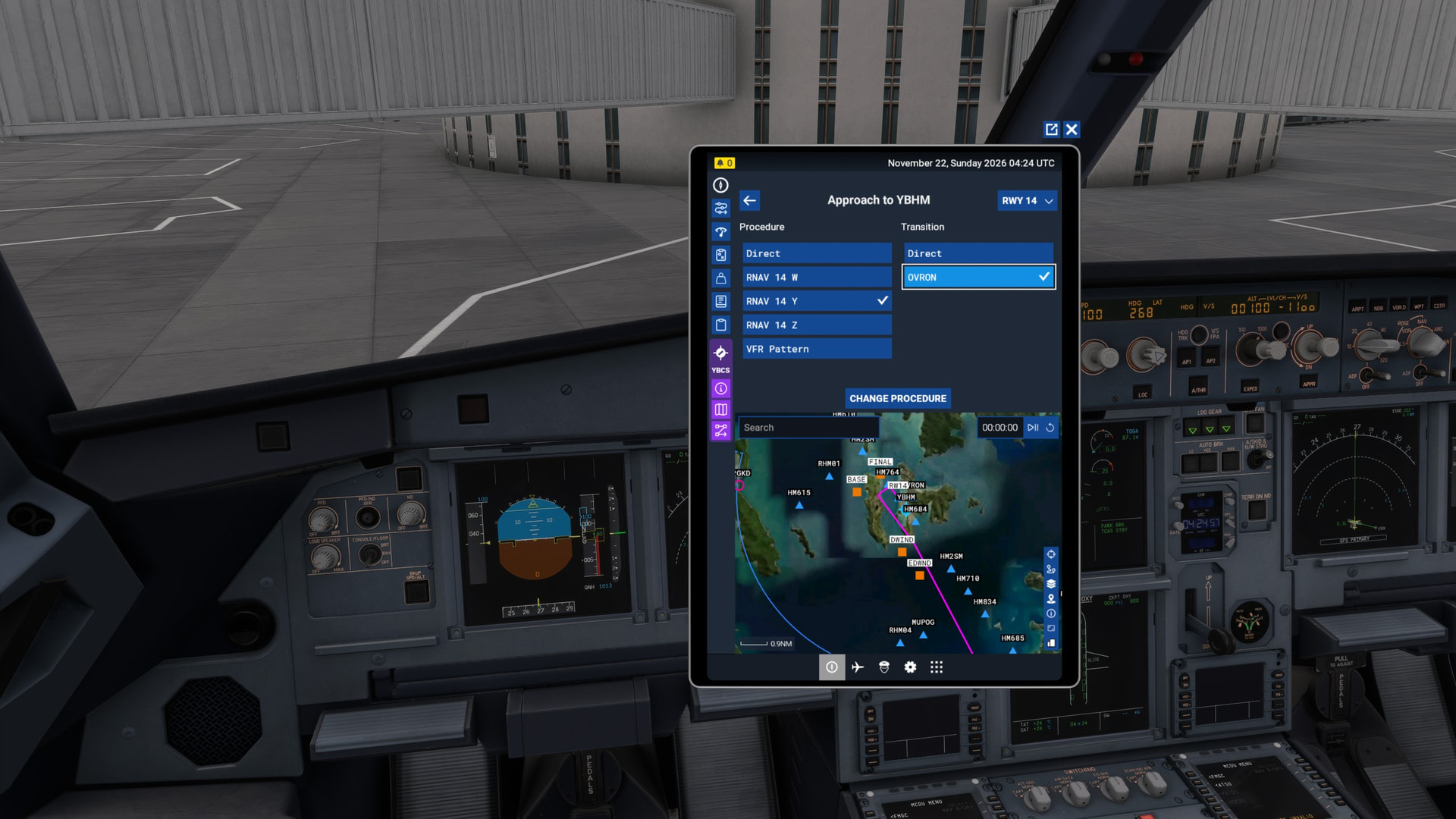
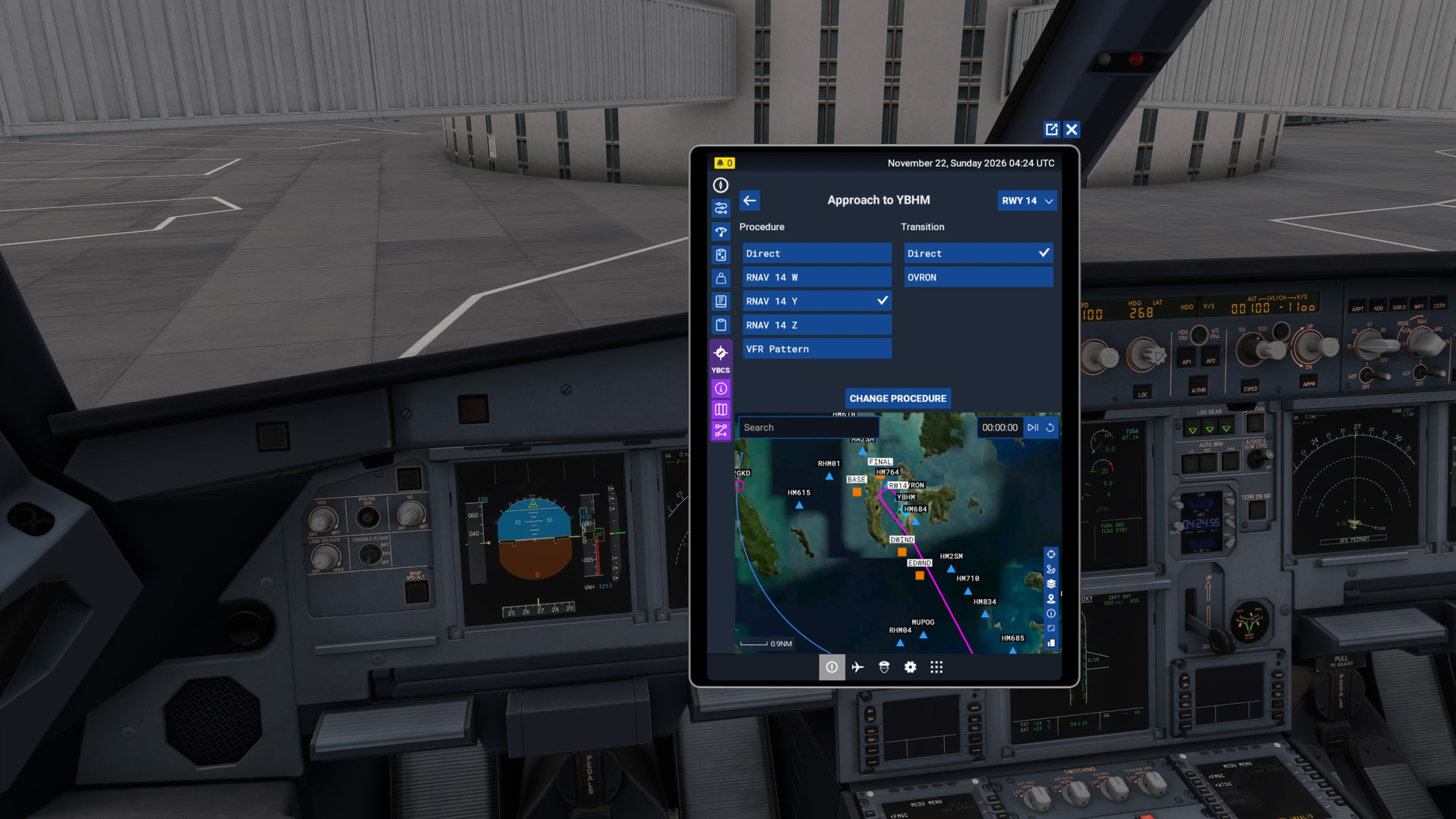
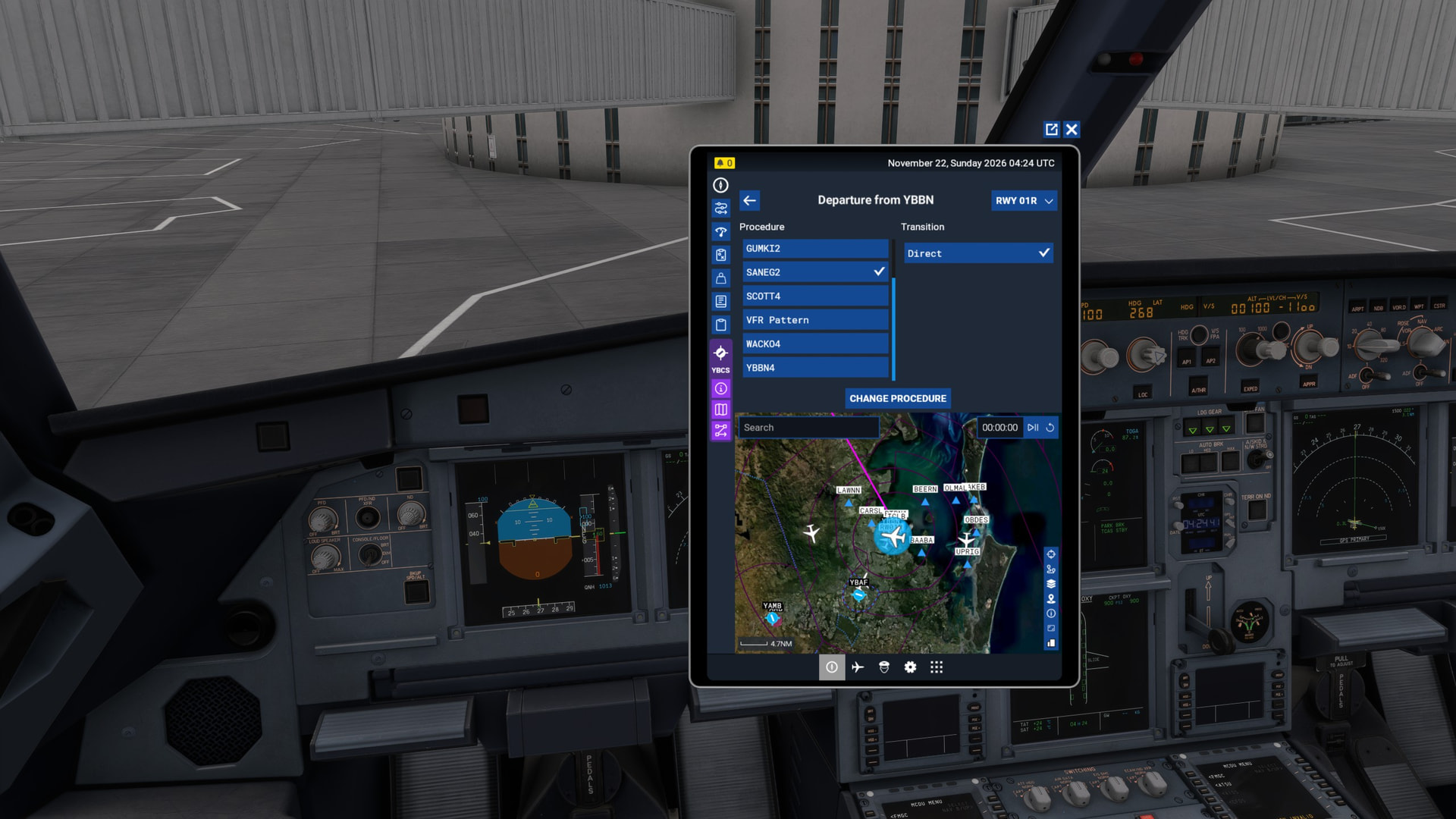
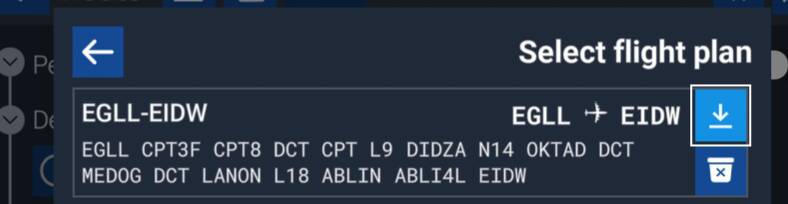
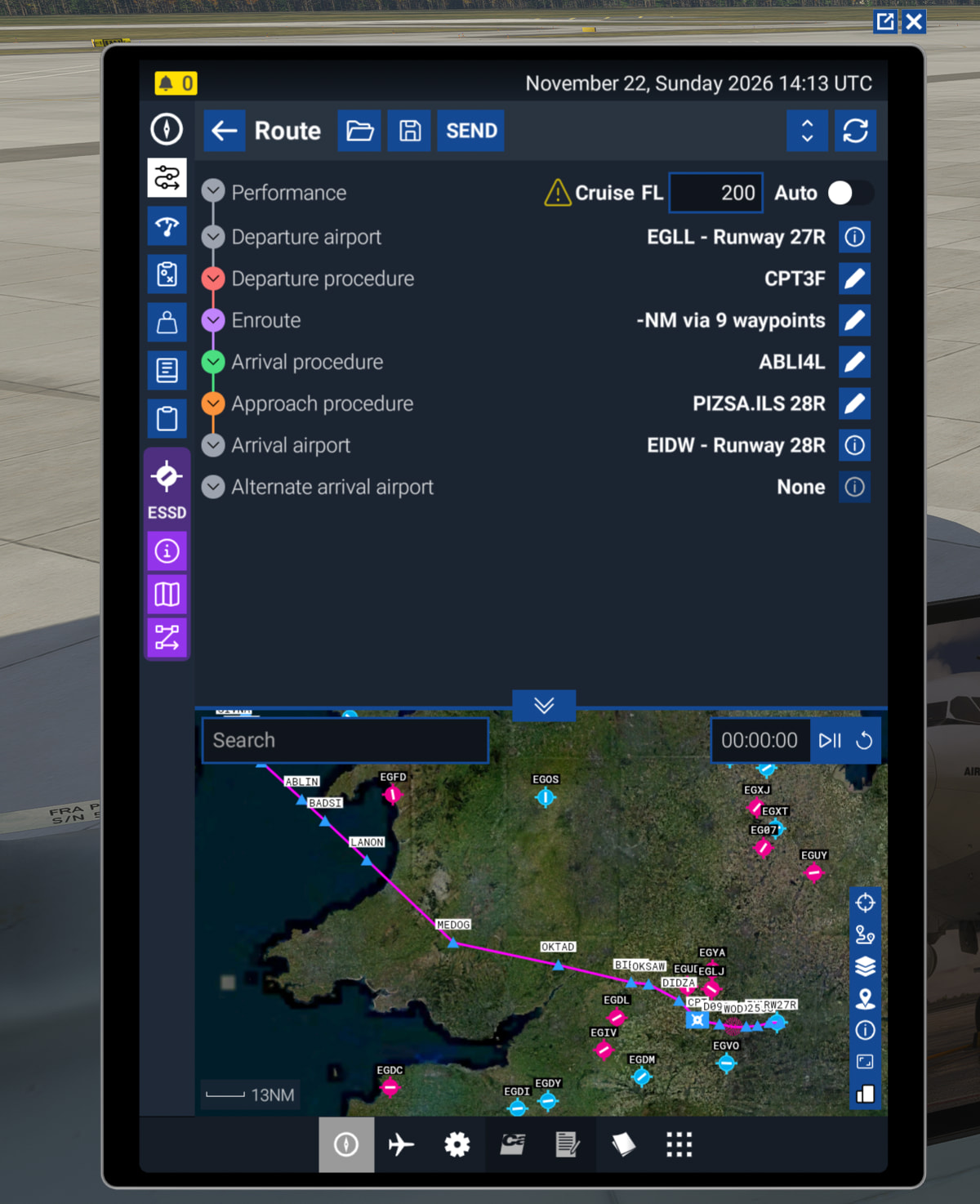
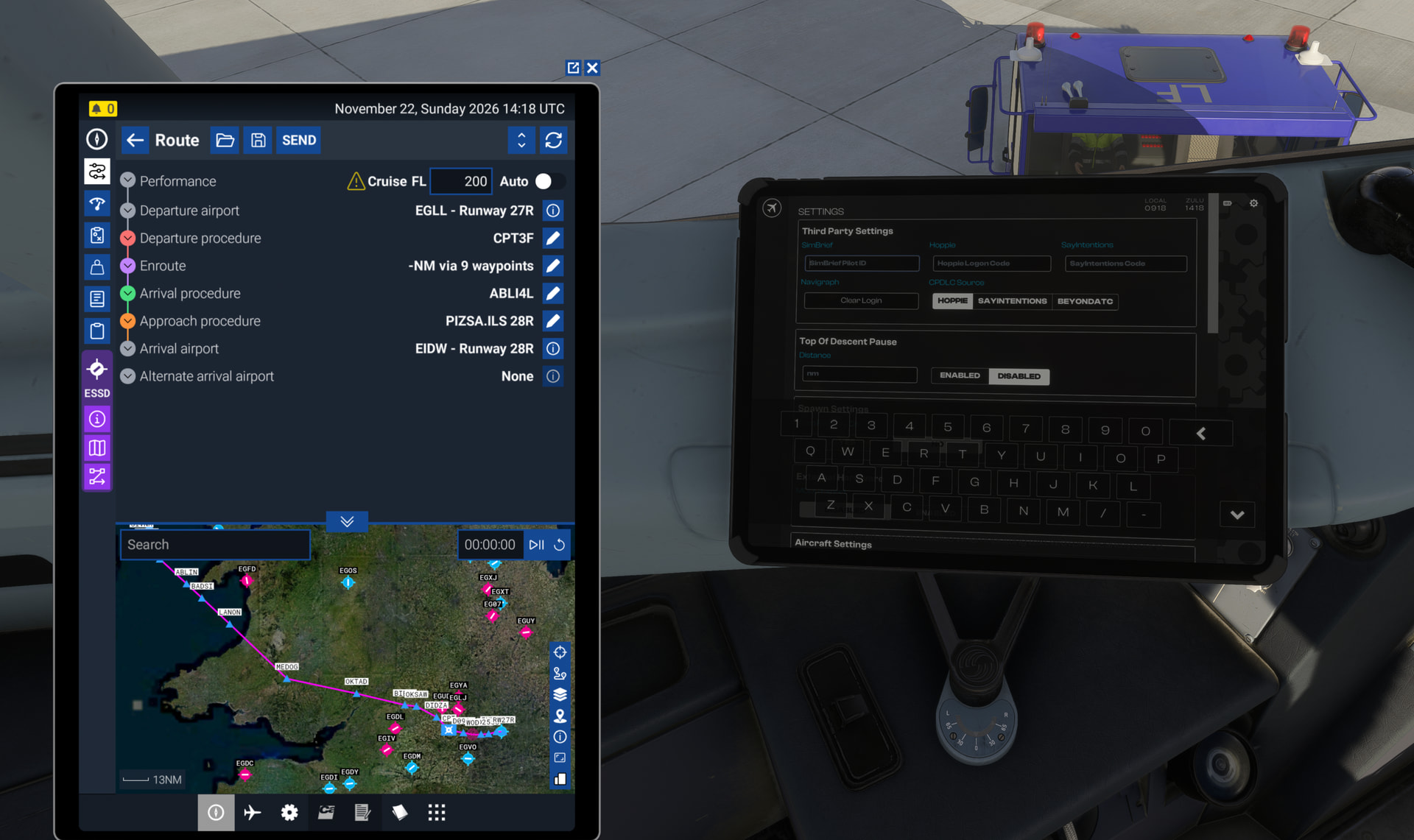
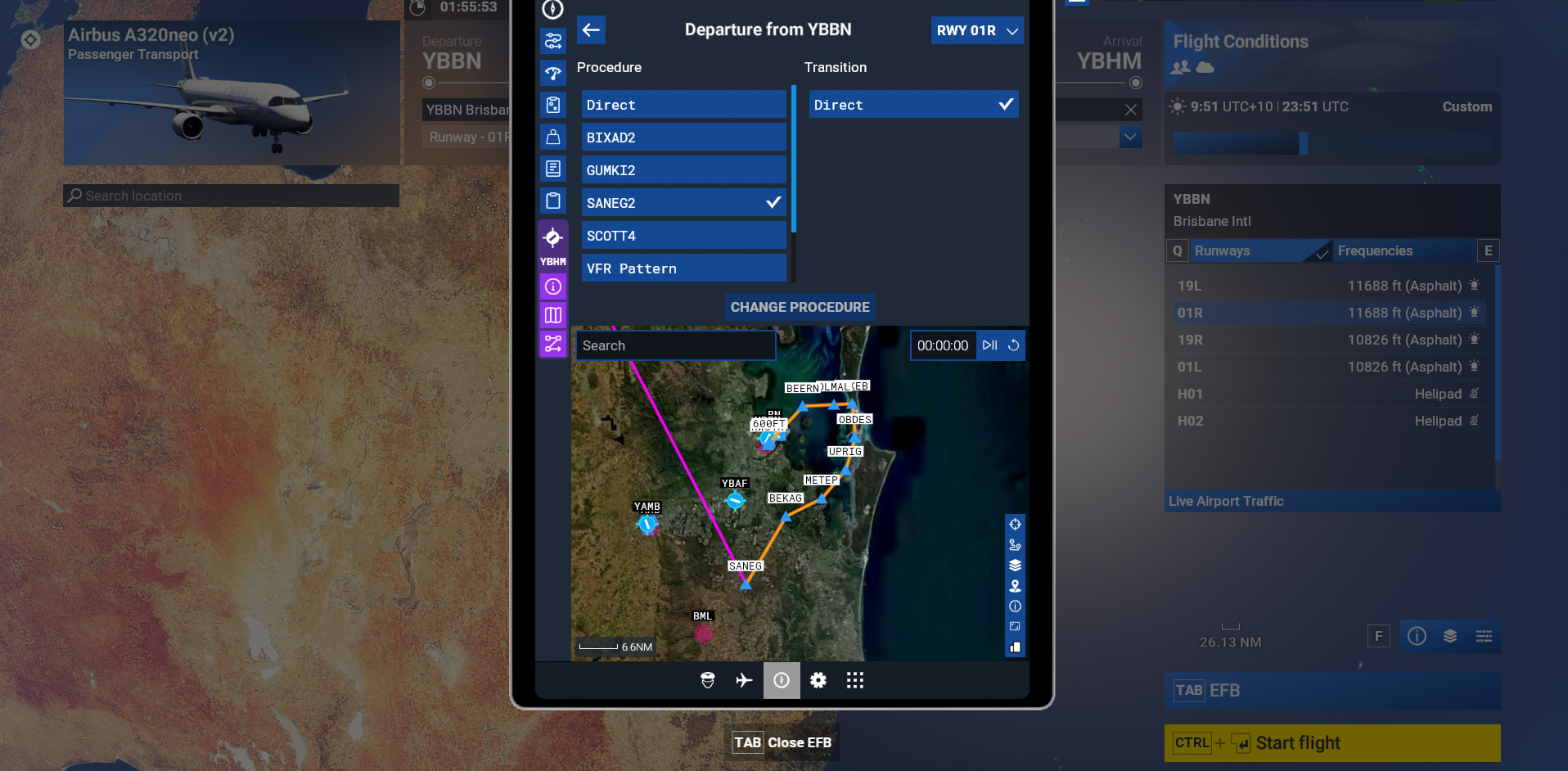
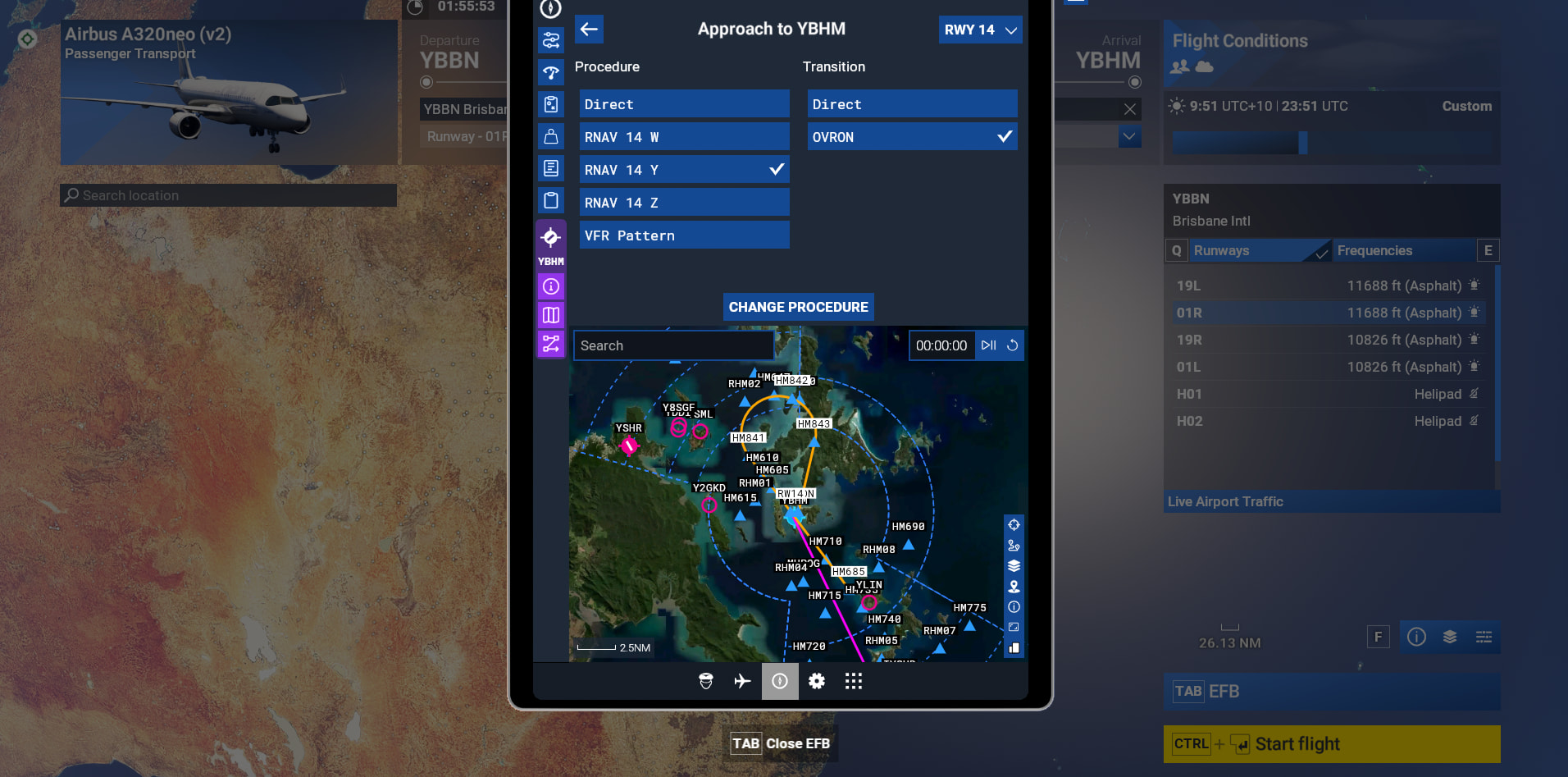
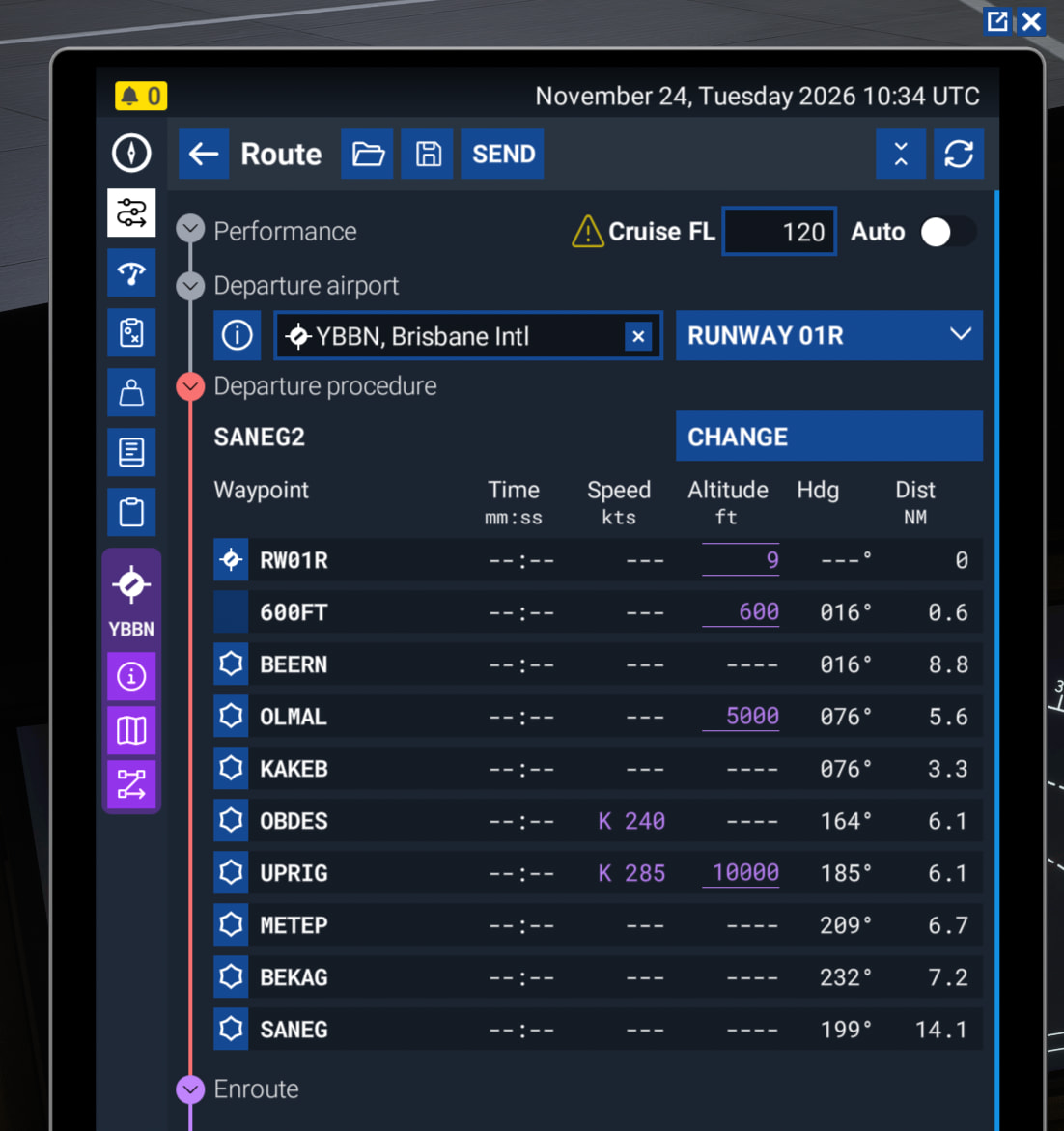
EFB not displaying Routes for Departures, Arrivals or Waypoints. HELP

Using the template below will greatly help the team reproduce the issue and ease the process of fixing it. Before posting, search for an existing report. If you are not sure it’s a bug, please first report in User Support Hub.

ISSUE DESCRIPTION

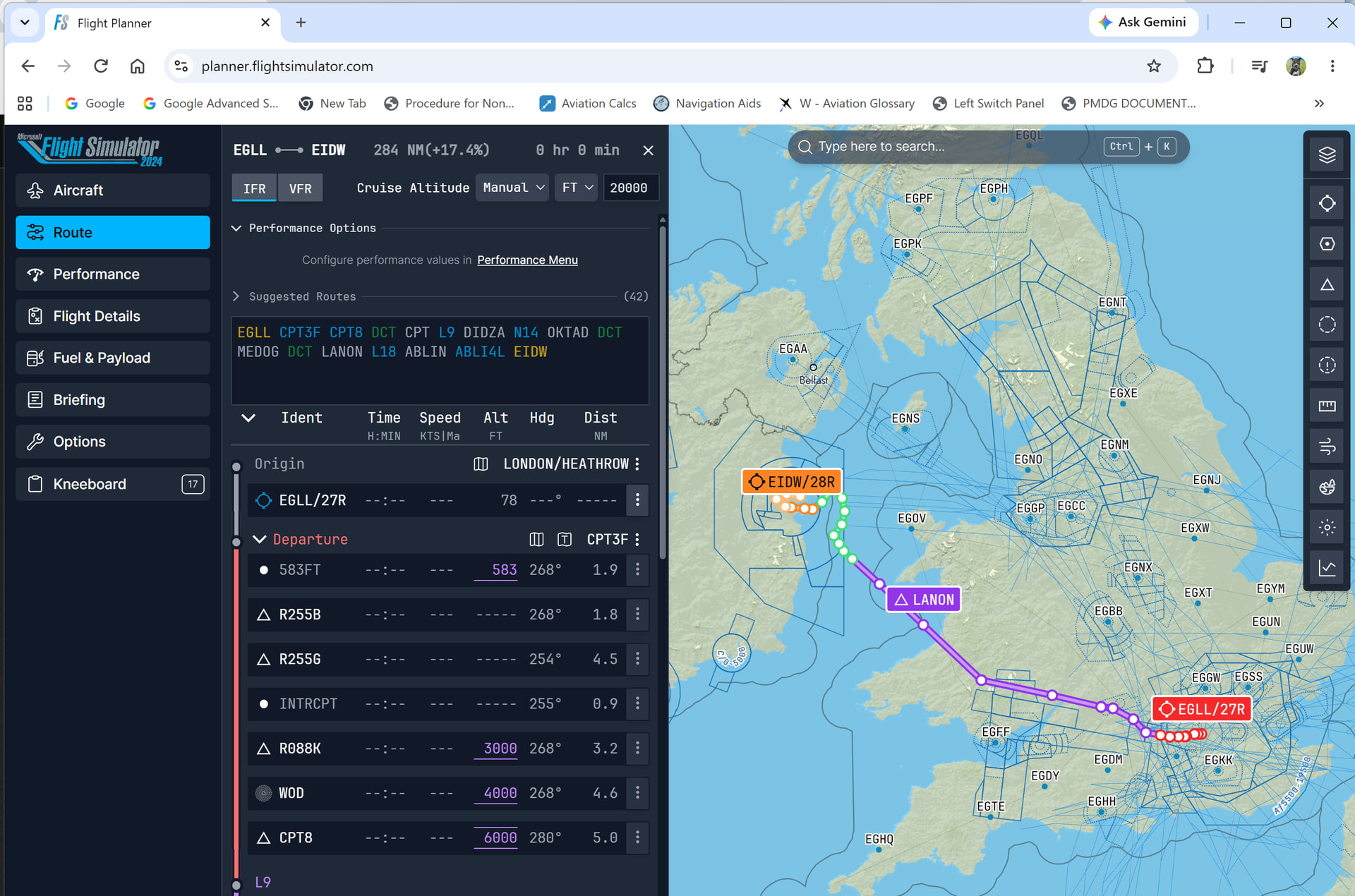
Description of the issue: EFB not displaying Departures, Arrivals or Route Waypoints on the EFB.

This has happened to me on many occasions throughout the past year and I have never got around to reporting it.

If I load into the sim, Can be career or Free Flight. Any plane with any livery this can happen.

You open your EFB, (It’s the default EFB for the sim) and go to select your Departure and Arrival airport, then select your procedures, it will not display on the EFB Map, or correctly in the EFB flight plan. When you go to choose a procedure, it will display it on the EFB map with yellow lines to show you where the procedure will take you, and it doesn’t show this..

It usually will self resolve after about 4 or 5 sim restarts, and also if I leave the sim for about an hour. But it’s very frustrating when I first load the sim for the day and I cannot setup a flight plan. I have tried other ways to do this, like just using the FMS etc, But I prefer to be able to see it on the map first before I load it in. And I just want it to work as intended.

I have gone and tried lots of fixes online. Clear the Cache, Reinstall in the Sim. Delete the Community packages I have downloaded, like other liveries etc… And nothing resolves this.

I also cannot find another topic that has this exact same issue.

FREQUENCY OF ISSUE

Every day, maybe every second day, but always on the first time loading the sim for the day, and I’m in the sim everyday. It is also getting progressively worse.

REPRODUCTION STEPS

Please list clear steps you took in order to help our test team reproduce the same issue:

  1. Load the sim

  2. Load into the world with any plane

  3. Go to create a flight plan.

YOUR SETTINGS

If the issue still occurs with no mods and add-ons, please continue to report your issue. If not, please move this post to the User Support Hub.

What peripherals are you using, if relevant:

[PC Only] Are you using Developer Mode or have you made any changes to it?

No dev mode.

[PC Only] What GPU (Graphics Card) do you use?

RX 5090 AMD

[PC Only] What other relevant PC specs can you share?

AMD Ryzen 7 9700X
Corsair 32GB DDR5 6400Mhz
Velocityone Flight Stick.

MEDIA

You don’t say whether you have told the EFB it is an IFR flight.

Is your Navigraph data up to date?

Try using the flightplanner.com and then load the plan into aircraft.

It doesn’t matter weather it is selected as IFR or VFR. The result is the same.

Also what do you mean Navigraph data? I’m using the sims built in EFB.

Navigraph is a payware alternative for the sim’s navigational data.
Your sim’s nav data is automatically kept up to date at the required intervals.

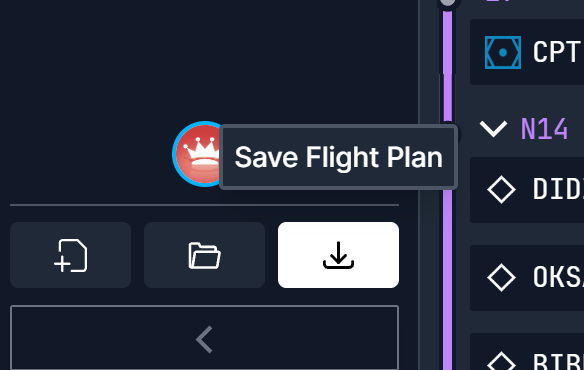
Once you have set up your FP you save it, bottom left


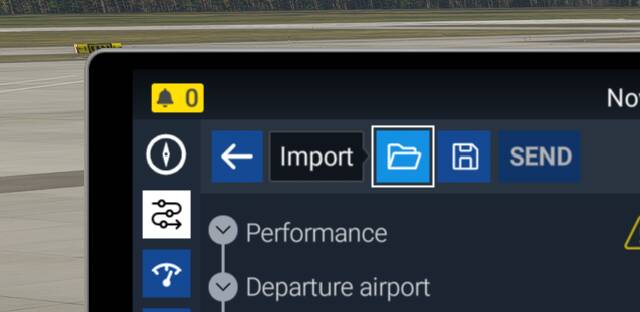
Then you go to the In Sim EFB and import route


It should bring in all you have selected from the WEB planner

Some aircraft will not accept the “Send to ATC and Avionics” then you have to fill in by hand.

Best is to get a Navigraph subscription for up to date nav data if you can afford it otherwise the In Sim nav data is always out of date.

Once you have that you can send FP directly to the Other aircraft EFB and input your simbrief ID and get the plan directly from there and import into the CDU/FMS

I cannot replicate the issue using OP example YBBN/YBHM neither don’t remember having experienced it in the past.


If any Marketplace addons, have you also disabled them ?

Yes correct,

I have disabled everything in the past and the issue will still persist.

I appreciate the replies.

But I don’t want to use something outside of the sim or pay for anything else.

My whole point of this post is, Something in the sim is not working as intended for me. I want the Sims EFB, and the Sims built in system to work…

Flightplanner.com is free.

Okay everybody, I’m not sure you are understanding what I am saying.

I do not want to use any other program or website, paid or otherwise, to do something the sim should be doing without outside influence. I already know all about Simbrief, and Flightplanner, and a couple other programs to be able to make flight plans.

Thank you.

The point here is to replicate the issue.
Could you post a screenshot of your graphic settings (General/Graphics) ?.

After you select your Departure or Arrival, what happens when you click on ‘Change Procedure’?

It has always worked for me.

I don’t use any add-ons either.

Dave.

I’ve been having the same issues - first noticed when using simbrief routes where airways are used.

It seems to load any European area flight just fine - but US flights it is hit and miss - it seems waypoints are missing in the database

Last night flying over big Sur and I’d had to enter the waypoints by hand into my avionics - this setup just fine, but after departure the waypoints although showing on the screen the AP just ignored and stayed on same heading despite being in nav gps mode. Even a direct to would not catch - in the end I had to fly the ■■■■ plane myself!!! Most inconvenient :joy:

for reference I have the steam version of MSFS (1.9.24.0), I fly the black square tbm850 with the premium pms50 gtn750. At first I assumed it was a gtn750 problem, the gns530’s seem better but not perfect

So it looks like a database issue, whether using working titles or navigraph or whatever the base sim uses - it seems a mess but it could be I just don’t understand it properly - oh and AI just makes one guess after another :woozy_face:

======
Just used the MS flight planner website to reproduce last nights flight:

KSBP DCT MQO V27 BSR DCT KMRY

It loaded perfectly - exactly the same as in navigraph charts - it expands the Victor 27 airway to its waypoints: FRAMS BLANC WONGO between MQO and BSR

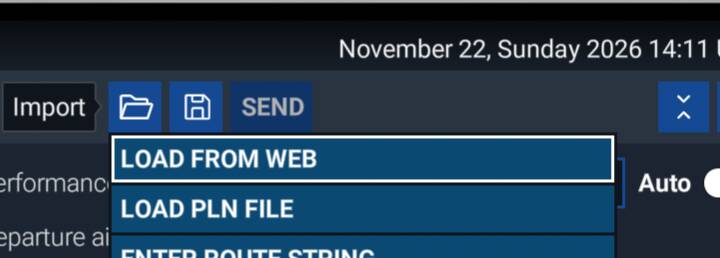
So to load it into the aircraft and use the load from Web option, it lists my flights from MSFS Planner wensite - I choose it - It then hangs on “LOADING…” - If I enter the text string by hand it hangs on “Parsing…”

Just rebooted the Sim and changed to the default Asobo C172 G100 and it is exactly the same thing - So i spawned in at KSBP and tried entering the waypoints on the EFB in the aircraft - KSBP / KMRY and then chose victor airway and was going to paste the string into the find route section of the airway when it CTD !!! - I’ve given up for now :frowning:

That’s the key - after selecting the SID or STAR, you have to click Change Procedure. That’s how it works.

It’s a little confusing, though. After selecting a SID or STAR, I would expect something like “Apply” rather than “Change Procedure”, because we’ve already selected the procedure and just want to confirm/apply it, not change it.

I wonder if @Bishop398 could change this to make it a bit more intuitive?


I can’t replicate the issue either.


I do select “Change Procedure”. But it doesn’t change anything.