Embraer EMB121 - Xingu

For anyone who wants to use the FTSim+ King Air soundpack with the latest version, here’s how you can make it work, and also get the custom sounds added by the plane itself:

  1. Rename the plane’s original sound.xml file to something else so you don’t overwrite it

  2. Copy the sound pack’s .pck file and sound.xml file to the plane’s sound folder

  3. In the plane’s original sound.xml file (that you renamed), the <SimVarSounds> and <AnimationSounds> sections will both have a part labeled CUSTOM SOUNDS BRSIM. The <MiscellaneousSounds> section also has one element that references the FUEL_PUMP WwiseEvent. Copy these parts, and ONLY THESE PARTS, to their respective sections in the new sound.xml file (that you copied from the FTSim+ sound pack) and save the file.

  4. Update the plane’s layout.json file using MSFS Layout Generator

Edit: Updated step 3 to include the fuel pump sounds which were in yet another separate section. I think the pump sounds will still work if you don’t do this, but they won’t sound quite right (they’ll start and stop abruptly when flipping the switches instead of having a nice transition that sounds like a pump motor starting and stopping)

4 Likes

Thanks for this. You mean the King Air soundpack, correct? FTSim also did a soundpack for the EMB110 . I’m not sure which engine that one’s trying to replicate, but it may be an even better fit for the X than the King Air pack… That would require an update from FTSim, though.

Yep, I edited my post for clarification.

I think you might also need to run a msfslayoutgenerator.exe on the layout.json so MSFS sees that new sound pck file?

Anybody else think the fuel pumps are a bit too loud?

Hello everyone.

I am here now just to let you know that I am already working on the next update.
The next update will be release next month because it will take way more time to be done.

Update:

  • Bug fixes
  • Checklist
  • Documentation
  • Engine Parameters
  • Rotating Beacon Lights
  • EFB rework
  • TDSNGXi integration

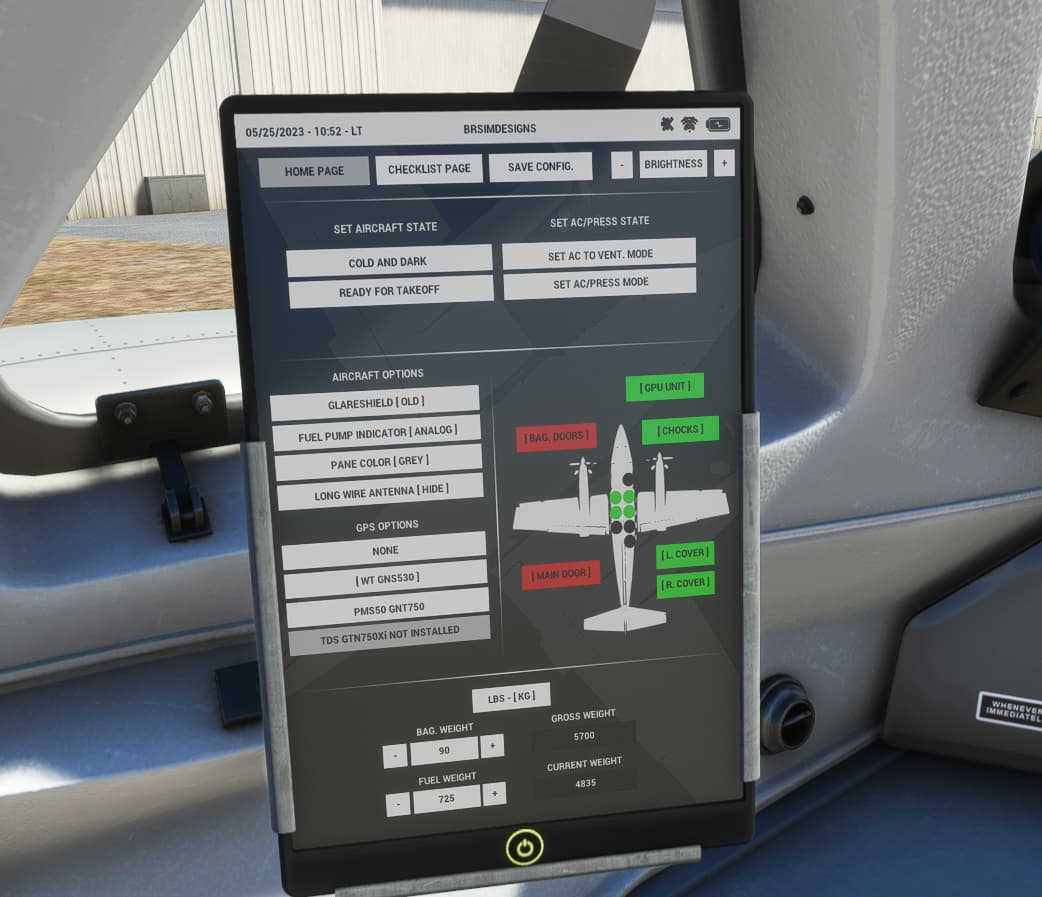
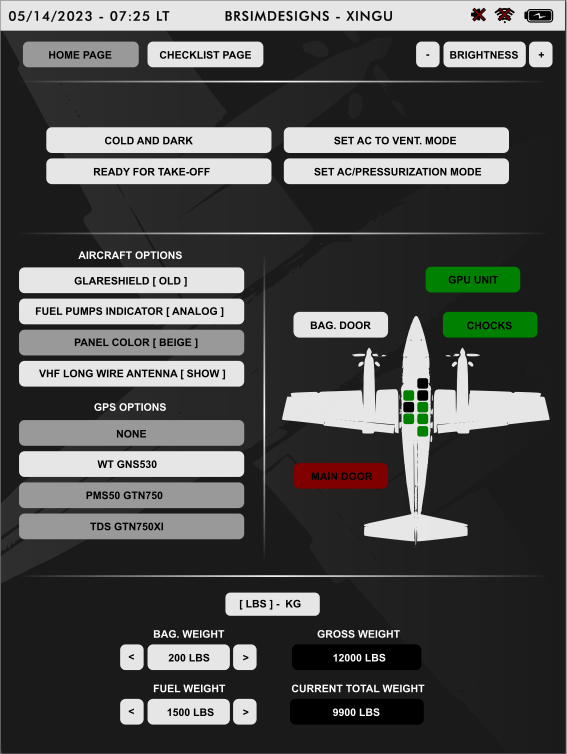
Here is a preview of the EFB
(Please keep in mind that this is just a preview and some things may be changed before release)

18 Likes

Superb! Can’t wait. :slight_smile:

1 Like

Is there a paint kit for this plane?

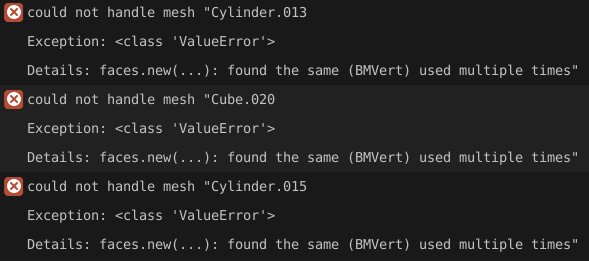
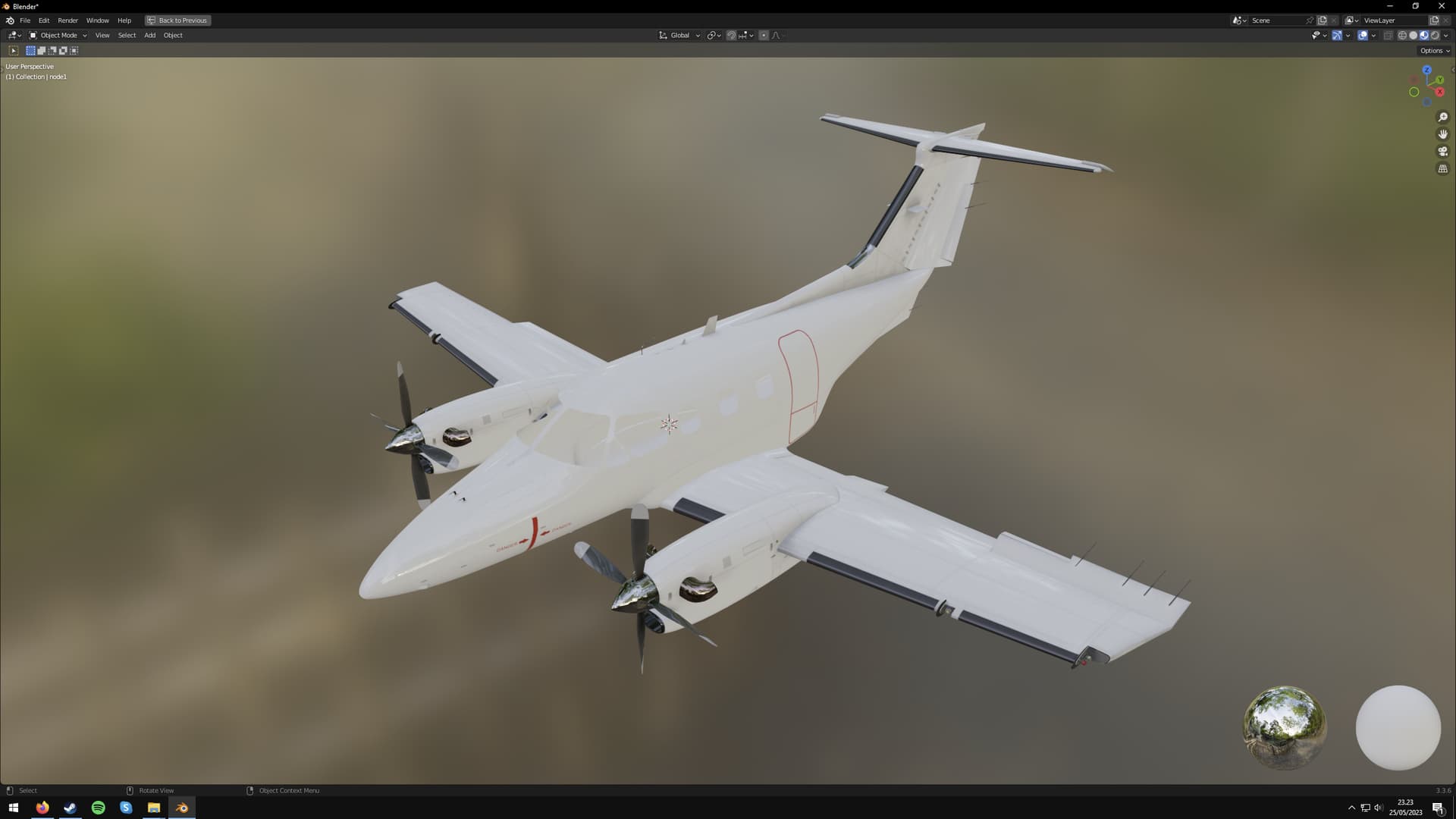
Also, being able to import the exterior model into Blender for painting would be super useful, but there seems to be something wrong with the gltf file and some objects (Cylinder.013, Cube.020 and Cylinder.015—one of these must be the fuselage since that’s one of the missing objects) fail to import:

Oh yesssss this aircraft is SUPERB!!!
FLAWLESS visual quality, perfection everywhere at all maximum zoomed-in camera angles. The new queen of medium-sized GA in the same superb quality as the Flysimware Cessna 414 Chancellor has arrived for our sim!
I cannot tell much about the systems right now because I have to read the manuals first and check out everything in the cockpit, but this airplane is a must-have for every simmer with certain standards.
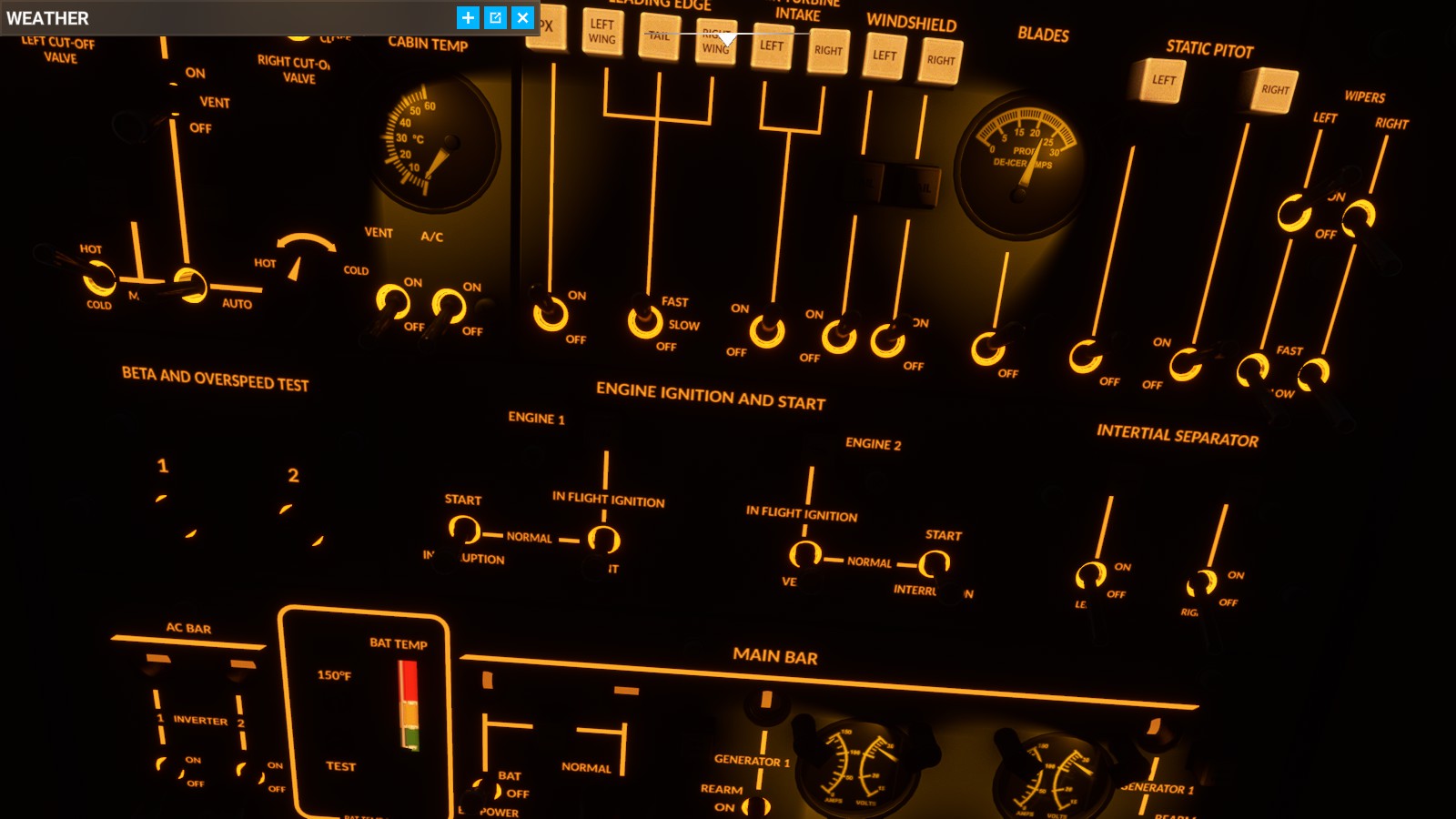
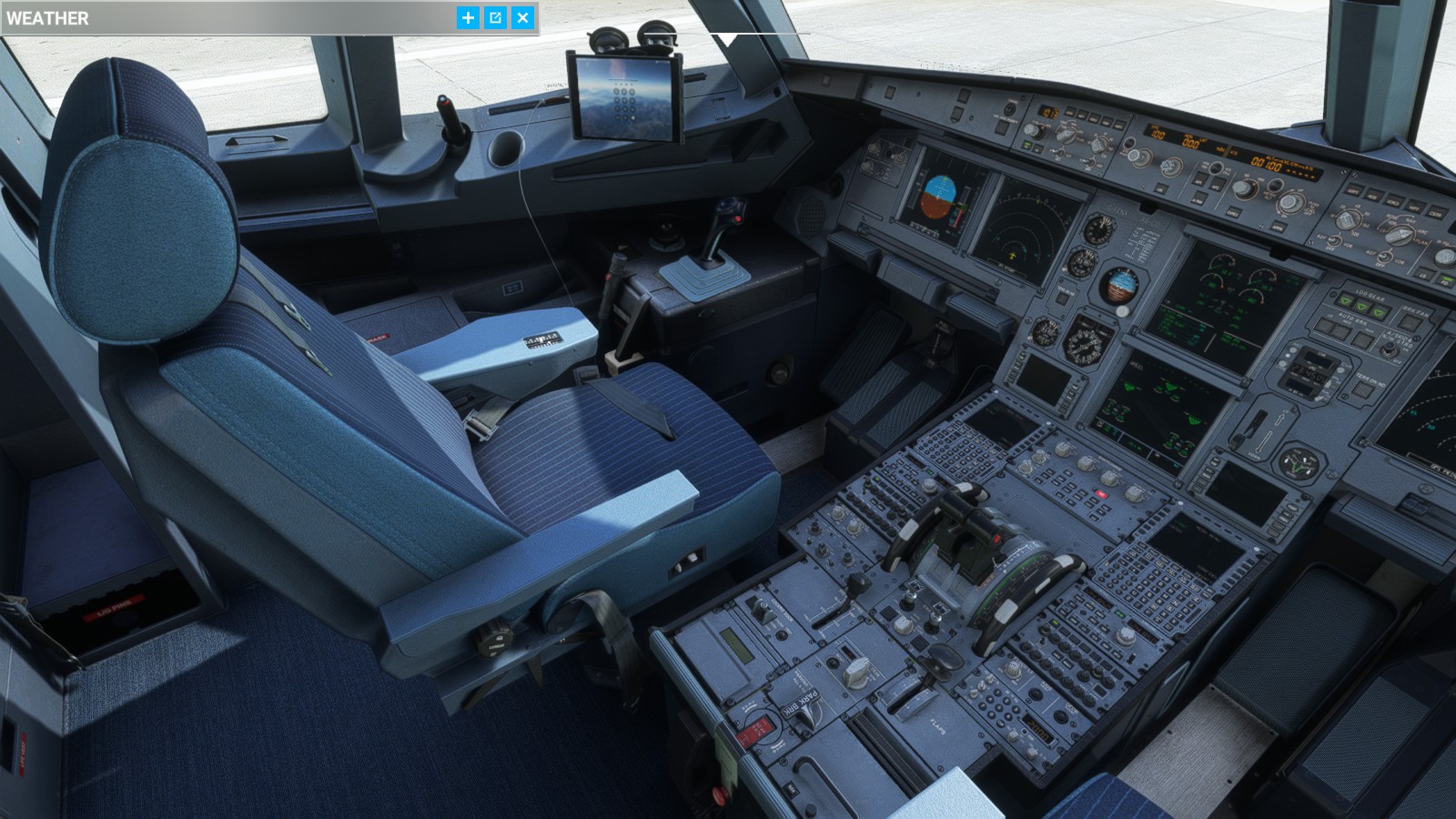
Glorious golden-illuminated analogue gauges literally everywhere (even on the yoke, also on the pedestal), lovely cabin quality and cabin illumination.
Perfect.

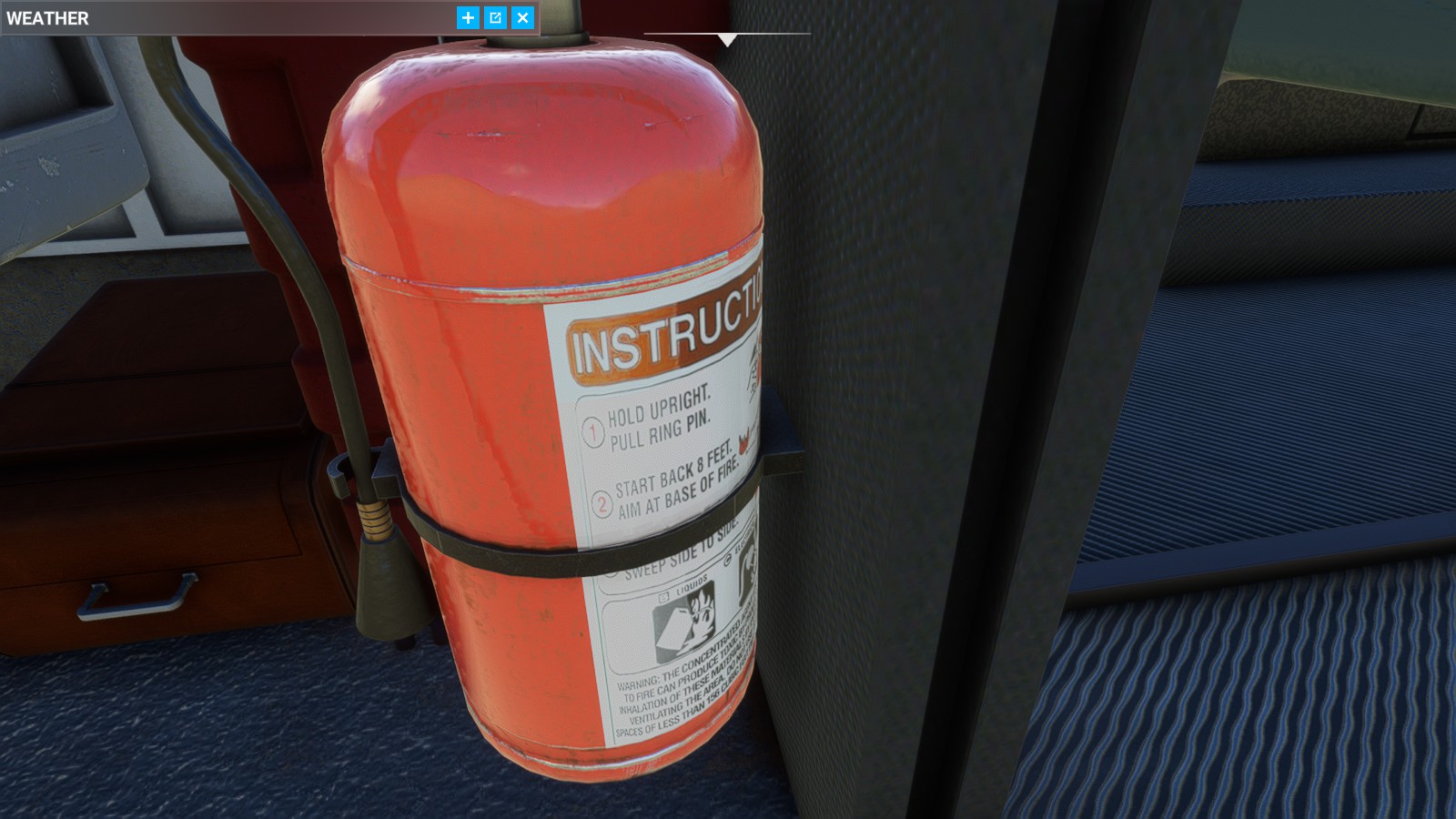
The fire extinguisher is of superb year 2023 visual standards and not some blurry ugly dekagonal thing like so many other aircraft blemish their cockpit with. Only perfection here:

This golden illumination is so GLORIOUS :star_struck: that I think of making such a flight deck integral light for the Fenix Airbus. In the exact same colour code by checking the RGB and CMYK values to have it exactly looking like this precious light:

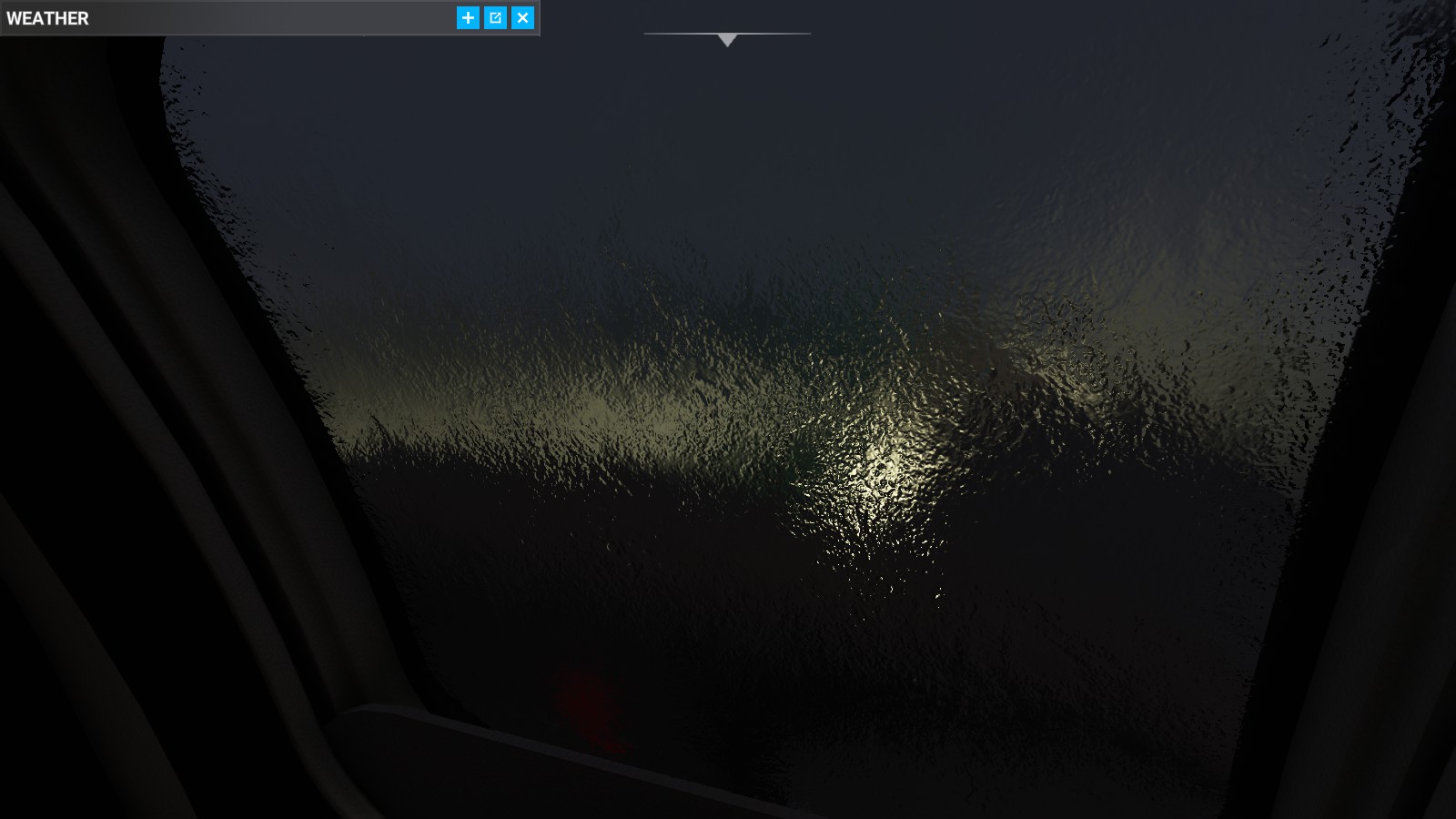
ICING is functional!! I think the last time I have seen such glorious icing was in summer 2020 when the sim was released…

Weather radar I

There is a second weather radar similar to the Flysimware Cessna Chancellor, but this device seems to be functional sometimes and sometimes not.

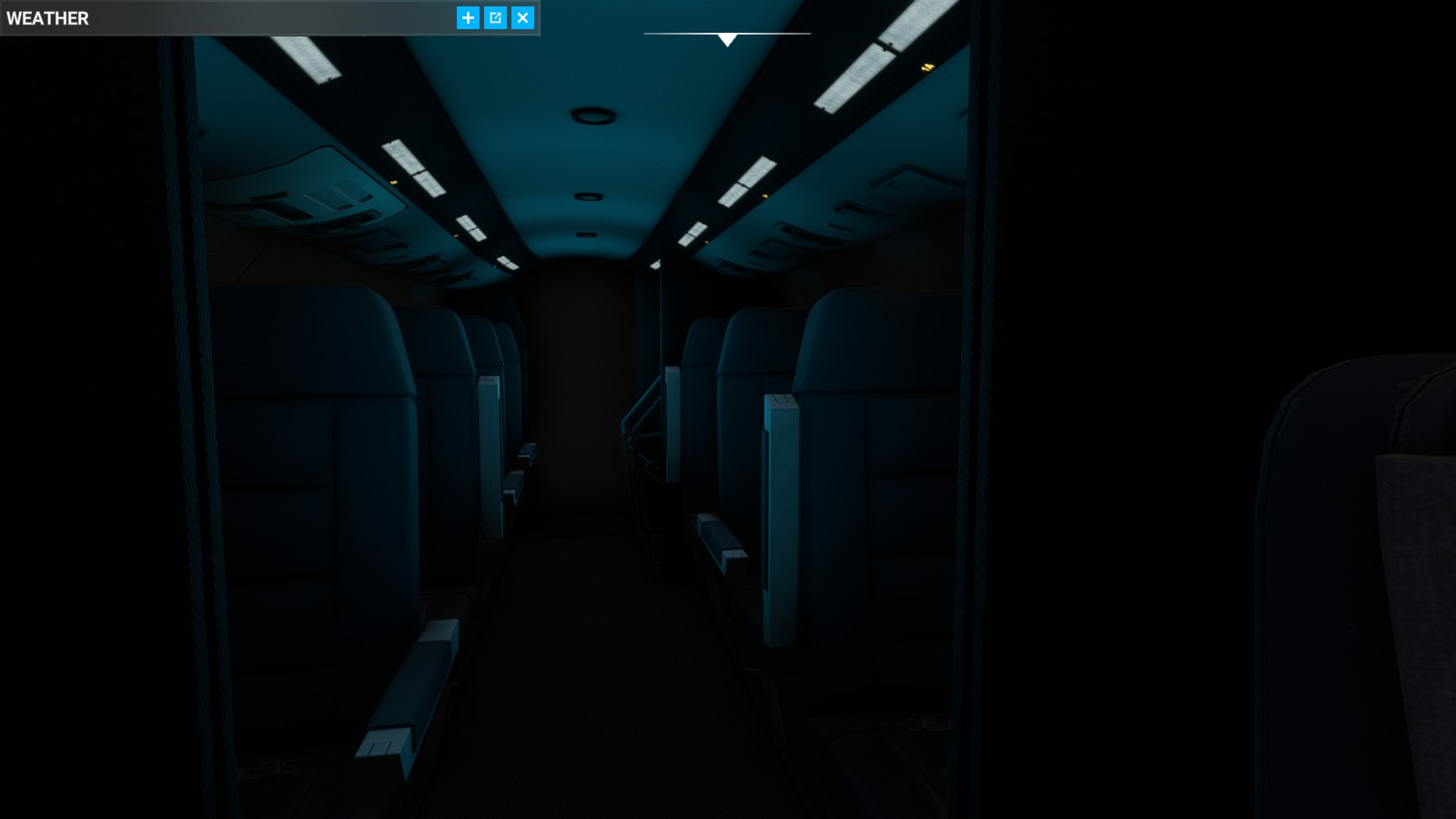
Glorious HD cabin seats with no ugly angular low-polygon shapes and two different illumination modes. The armrests can be moved and the window blinds can be closed.

The cockpit illumination in all it´s glorious golden shine. It has the same uncage button like the Fenix Airbus on that analogue backup horizon, and some awesome customization pimp-my-ride options like analogue indicators or green lights on the fuel panel and some other goodies:

The Fenix flightdeck just because there can never be enough Fenix everywhere:

Stylish is the best word to describe this driveshaft tunnel hump:

The cabin is full of awesome details and not just some blurry mess with PS3 visuals, but sheer PERFECTION:

Normally I differentiate aircraft addons only between Fenix and Unfenix, but this is a worthy one. A really great one with highest potential (especially if some modder with good knowledge decides to make it study-level), on the same visual PERFECTION like the Fenix and the Flysimware Cessna Chancellor.

So we can now differentiate DLC aircraft in three categories: Fenix, the brandnew categorie “Fenix-quality-worthy aspirant” for Xingu (and of course for the C414, because only the Flysimware C414 has been awarded with this award-winning category until today), and the underworld inhabited by the lesser Unfenixes.
7 Likes

Can’t wait!

At one time I thought you were being sarcastic, then I realized it was just genuine excitement.
Yes, the plane is very good and hopefully will get even better with some updates. Because we-are-missing-the-iconic-trademark-rotating-beacon :slight_smile:

1 Like

Working 14 to 16 hours per day on this little thing. My body shakes when I go to bed to sleep.
Anyway. The EFB was reworked, some bugs were fixed, and new functionalities were added.
The “cold and dark” and “ready for takeoff” states are working nicely.
I added new functions to automatically set the AC to VENT, or pressurization mode.
Now there is an option to unload any GPS, and the rotating beacon was added.
The overhead, checklist labels, and some other bugs that were reported were fixed.

Now it’s time to integrate the TDS750Xi.

12 Likes

Super, is for you as a great artist in aircraft construction surely a small thing :wink:
what I find a bit of a shame is that there are still no liveries on flightsim.to :frowning:

Respect and recognition :+1: :beers:

What beacon is that? :smiley:
What trademark?

That´s the spirit! :ok_hand:

Now our flight sim has an interesting new GA highlight :slight_smile:

1 Like

Is there a paint kit available for this? I read someone had issues importing the model into Blender which would be another stumbling block to getting quality liveries done.

1 Like

Has anybody tried this plane in VR?

Would love to hear thoughts from somebody if they have ..

Pleasantly surprised by this plane. It offers more depth then i expected. Well made product for a really competitive price.

Looking forward to the future updates.

A little update on that—I found that ModelConverterX is able to load the complete model, and it can then be re-exported to whatever format you need. I used glTF and imported it to Blender using the default glTF importer; the msfs2blend importer couldn’t open it for some reason.

The UV coordinates were upside down so I had to flip them vertically, and I obviously also had to set up the materials, but everything seems to be working.

1 Like

I would not recommend changing the normal map because I will update them in the future.

1 Like

Radio frequency selectors, when dialing decimals and passing zero, aviation radios normally don’t change the full digits.
So does radio COM1, but not all other radios (COM2, NAV1/2, ADF1/2). I’m sure its easy to adjust -thank you very much.