I barely fly in mfs anymore, so I do not know when the error might have started. First time I got it was a couple weeks ago in the last nvidia patch (the one before the 31/07/25 update), it happened when I changed my settings to use the K preset (works awesomely in VR in DCS). First time I launch the game it did work, but after that first session the crash happened. Reverting the preset to the default setting makes the game work again.
Now after the last nvidia patch it crashes always in VR, with default settings. In non-VR it does work.
For me it crashes in the world map when selecting departure airport, when I zoom in to the airport to select parking spot.
I used to only have this crash in 2020 and with specific Nvidia drivers (currently both 577.0 and 580.80) when using DX11. There it happens every single time during flight loading.
Now I am also getting it intermittently in FS2024, apparently randomly DURING flying. What is going on? Anyone have an idea apart from that sketchy-sounding registry hack?
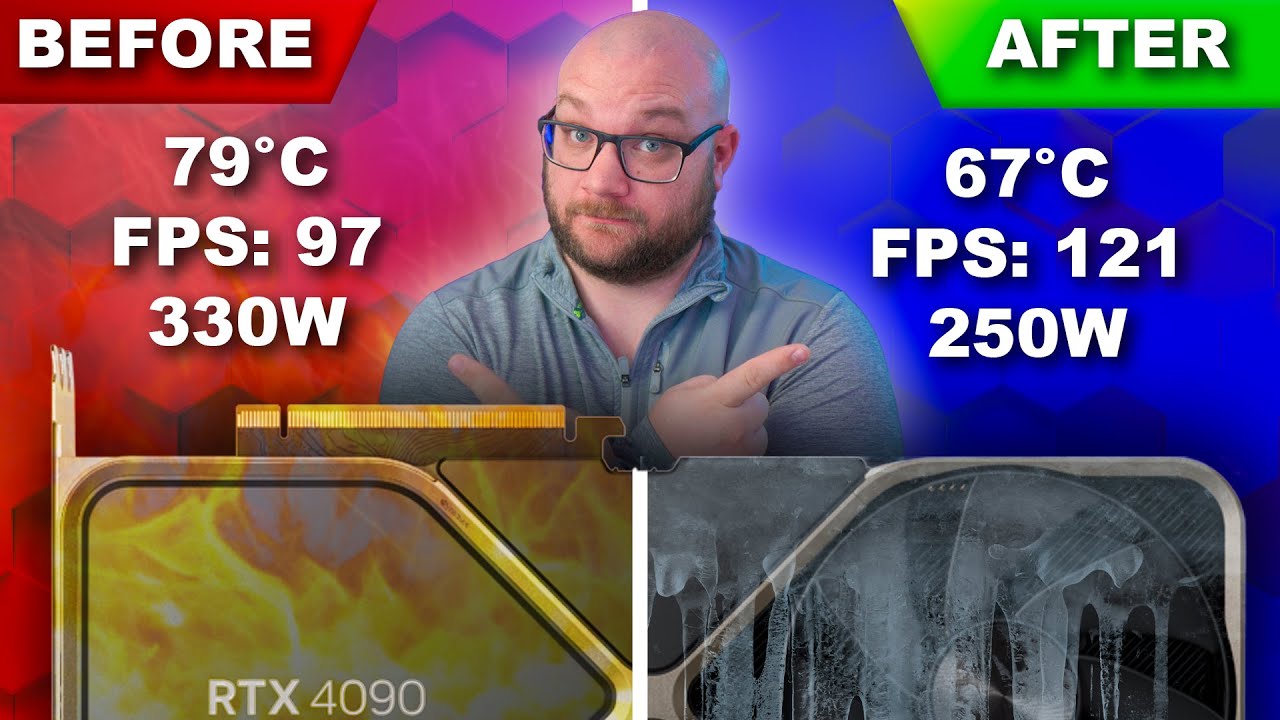
nVidia driver 572.83 here. Very stable. I used this video to guide me in undervolting my liquid-cooled 3090 Ti.
For reference, these are the settings I use in MSI Afterburner. I used the Unigine Heaven Benchmark tool to test stability while I dialed in the settings.
While it might not resolve the device_hung issue, the following might help with device_reset:
I found that MSFS is struggling with PCI changes (from lets say x16 to x8). This was creating multiple instances of device_hung/reset on my computer (5090, 9950X3D ..)
In BIOS I changed the PCI configuration from [AUTO] to either force [X16 or a fixed value, depending on your menu]. I have done multiple flights since without a crash so far (fingers crossed!)
Thanks for sharing this with us. It’s definitely helpful info. I’d also recommend you report this to both your motherboard manufacturer and NVIDIA, so they’re aware of the issue.
Also, check if there’s a newer BIOS version available for your motherboard - sometimes that can fix PCI-related problems. Don’t just look on the motherboard site; check AMD official page for the latest chipset drivers as well. Install those and then restart PC.
It’s a pity you didn’t mention your motherboard model.
To be fair, I had to replace the MOBO (ASUS X870E-E Gaming WiFi) and went for ASUS X870E Crosshair Hero.
The problem was the same (mind you the SSD were installed on slot M2_1 and M2_2 which was a mistake as it should be in M2_1 and M2_4 to avoid PCI split.
Having done all that, forcing the PCI to x16 on the 5090 solved most of it (although I reckon a steady x8 could work as well even at a small cost in performance).
BIOS was the latest version so were all other drivers (first thing I checked as the PC is new)
I found the issue browsing the web were users were complaining of the same on other games and that resolved it for them,
It’s most specifically targeted to device_reset than hung but might be worth.a try
Yes. I visited a friend, and we did a VR flight with the A350. 5090 on a Ryzen 9900 X3D and Driver 580.88. No issue, flight was perfect using current SU3.
I have a 4080 with a Ryzen 7900, and also no issue.
Unfortunately, I also ran into this problem:(
And all this coincided with the replacement of components (Video card and processor)
and I don’t even know what could be the reason…
Had to replace my PNY 5090 so picked up a Gigabyte AORUS 5090. Ran DDU and swapped out the cards - Been getting this ■■■■ error after 15-20 minuts of flying. Tried three different driver versions now without any fix in sight….
Very frustrating when the PC passes every GPU stress test available and but FS24 induces crashes…