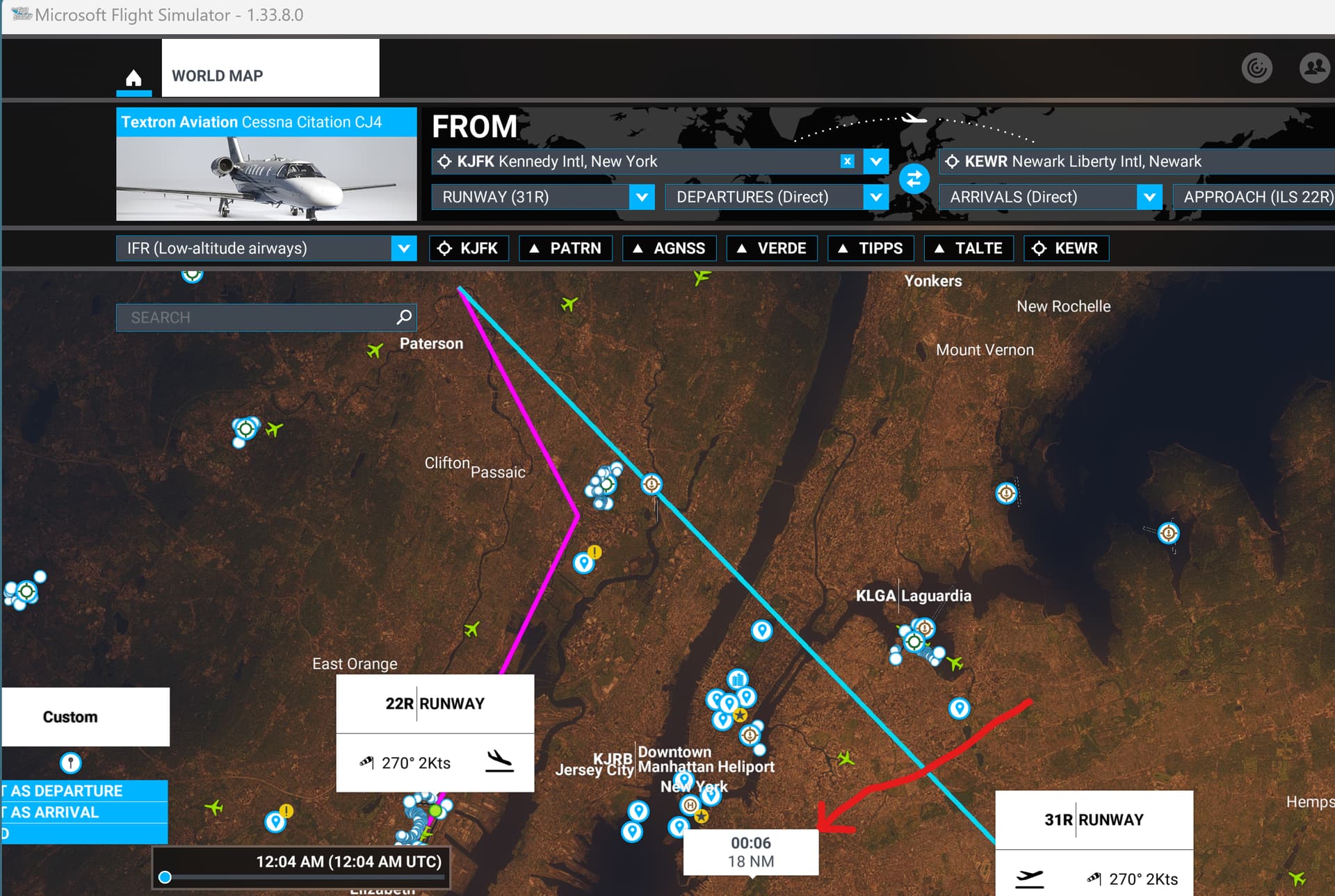
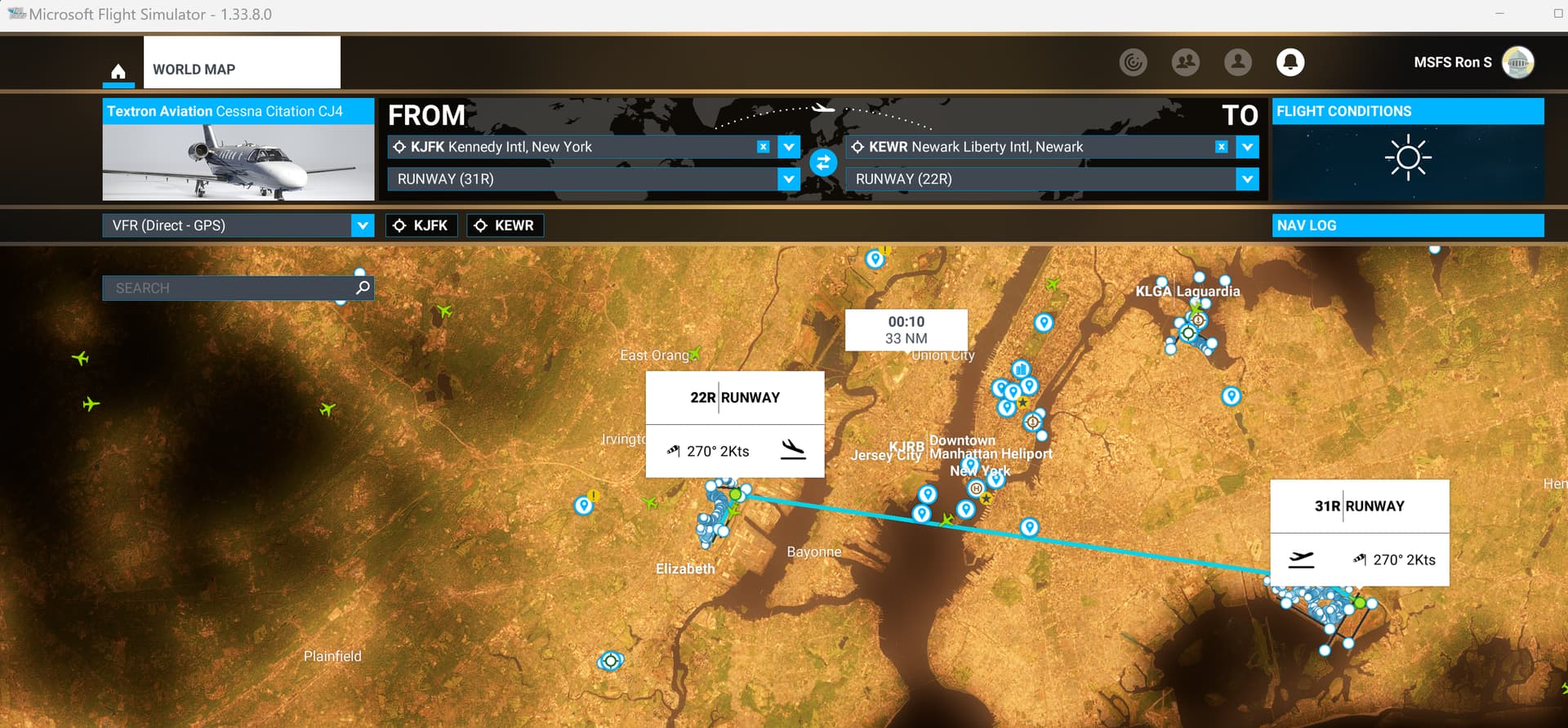
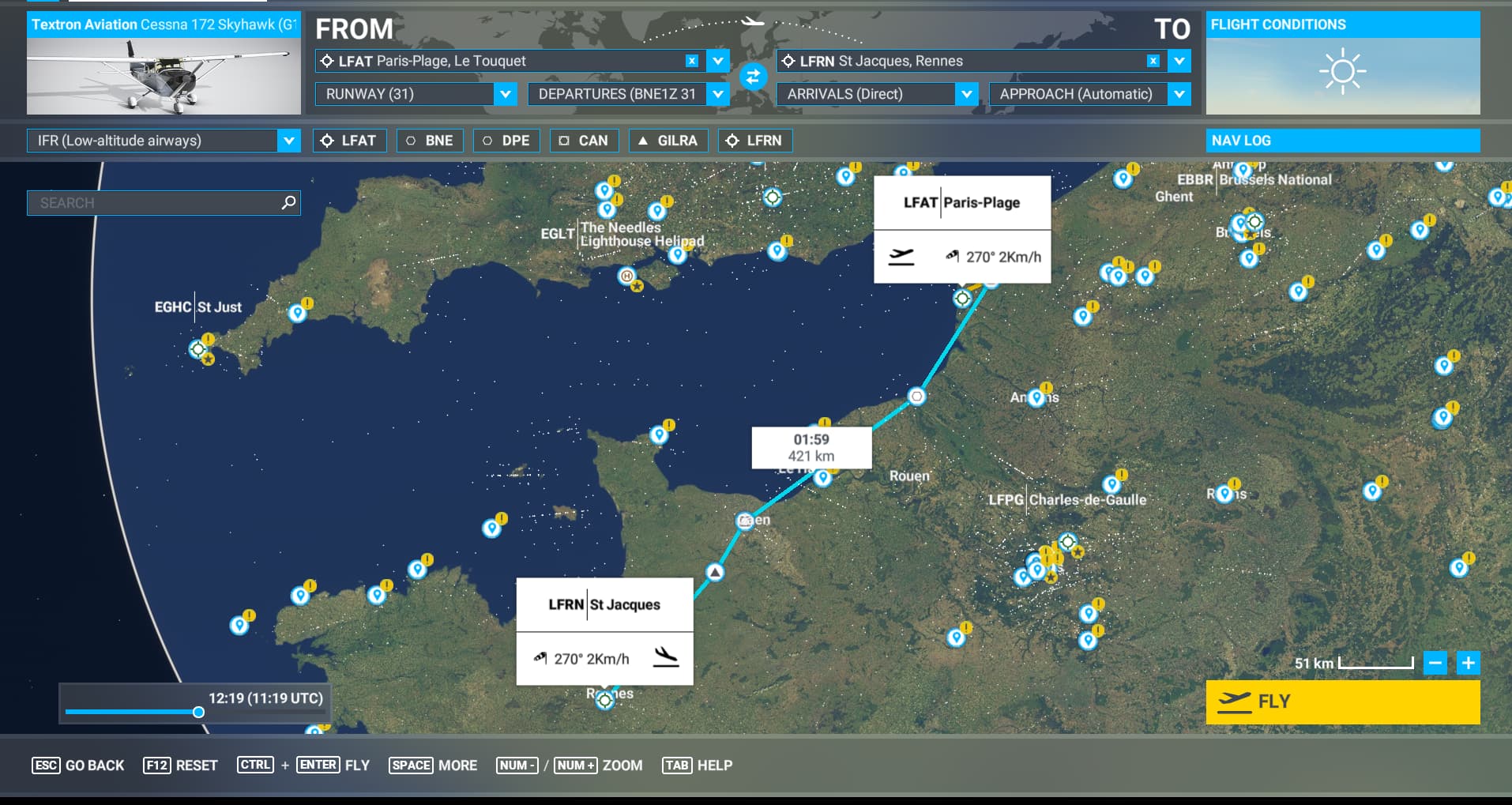
In my case it is still a hit and miss. Sometimes the flight time shows, often not. I am only using the FBW A320nx for my flights, always IFR and high altitude. I also select both a departure and arrival based on the active winds.
Hello,
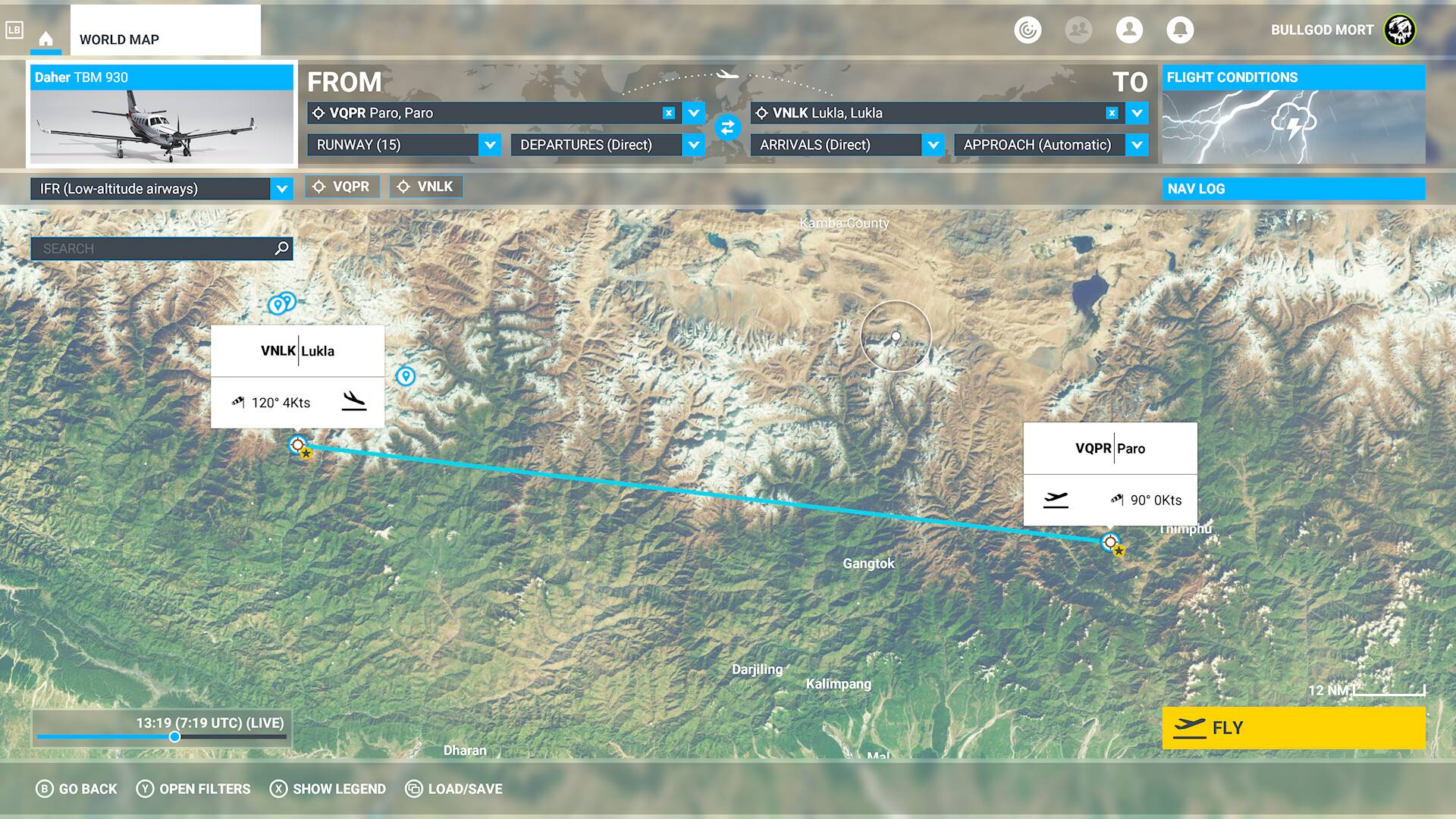
At one moment i realized that no time and distance shown on my map during flight planning. Any plane and routes. What should i do with it?
Thanks
I get the same thing happening. The only real fix i’ve found is to reset the plan, the game or even backing out of the map and going back into it a few times. The airport history doesn’t even work properly so the world map thing has at least a few other bugs and stability issues.
I’ve never had this problem, but I do remember a thread about it in the last couple of months. You might search for it and see if they found a fix/workaround. I’ll check shortly and see if I can find it.
Regards
I launched the game again and this time the distance is where it always should be. I did nothing, I didn’t click navlog but to be honest yesterday in my profile in the game I found I had 6 updates available about deluxe and premium edition, World Update I, II, III and IV and I’m downloading them.
Do you have the same issue if you follow the OP’s steps to reproduce it?
yes
Provide extra information to complete the original description of the issue:
1- start in safe mode (ms-store)
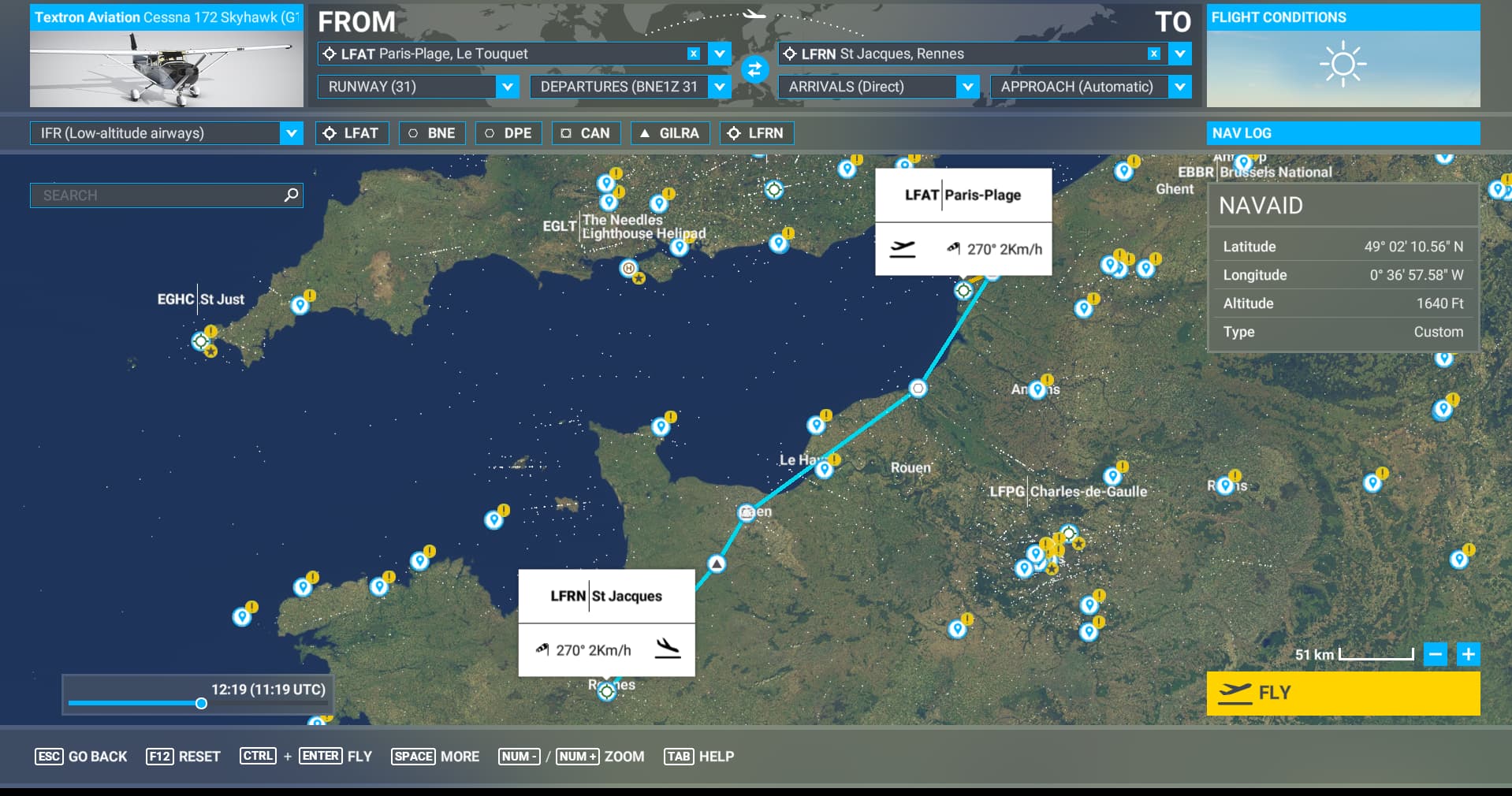
2- create a flight plan from LFAT to LFRN with the C172: flight time/distance don’t show-up
Note: if flight time/distance show-up, press ESC and re-enter to the World Map, flight time/distance info should be gone
3- apply workaround:
4- flight time/distance show-up
If relevant, provide additional screenshots/video:
A slight enhancement to my workaround for this missing flight time bug , which I’ve been using consistently for months now.
If the flight time doesn’t show then jump out of and then back into the world map and then switch livery will fix it. No need to switch to a different aircraft. Switching livery is a little quicker than aircraft and I always use non default livery anyway so one action does two things.