Realy? No msfs 2020? Even if I own original 707 **** from AH? Are you kidding me??
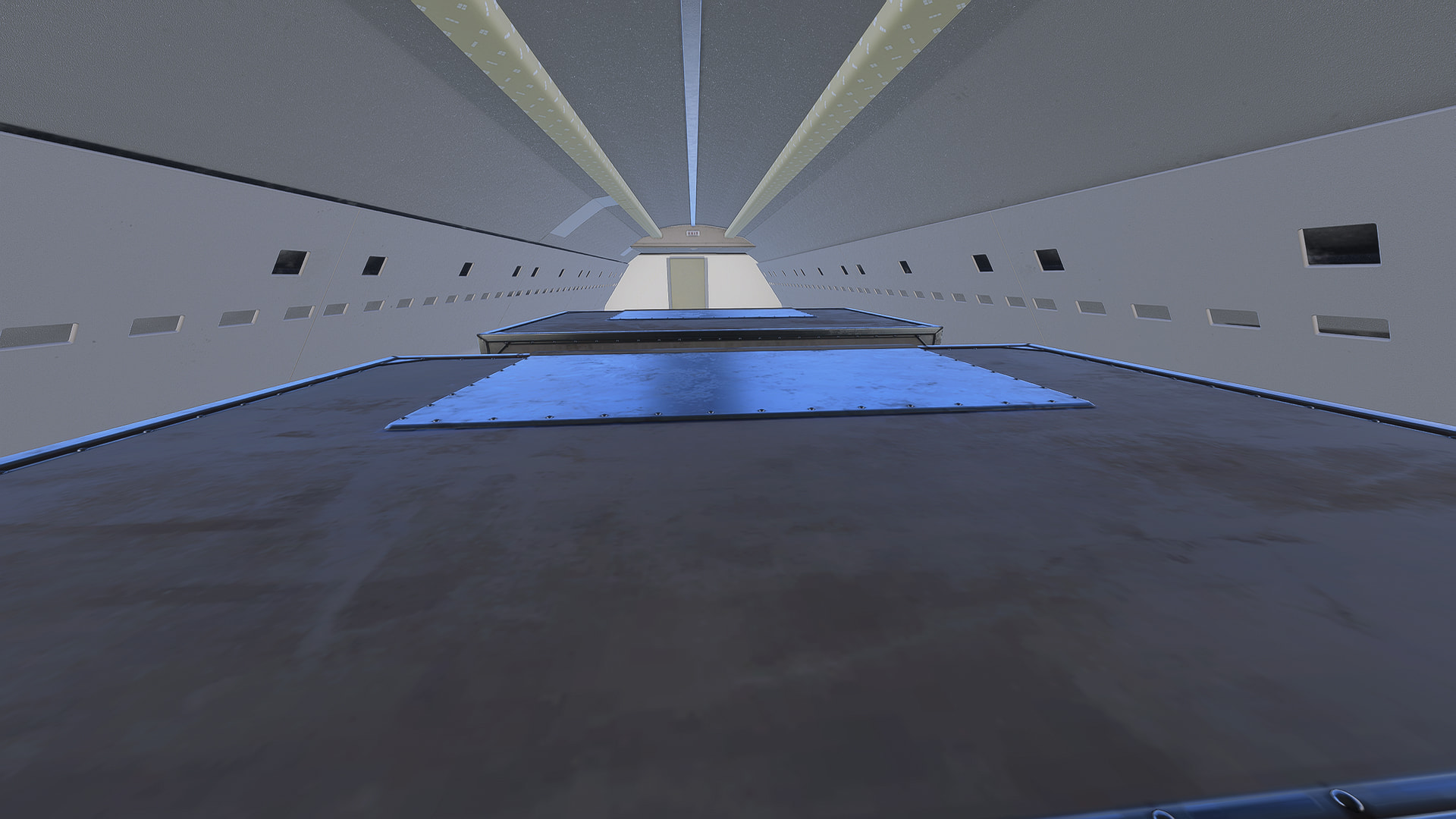
I’m excited to explore the 707, but I didn’t realize that only a Combi variant was being released, and that particular aspect is pretty disappointing. Are there plans to add a pure passenger version?
2 Likes
Would probably benefit from a well-supported Wishlist item. You make it, I’ll vote for it - especially if it’s to add both dedicated pax and dedicated cargo variants 
3 Likes
I found a bug. Sometime the option for an Airway is missing in the UNS1 But if your in FPL/LIST and click the R2 key. The option for airway shows up anyway.
In this image the option for Airways should appear under VOR on the right but it’s not. But the button still brings it up.

2 Likes
Hello folks,
As a friendly reminder, please do not use this thread for posting reporting bugs. Instead, please create a new bug report topic (filling out the template in full) in Bug Reporting Hub > Aircraft & Systems.
Thanks,
MSFS Team
Hmm, seems the upgrade is not yet available in Central Europe - if you buy the aircraft now you’ll end up with the AH version for 2020. At least that’s the case on my end with SU6 Beta.
Hello @Delta2k5,
This new version is only available for MSFS 2024, so it will not show up as available for MSFS (2020).
Thanks,
MSFS Team
1 Like
I’m about to give it a test flight!
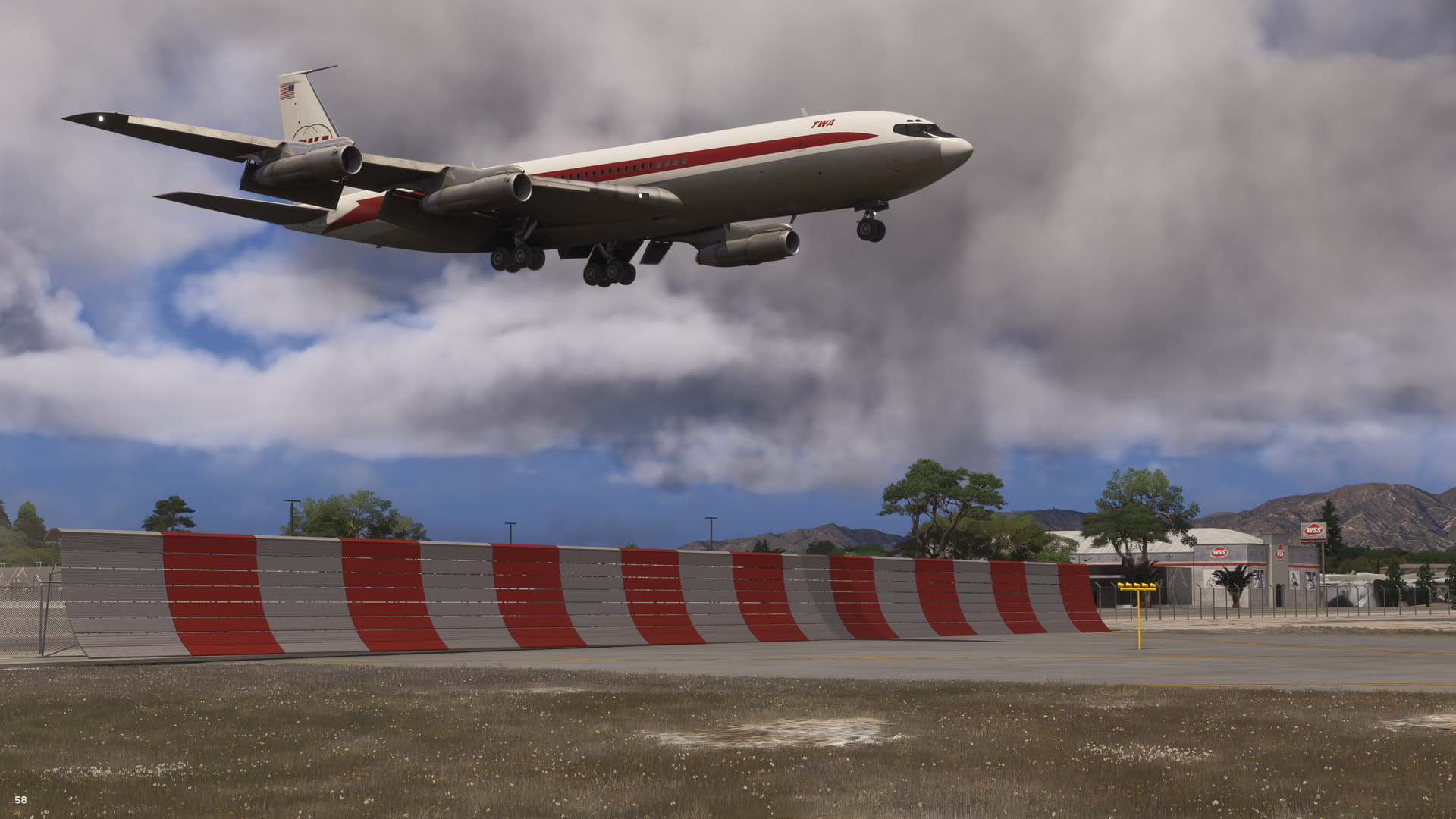
Really Really thankful that the 707 finally got the love it deserves! Going to take a while to learn this bird but couldn’t be happier with what ini and WT did. Would LOVE to see other 707 variants come in the future! 
9 Likes
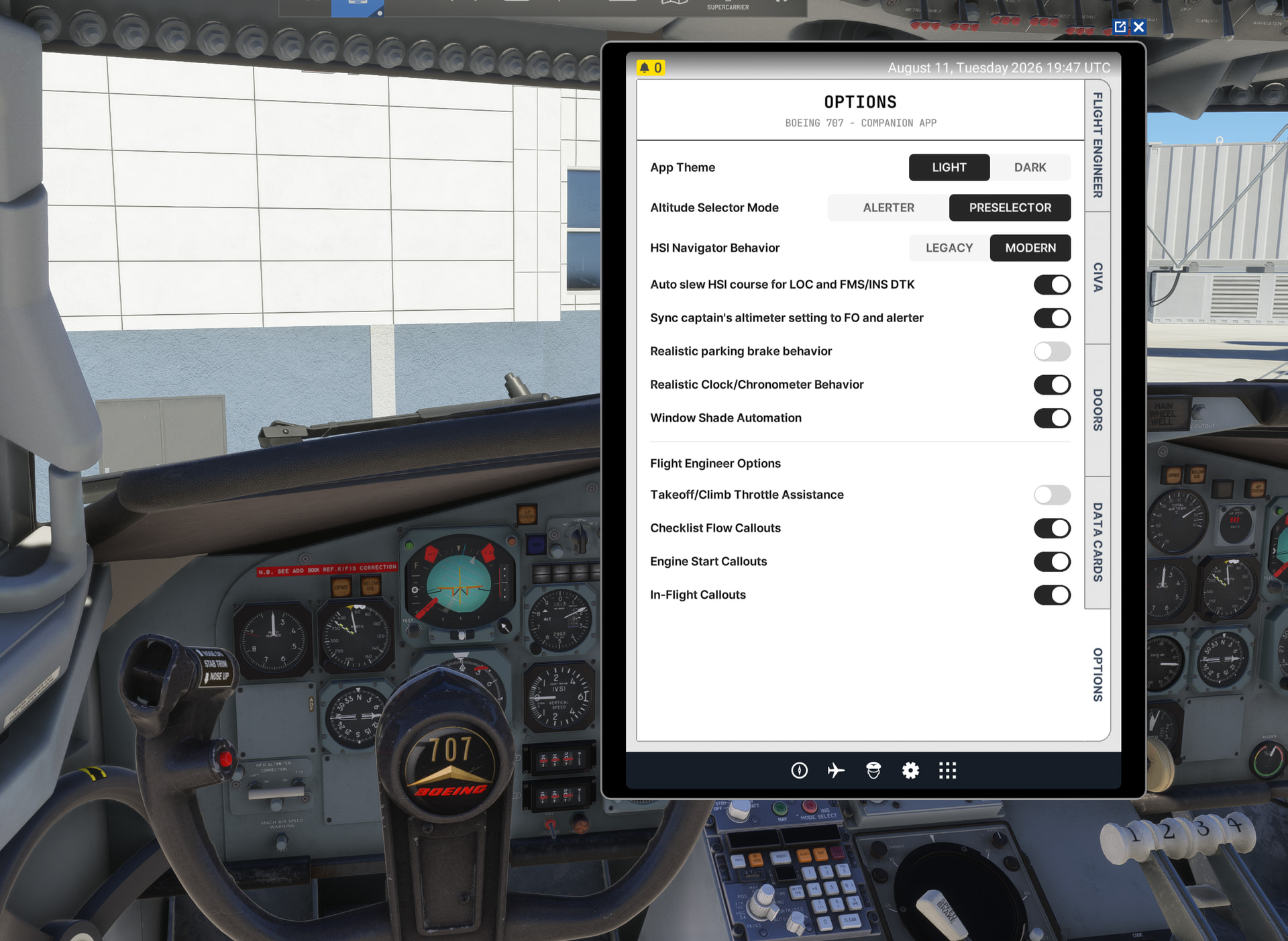
Yes, actually I am on MSFS 2024 - but typing 707 in the market place initially show only the legacy version to be bought, at least over where I live in Germany at the time I wrote and it even loaded just that version.
Now as we speak it seems the server node finally updated - so it’s all good now 
3 Likes
EDIT: I took it for another spin and it seems the engine two failure as well as the lack of full reverse thrust was just bad luck. Oh what an airplane! I would love to see Cathay Pacific, Pacific Western, Qantas and Singapore Airlines liveries for this amazing airplane… oh and who can forget BOAC!
I am so happy to see this legend get a representation it deserves!! I took it up for a rather short flight as my third engine had failed and I needed to circle back, I don’t know it its a bug but I’m pretty sure it was just bad luck. One thing that maybe a bug however is the fact that the toggle thrust reverse command only worked for the number 1 lever, I just wanted to see if anyone else had this before making a report.
3 Likes
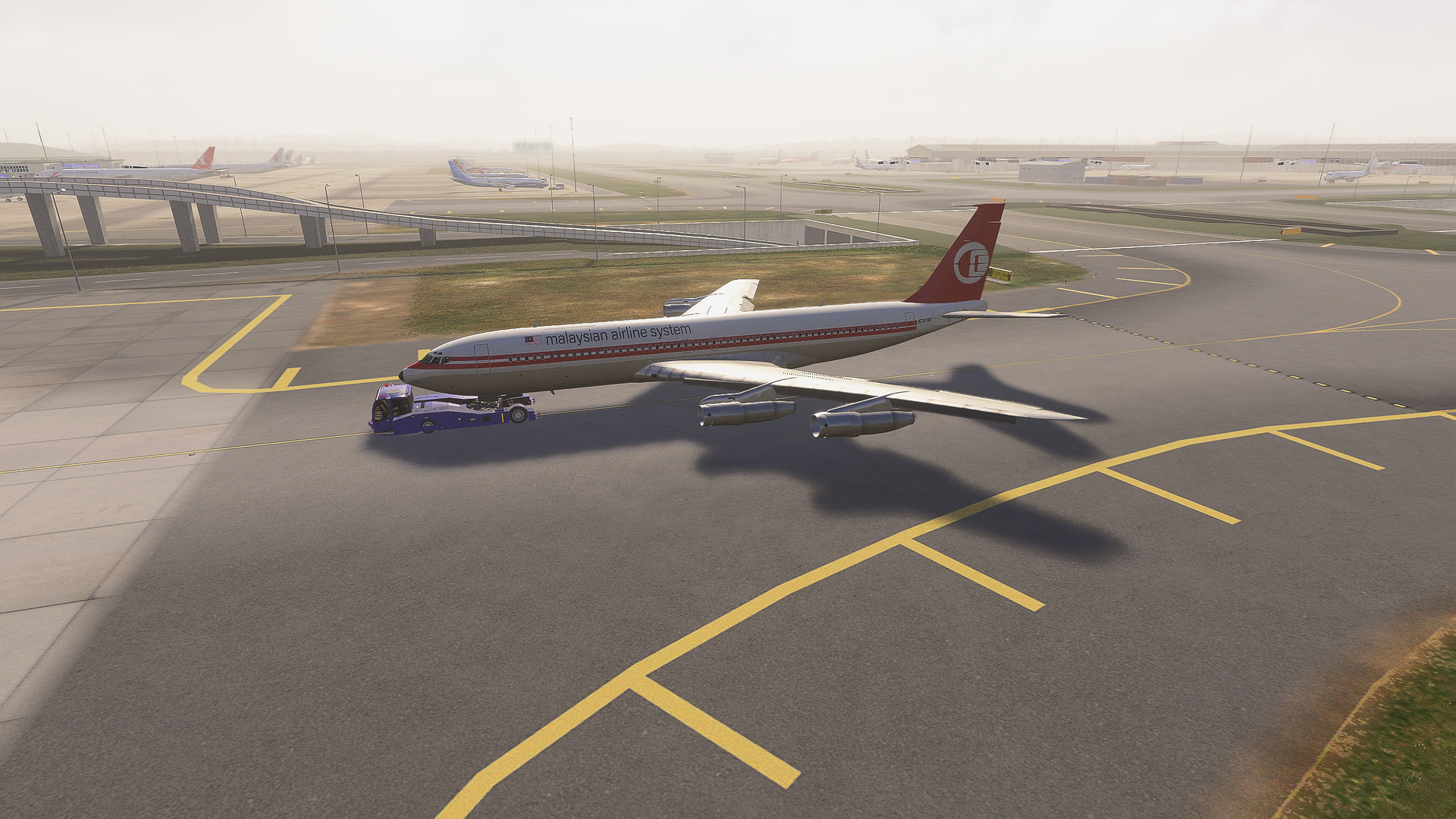
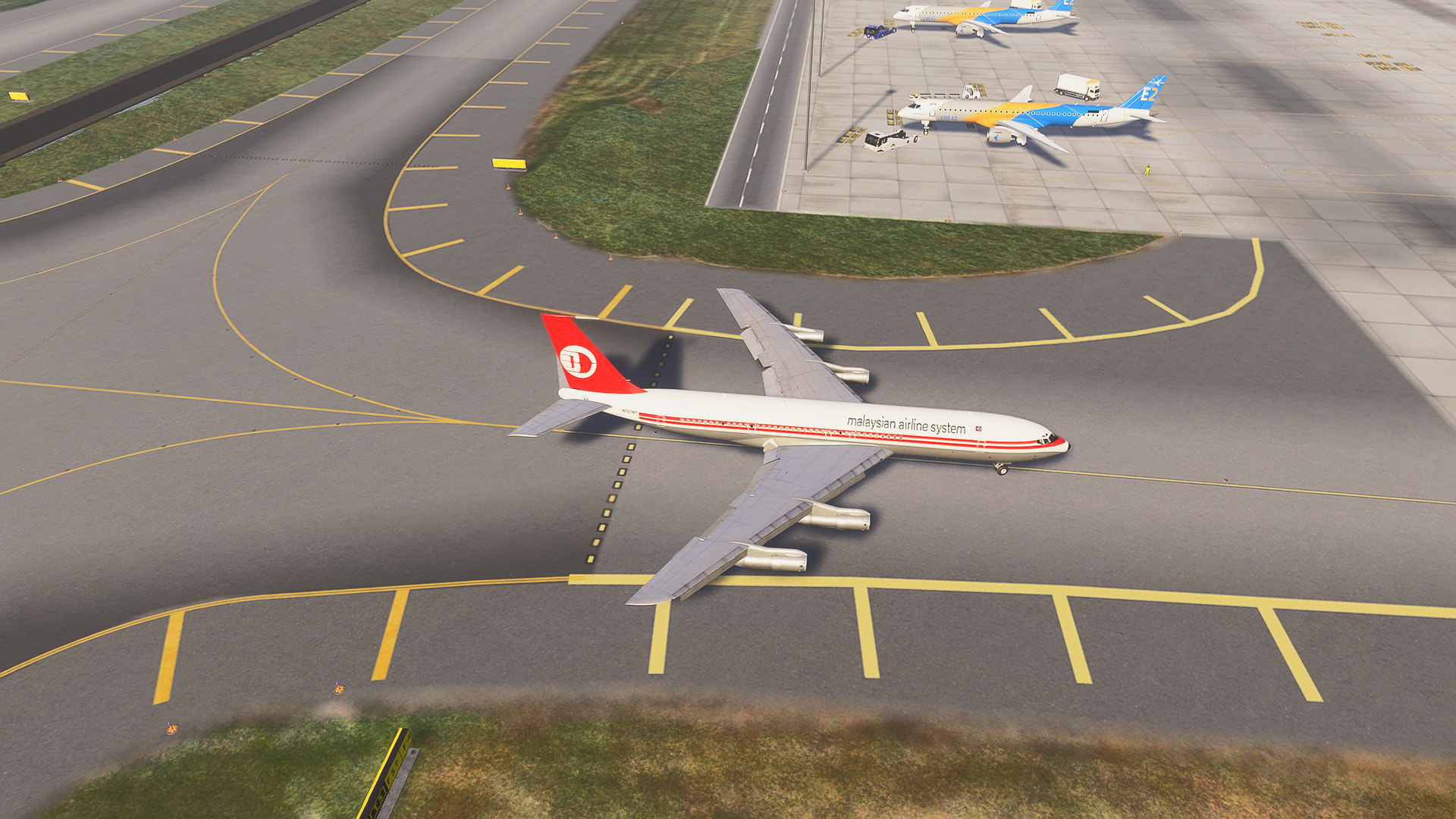
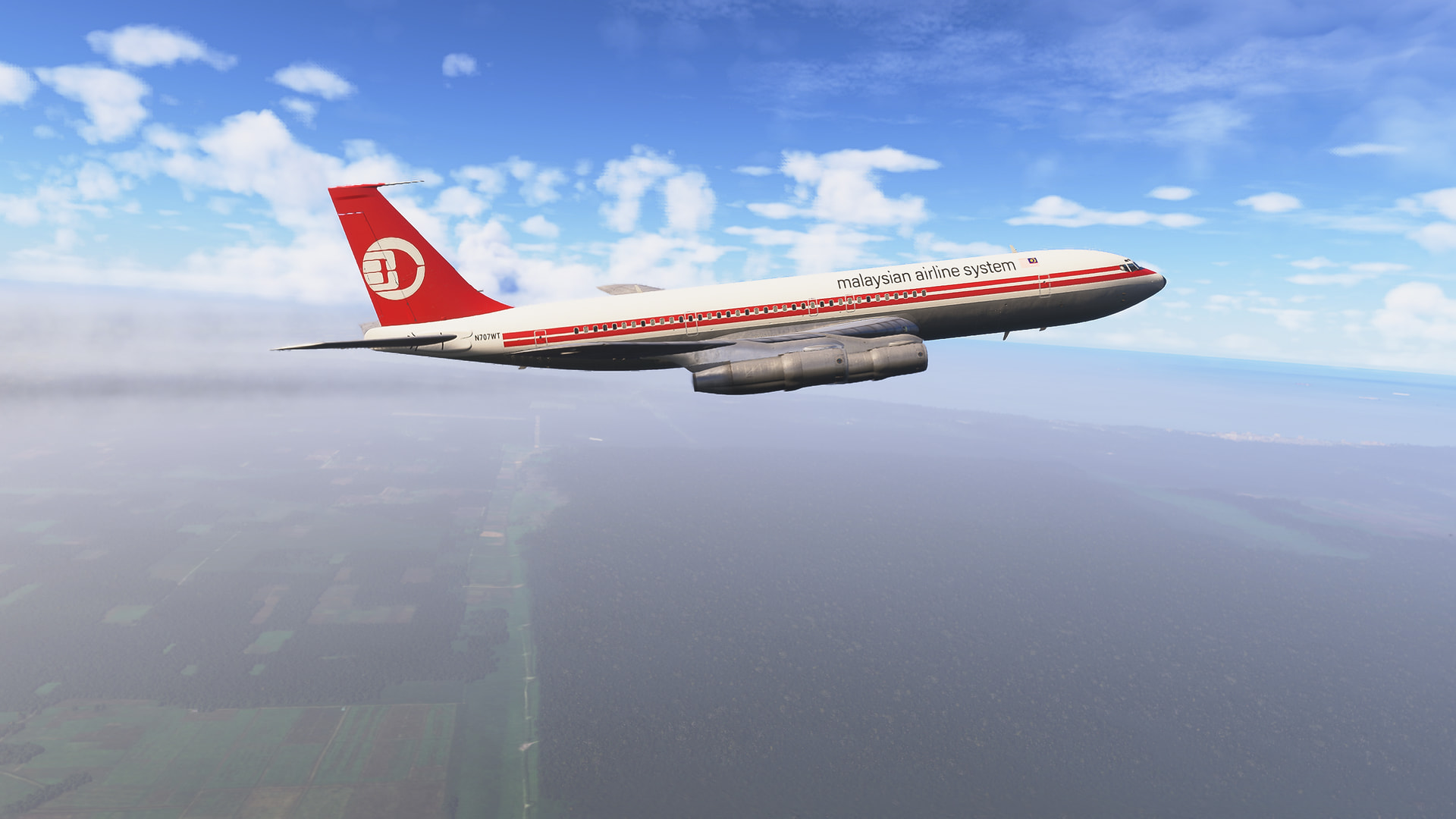
Impressed with the chosen liveries included-there’s no Qantas livery included as they mainly ordered and operated the 707-338C and 737-138 variants but not the -320C IRL, but pleased that Air India is amongst the liveries, nice for DhuruvSim Indira Gandhi International Airport ops and love the TWA, Malyasia Airline System and Pan Am liveries!
Hello, Mrs Starry Eyes!
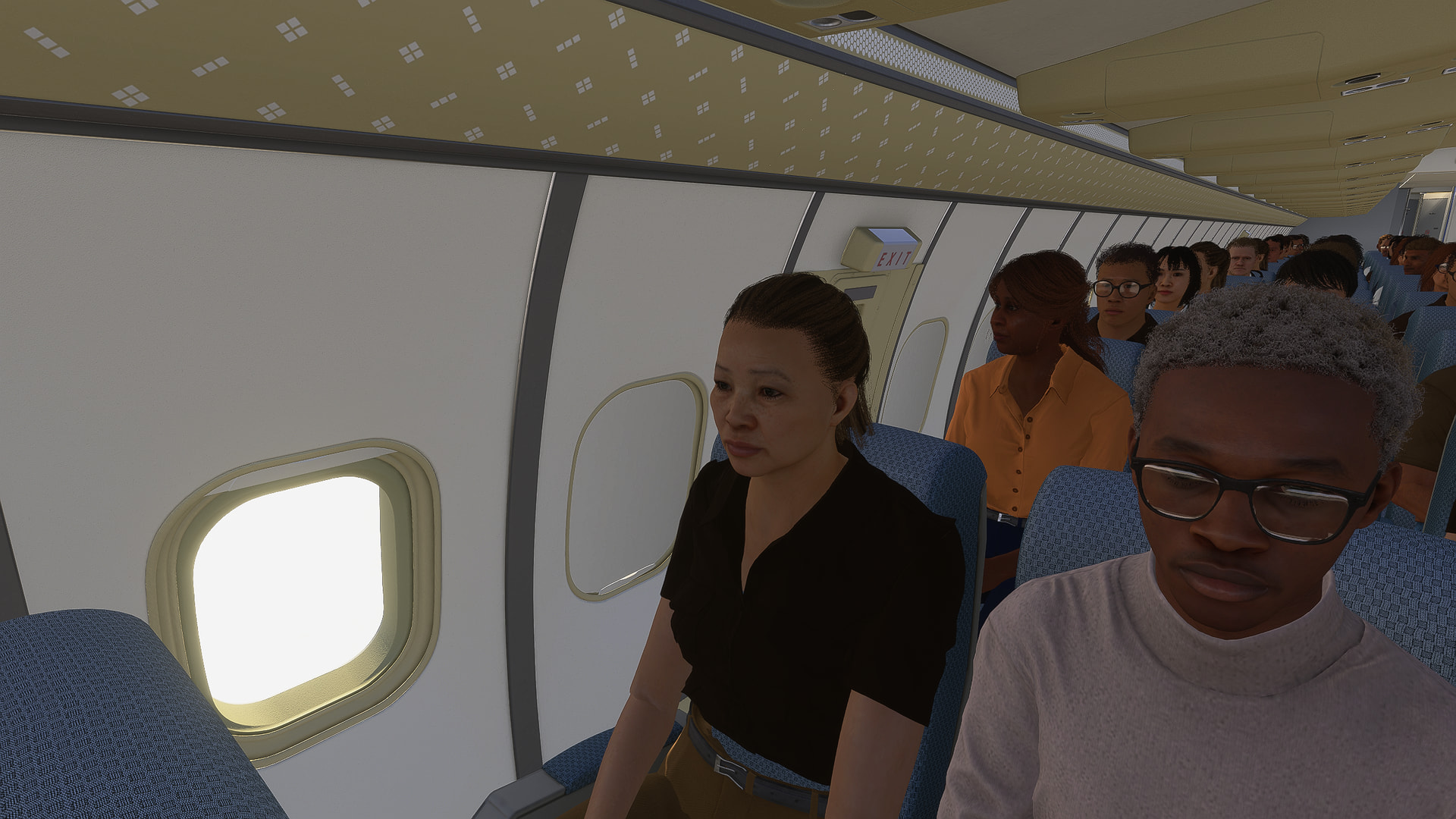
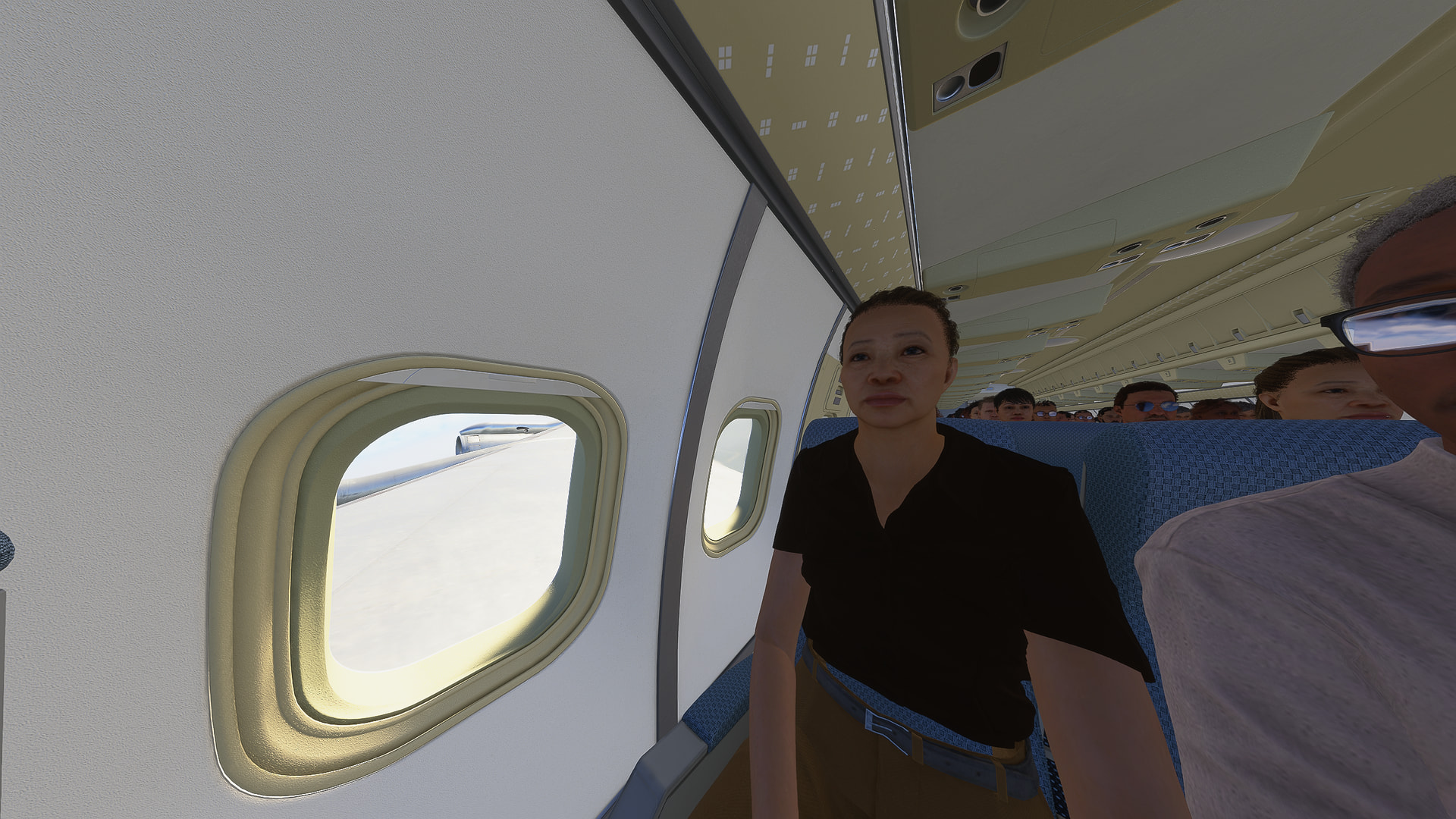
Submitted feedback via ZenDesk-Asobo/WT will look into making the toilet buttons functional in a future update and also sent feedback asking for support for iniBuilds multi-jetways.
I too like Redwing’s Idlewild 1960 KJFK scenery-perfect for recreating classic Pan Am and TWA routes/ops and iniBuilds KJFK of course for my other routes and ops-keeping one or the other installed at the onetime depending on if it’s a classic op-remove iniBuilds KJFK and only have Redwing, a modern op, disable Redwing, re-install iniBuilds.
3 Likes
Anyone have any tips on manually AC paralleling the generators? I’m having some trouble with it
I had some trouble myself until my fellow WT developers explained it to me. The key is to engage the connection when the light is extinguished.
So, the process is to adjust the frequency of the bus using the frequency knob until the light is beating very slowly from on to off. If the light beating is speeding up, you’re getting further away from the frequencies matching, and adjust in the opposite direction. You don’t need to completely match the light, you just need it to be beating at a very slow rate.
Then, hold your mouse over the bus connection switch and wait until you see the light go dark as it goes through its slow cycle from on to off. As soon as you see the light go dark flick the switch, and viola, you’re paralleled.
Edit: This video shows what I mean: https://www.youtube.com/shorts/qs_A8_b1Mco
3 Likes
Thank you, I was trying to get no flashes whatsoever, but after closing the generator breaker when the light slowly turns off, I’ve got it working!
2 Likes


will this ever be ported to msfs2020 is will it just be for 2024 only
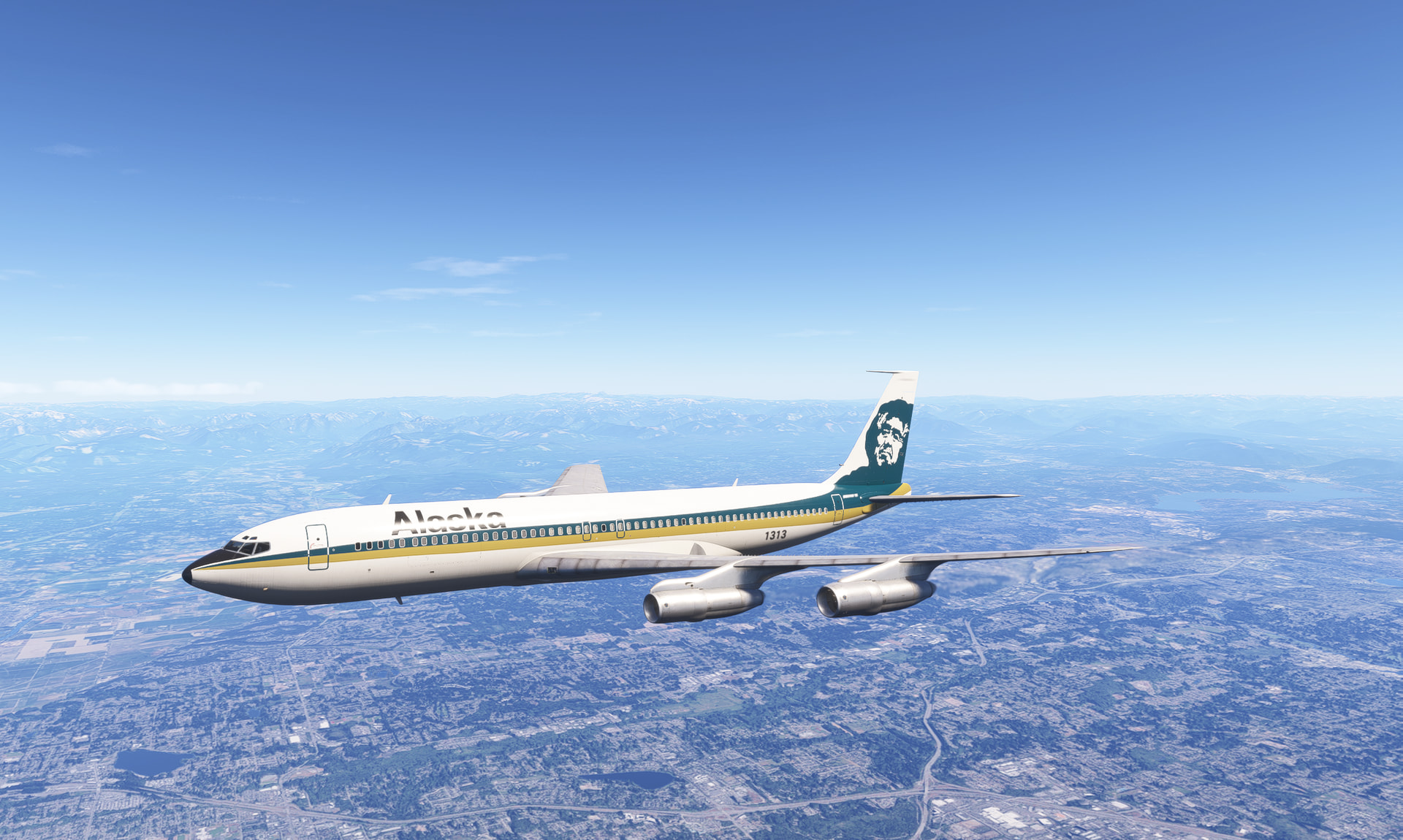
Finally in the air after some trial and error with the generators. How is this plane supposed to fly in real life? In sim, she’s a bit slow to respond and feels heavy but stable. Once fully powered up and in the air, her engines feel very powerful. I love the smoke effect and sounds seem good to my untrained ear.
1 Like
Boy do I love the Pan Am livery!