Hi All,
Having an absolute night mare trying to get off the ground in 2024 with the Fenix 320.
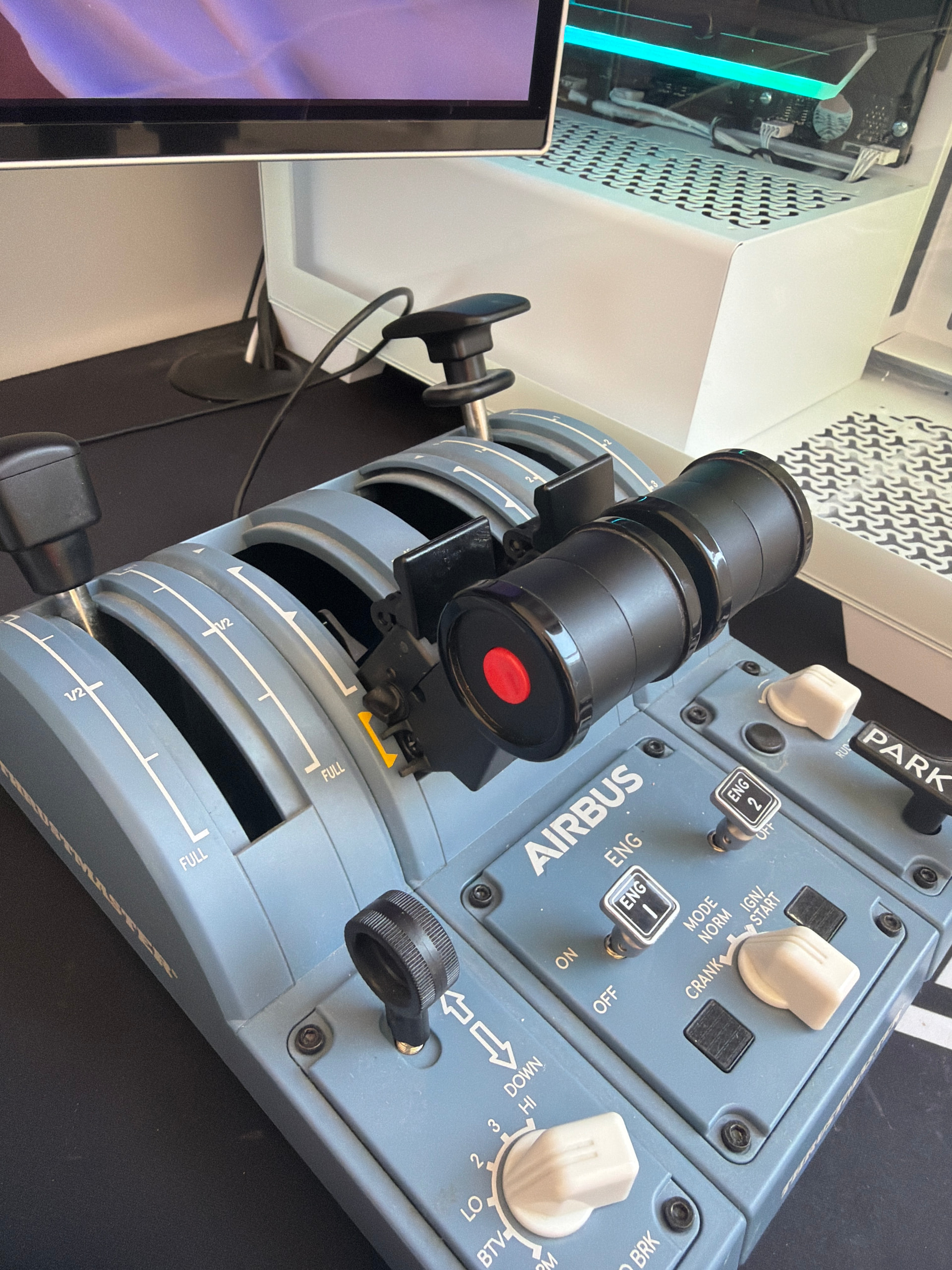
I have the Airbus TCA pack with side stick and quadrant, I can’t for the life of me configure the trottle quadrant, it does not engage reversers in Fenix built in calibration tool.
As you can see, this is the lowest my trottle will go even though I’m trying to engage reverse trust for calibration.
hope it makes sense what I am trying to explain
You’re welcome.
Fly safe.
Unfortunately followed instructions, no luck still the same issue reverse trust not recognised
Would anyone have a 2024 series tutorial. This is beyond painful.
Can anyone please advise why there are not aligning physically and in game? My trottle in picture is at idle and showing nearly at climb in game. No explanation for this online.
I have calibrated my control using latest drivers which appear fine. Works perfect in 2020.
With reversers enabled it now shows me at idle in game.
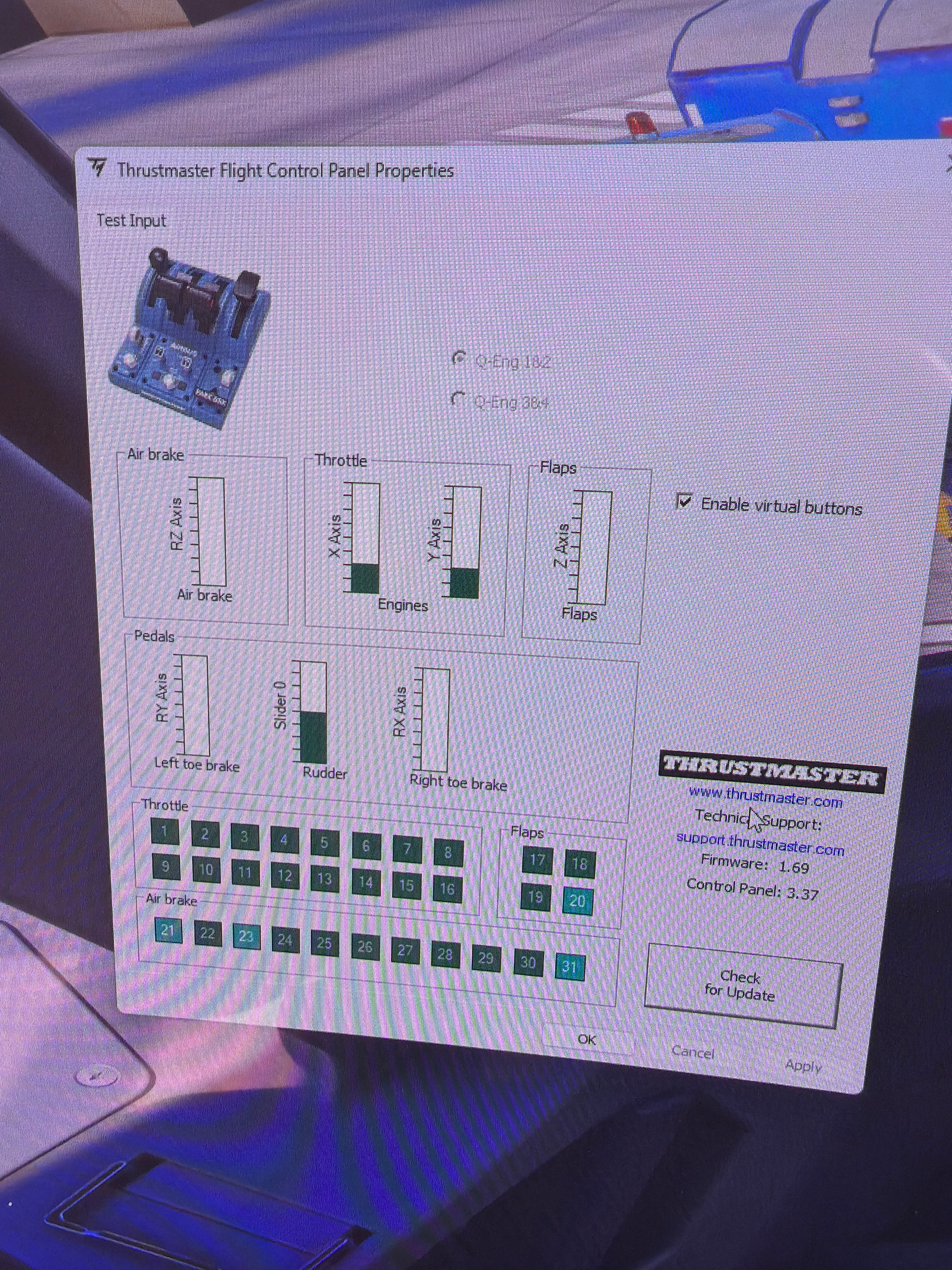
including TM flight control panel as well if any use to anyone
Hey yeah I had the same issue its a pain but here’s the answer as best I can. Go in to your controls, look for the tca quad on the left of the screen, go to power management, look for throttle now here’s the important bit find the THROTTLE AXIS and get rid of any of the settings assigned go to THROTTLE 1 AXIS on the left of the screen it’ll show all the buttons that are on the throttle scroll down to JOYSTICK LAXIS X and click it that’ll set throttle 1 for throttle 2 get rid of anything assigned to it now do do the same clear any current settings then scroll down to THROTTLE 2 AXIS and ASSIGN JOYSTICK LAXIS Y now you want to go look at the right bottom and you should see T.A320 QUADRENT THROTTLE PRESETS the box that says AIRPLANE CONTROLS click on the little cog and click on CREATE and call it whatever you want after that click on APPLY TO ALL AIRPLANE. The throttle should now be working properly. Just to make sure go in the cockpit of whatever airbus for me a32nx go to the pad thing go to settings and you should find something that says CALIBRATE THROTTLE just do what it says when it says dead zone 0.05 I change it to 0.01 personally make sure after each detention you click the save from throttle then you should be all set. Hope it helps
Thank you very much for the response. Thankfully I got it working