First PC Build a move from Xbox to PC

,

Hi All,
I’m looking to build my first PC which will only be used for Microsoft Flight Sim & TSW 4.
I’m currently running the above sims on my Xbox series X & now feel its time to make the most out of the immersion & all the add-ons, mods etc that come with these sims & move over to a PC. Don’t get me wrong the Xbox is great but now feel I’ve hit a bit of a wall with it.

Now I’ve not built a PC before but feel confident I can get the job done & will get satisfaction from building it myself rather buying a pre built one. If I get stuck I can always ask my daughter for a bit help who is studying sounds/gaming at Dundee university.
I’ve looked as specs etc but I’m going to be honest here it’s a bloody minefield & it all just looks like a load of random numbers but I’ve come up with a spec that fits into my budget & hopefully will run my sims well. So my bits 7 bobs I’m looking to buy & build are as follows:

AMD Ryzen 7 7800X3D
Corsair 240mm iCUE Link cooler
ASUS AMD Ryzen ROG STRIX B650E-F MotherBoard PCIe 5
Corsair Vengeance 32GB 6000MHz AMD Expo DDR5
Corsair MP600 Elite 1TB M.2 PCIe NVMe SSD
Radeon™ RX 7900 GRE 16GB RDNA3 Graphics Card
850 Watt Compact Fully Modular PCIE 5.0 80+ Gold PSU/Power Supply ATX3.0

With regards to Monitor I’m currently running the Xbox on a Hisense 43A6KTUK 43" Smart 4K Ultra HD HDR LED TV so not sure if this will still be ok for a PC or if I need to go for a PC monitor? it works fine with the Xbox for now.

Does the above seem a reasonable spec to run MSFS at high settings?
Open to any suggestions & advice as your input would be very much appreciated as I’m a newbie & beginner when it comes to PC building & Specs.

Thanks
Mike

1 Like

I’m far from having much knowledge of AMD, but from the little I’ve just read about this card it doesn’t look too good for 4k gaming unfortunately, it’s subpar on all fronts apparently.

1 Like

With the announcement of some ray tracing features coming to MSFS2024, if you plan on buying the new version, unfortunately that also means you should consider nVidia GPU’s which are still significantly better when it comes to ray tracing performance.

2 Likes

I would try and go with at least 16 bobs :wink:

Sorry, couldn’t resist :wink:

That spec looks decent, and you will be able to get Ultra (not just High) in 2D single screen for sure BUT I would definitely go with a Nvidia RTX card that has at least 16gb VRAM. In which case you may also need a more powerful PSU (900 to 1000w). Depending how desperate you are, you may want to wait for the 50xx series to come out and see what prices are like for those and if it makes the 40xx range cheaper. Always a tricky one!

The TV should be ok for 60fps. It has VRR (Variable Refresh Rate) as I see from the spec it has a Gaming Mode Plus so you would definitely want to use that.

GAME MODE PLUS
Boost Up Your Play
Play your best with the help of Game Mode Plus, a collection of technologies-- 60Hz VRR + ALLM for a smooth and stress-free gaming experience.

1 Like

You will do fine :slight_smile: i build around 10 PCs a year for friends and family, my only advise is:

  1. Make sure the mitherboard backing screws are aligned with the motherboard so you dont short the board out.
  2. i like to install the RAM, CPU, M2 and cooler onto the board first before installing into the case
  3. Use decent thermal paste like thermal grizzly
  4. Cable manage as you go along
  5. Test before connecting other devices
  6. Update bios once all is ok

Good spec, although i tend to prefer nvidia because of RT, DLSS amd FG.

Good luck

Zooze74

1 Like

I have the 7800XT, and the 7900GRE looks to be in between that and the 7900XT on average, but game to game performance varies where it ranks compared to my GPU. I run 4k just fine between 45-60fps with mostly high to ultra settings (clouds being the biggest exception at medium). There is no such thing as a resolution dependent card, only cards that can run an acceptable combination of resolution, graphic settings, and frame rate.

I would suggest researching the card more, especially for the sim and when it comes to overclocking. It was artificially driver limited when initially released worldwide, but was supposed to be fixed by now. There was speculation it could be greatly benefited with an OC once opened up, but I haven’t looked into that lately.

For the build overall, it’s no slouch on paper for sure. Here’s my nickel’s worth, a penny for each thought, if you will.

  1. Asus has been coming under fire lately for various reliability and customer service issues over the past couple of years or so. You should look into that before committing to any of their products. I personally like MSI’s motherboard options, and their only recent scandals were buying reviews and selling GPU’s to crypto miners that exacerbated the GPU shortage (at least their products are reliable? Lol)

  2. Either get a second game only drive, or get a larger single drive. 1TB isn’t much in today’s world for this. I think my sim is pushing 400 GB, and I don’t have a ton of add-ons. Depending on your other uses, you may be able to go with a 500 GB OS drive and I’d recommend at least 2TB SSD for a game drive that will last a long while.

  3. The PSU would be fine, but they are typically a long lasting device. It’s recommended to buy stronger than you think you’ll need so you don’t have to worry about it as you upgrade down the line. Higher end PSU’s often have 10 year warranties, if that gives you any indication.

  4. Similar to a PSU, don’t skimp on the case. Make sure to get one that will fit everything properly, especially when it comes to GPU length. Again, you are buying something that is long lasting, so be sure to take future upgrades into mind when deciding. Some cases are also more air or water cooling focused, so that’s another consideration. Since you want an AIO water cooler, don’t get something like a Fractal Torrent simply because it’s highly rated. If you are air cooling everything, it’s hands down the best performing case, but it’s not really set up for installing a water cooling setup.

  5. That TV should be fine. If nothing else, it’ll work if you need to save up for a monitor. If it has a game mode, you’ll likely want to use it, or otherwise disable any movie enhancements. Those features that can make shows look better but can do the opposite with games because it’s two different types of viewing experiences.

1 Like

Yes I missed this. For the price difference you might as well go with 2tb to give you more breathing room. Depends how many addons you’re likely to start getting on PC (freeware too) but it soon adds up!

1 Like

Thank you kindly for the replies all very much appreciated & noted. Will look into a 2TB sized SSD for sure.

Looks like a NVidia card may be the order of the day if I’m reading correctly?

Trying to keep in budget so was looking at something like the below

MSI NVIDIA GeForce RTX 4060 Ti VENTUS 3X OC Graphics Card for Gaming - 16GB

Or at a stretch as its a tad over my budget something along the lines of

ZOTAC NVIDIA GeForce RTX 4070 Ti SUPER Trinity Graphics Card for Gaming - 16GB

I take it al the other components I’ve listed apart from the 1Tb SSD are all ok & compatible?
Also, is there any particular brands to go for such as MSi, Asus etc or any to stay clear of?

Again thanks for help
Mike

I would say the 4070 ti would be the better choice.

4 Likes

I might be biased but Corsair and MSI are decent brands, haven’t had anything ■■■■ out on me from them. I’ve never had a good experience with ASUS (as i type this on one of two ASUS 1080p monitors :skull:)

2 Likes

Yup. Not very scientific I know but based on having a 3060 that tanks in 4k ultra I would definitely go for a 70 (or better) card.

2 Likes

I have a 2TB SSD on a PC I built 12 months ago and use exclusively for MSFS. It has less than 100GB free space at the moment.

On the gfx I have nvidia but there’s quite a few happy AMD users around and they are much better value. @NixonRedgrave might be able to offer some owners advice.

1 Like

I use to run Nvidia, but I’m now one of those firmly in the AMD camp. Partly for their value, and partly because I’m not a fan of some of Nvidia’s practices and their CEO. If all you are concerned about is rasterized performance, then AMD is the go to brand for value. Nvidia has better AI tricks with things like DLSS and their frame generation, but I personally don’t like using those due to reduced image quality and potential artifacts. I also couldn’t care less about ray tracing, and the sim doesn’t need to be ran over 100fps to be enjoyable.

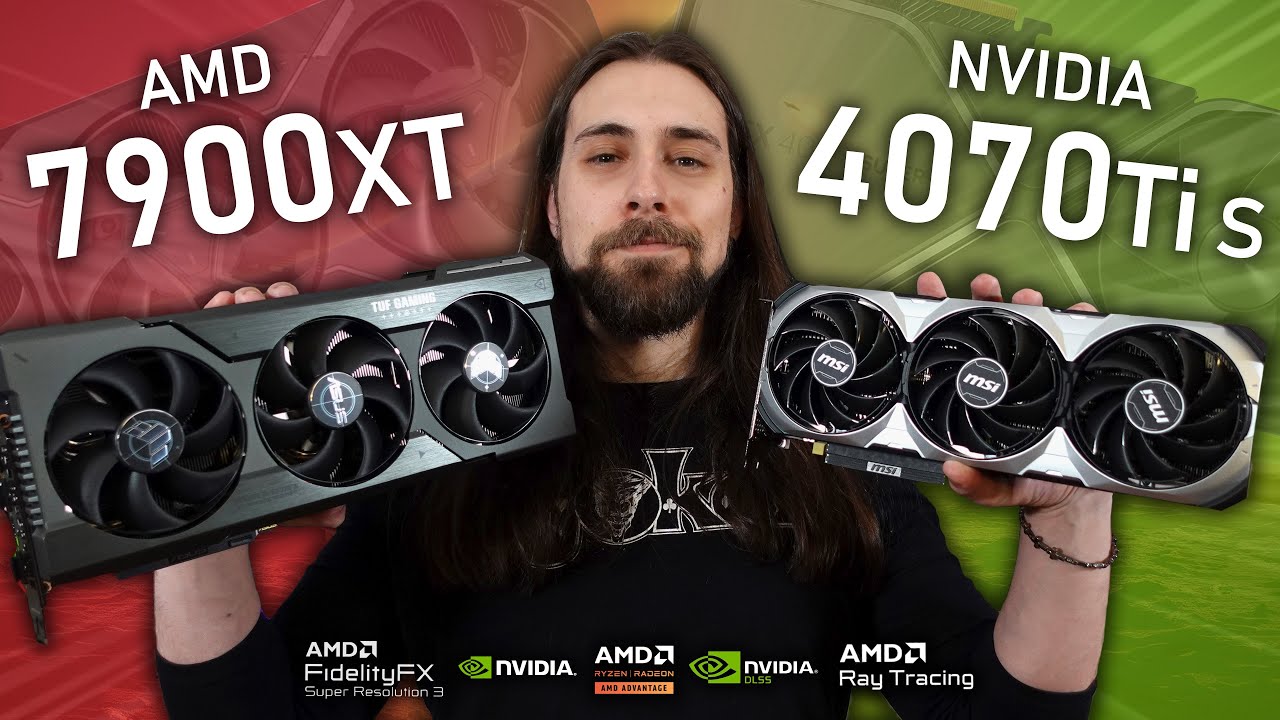
Based on what you’ve been saying, i would lean towards the 7900GRE if the budget is an issue. This video has a direct comparison between it, the 4070 TI Super, and the 7900XT, and the MSFS portion starts at 8:53.

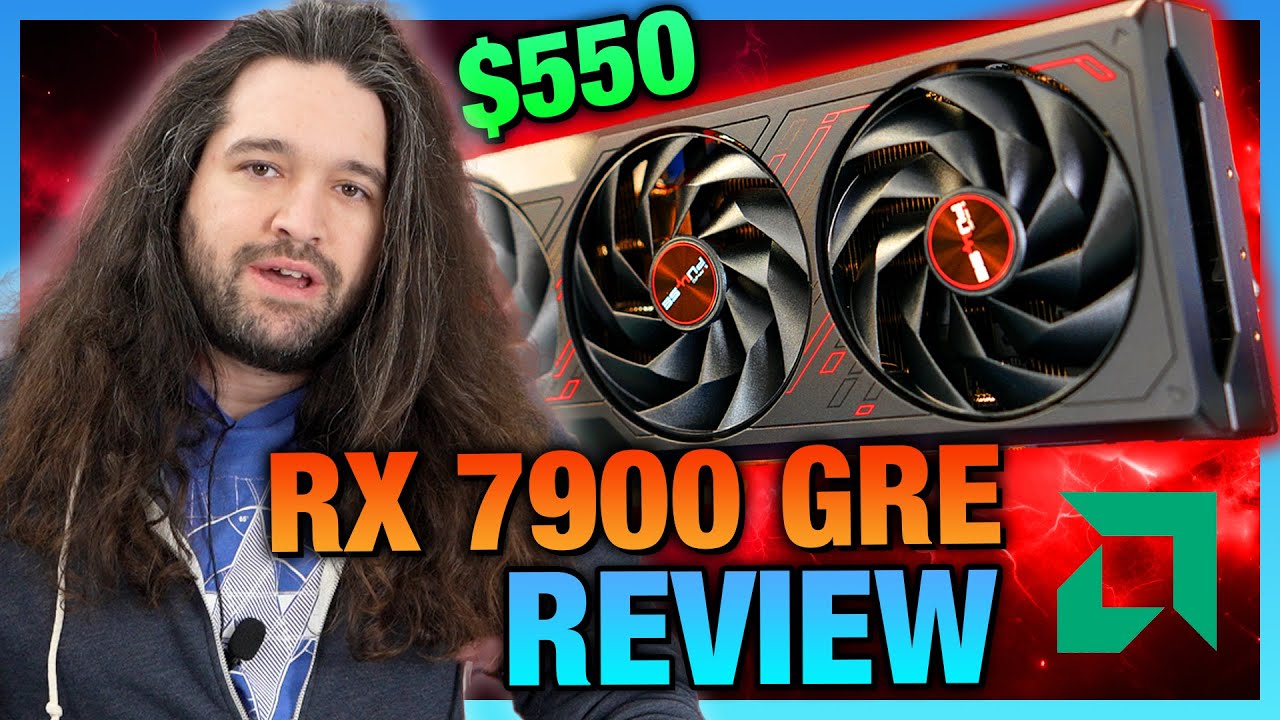
At 4k, the GRE actually bests the 4070 TI Super by a bit in the sim. If you can stretch your budget some, but not quite to the 4070 TI Super level, then check out that 7900XT result. Here’s the Gamers Nexus GRE review, which includes comparisons to the 7900XT and 4070TI Super (plus all the others in the charts).

They are probably the most thorough when it comes to benchmarks, but they don’t use MSFS. The GRE performs well compared to the 70 at 4k. Not as good on average, but now you have to ask yourself if a marginal increase in frame rates in most cases is worth the extra cost of the 70. If so, then you may as well go for the 7900XT, which gives better performance than the 70, at a lower cost.

But this is all based on my preferences. If you are going to want to chase frame rates, then ok Nvidia is the powerhouse there with DLSS and frame generation. AMD has its own versions of those, but are generally considered not up to the same quality. It’s also not considered to be as good in VR if you ever plan to use that, but my 7800XT has performed admirably on my Quest 3.

Also, check out the PC Part Picker website, where you can put all the parts together and check things like compatibility, especially when it comes to size and fitment of components.

4 Likes

I have an RX 7900XTX and I’m extremely pleased with it. I haven’t had driver concerns, it plays well with the sim (Xbox is AMD-based hardware, so Asobo knows AMD well) and with AMD Fluid Motion Frames I’m able to take advantage of the same frame generation benefits Nvidia offers.

In my configuration (7800X3D CPU), I also see my GPU run at low temperatures and I never hear the fans howling on the card.

I run in 4K with all settings on Ultra+.

2 Likes

Thanks for that much appreciated I’ll check out those vids for sure

Watch your ram, Corsair is usually not the best option for AMD AM5. G.Skill 6000 is much more friendly. The MicroCenter package is usually aces. Any of the staple 850 ‘golds’ are fine, Corsair, MSI, etc. 7800x3d runs fairly cool so a 120MM single quality air cooler is fine. I can tell you mine never sweats with the Noctua D12.

And beware the 1TB hard drive when you begin to delve into the freeware!
Would probably stretch to a gen 4 2GB WD 850 Black or Samsung SSD. I don’t think getting 2 years into a flight sim and having to rearrange all the data will be any fun.

MS has a pretty good bundle with the 7900XT. The next stretch is to the 4070ti super, then the 7900XTX, then 4080S depending on how much GPU you can budget for.

Keep the case simple and don’t buy whiz-bang gizmos like liquid cooling on a 7800 and stretch on the GPU. A 7800X3D/650/6000 32GB is a good base. If it’s absolute budget ceiling on the GPU in the ‘right now’, you can sell it and upgrade later, should get plenty of legs with the CPU/MB/Ram into the next 5 years of FS.

I went Nvidia because 2020 is 2020 if you have to kind of punch through the game engine in spite of itself. I’d hedge a bet the AMD GPUs get more love in 2024. I would imagine 2024 will be much more scalable with optimized code, so you can get good FPS by dialing back a few things on 4K and it stays smooth(like any ‘normal’ game does). Right now even a 4090 will chug in 2020 when the game stops to think of how to inject an oragami aircraft into traffic. If the new updates to scenery are any indication, 2024 is going to be bombastic and most of us overbought to beat 2020 into submission.

1 Like

Great thanks for the info. What motherboard would you think best suits the 78003XD ? Seems to be way too many to choose from and a bit confusing.

In reality there’s not much difference from most of the tests I’ve seen from any ‘gaming’ 650 chipset. Pretty much any or all of the main go-to ~$200 players. I got the gigabyte Gaming X AX V2, no issues. I went with a Gigabyte 4080 Super to make sure any tiny changes they make will likely translate right to the GPU.

I’m sure a TUF or a Tomahawk or AORUS would all be the same. The microcenter current package has the B650E Asus TUF. And the g-skill ram is pretty much on every one of those boards QVL and clocks right to 6000 on expo. The newer 670’s have more individual nuances to them. Being all 8 cores are identical on the 7800X3D, it’s probably a bit less fussy.

1 Like

I’m with @phutyoo that there isn’t much performance difference between them, aside from my personal views against Asus. Here’s my dream 7800x3d system as of right now.

https://pcpartpicker.com/user/Mooncatt/saved/3xwb23

I picked the MSI X670 based mobo for a few reasons, most of which are related to futureproofing. It is PCIe 5.0 compatible, has the most PCIe lanes and the fastest USB capabilities. I’m dabbling in video editing, so those will come in handy with future GPUs and large video file transfers. You can see a comparison of the various chipsets here.

I also like the black and silver aesthetic, all the USB ports on the back, and I’ve been pleased with my current MSI mobo.

2 Likes

Thanks Mooncatt3953.

Unfortunately I couldn’t see your dream build as it said the list is private.

Would be good to see what your build is made up of.

Appreciate the replies and as you can imagine I’m researching all I can before i part with my hard earned so all this is very helpful.

Cheers
Mike