Am I the only one who lost rain from outside view with latest SU15? Rain visible from the cockpit, both on windshield and scenery, but when switching to external view, no sound, no raindrops, seemingly no wet terrain.
External rain went long before SU15! Now to see it, you have to have the landing lights on and then you can only see the rain which is illuminated by the lights. Such a sorry state of affairs. We will never know if it was a mistake or by design.
5 Likes
I really reallyyy wanna see better cloud variety and as they are in a specific region. I mostly see candy floss or freshly microwaved popcorn looking clouds everywhere in the world with a few thin glacier like sheets inserted in between for good measure.
The clouds, weather, rain and storm effects really need to be taken to the next level. And NO I don’t want that in 2024 I want that in MSFS20!
Also, the rain never seems to be interacting with anything other than the ground? So, it never interacts with planes in external cam or the houses and buildings when you’re hovering around in drone cam.. why is that?
Also, cities, roads, streets, houses, buildings, runways, taxiways need to look like they’re really drenched in rain. they don’t.
6 Likes
flying through cloud effects have now been added by SIMFX for the a320
see here

credit to mike collins
This isn’t a fix unfortunately. It is a fake effect thrown in the screen that doesn’t look natural. We can’t get the kind of mesh densities near the airplane bounding box unless there’s a change in the way clouds are rendered into the sim.
3 Likes
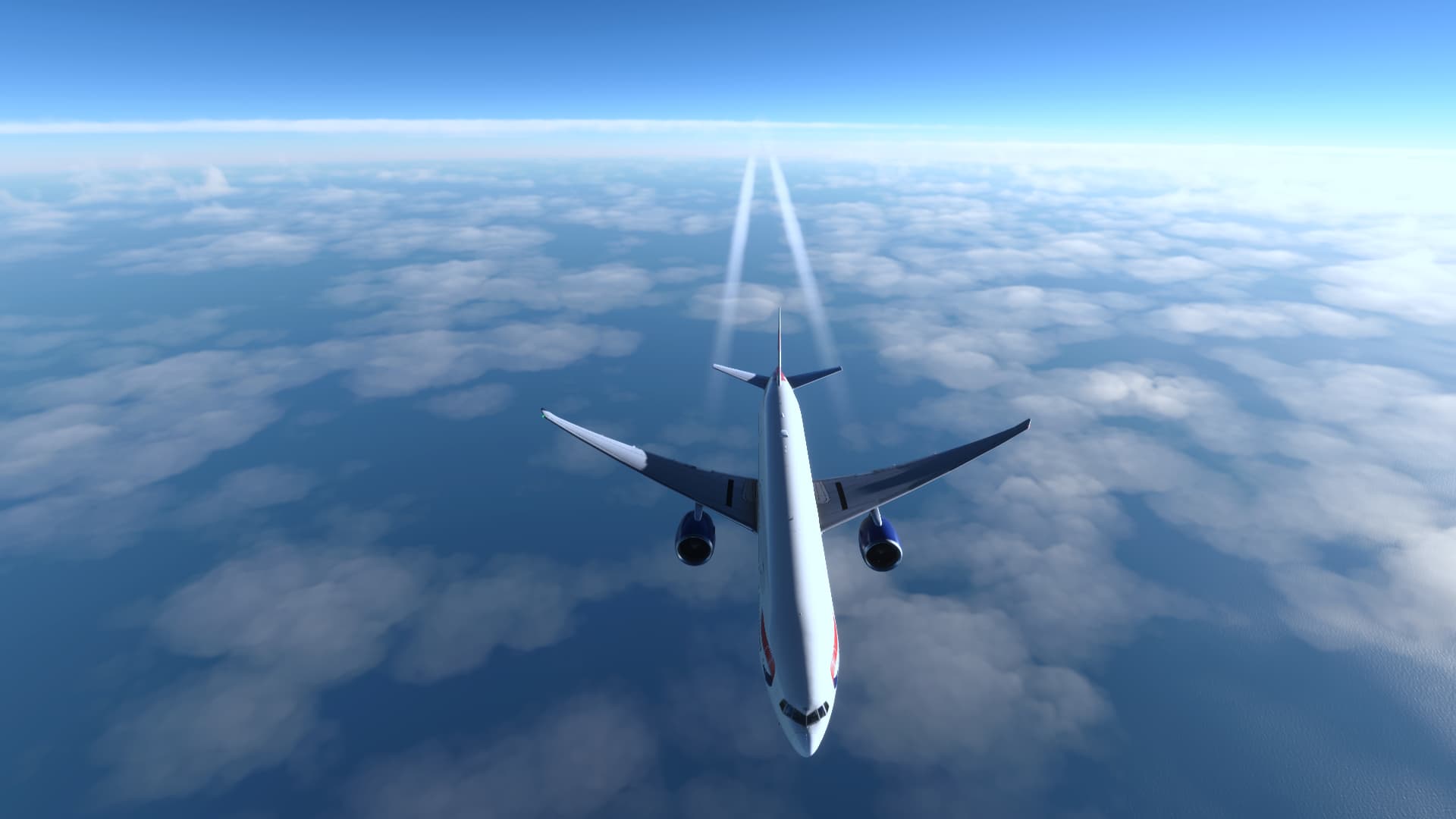
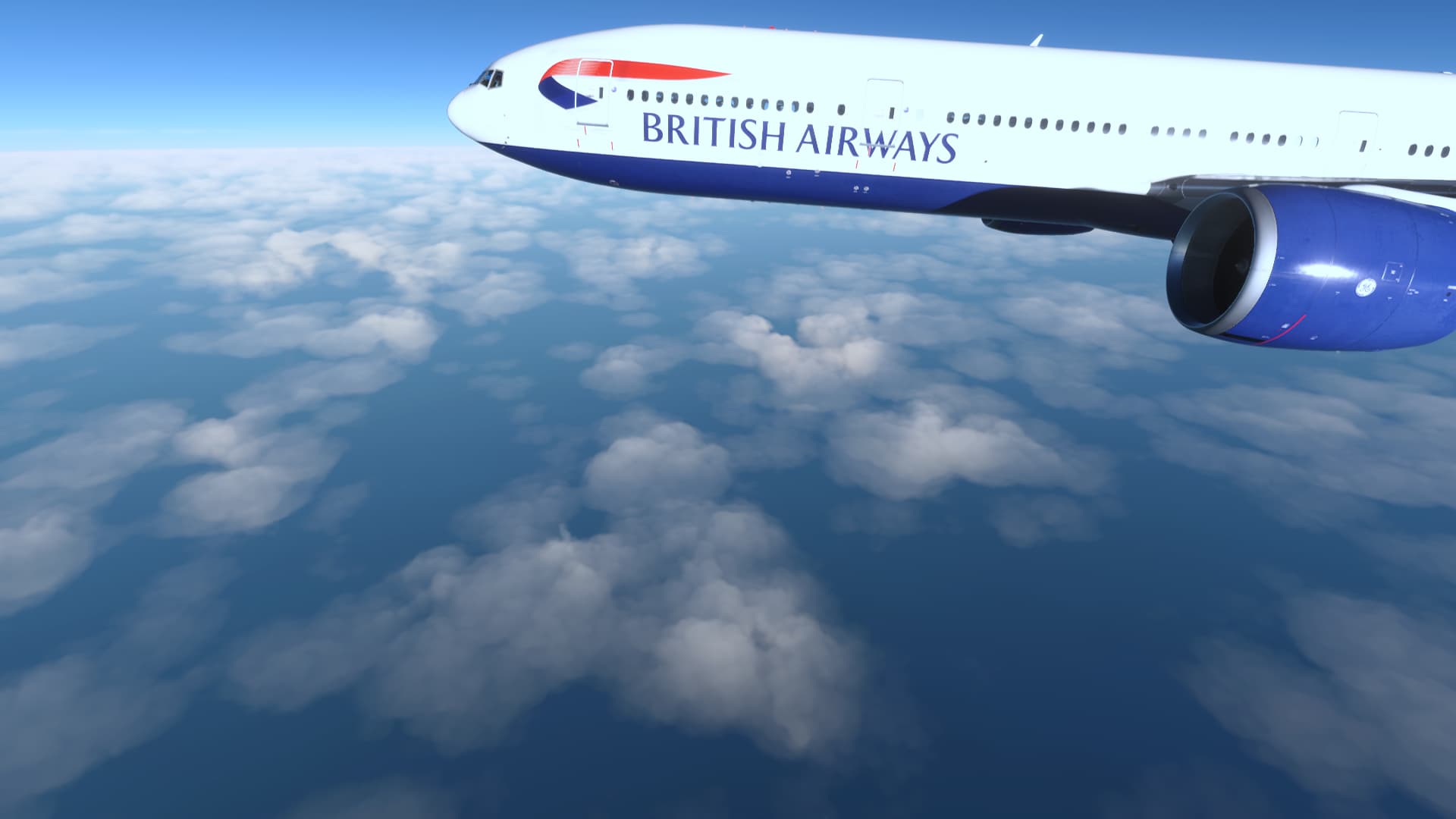
5 Likes
It was possible before
10 Likes
Before SU7 feeling 
It hurts so much every time I see what beautiful things they have destroyed. 
11 Likes
imagine the new lighting of the atmosphere with these clouds…
3 Likes
in my opinion it is still much better than no effect
1 Like
couple more recent examples…
wing fade, condensation, tip vortices, etc
getting the interior lighting changes when flying through fog/clouds would be great as well - it’s very noticeable in the aircraft ( acts like a giant softbox )
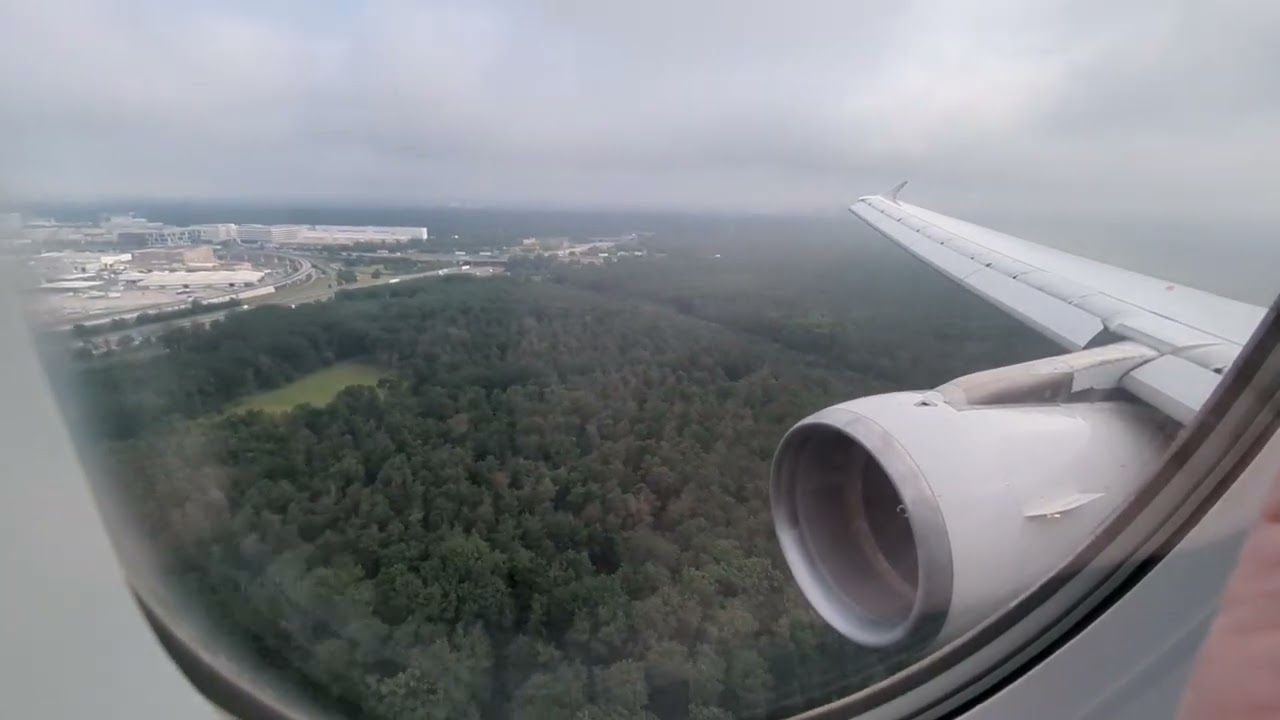
A320 ceo landing in FRA - with the usual weather
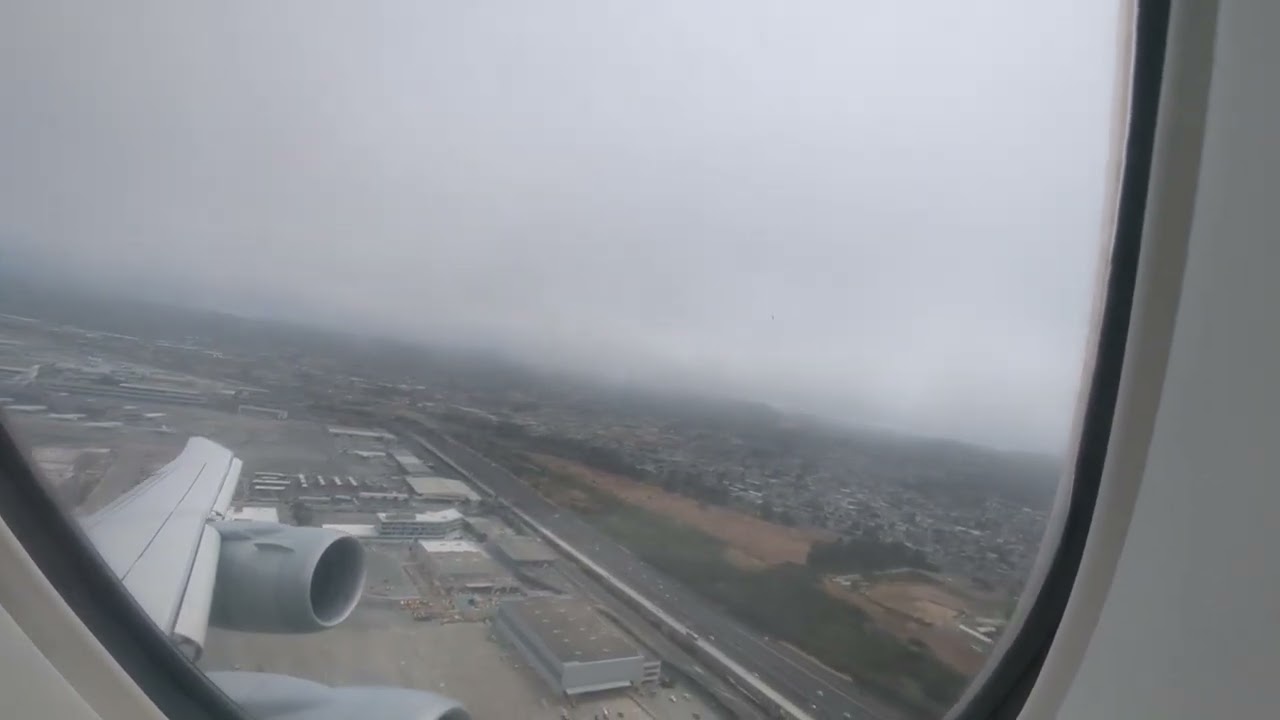
747-8 takeoff from SFO - with the usual fog…
3 Likes
Very nice example from SFO. The stratus cloud is perhaps 200 m thick yet completely opaque. At the base it just takes a few seconds until one is fully embedded. Something must fundamentally change in MSFS because even the manual clouds with the density of 5 don’t come close to this.
1 Like
Asobo, if you are reading this, please do something about this! Fix the live weather depiction of clouds.
7 Likes
Real life

Live Weather

Preset

Clouds have very undefined, unclear edges…

…when they should be very distinct.

Bottom line: something in the Live Weather seems to have set every cloud type to 0 density, and that’s why we see translucent clouds at high altitudes and fuzzy cumulus clouds at lower altitudes. The popcorn clouds need to go too. I have also noticed there is never humidity depicted in Live Weather. I would love to see that fixed.
13 Likes
Throw in visibility controls too!
2 Likes
I believe this is something Seb with Asobo was looking into. He said it’s about two weeks worth of work to get the cloud densities right and they are working on it?! Hopefully it will be part of SU16! He has mentioned this in at least two Live Development Updates (not the last two months, but the two or three before it).
Fingers crossed!
2 Likes
I’m moving to 2024 anyway, but my hope for 2020 is that of all the bugs still remaining, and with the emphasis on 2024, the little quality of life things start to float to the top of the stack now. There are some little UI bugs that would take 5 minutes to fix, and spending some time on those would be welcome.
Cloud density doesn’t seem like a tough nut to crack, and I still wonder if performance issues were what was holding them back. I can see no legitimate reason for cloud quality to have been effectively ignored for so long other than it negatively affects the consoles. We know they can make code changes independent of the platform, but perhaps the weather is different in that respect, and it can’t be different between platforms.
2 Likes
If the simulator is actually being held back by console horsepower, then they need to sever the development.
One size does not fit all.
6 Likes
I think that is the reason why we are getting 2024 at all. An attempt to refactor the sim to be more console friendly by reducing the amount that needs to be stored locally, as well as optimising how, and what, it pulls down from the cloud.
Everyone will benefit from it I expect, but console users the most. If this doesn’t end the black screen avionics issue, though, they really need to accept that 16GB of memory just isn’t enough. Sadly, the console mid-gen refresh I read about has the same 16GB specified. A case of failing to learn from history is about to happen, I feel.
This is what I want Seb to launch into one of his technical explanations on.
For a long time now it has been seen to be the most efficient to create mip mapped compressed format files and then load all needed files into memory but now they are changing all that – or are they? Will only Asobo’s stuff get this new file treatment or will all scenery items? If all addons were still downloaded and stored in local storage and then those files dealt with in the same manner they are now (DXT5??) then there isn’t a lot of memory savings when the main problem is a user using a complex addon aircraft in conjunction with a complex addon airport. Where’s the savings?
I hope they’ve invented an entirely new approach to file management and I hope they describe it in detail because enquiring minds want to know 