Flaps Ice Warning on G2


ISSUE DESCRIPTION

Description of the issue:
Always get an ice warning indication when going to full flaps.

If applicable, which aircraft is experiencing this issue:
Cirrus Vision Jet G2

[PC Only] Did you remove all your community mods/add-ons? If yes, are you still experiencing the issue?

FREQUENCY OF ISSUE

How often does this occur for you (Example: Just once, every time on sim load, intermittently)?
Every time, so far.

REPRODUCTION STEPS

Please list clear steps you took in order to help our test team reproduce the same issue:

  1. Career VIP charter mission.
  2. Start landing sequence.
  3. Apply full flaps.

YOUR SETTINGS

If the issue still occurs with no mods and add-ons, please continue to report your issue. If not, please move this post to the User Support Hub.

Vanilla installation.
What peripherals are you using, if relevant:
N/A

[PC Only] Are you using Developer Mode or have you made any changes to it?
N/A

[PC, MSFS 2020 Only] Are you using DX11 or DX12?

[PC Only] What GPU (Graphics Card) do you use?
RTX 3080Ti

[PC Only] What other relevant PC specs can you share?
12th Gen Intel(R) Core™ i9-12900K
32GB RAM

MEDIA

Please add a screenshot or video of the issue occurring.

[END OF FIRST USER REPORT]


:loudspeaker: For anyone who wants to contribute on this issue, Click on the button below to use this template:

Do you have the same issue if you follow the OP’s steps to reproduce it?

Provide extra information to complete the original description of the issue:

If relevant, provide additional screenshots/video:

Do you have the same issue if you follow the OP’s steps to reproduce it?
• Yes

Provide extra information to complete the original description of the issue:

If relevant, provide additional screenshots/video:

Same issue

I’m pretty sure I looked this one up, and if I recall correctly it will always show that warn if you used deice any time that flight since the flaps them self i don’t think have heat it’s only on the leading edge. Now if you are getting this warn without using any deice in your flight that would indeed be a bug. not sure what one you are referring too

1 Like

Thanks Merk. Yeah, you nailed it.

Did some testing today, and left the wing/stab ice protection off. Sure enough, don’t get the warning.

Seems you can use the other ice protection systems without invoking the warning. Just the wing/stab that triggers it.

Cheers for the feedback.

2 Likes

Moved to User Support Hub since a solution has been marked.

This is how the deicing system of the Vision Jet works. The FLAPS ICE warning is telling you that flaps 100 is not permitted because the jet assumes you have ice on the wings. (You cannot land with flaps 100 if there is ice on the wings.) The jet is making that assumption because, at some point during the flight, you used the WING/STAB anti-ice. (It cannot detect ice.)

In real life, you would clear this state by performing an IPS Stall Offset Reset, which is not implemented yet in the sim.

4 Likes

Can confirm after doing some research - this is the intended behavior. Here are patchnotes for the G2 in MSFS2020 where they implemented this feature:

[Released] SF50 Vision Jet G2 - Discussion Hub / Aircraft - Microsoft Flight Simulator Forums

Implementing this feature without COMPLETELY implementing it was a terrible decision.

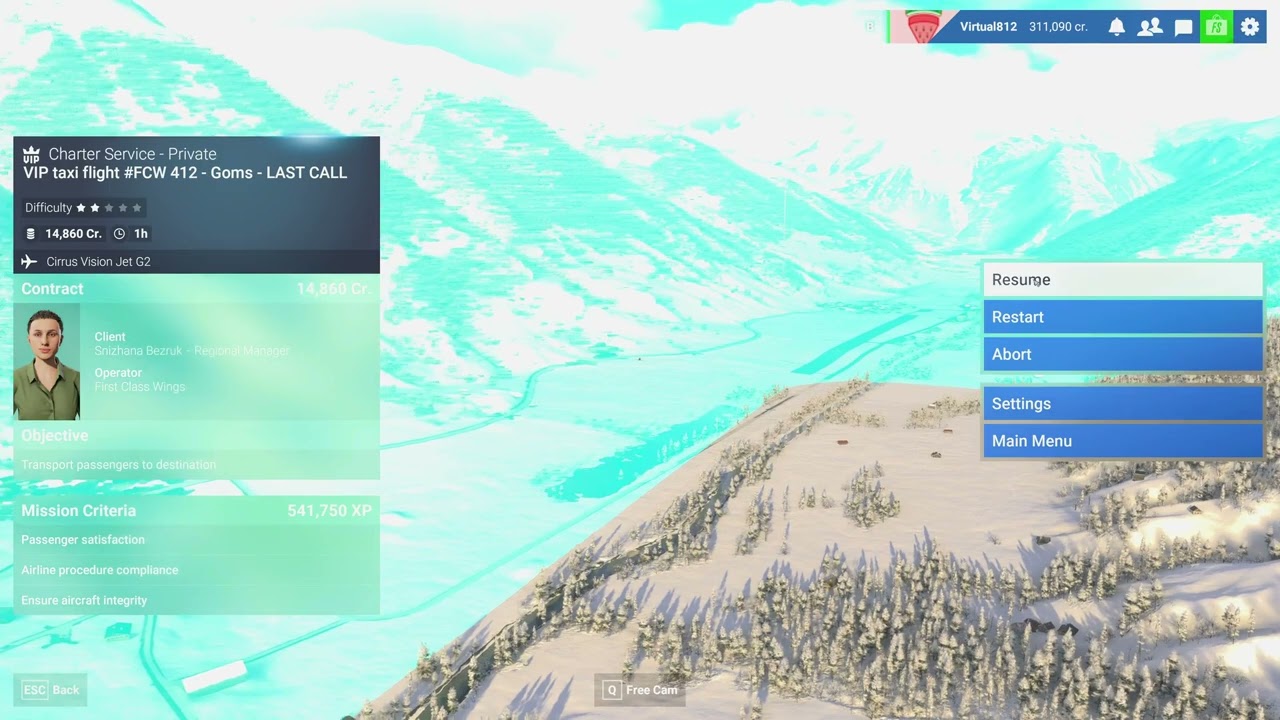
I’ve just completed a 2.5 hr flight across Switzerland to land in a canyon only to find by ‘accident’ this issue. On 3 landing attempts i crashed twice and severely damaged the plane on the 3rd after forcing it down.

Half implementing a feature to simulate a caution state, without implementing the feature to clear is is very silly.

3 of the last 3 missions i’ve done have been disasters and I’m out of pocket 6+ hours and back down to C reputation.

Video of the event, yes absolutely insane flying, but I’d had enough at that point.

Until it works fully as intended i wouldn’t count this as solved.
Take away the flaps limitation until the feature is fully implemented, until then this is just a work around.

1 Like

I totally agree to Virtual812. I wouldn’t say it’s fixed.

IPS Stall Offset Reset was added in MSFS 2024 Sim Update 2, in May 2025. The behavior since that sim update matches the real aircraft.

Yes, I agree with that, it’s indeed fixed :ice: