FlightControlReplay v4.5 for MsFs AUTUMN UPDATE is ONLINE (PCPILOT Awarded, Single AI / Formation Camera and Control , Realtime Modification in Recorded Flight etc)

Hello @Kartijno , I am having CDTs, but when I have them the App does not record or show what was recording, would be possible to add a function to record the flight some seconds each 5 min or so, I do now manually, but…, and as the advertise of the FCR says it serve for CTDs, when they are saved, not my case, the tool was recording when the CTD happened but the recording is not anywhere.

Regards, all the best.

Hello !

Thank you for your feedback ! These feedbacks are precious ! Anyway … Yes definitely !!! This will be in next iteration of FlightControlReplay for sure but maybe sooner that you thinking :smiling_face_with_sunglasses::smiling_face_with_sunglasses::smiling_face_with_sunglasses:!

F

Excellent, waiting with illusion the new build.

Hi,

When I started flight simming many years ago already, we were already proud to take and share a screenshot in a detailed airport scenery, with impressive weather conditions.

It has becore much easier and frequent to record a video and to show your flight experience in action. BUT, since FlightControlReplay is more than just a Replay that replces your aircraft along its path in the simulator, FlightControlReplay records also the weather conditions, the time of day.

When you load a Replay, you can load it, with, or without the flight situations data that include the weather. This is NOT just a replay tool. Flying through storms, heavy rain, violent thunder, strong wings, brutal windshear, beautiful sunset, enjoy the multiple MSFS possibilities and show us your skills, with FlightControlReplay !

Let’s see what others shared last week :

Q8Pilot - video to be released in a few hours with Giveaway !
FlightControlReplay v4.5 for Microsoft Flight Simulator | Review & Giveaway

Drawyah
[MSFS] Edinburgh to London City - Just Flight BAe 146 British Airways|HD 1440p

Flyguy1903
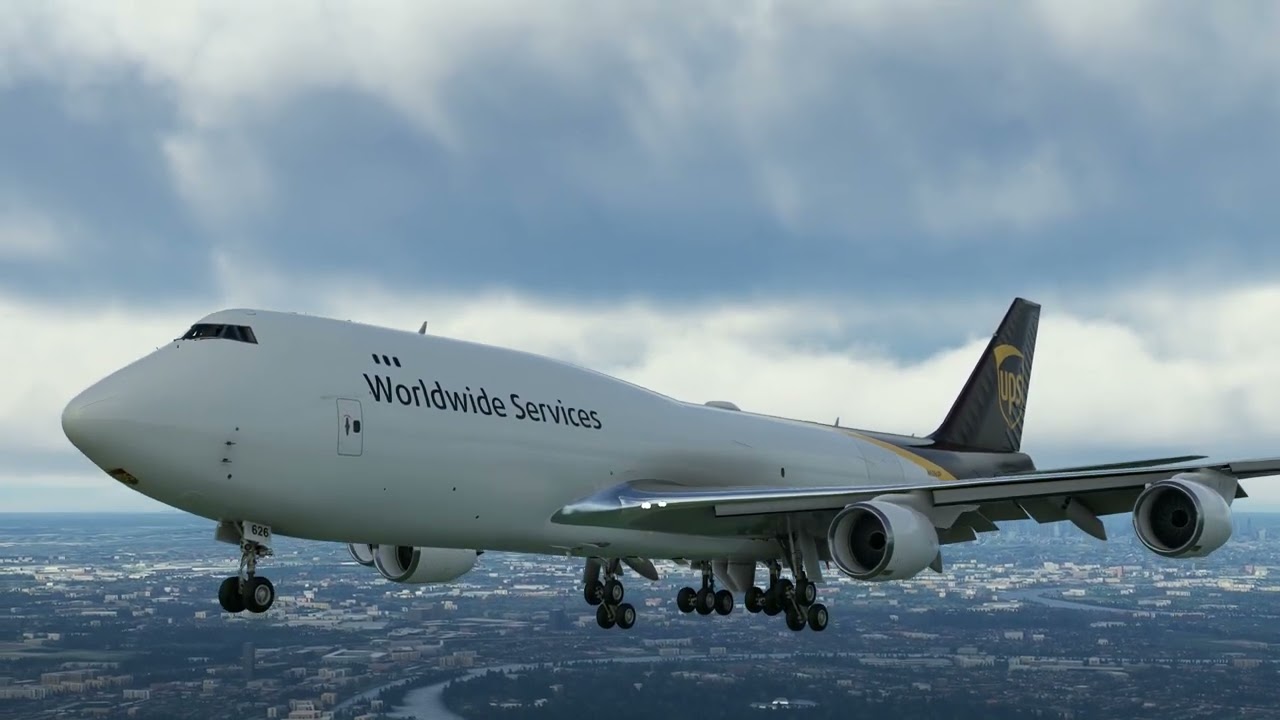
INSANE Landing at Colosseum in 4K! MAX GRAPHICS | Rome, Italy | MSFS2020

Hello,

At the beginning of my development story in the flight simulator world, I was coding to make the tools that I missed for my own flight simming hobby. Later on, seeing that huge amount of add-ons and the active community, I thought that maybe others would be interested in using the helpers that I created.

If you are also a developer that would need to work, to integrate, to be compatible with FlightControlReplay, don’t hesitate and let’s get in touch.

If you are a content creator, and you have thought about a special feature, you need a review copy or functionality advice. Don’t hesitate, I like the kind of job you do and already supports many of you as the best that I can.

If you are a customer, and you didn’t find the answer to your question in the product manual, the tutorial videos, or in the forum search, I can provide direct support by e-mail or simFlight forum, but not in this exact forum thread please.

You can find my e-mail address in the product manual,
or on my official website https://flightcontrolreplay.wordpress.com/,
and on the dedicated product page at simMarket https://secure.simmarket.com/fabio-merlo-flightcontrolreplay-professional-edition-fsx-p3d.phtml
If you prefer a forum to get other users feedback as well, you can also visit my support forum at simFlight
http://forum.simflight.com/forum/132-fabio-merlo-products-support-forum/

What are the latest videos with neat Flight Control Replays in MSFS ?

TpeRStgo
Microsoft Flight Simulator Film | A NEW BEGINNING | HD 1080p

Drawyah
[MSFS] Leeds Bradford to Amsterdam Schiphol - PMDG 737-700 KLM|HD 1440p

VirtualAirlinePilot
MSFS | British Airways Landing on the island of Kos, Greece | Flying for BAvirtual | HD 1080p

Hi,
I’m having a problem with the Fenix a320 and FCR. In the replay, the spoilers, flaps and reverse thrust aren’t deploying when they should be. Any help?

Hi !

Thank you for your note . I m working on these :wink:

F

Hi,

FlightControlReplay is capable of Voice Recognition (english-US) so you can record and play without leaving your flight controls, or without display the user interface over the flight simulator screen.

Here are below a reminder of the controls supported by the voice recognition technology when you are using FlightControlReplay
• “Record” word to start Record
• “Stop” word to stop record
• “Stop Play” to stop Play Mode and reinitialize the Flight Recorded.
• “Play” to play Flight Recorded and also to resume from a pause.
• “Pause” to pause Flight Recorded.
• “Forward” to go forward
• “Backward” to go backward.

Handy, isn’t it ? I find it even better than shortcuts of the keyboard, but of course, that’s also an option for those who prefer to press a key. FCR supports a single key press, not a combination due to limitation with the simulator. The shortcuts can be set in the Options menu of FCR.

Now, it’s time to enjoy the flight sim community content using FCR tool.

Dieter Unruh
MSFS2020, EGLL Approach in London | 4K

Wabash Flight Sim
Microsoft Flight Simulator 2020 A320 Landing Cairo Egypt HECA | HD 1080p

Blu Games
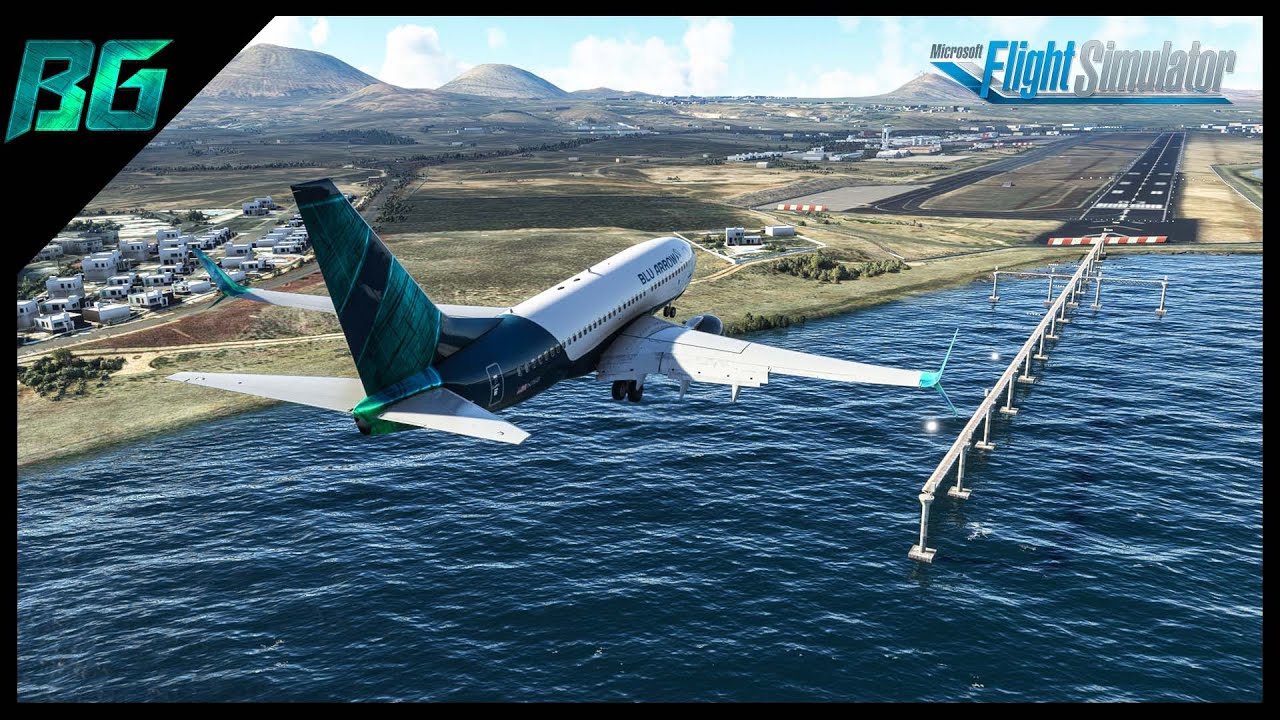
Summer in Lanzarote | PMDG 737 | GCRR-GMMX | MSFS | HD 1080p

Hi All
Have reinstalled all software including FCR, and Fenix A320. Unfortunately, the wing surfaces are always in retracted position during replay. I had installed all prerequisite software except Dotnetfx35.exe which does not install despite double clicking the file (nothing happens)…Could this be the reason?
Thanks all.

Hello all does anyone have a link to the user manual for flight control replay.

Thanks in advance

Mike

Hi ! I m working on fix a couple of issues in fenix Stay tuned !!! I don’t know how this will be release (in an update or in major v5 :smiling_face_with_sunglasses:)

F

Hi !

You find readme.pdf manual inside Doc folder :smiling_face_with_sunglasses: thanks for your support !

F

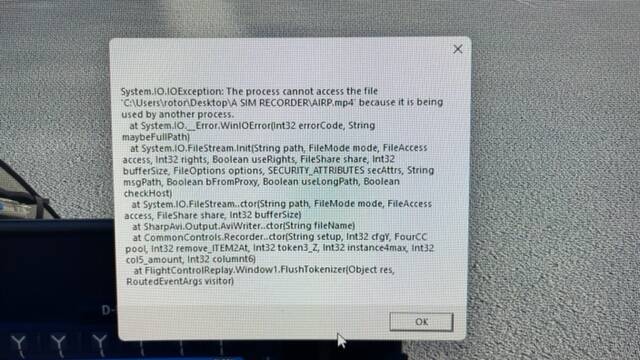
Thanks for the reply - The recording and playback is fine however when I try to output to MP4 I get an error.

I made a folder on my desktop for my files I can save and load and playback flights but can’t save MP4 files to the folder. When I save a MP4 file it puts a MP4 file in the folder but has no information and 0 bytes.

Could you provide the correct method to make a folder suitable for MP4 output so the administrator properties are correct. Here’s the error I receive when I try to output to mp4. I checked the permissions on the folder and they allow full access.

Thanks

Hello. Have you made sure you installed the MP4 codec first ? The one that is mentioned in the User manual.
Have you also tried another folder, or another hard disk, out of the user documents folder ? Check the limitations that may be applied by Windows to your main hard disk where the OS is installed.

Hi !

Surprising and entertaining for virtual spotters : you can even follow a real aircraft in your simulator, during his complete evolution from the departure until its arrival. And you just need FlightControlReplay.

Go to Flightware, and when the flight has landed, check its details page. This is where you will be able to download a KML file including the flight path data. That’s free.

Here are the detailed steps :

  1. Go to Flightaware.com, select or look for a flight of your choice. It must have landed so you can download a KML file.
  2. Go to the flight details page.
  3. Click on the Flight Track Log link on the right side column.
  4. And hit the Google Earth button at the top, and you have a prompt window to select the destination folder of the respective KML file for this flight.

Now import this KML file into FlightControlReplay and you can now replay and follow this flight, and you can take all the pictures that you need, from all angles, and even in high altitude.

What are the newest YouTube videos featuriung FlightControlReplay ?

max737Ifly
Flight Simulator 2022: ULTRA REALISM on RTX™ 3090 with $100 Graphics Mods! Flying to San Diego | 4K

MajorTom
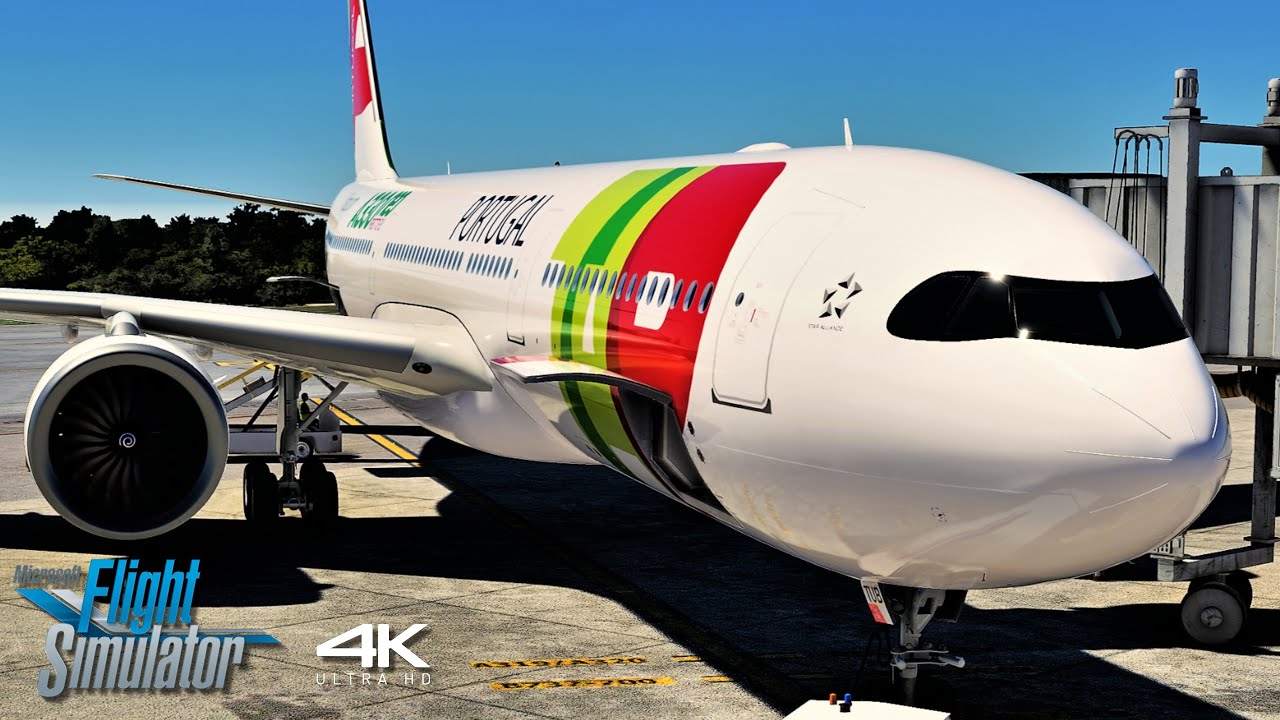
TAP Air Portugal Airbus A330-900neo Full Flight Lisbon - Cancun | ULTRA 4K | A MSFS Experience | 4K

Drawyah
[MSFS] Stavanger to Oslo Gardermoen - Fenix Sim A320 SAS|HD 1440p

Wabash Flight Sim
MICROSOFT FLIGHT SIMULATOR 2020 AIRBUS A320 ARRIVAL JFK RUNWAY 31L | HD 1080p

Hello flight sim enthusiasts,

I’d like to focus a moment on the Automatic Change Camera exclusive feature of FlightControlReplay.

It is made to Call and activate any custom cockpit camera, smartcam or other default MSFS / P3D camera during Replay without user input. Basically, you setup a key shortcut, and you select the moment of the Replay when you want the Camera Change to happen by clicking on the Yellow Time slider. And it’s set, launch Replay and seat back to watch the Camera Change do the job for you.

Pick on the Yellow slider timeline, there you can setup the keyboard shortcut, that you configured in “MSFS Controls section”, inside the CameraChange Dialog and this will be triggered at the chosen frame. When Replay reaches this frame, FCR triggers the keyboard shortcut and automatically activates the Camera Change that you set.

How does it work ?

1. Start a flight in your simulator, and connect FCR. 
2. Click on the Record Button when you are ready, or use the Start Recording Automatically setting in the Options Dialog. 
3. Click on the Stop Button when you are done with your recording session. 
4. Click Load to select the FCR flight situation. 
5. Click on Play Button to start playing this recorded flight in your simulator. 
6. Now, anywhere on the Yellow Slider of FCR User Interface, you can select the camera for the next frame of the video by following these easy steps. Click on the pencil below the Yellow Slider, 
• at the top is the camera category selection dialog ( Cockpit / External / Showcase )
• below is the camera detailed listing for that category (all pilots views, 
• instruments views and external views).
• Assign the keyboard shortcut, that you configured in “MSFS Controls section”,
• Text box to show in the simulator during Replay if you want.

Only your custom cameras you may have set yourself are not currently supported, but all the default cameras of the simulators ARE.

What did the streamers and content creators uploaded last week featuring FlightControlReplay ?

flightdeck2sim
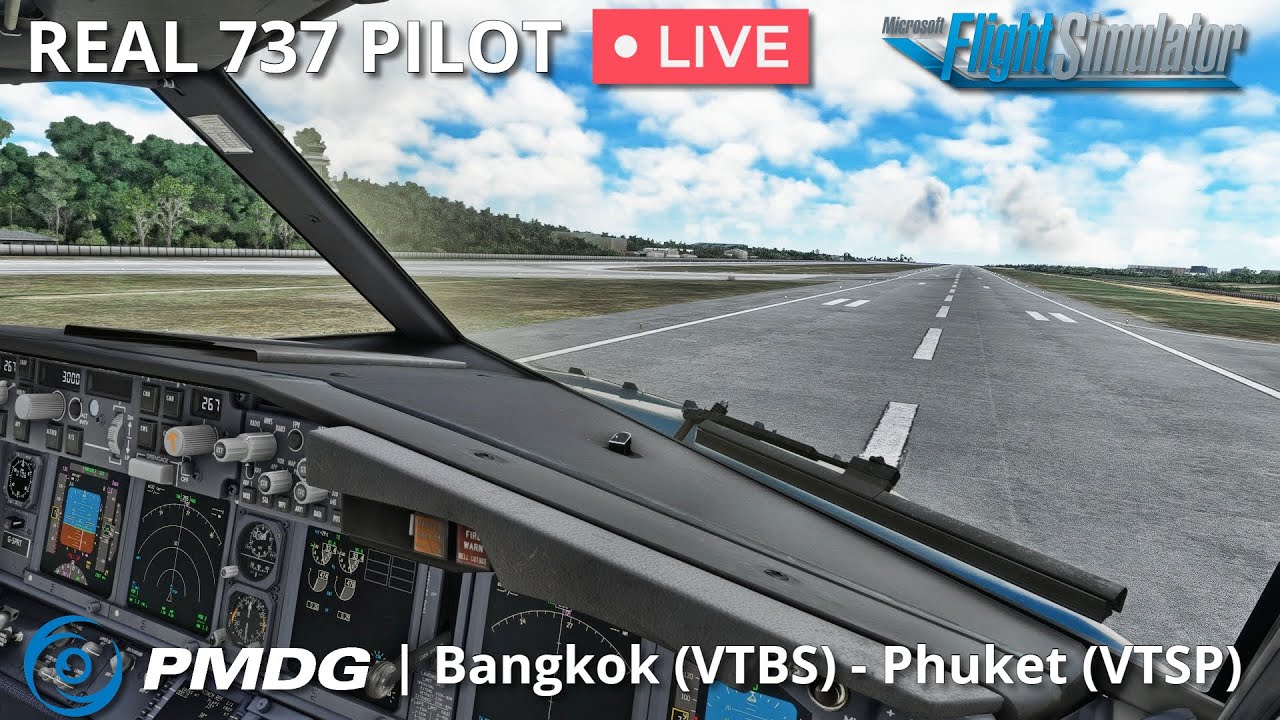
PMDG 737-700 Flown by Real 737 Captain | Bangkok - Phuket - Bangkok | MSFS | HD 1080p

Drawyah
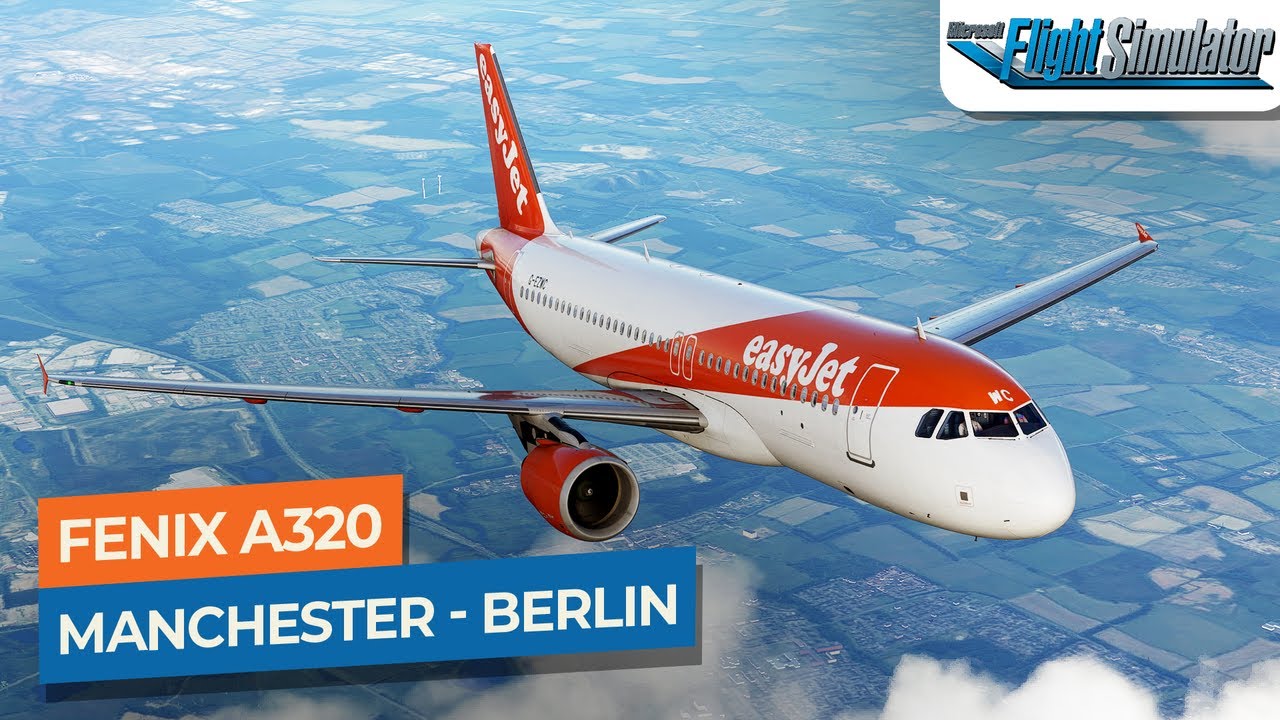
[MSFS] Manchester to Berlin - Fenix Sim A320 easyJet|Drawyah | HD 1440p

AviationLads
PilotPlus - Biggin Hill Airport | Microsoft Flight Simulator [Official Teaser] | 4K

Blu Games
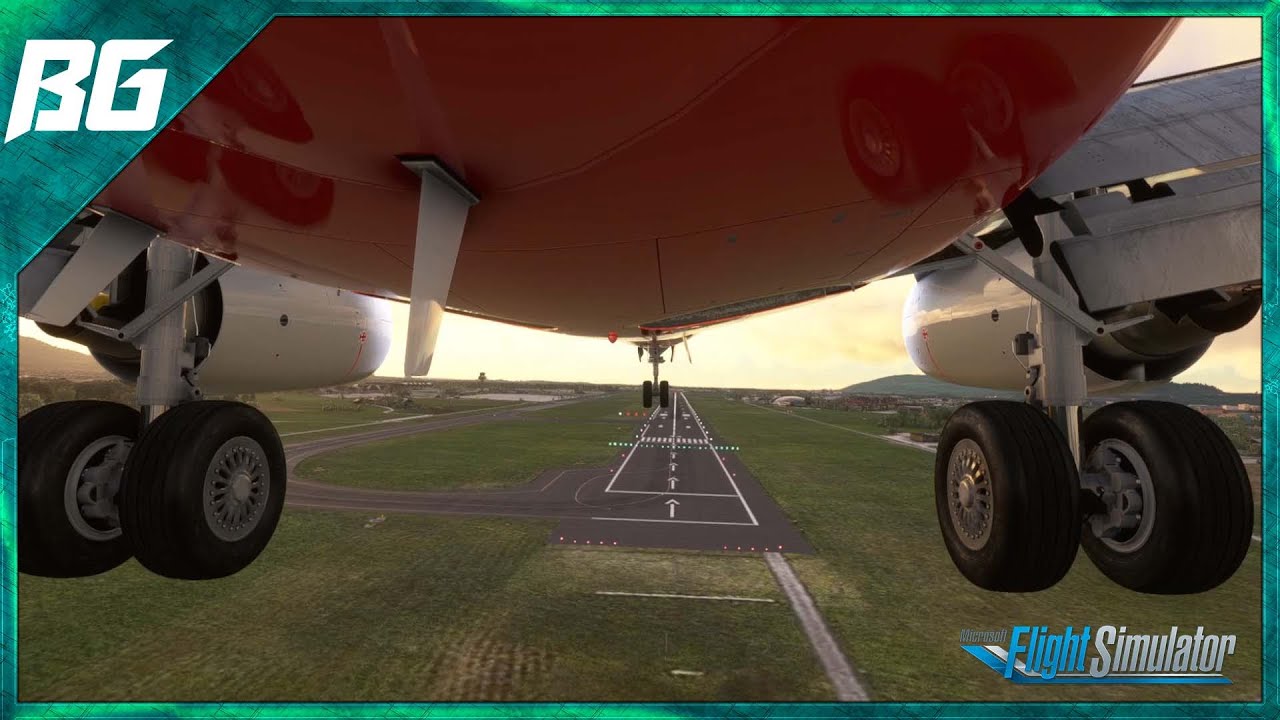
Landing in Salzburg Austria #msfs2020 #shorts

I tried to import a KML file from Flightradar24.
I got an error stating “KML FILE DOES NOT HAVE A VALID SCHEMA” Is there a way to fix this???

I did import a KML from flight aware and I was able to import it successfully but there’re no instructions on how to play it…]

Hi !

Yes KML is compatible with FlightAware. You need import KML file using FCR and FCR itself create a .FCR file (like you do recording a flight) . This .FCR file you can use and open as usual as you can do with your recorded files.

F

We choosed support the most used website for KML , FlightAware … but for the future … I must close my lips :grin:

KML support is very useful . We interpolate and analyze data that KML provide and FlightControlReplay create the missing waypoints that obviously KML not included in his definition . FlightControlReplay in that way permits a very stunning replay experience!

What else ? :grin:

Stay tuned in next months for a big announcements !

F