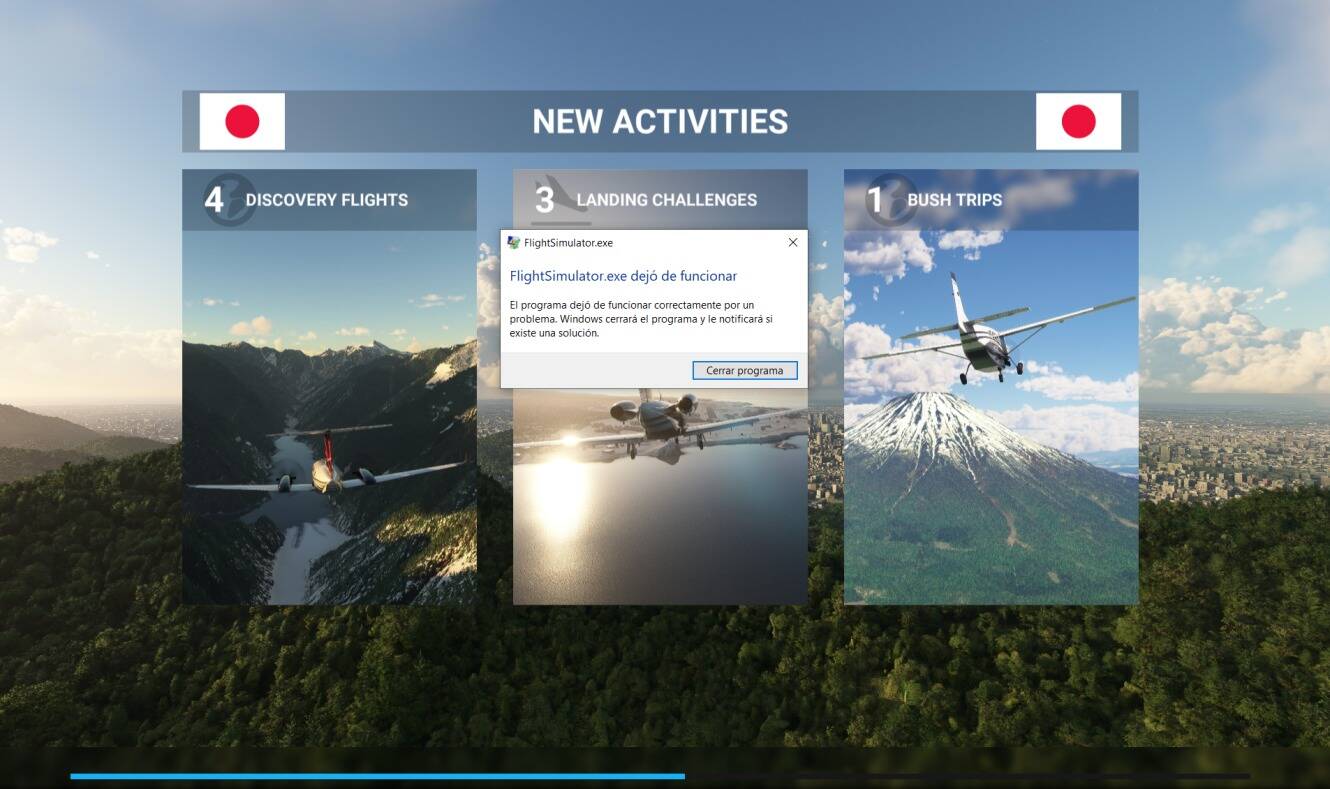
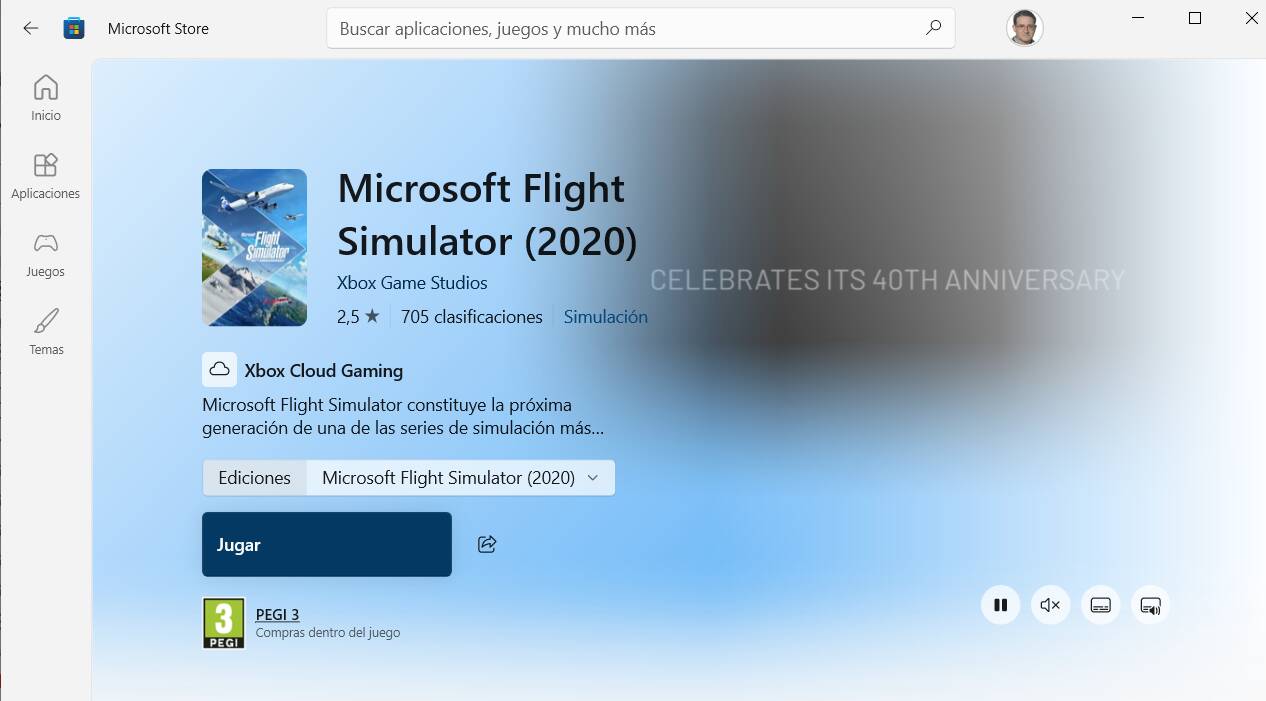
I have MSFS 2020 on a Windows 10 22H2 system. Since yesterday, when I try to start the simulator, the message “FlightSimulator.exe has stopped working” appears and the process is interrupted. If I try again, it gives me the option to try “Safe Mode,” but then the same message appears and the simulator doesn’t load.
I’ve searched the main forums, received, read, and tried many suggestions, but the problem persists.
However, I’ve found a way to get the simulator working, although it’s very strange:
-
I disable the internet and take the computer offline.
-
I start FS2020 in normal mode. It warns me that I’m offline, but the simulator works. I do a complete flight with the C172 G1000 and an add-on livery. Everything is working fine, and all my peripherals and add-ons are functioning, although the scenery looks flatter and more monotonous.
-
I enable the internet. The computer is back online.
-
I start FS2020. The simulator works perfectly. I exit FS2020.
-
I restart the computer.
-
I try to start FS2020. At the same loading point, the message “FlightSimulator.exe has stopped working” reappears. It’s impossible to get it working again.
In other words, the simulator works: the drivers, add-ons, and files are all fine. But something is preventing it from starting normally (and the same thing happens with FS2024).
I would appreciate any suggestions or help. Thanks a lot in advance,
Felix FdC (Oviedo, Spain)
Thanks again, I’ll try to follow your advice and I will tell you the results. I can tell you that I have indeed the Insider Hub installed. Do you think this solution could work for MSFS 2020 too? Thanks again
You copied my post word for word and pasted it into this thread as if you had written and come up with it yourself.
That’s not okay.
Source https://forums.flightsimulator.com/t/problem-to-start-mfs24/729885/26?u=tenpatrol
If you’re going to use someone else’s content, at least give credit instead of presenting it as your own work.
You has not helped me before any man was helping me not you.
I get your point, to a point. But really once you put something on the Internet it’s a free for all. Anytime you search the Internet on any subject, to help anyone, you’re essentially copying someone else’s idea unless you came up with it 100 percent on your own. And that almost never happens
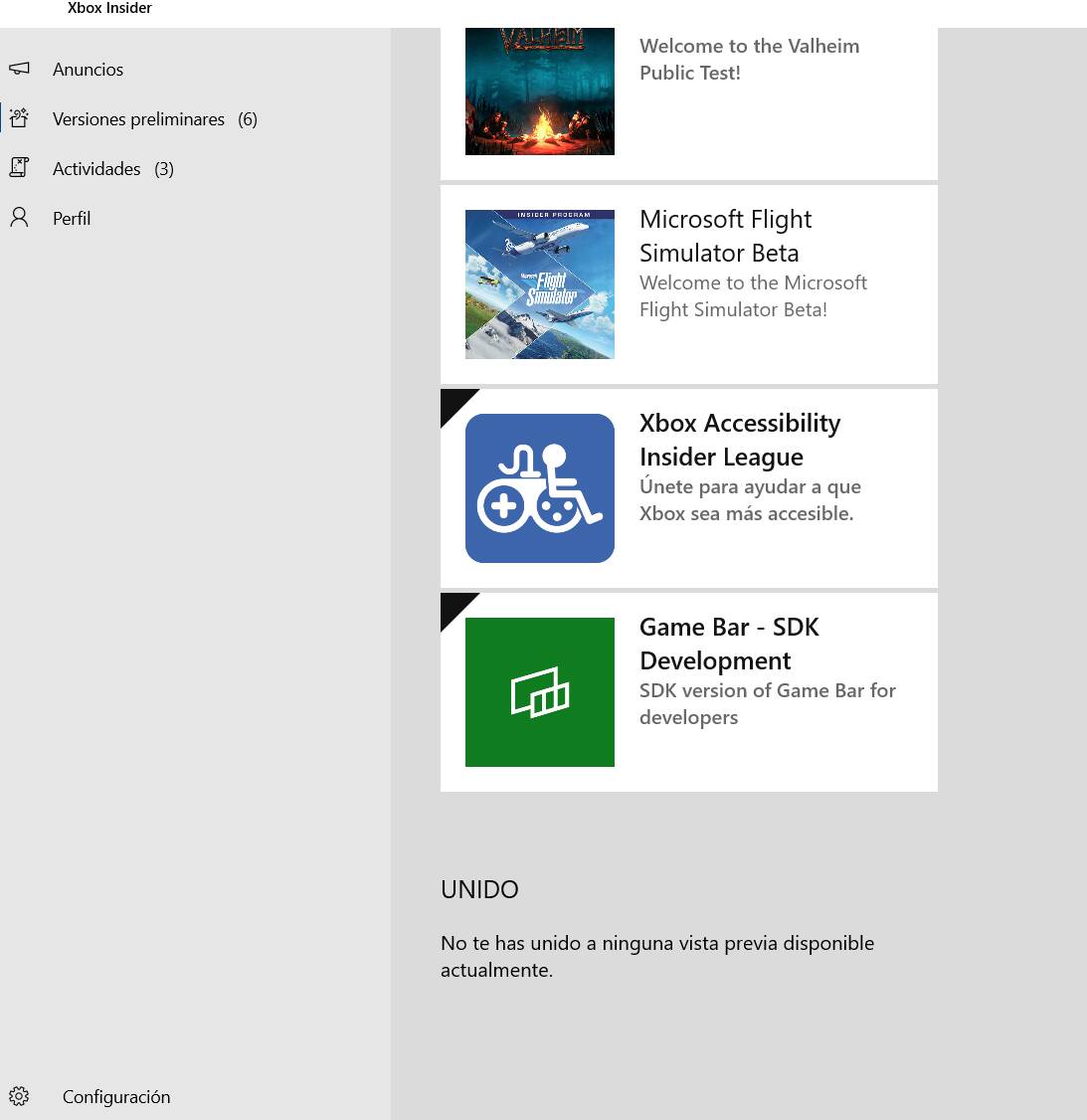
Hi again, @Petterwsto . I have followed your instructions, but I don’t know if I have accomplished the last part. I have left PC Gaming, I have restarted my PC, and now I have nothing in my XBox Insider Previews:
How exactly could I know wether the “Gaming Services” are installed? I have tried to start both FS 2020 and FS 2024, but the problem persists. Maybe I must do something else. Thanks again
Via Windows settings > apps > installed apps.
Make sure the Xbox app is not running in the background. If it is, close it completely.
Also, check if the Xbox app process is running in the background - open Task Manager and look for any “Xbox” or related processes. If you find any, kill them manually.
Once you’re sure it’s not running, uninstall Gaming Services.
After that, launch the Xbox app again and wait for Gaming Services to reinstall automatically.
Once that’s done, try launching MSFS 2020.
Thanks a lot for your kind words - I really appreciate it.
I’m glad everything is working now and you can get back to flying.
And if you ever run into any issues with MSFS again, feel free to send me a private message anytime - I’ll gladly take the time to help you out.
Have a great day and fly safe!
EDIT
@Kusiak62 If you can, please mark the post that helped you as the solution - it will make it much easier for others with the same issue to find the fix quickly in the future.
Hi @TenPatrol, I can confirm that the solutions works too for FS 2024. The first time I founded it with almost all the content disabled, but I could enable everything very quickly. Thanks a lot for your help, again
Thanks for confirming that as well - good to know it works for 2024 too.
You’re actually the second person in just two days I’ve helped who had add-ons blocked even in “Normal Mode”.
That’s not really how Safe Mode is supposed to work. When MSFS is switched into Safe Mode, it makes sense that add-ons get disabled temporarily. But after restarting and selecting Normal Mode again, they should automatically be restored and in these cases, they weren’t.
So I do think this is likely a bug. That said, there’s not much point reporting it right now, since SU5 is coming soon anyway. It will be better to re-check how Safe Mode behaves after that update.
Hi again, @TenPatrol , I am afraid the things are not so good as I expected. I have restarted the PC, and when I have tried to start the sim, the problem is again here:
Exactly at the same moment:
Sorry to hear the issue is back. Does MSFS 2020 start and run normally on your end?
Also, just to be sure, could you try resetting your hosts file? Sometimes certain add-ons modify it, which can cause unexpected problems.
How to reset the Hosts file back to the default - Microsoft Support
EDIT
Also, rename Community folder to community_old and create a new empty Community folder.
Does MSFS 2020 start and run normally on your end?
No, @TenPatrol , 20 and 24 stop loading and they doon’t run.
Also, just to be sure, could you try resetting your hosts file? Sometimes certain add-ons modify it, which can cause unexpected problems.
I’ll try, thanks for the suggestion.
Let me know once you’ve checked that - I’ve got one more idea if this doesn’t fix it.
Hi again, @TenPatrol . I have followed the “hosts” file procedure, but nothing has changed. After restarting, the load of FS 2020 stops exactly at the same point:
I really don’t know what is happening. I don’t know if this problem has been experimented by more people.
As I mentioned, I still have one more idea, but I can’t share everything publicly, as I don’t want others to follow advice that might not be suitable for their situation and could potentially cause issues. Send me a private message and we’ll try to figure something out.