This problem began within the last two weeks and I am using the Chrome browser (but I can replicate the problem on Microsoft Edge).
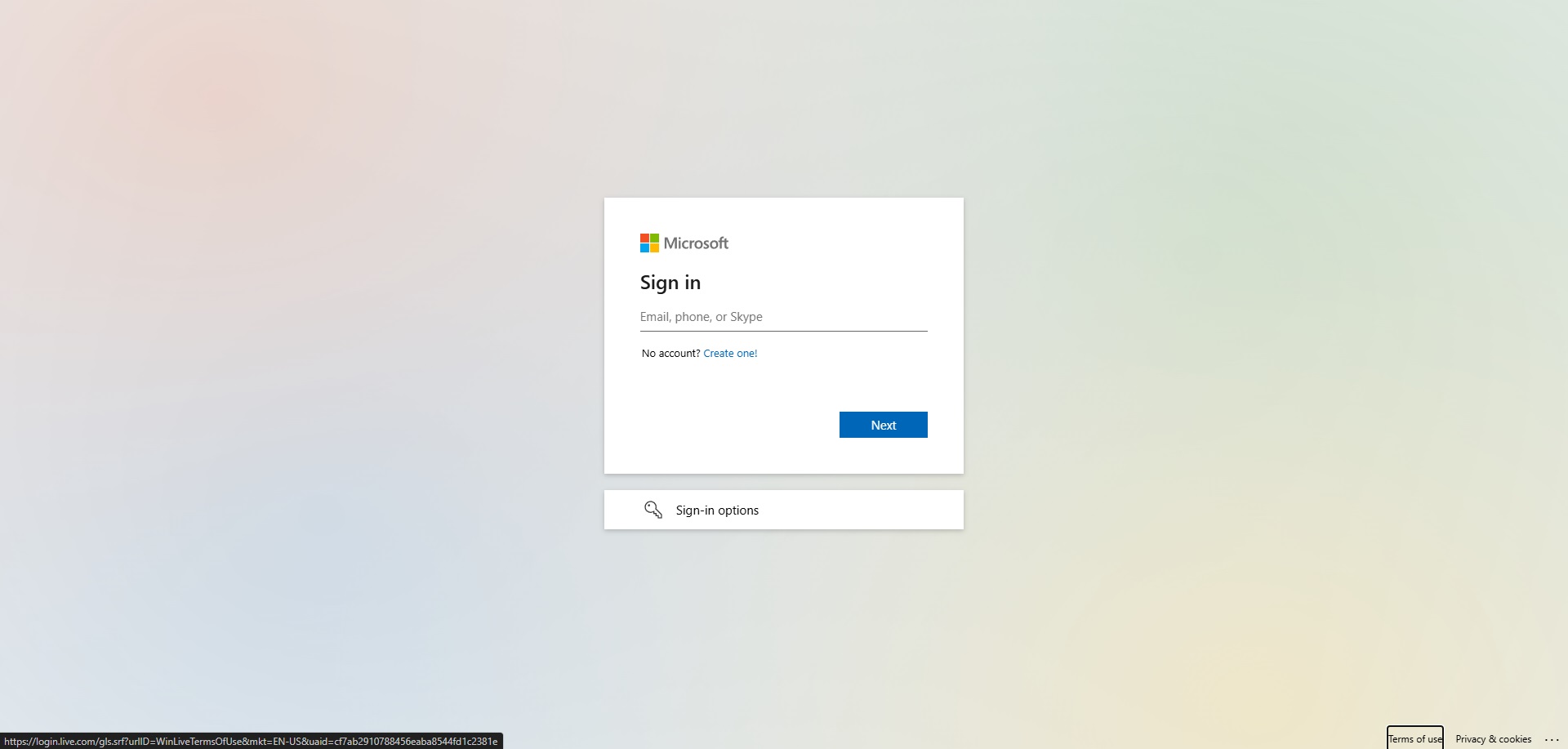
When I go to the forum log-in page, the curser jumps down (within one second) through the choices “no account? create one!”, “Next”, “sign-in options” and “terms of use”. So, no curser where it needs to be in the sign in field.
This only happens on the Microsoft log-in page, NOT on any other website I use that require a log-in.
Initially I was able to get the curser to stay in the sign-in field by refreshing the page (sometimes required multiple refreshes) but that no longer works.
Currently the only way I can log in is by left clicking the mouse on the sign-in field while SIMULTANEOUSLY clicking each character of my user name and then password – ONE CHARACTER AT A TIME.
If I don’t time it just right it doesn’t populate the field, so this is not an easy task
Below is a screen shot of the page after and during the curser’s jump down. Note that it creates a box at each choice for a split second (in this case you can see it on “terms of use” when it has finished moving and on the “create one” line while it is in the process of jumping down.
Since I don’t see this problem being reported by anyone else here I’m guessing I’ve got a settings issue on my computer but I haven’t been able to figure it out. Anyone?
The forum uses Microsoft’s generic authentication/sign in system rather than anything bespoke for the forum itself, so you may find the same issue occurs if you try to log into another MS site.
It may be worth checking a different browser, if you have one installed, and/or a private tab window. Equally, as Hester says if you have any browser extensions try disabling them to see if they are the issue.
The curser also jumps to the bottom on the xbox.com login page; however, it had my name pre-populated as a sign-in option and I could click on it to log-in.
So, yes that means the issue does exist across Microsoft platforms.
Zen Desk has offered 5 things to try so far but none have been successful.
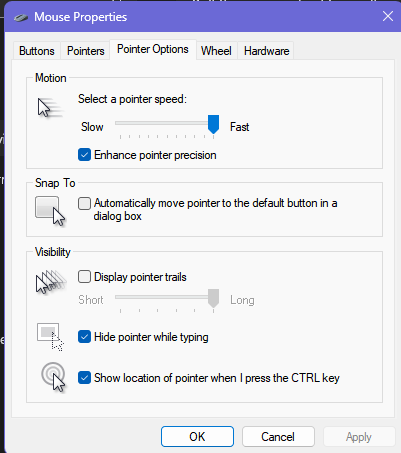
If that is not enabled..
I don’t have Chrome so can’t help you there, but with Edge, what version are you running?
[In Edge, click the three dots … at the top right, then choose “Help & Feedback”, then "About Microsoft Edge.
There was a new version released recently, so if you are not running the latest version, you might want to update it.
If that does not work, You might try creating a new profile in Edge & see if the problem exists when using that profile. If the issue does not exist in that new profile, then you could delete your current profile in Edge & recreate it.
I have no idea if any of these suggestions will work - but they quick & easy troubleshooting steps to take.
OK, another random thought - do you have an Xbox controller attached? If so, unplug it & see if that helps. I’ve noticed with my old Xbox controller that the sticks can cause the mouse to wander occasionally, requiring me to manually nudge them back to the center position. So I’m thinking perhaps another input peripheral like a joystick or Xbox controller is sending a spurious signal, though why that would only affect the Microsoft log-in page is a bit baffling.
I don’t actually have an Xbox controller, but based on your suggestion I disconnected my Honeycomb Alpha and Bravo (which were connected to my computer via a usb hub and had been that way for years without issue).
How this could only have affected the Microsoft log-in is truly puzzling and I’ve passed on the information to the ZenDesk team.
Further experimentation has narrowed the problem down to the Alpha yoke.
It seems to be related to switch positions but not as simple as one being on or off. For example, with the ALT half of the master switch on and all other switches off, I can consistantly log in. Adding a second switch to on can bring the problem back but adding a third can make it work again.
I won’t bother trying all the combinations as there is no point. Just glad to have a work-around for the problem.