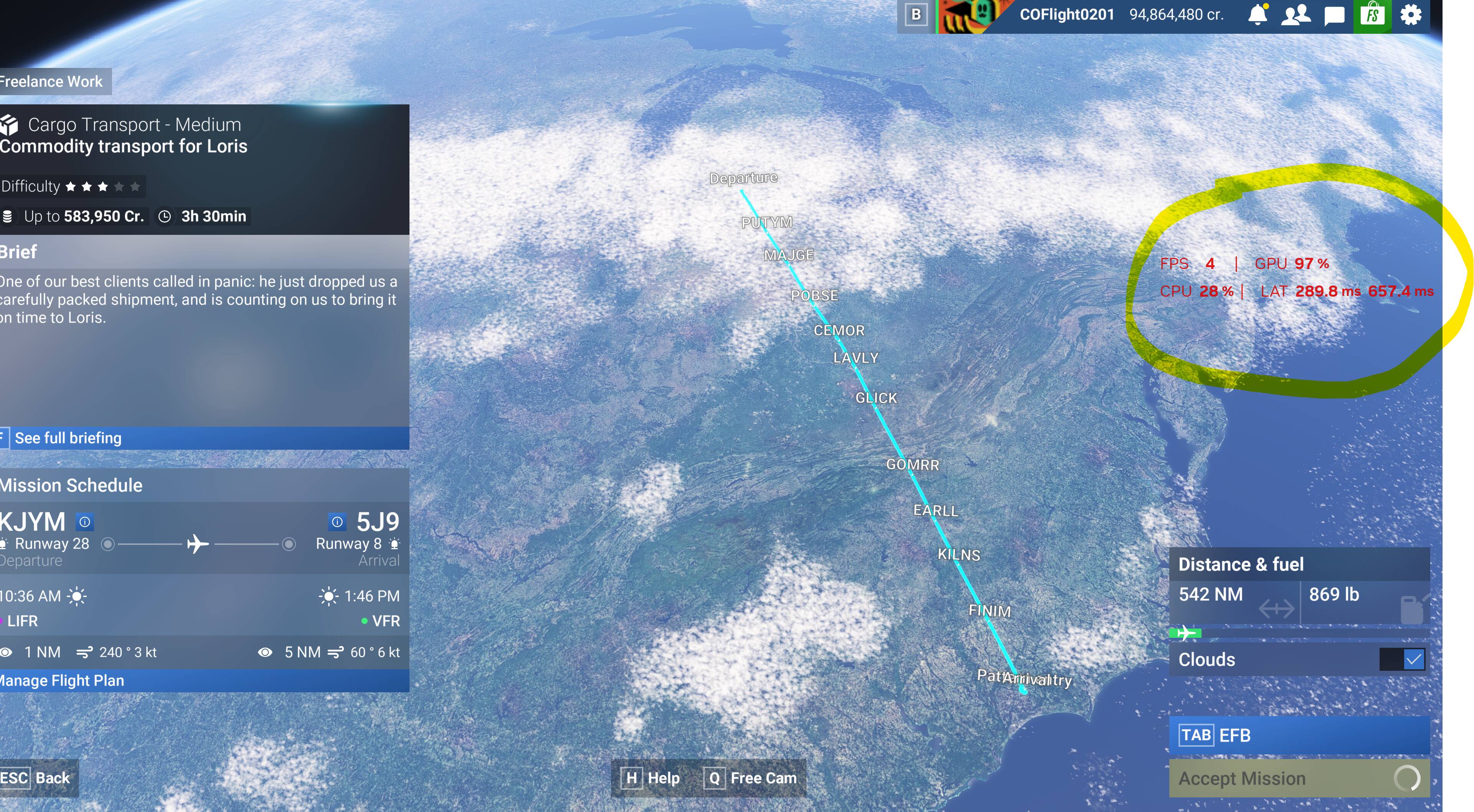
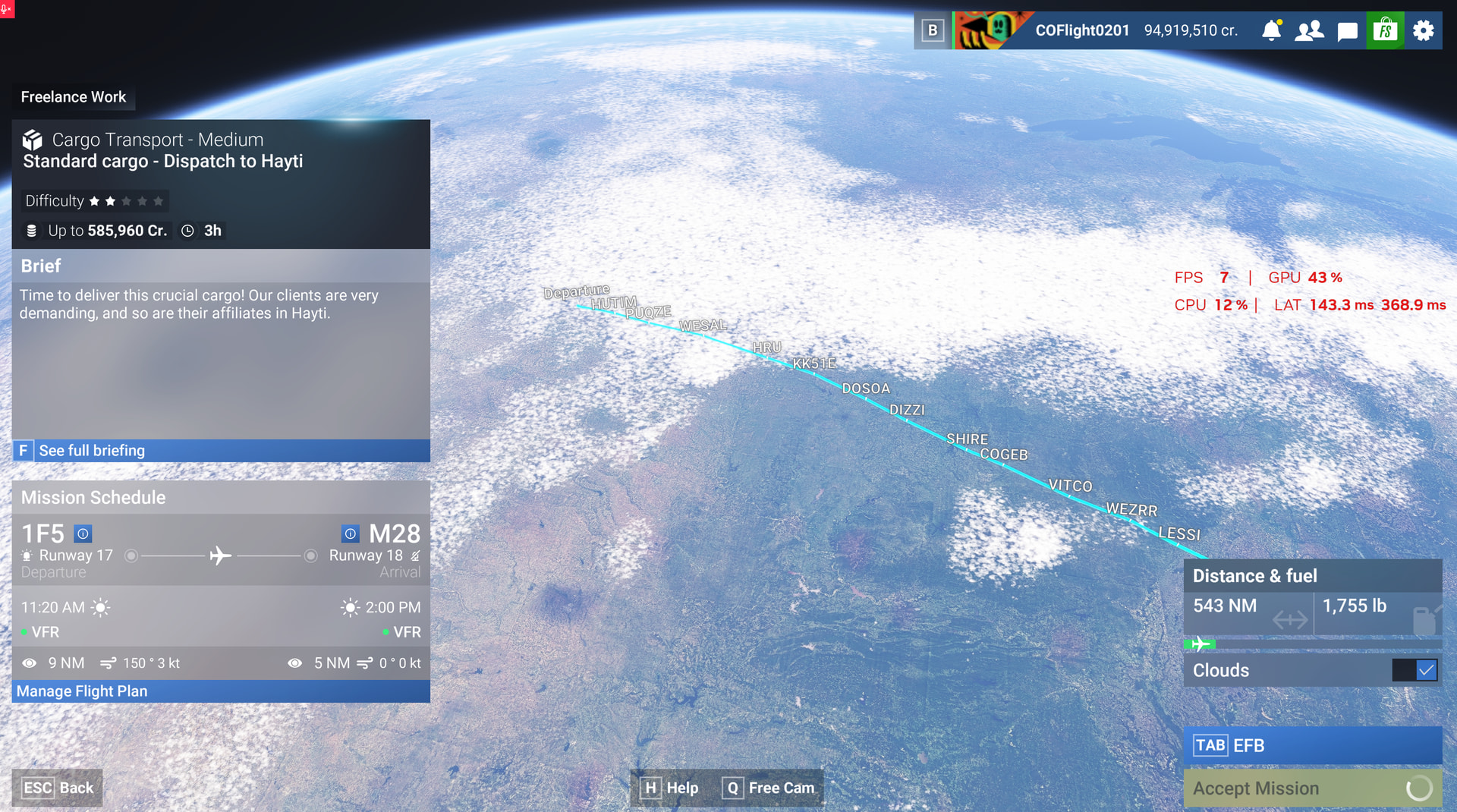
Using the template below will greatly help the team reproduce the issue and ease the process of fixing it. Before posting, search for an existing report. If you are not sure it’s a bug, please first report in User Support Hub.
3 tags are required - add them in the tag section next to the title above:
Thank you for this report. We’ve moved your topic into the User Support Hub.
The Bug Reporting Hub is for posting suspected or confirmed bugs that other users are able to reproduce without duplicating an existing bug report. Using the template or providing all the relevant information about your bug and sim setup is required in order to provide valuable information, feedback, and replication steps to our test team.
If you are not sure if your issue is a bug or need further input from the community, please use the User Support Hub category. If the community can replicate your issue, first search the Bug category to see if there’s an existing topic. If it already exists, contribute to that report. Duplicate bug reports will be closed.
If you believe it is a new report and no duplicate exists, then create a new bug topic using the provided topic template.
All issues caused by or involving third-party addons/mods should be reported to the third-party developer. Assure that no addons/mods are used when reporting issues in Bug Reports.
Device name Marks_ASUS
Processor Intel(R) Core™ i9-14900HX (2.20 GHz)
Installed RAM 32.0 GB (31.6 GB usable)
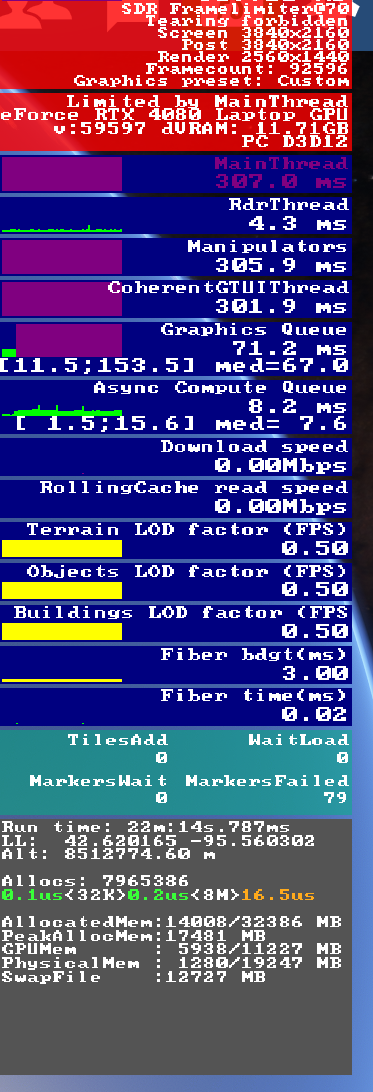
Graphics card NVIDIA GeForce RTX 4080 Laptop GPU (12 GB)
Intel(R) UHD Graphics (128 MB)
Storage 212 GB of 1.86 TB used
Device ID A872AE89-1C40-451B-ACE7-C2B9AF4B33EE
Product ID 00342-21265-19178-AAOEM
System type 64-bit operating system, x64-based processor
Pen and touch No pen or touch input is available for this display
Edition Windows 11 Home
Version 25H2
Installed on 3/27/2025
OS build 26200.9457
Experience Windows Feature Experience Pack 1000.26100.360.0