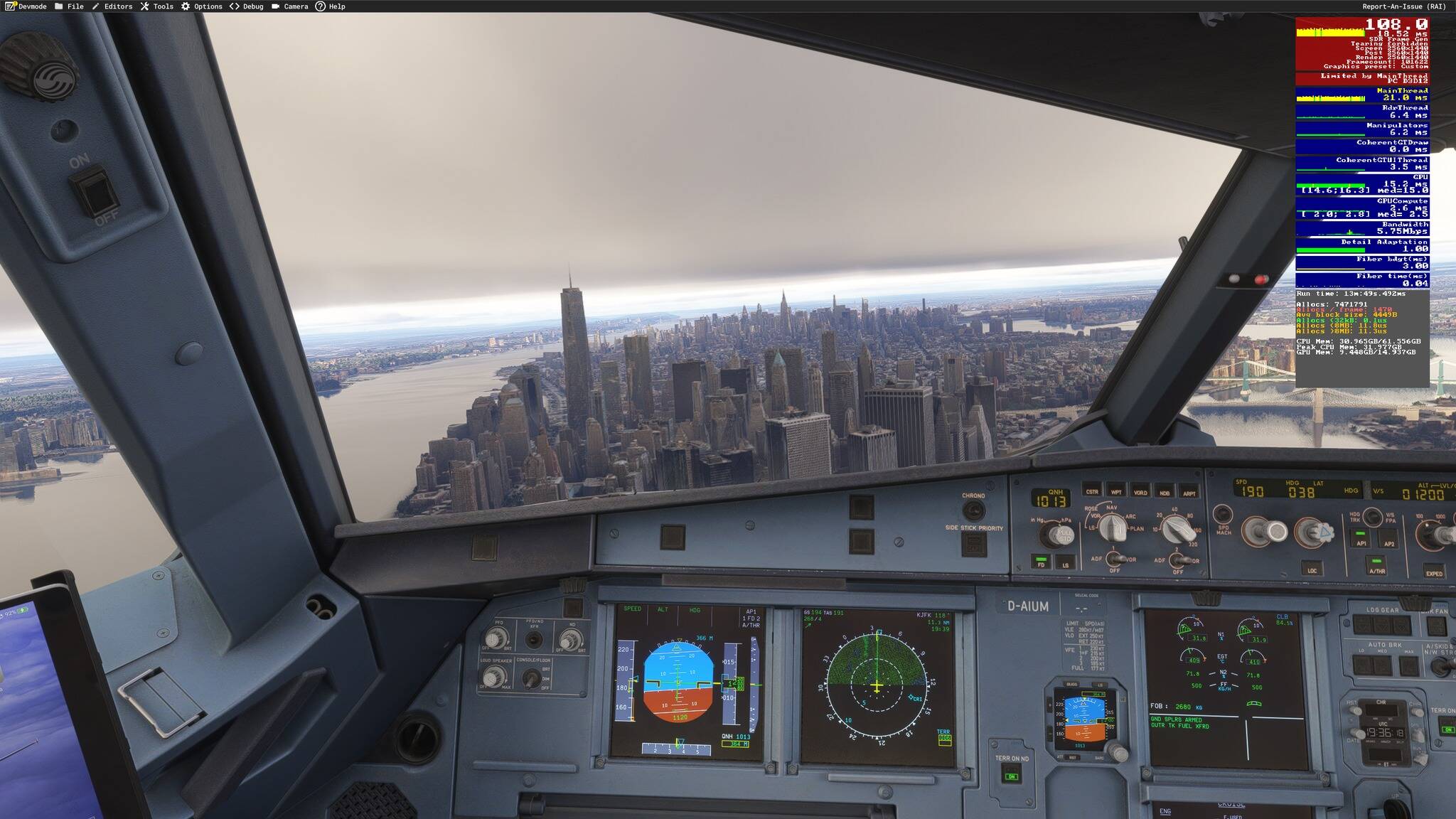
I now have 16GB VRAM usage with 14GB available to the sim.
After a lot of testing settings i had it somewhat under control, i had the usage under 12GB in most scenarios. I changed nothing, and just now i started the sim again and the usage is 16GB, 2 GB over the budget. Is this somehow server side? I changed or installed nothing.
Holy smokes! i even got the VRAM usage up to 18GB at another airport! What is going on? These are the default handcrafted airports and texture resolution is set to medium.
I didn’t have this issue with 2020 DX12 at all.
Also you may have a lot, but it shouldn’t go over the VRAM budget of a 16GB card causing the sim to be unplayable.
Normaly i have no problems with MSFS2024.
VRAM uses stays around 10 Gb and that’s 2 GB under my installed VRAM.
VRAM use is depending to your graphic settings.
No, that doesn’t work thats the point. I already have set settings to low. Which shouldn’t be needed with my system to begin with. I also reinstalled Windows and MSFS, tried different drivers, etc, etc.
Ok, my 2020 settings on my 3080ti/5800x3d/32gb RAM are all high with clouds on ultra. My 2024 settings are high to low with high clouds and im out of vram sitting on the ground at a handcrafted airport with the inibuilds a320. What more do i have to do? Low textures, back to fs9 days?
Yeah but if you say it’s your problem and you have to set settings lower and that will fix it, when you have a 7950X3D and a 4090 it’s not very helpful as settings on low for this system should not be needed.
I see a lot of people invalidating issues people are having on here, i don’t see why someone would do that. You don’t have to defend Asobo when people have valid issues.
Agreed… What I should have said is, people saying they’re not having the issue, and not those who say to drop settings to get back VRAM. This has already been proven to be false. When I was on my 3070, even low settings would sometimes overflow VRAM.
What resolution, how many monitors, TAA or DLSS? etc.
Perhaps more importantly, are you running any third party software? I’m seeing more and more people reporting VRAM problems specifically with the Fenix products; when using FSRealistic and perhaps any of several others.
It would be good if the community could report their good, bad and ugly FS24 results in a standard kind of way…if only to make comparisons useful.
If there is something consistent and repeatable for a lot of people, that makes bug reporting easier and reliable (devs like repeatable problems, they make code diagnosis quick).
I suggest:
Sim version
VRAM
Graphics level*
FPS display, GPU memory consumption, Bandwidth
GPU driver version
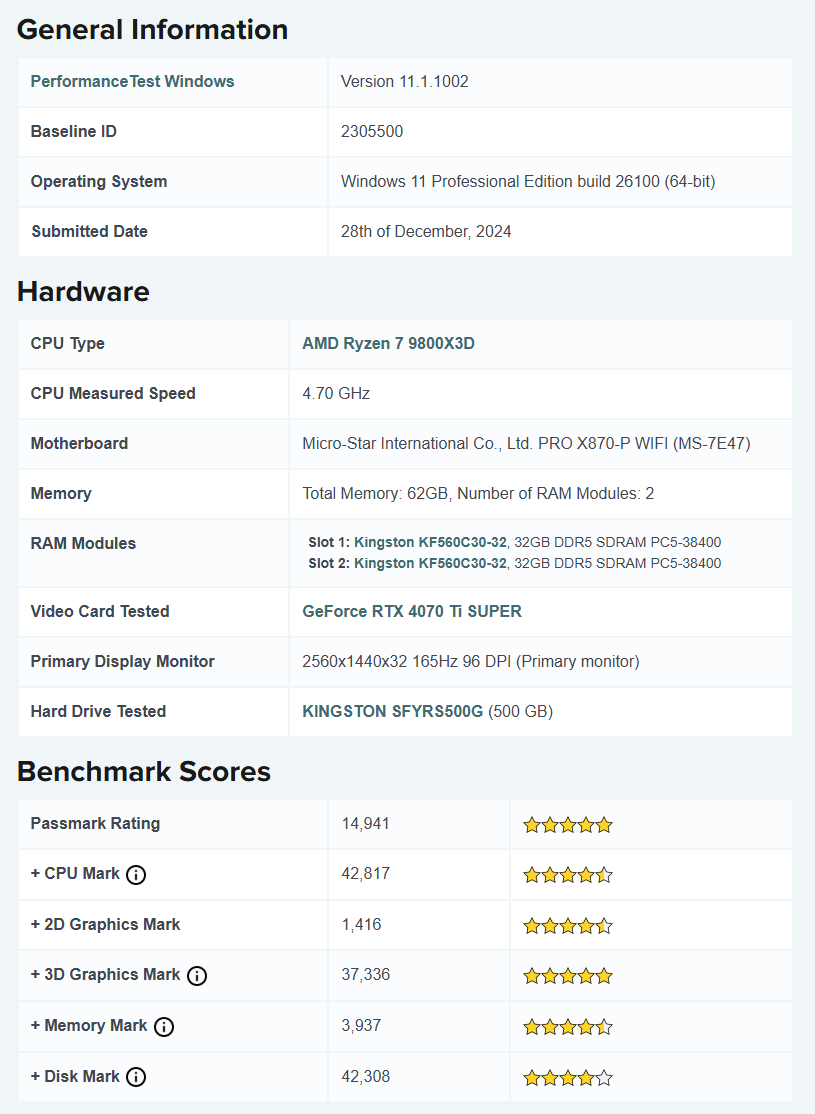
CPU and GPU models
CPU memory
*One of the defaults if possible low, med, high, ultra etc. They are easy to repeat.
I don’t have this problem fortunately.
I have all settings HIGH and ULTRA, but I have all traffic OFF, multiplayer OFF, AI traffic OFF, airport traffic OFF because I only fly on VATSIM and for VATSIM traffic I use FSLTL.
Maybe you guys can try all traffic OFF and see, maybe this is what is filling the VRAM.
My only problem is with stutter on ground, after T/O and when landing.