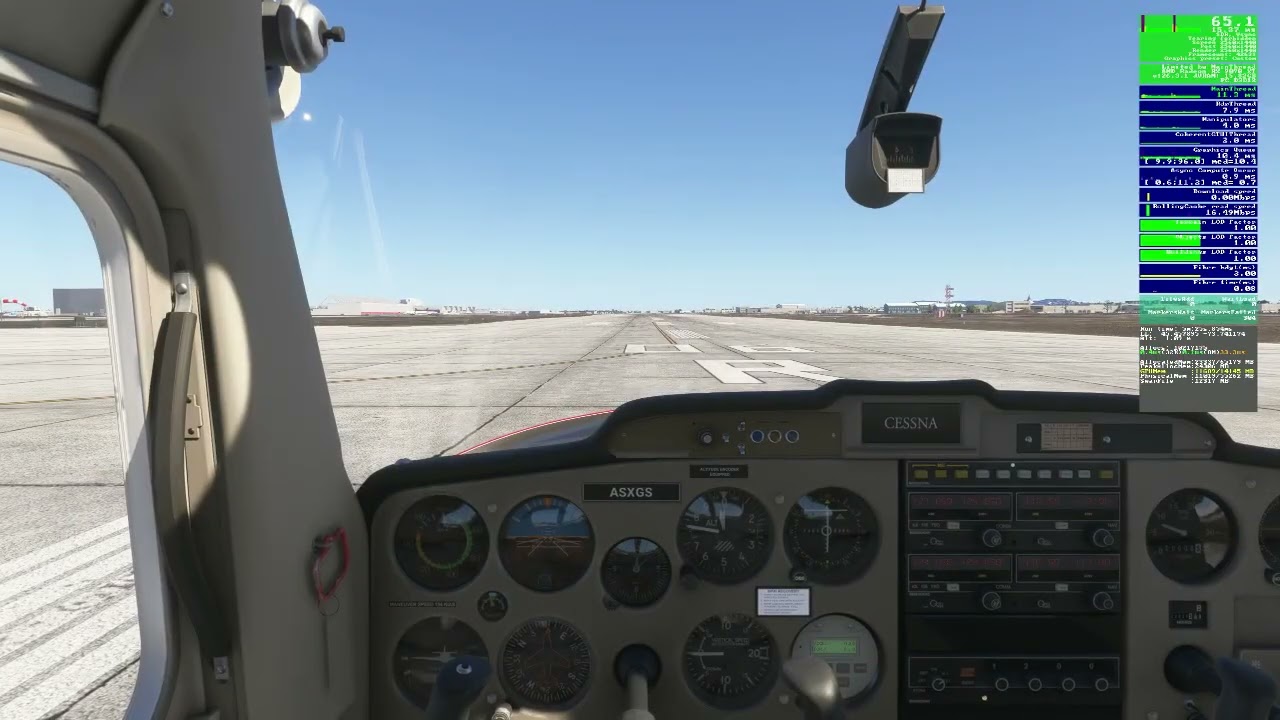
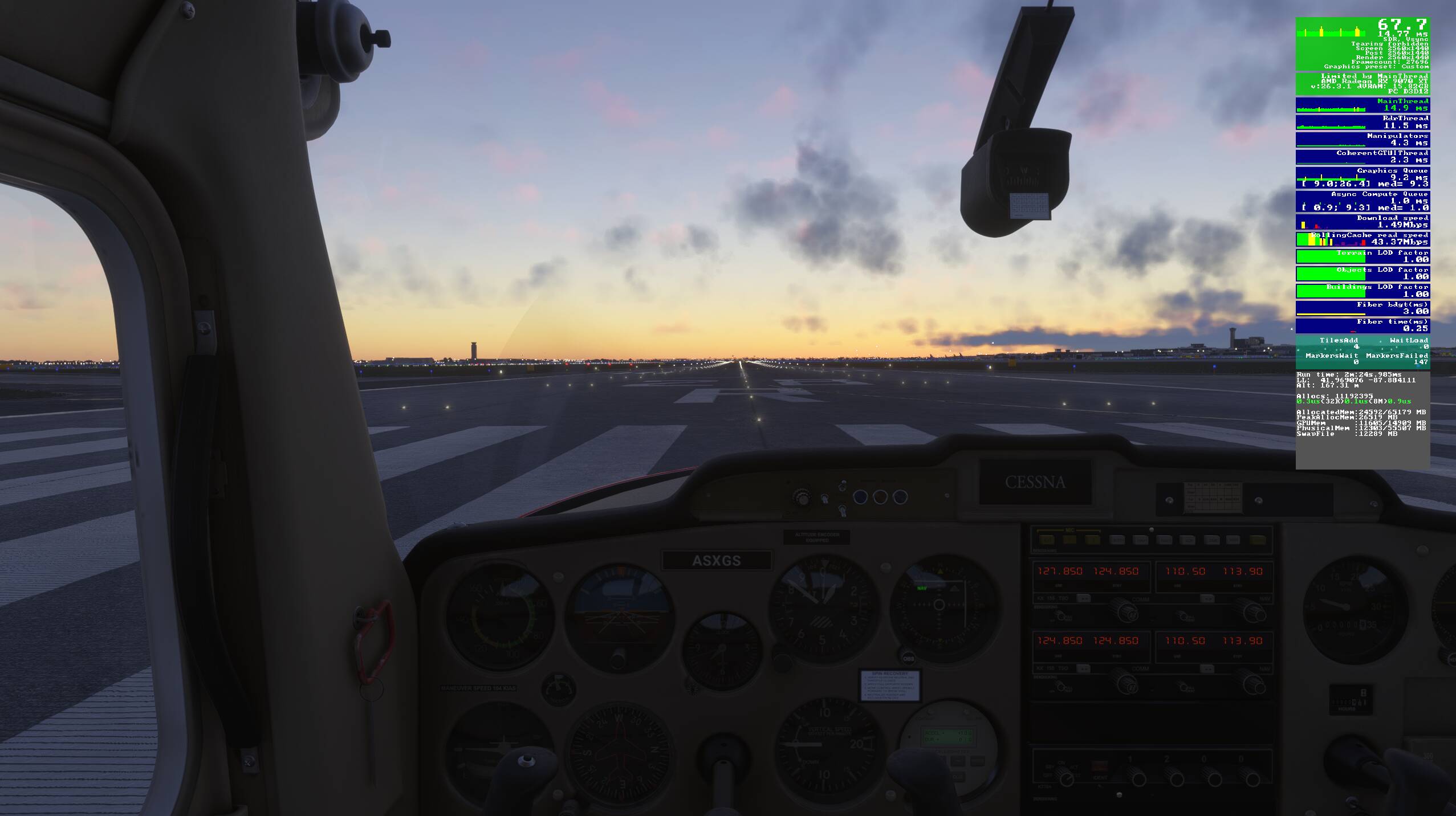
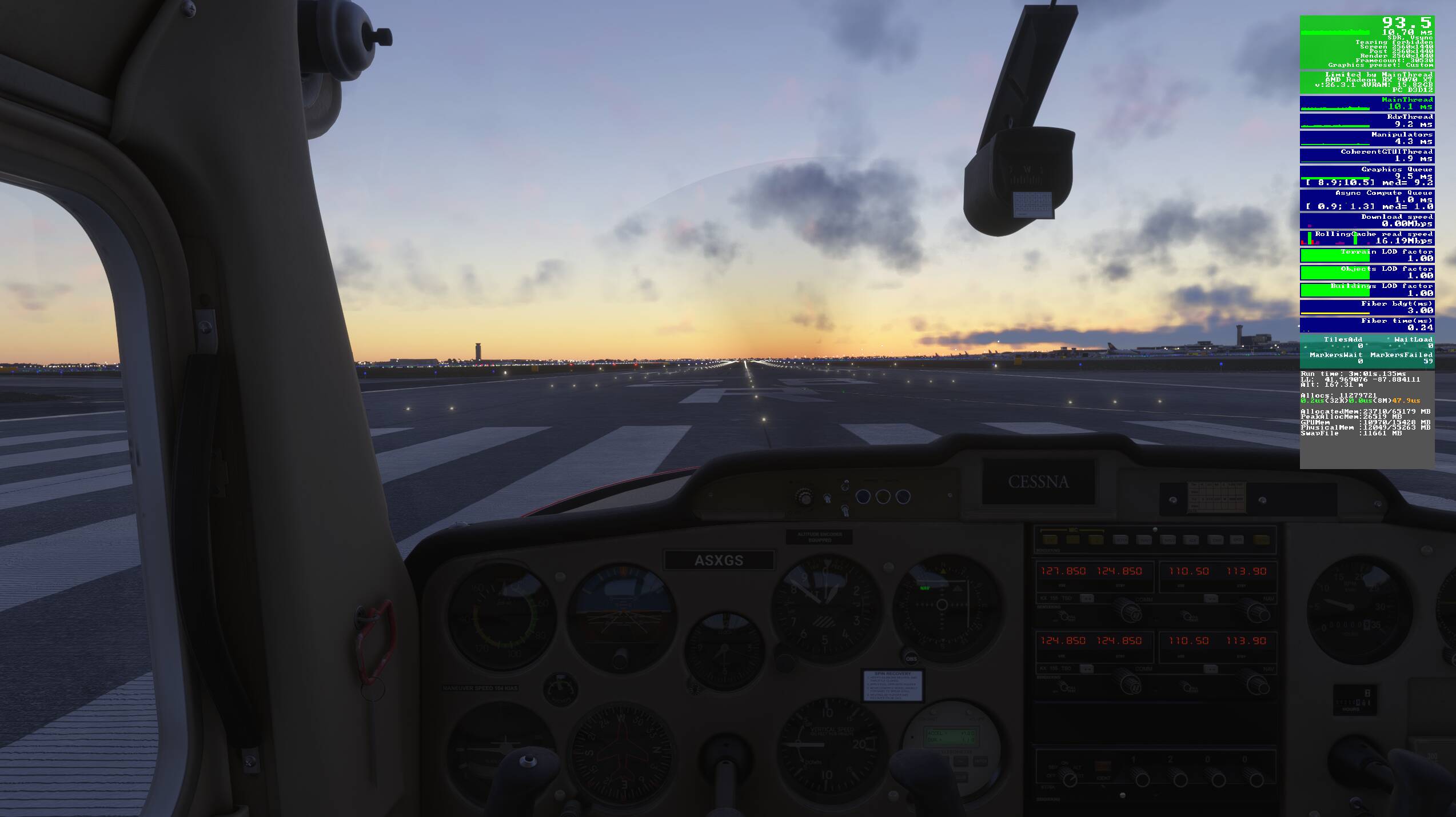
Description of the issue: After spawning to an airport runway in a Photogrammetry area, there are large rythmic spikes every 1/2 second in FPS and Graphics queue
FREQUENCY OF ISSUE
Everytime
REPRODUCTION STEPS
Enable Photogrammetry
Set Pre-caching to High
Set TLOD to 300
Enable Displacement Mapping
Select Cessna 152
Spawn to CYUL 6R
Video 1
Note the spikes while inside the cockpit but are not present in external view. Also note the MT and Graphics queue are around 12 ms. Clearly there is no stress on either the CPU or GPU and no apparent reason for the spiking.
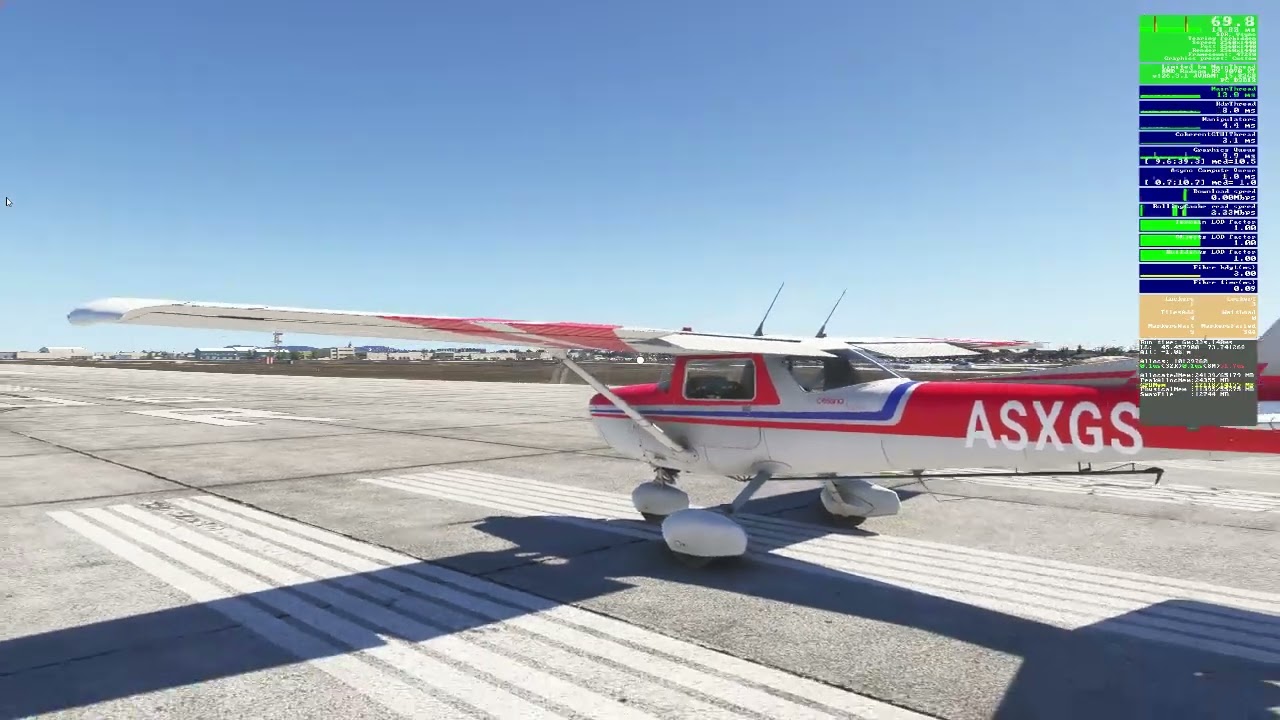
Video 2:
Note the spikes remain when I exit the cockpit but then slowly disappear while walking away. Further, they do not return when I walk back to the original spot. Clear indication of a bug.
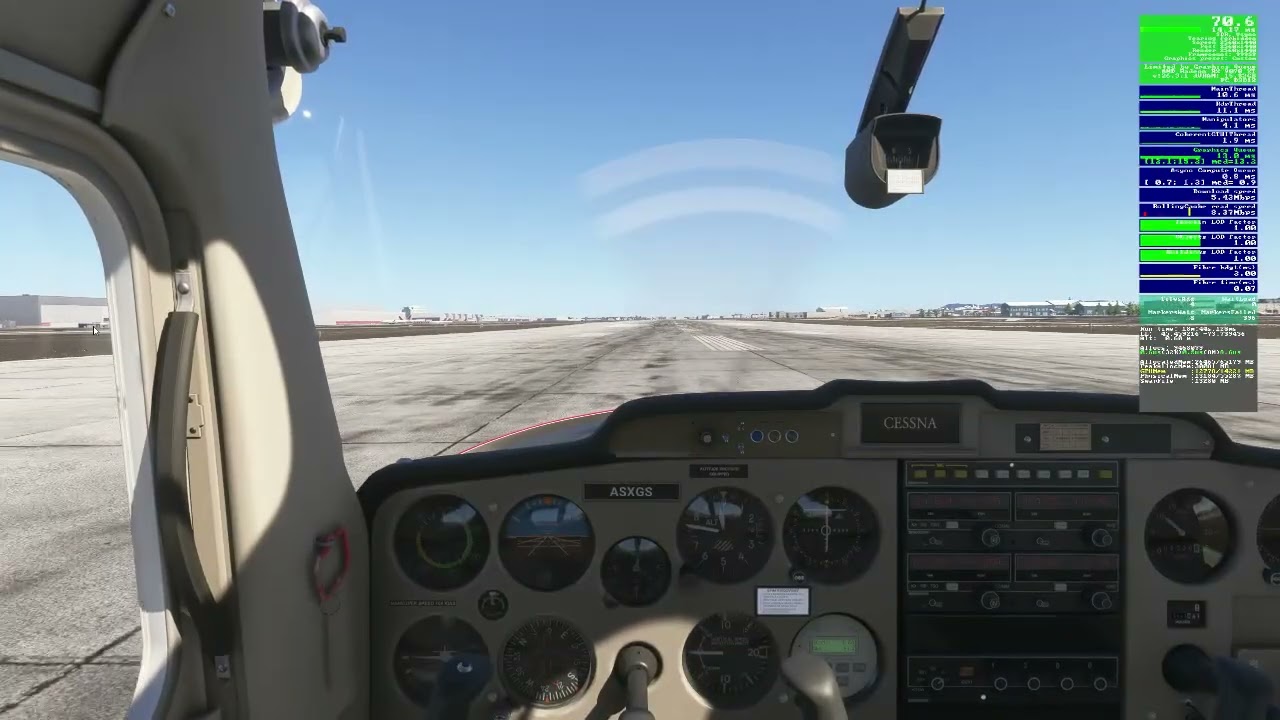
Video 3:
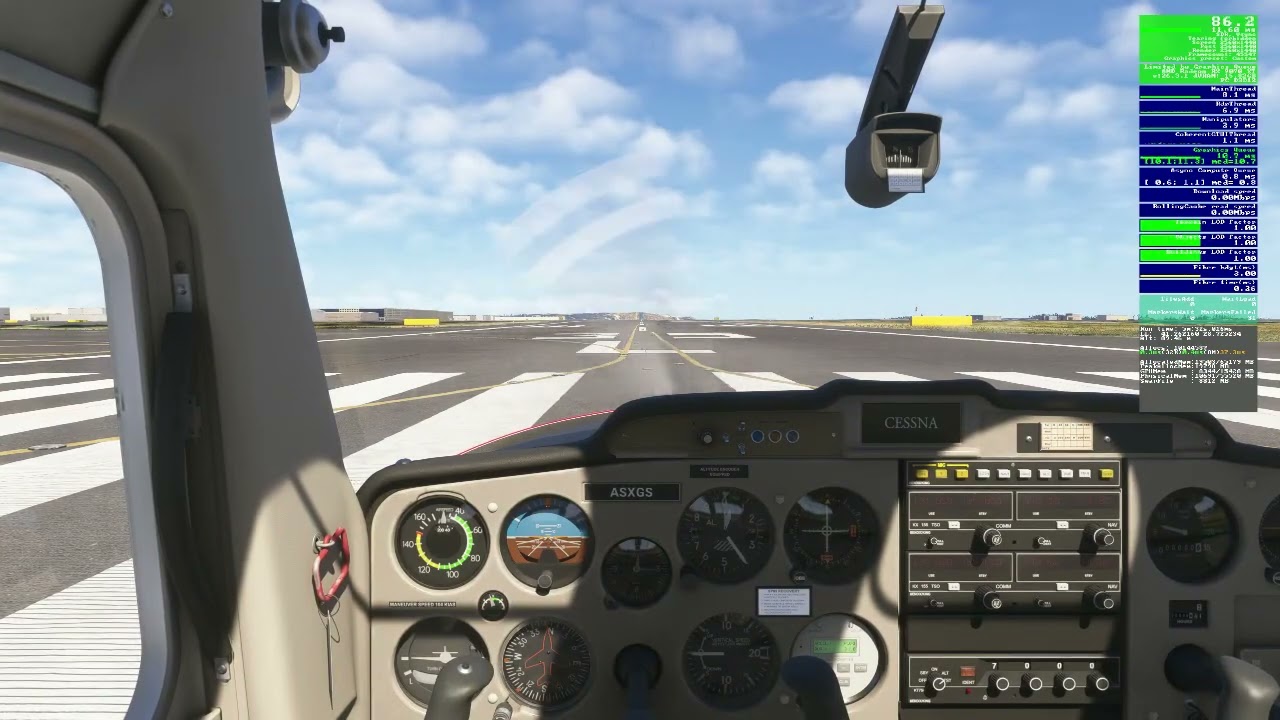
Note as the aircraft begins to roll down the runway the spikes stop but then return when the aircraft returns to a stop. Another indication this is not GPU or CPU stress related but a bug.
Again, it should be noted that this issue does not occur at airports not in a PG area. Further the issue does not occur when PG is disabled and is also mitigated when graphics settings are lowered or DM is disabled but those are only Band-Aid solutions. It does not resolve the underlying cause.
Furthermore, I also believe this issue might be linked to other stuttering issues others have been reporting.
I often get this too, though not everywhere. And this is on a top-end system (9800x3d, 5090, 64gb), in fairly simple GA planes (even stock Dakota) and with very reasonable settings (TLOD 125, sometimes lower, OLOD 90, DLSS Performance, 3560*3560) that runs everything extremely well at stable 75fps. It’s only the PG areas, especially when combined with a hand-crafted airport, that cause these random-seeming huge CPU spikes.
These PG-related CPU spikes (which obviously also drag the GPU down with it when they occur) seem to be “extra” or “random” compared to the “normal” processing, which the system seems fundamentally capable of doing with excellent performance.
Very frustrating to have fundamentally good frametimes but have them constantly ruined by these spikes when in PG areas.
I’ll try and take a screenshot in fpsVR when the chance presents itself.
I can not duplicate at the same spot in the same aircraft with TLOD 300, PG on, Displacement mapping on, Precache high. Or with any other settings. 9800x3d, 5070ti, 4k dlss or TAA. No spiking at all.
I found out I have the same spikes if I lock the FPS with the sim’s FPS limiter, if I lock them with MSI Afterburner I have no spikes. Are you using the internal FPS limiter to lock your frames?
I had in game capped at 60 on my 60hz tv. No spikes. Uncapped, no spikes. I flew around the area and landed to full stop. No spikes. Restarted flight with no spikes.
Edit. I do recall a 3rd party light mod that caused issue similar to this about a year ago. Zinertek I believe.
No I’m not doing any frame locking. I’m using TAA with no FG. The purpose of this was to show the issue exists. As I mentioned in my description, I have other ways to mitigate the issue but just wanted to show the issue exists and needs to be addressed without covering it up using other means.
@RogueNaught1 Yes, I tried with those specific settings and others. My fps frametimes were smooth. My Nvidia control panel is set to vsync on, gsync on, and performance power plan. No frame limiter there either. No frame gen. Let me know if there is any other setting you would like me to try. My buildings and trees and clouds are Ultra Olod 200, textures medium, every thing else is a mixture of medium to high. Road traffic medium, seat belts off, fauna off. Weather preset and multiplayer off.
Edit. I usually fly out of klax, kjfk, Kmia, KORD, Heathrow. And others. All of those have heavy PG. and I have flown out of all of them in the last 2 days with no issues. Hope you get it sorted.
It could be one of those issues that affects AMD more than Nvidia but I know some Nvidia users mentioned in my other thread that they noticed something similar as well. That was thee reason I decided to open this Bug Report. Hopefully we’ll hear from more users
Actually, with my normal settings I don’t have the issue, pre-cache = med, TLOD = 200. I only decided to do some investigation when I read about others having stuttering issues. I decided to then up my graphics settings to see if I could replicate the stuttering when I came upon this issue. I then thought I should share my findings and bring it to others attention.
KORD:
Pre-cache = High, TLOD = 300. The spikes are not as evident as CYUL but still there. Even with these higher settings the MT, Graphics Queue and VRAM are not stressed so no reason for these spikes.
Having a similar issue. My instability starts when I get the “Closed Unexpectedly” message at startup, followed by Async spikes just like your with PG on. With PG off async and stability improves but it’s not 100%. There are still larger random 0fps 1% lows and a jitteryness especially when TLOD is over 100. The only thing that fixes it is a clean install with cloud sync off. Have you run latencymon?
I have this exact same issue with an Nvidia 5090. Have you guys HAGS on or off? I’ve tried to change every setting, but I can’t find anything that get rid of this (Pre-Caching to Medium and lowering TLOD helps, but it’s not an solution). Frame spikes disappears as soon as I start rolling/taxing.